Open a Workspace
Open PenStudioMorphic.image with Squeak 6.0. Use the World menu to open a Workspace. Paste an entire example, including its temporary-variable declaration.
SQUEAK 6.0 / THE OBJECT REFERENCE
A shape, a label, a button, a whole window. Meet the objects that turn Smalltalk messages into something you can see and change.
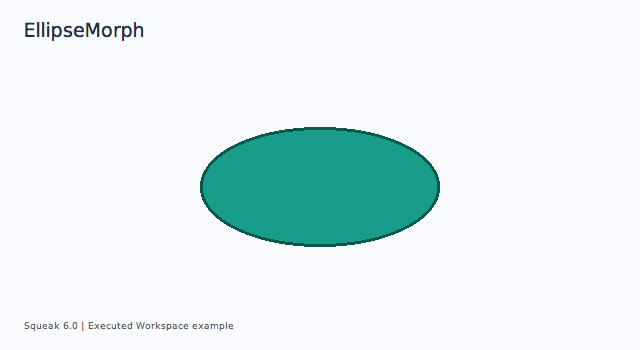
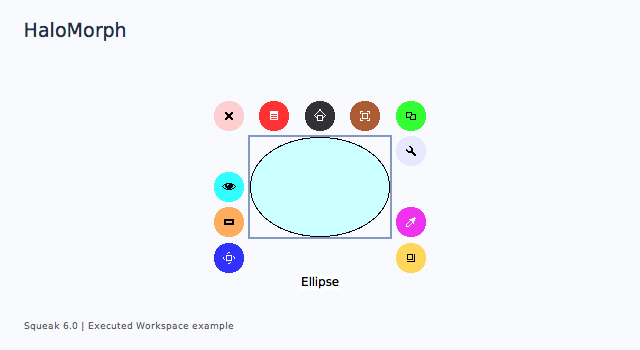
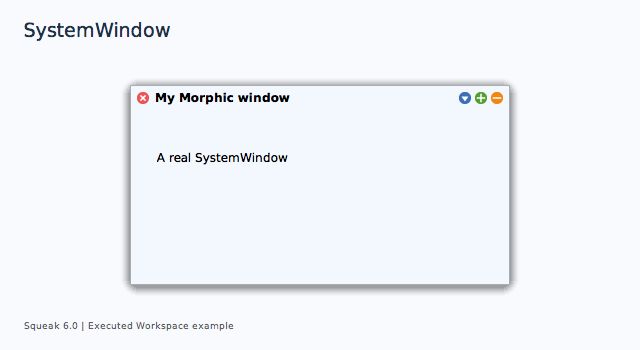
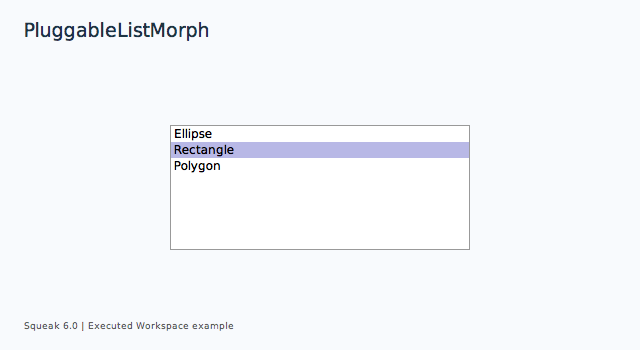
Every screenshot below comes from executing its displayed code in Squeak.
01 / THE MORPHIC OBJECT LIBRARY
Choose an object for its screenshot,
complete code, and messages to try.
Every class in this image’s Morphic-Basic and Morphic-Basic-NewCurve categories, plus the common foundations, containers, and form controls. Squeak has many more specialized Morph subclasses. This is a complete reference for those two basic categories, with practical additions.
No objects match. Try another word or choose All.
02 / FROM CODE TO YOUR WORLD
These are Workspace expressions.
Select each complete example and Do it.
Open PenStudioMorphic.image with Squeak 6.0. Use the World menu to open a Workspace. Paste an entire example, including its temporary-variable declaration.
Six model-connected examples use MorphicReferenceModel. Download its file, find it in Squeak’s File List, and choose fileIn once. Examples that need it are marked.
Select the code and choose Do it from the Workspace menu. The Morph opens in the World. Open its halo or Inspector to explore its class, owner, submorphs, and state.
Learn the Morphic basics →The website displays source and recorded screenshots. Execute the Smalltalk in Squeak; JavaScript does not simulate these native objects.
03 / ONE SHARED PROTOCOL
Geometry, ownership, appearance,
and lifecycle come from Morph.
To keep a reference for these experiments, paste the first Morph example, remove its | morph | temporary declaration, and Do it. Squeak will offer to define morph as a Workspace variable. Then evaluate the messages below in that Workspace. morph must refer to that object; use Print it or Inspect it for queries.
| What you want | Send this message | What happens |
|---|---|---|
| Move | morph position: 100@100. | Sets the top-left location. |
| Resize | morph extent: 220@110. | Sets width and height; subclasses may constrain them. |
| Recolor | morph color: Color blue. | Changes the Morph’s color; bitmap content uses its own pixels. |
| Add a child | morph addMorph: (StringMorph contents: 'Hello'). | Embeds another Morph and assigns its owner. |
| Inspect children | morph submorphs. | Returns the immediate child Morphs. |
| Inspect the owner | morph owner. | Returns the containing Morph, often the World. |
| Open handles | morph addHalo. | Shows native editing handles around this object. |
| Remove | morph delete. | Detaches the object from its owner. |
04 / EXECUTED, RENDERED, CHECKED
36 exact code snippets.
36 native PNGs. Zero failed checks.
The installed Squeak 6.0 VM evaluated each complete snippet against PenStudioMorphic.image. The runner checked the returned object’s type and renderable bounds, captured it with Morph’s native rendering into a 640 × 350 Form, saved a PNG, and read it back.
Additional checks exercised geometry, ownership, label refresh, button actions, slider writes, text acceptance, selection changes, checkbox toggling, animation frames, and one-time stepping. Each object’s panel lists its checks. The screenshots show the initial specimen, before those additional checks change its state.
The runner exits without saving the image. The displayed examples are the exact strings evaluated by the runner. Special image-specific behavior is explained in the relevant object’s notes.