File in the source
Download AdvancedMorphicDemos.st. In Squeak’s File List, select the file and choose fileIn. This creates the demo builder, model, grid, tile, ball, and chart classes in Advanced-Morphic-Demos.
SQUEAK 6.0 / BEYOND THE BASICS
Go from individual Morphs to small, working interfaces. Six demos explore how objects arrange themselves, share state, handle gestures, animate, and draw their own pixels.
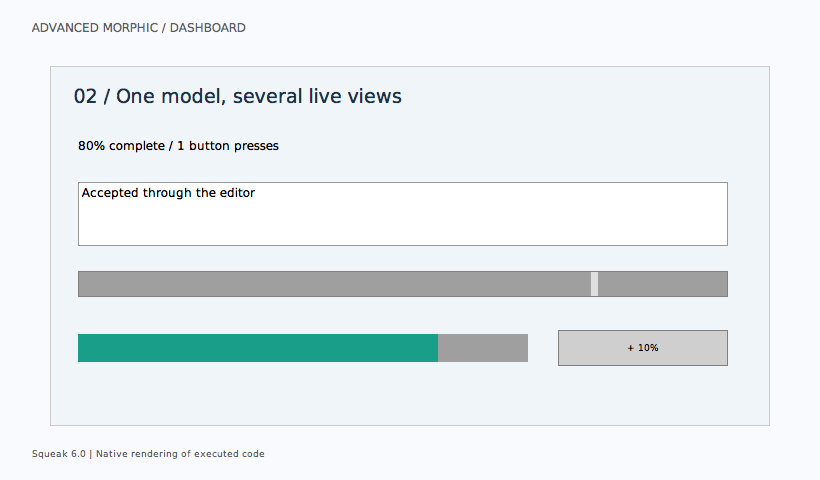
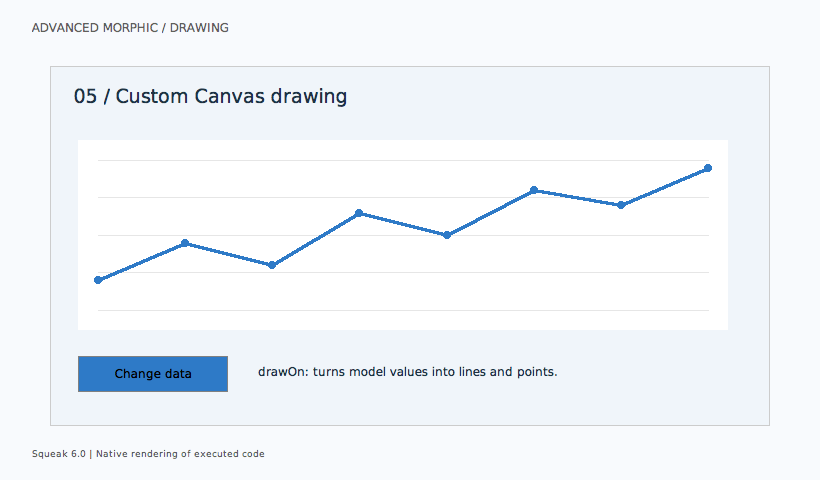
Real Squeak objects, rendered after running the downloadable source.
01 / SIX SMALL EXPERIMENTS
Select a demo to see its native screenshots,
runnable entry point, and source methods.
02 / RUN IT IN SQUEAK
A single file-in includes the six demos
and their custom classes.
Download AdvancedMorphicDemos.st. In Squeak’s File List, select the file and choose fileIn. This creates the demo builder, model, grid, tile, ball, and chart classes in Advanced-Morphic-Demos.
Open a Workspace. Paste the selected demo’s one-line command, select it, and choose Do it. For an Inspector on the returned panel, choose Inspect it.
For example: AMDDemos dashboardDemo.
Browse AMDDemos on the class side for the builder methods. Browse the custom classes on the instance side for their behavior. Source tabs identify which side each method belongs to.
Delete the demo panel to remove it. Stop animation with Pause before putting it aside.
These examples use standard Squeak Morphic classes plus the supplied helper definitions. They were executed in this project’s Squeak 6.0 image. The website shows code and recorded results; run the live controls in Squeak. The file-in creates new classes in your running image; save the image if you want to keep them.
03 / EVERY METHOD IS INCLUDED
The displayed methods are extracted
from the same file that Squeak loaded.
04 / NATIVE RESULTS, CHECKED BEHAVIOR
The runner files in the complete source, evaluates each exact Workspace command, checks its native panel and content, captures the initial state, exercises the specified behavior, and captures the result. Both PNGs are read back and checked at 820 × 480 pixels. Native Morph rendering supplies every screenshot.
Animation is verified with deterministic calls to step. Dragging is verified by supplying native mouse-event objects to the handlers. These are behavioral checks inside Squeak; they do not claim desktop mouse automation. The runner exits without saving the image, and export rejects changed source or failed checks.