ABSOLUTE BEGINNER
Start small. See what happens.
Short, visual lessons for your very first steps with Squeak and Smalltalk.
Start with one line of code. Then make something you can see. Each lesson is short, with a picture of the result.
Before you start
Open Squeak on your computer. These pictures use Squeak 6.1. Need help getting it running? The setup guide shows where to begin.
Keep this page beside Squeak. You do not need to know any code yet.
Your first Smalltalk commands
Ask Squeak a question. See the answer right beside it.
Start this short lesson →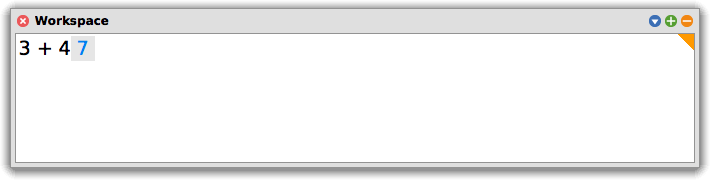
Your first Morph
Make a rectangle, change it, and clear it away.
Start this short lesson →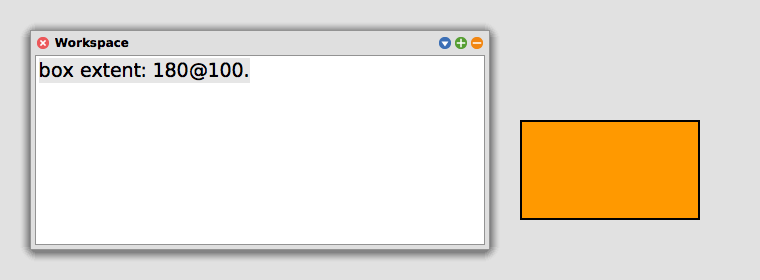
Your first list
Make a list of fruit, count it, and find one item.
Start this short lesson →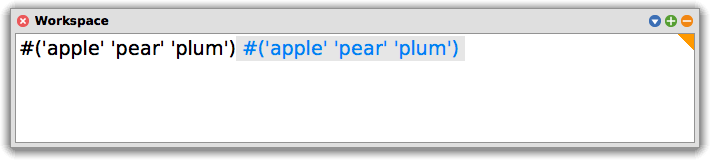
Your first variable
Give a number a name, use it, and change its value.
Start this short lesson →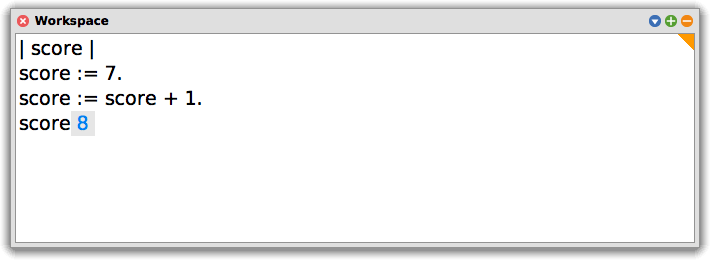
Your first text messages
Write some text, count its letters, and join words together.
Start this short lesson →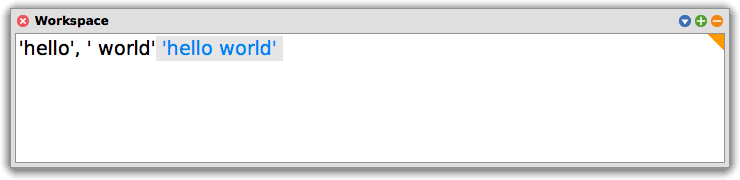
Your first true or false
Ask a yes-or-no question, then use the answer to choose some text.
Start this short lesson →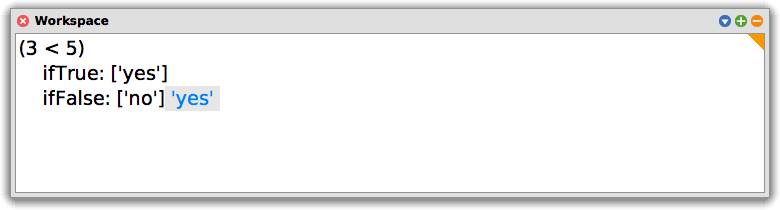
Your first repeat
Ask Squeak to do a small job more than once. Count up, add in twos, and repeat some text.
Start this short lesson →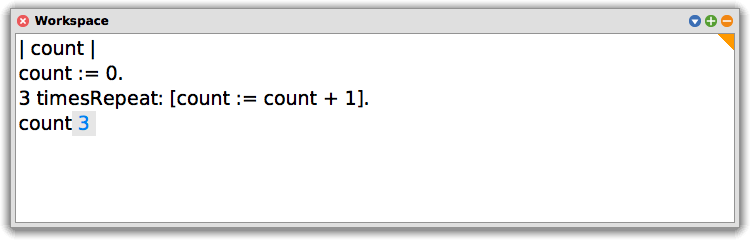
Your first dictionary
Keep values under labels. Store a pet’s name and age, find them, and change a value.
Start this short lesson →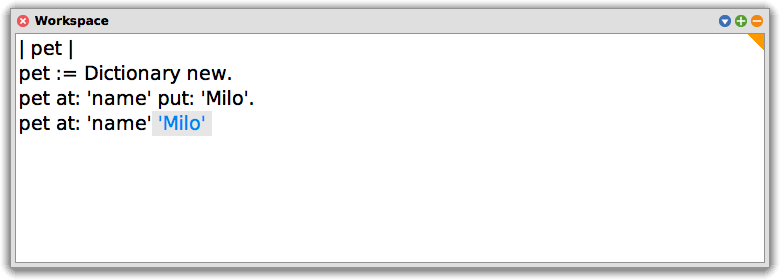
Your first Point: two numbers together
Make a tiny two-number address, read it, and move it in five small steps.
Start this short lesson →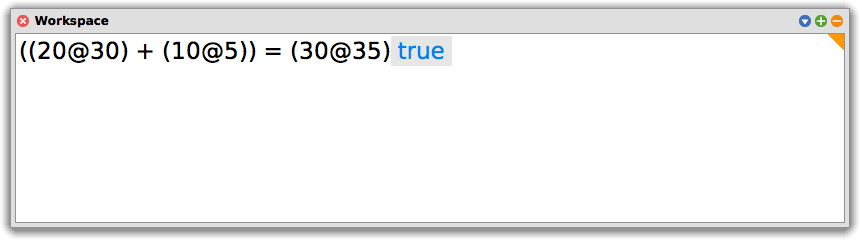
Your first Rectangle: describe an area
Make an area, measure it, check two points, and move it in five tiny steps.
Start this short lesson →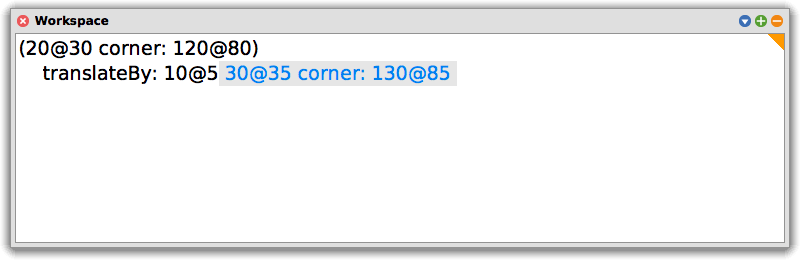
Your first Character: one letter at a time
Write one letter, change its case, ask a question, and pick a letter from a word in five tiny steps.
Start this short lesson →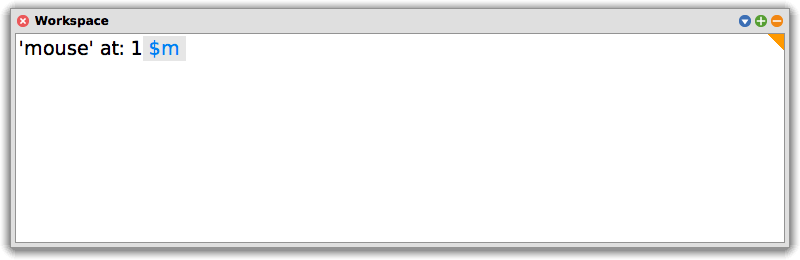
Your first Association: a label and a value
Make a labeled pair and read its two parts in five tiny Smalltalk steps.
Start this short lesson →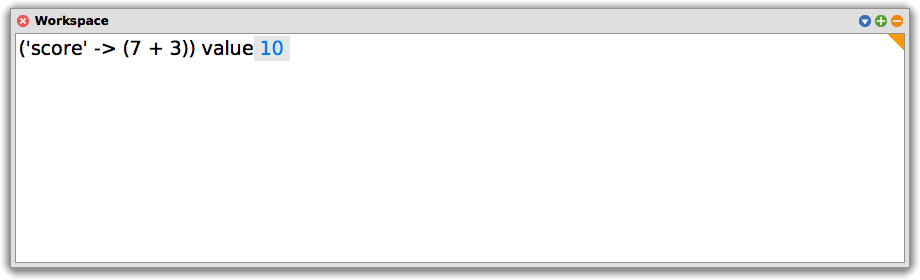
Your first Symbol: give a name to an idea
Recognize a Symbol, turn it into text and compare names in five small Squeak steps.
Start this short lesson →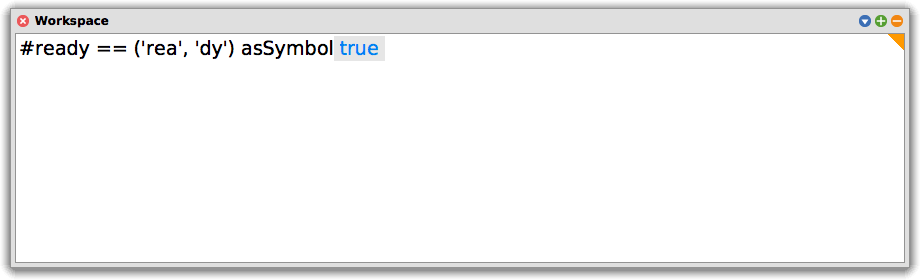
Your first number range: count without listing
Make a number range, see what it contains and change its step in five tiny Squeak examples.
Start this short lesson →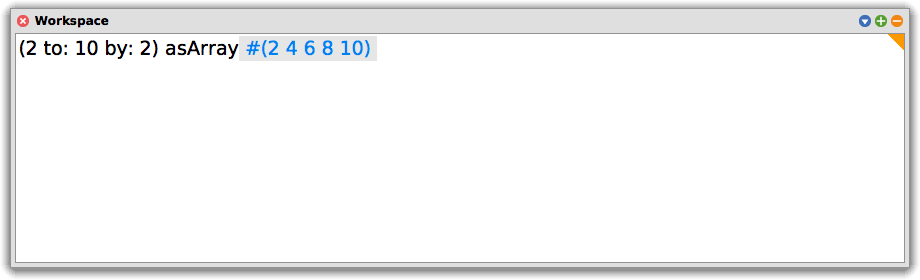
Your first nil: notice a missing value
Spot a missing value and supply a friendly fallback in five tiny Squeak steps.
Start this short lesson →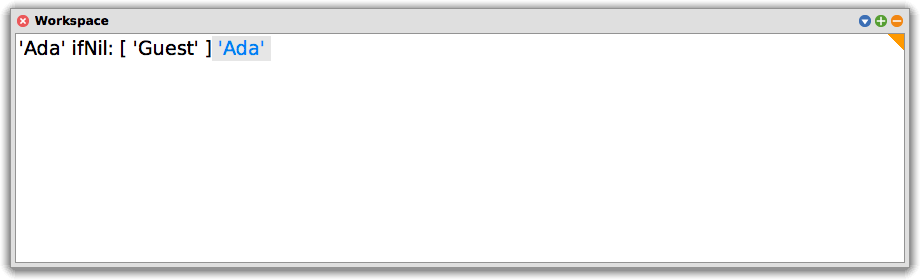
Your first cascade: send more messages to one object
Use a semicolon to talk to the same object again in five tiny Squeak steps.
Start this short lesson →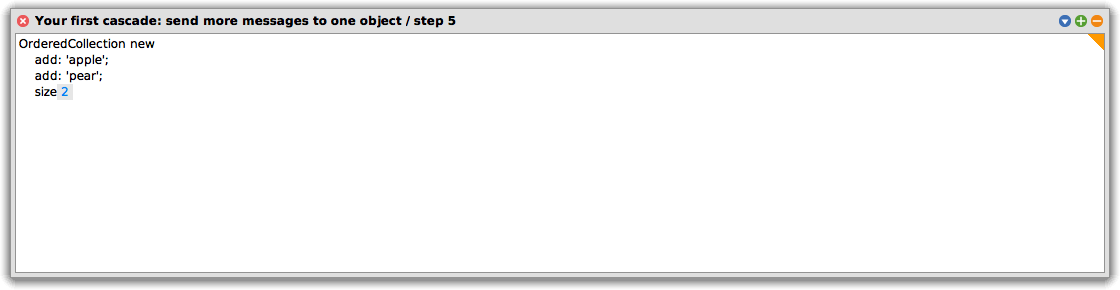
Your first Set: keep each value once
Try five tiny Squeak examples to collect unique values and ask whether a value is present.
Start this short lesson →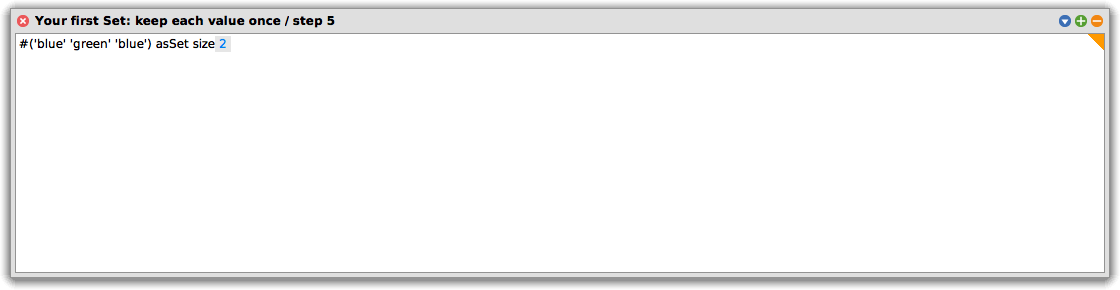
Your first rounding
Turn a decimal into a nearby whole number, then compare rounding down and rounding up in five tiny Squeak steps.
Start this short lesson →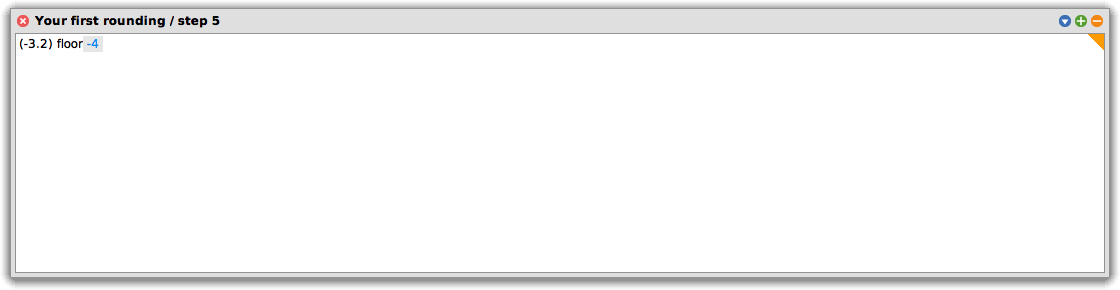
Your first minimum and maximum
Choose the smaller or larger of two numbers in five tiny Squeak steps, then keep a number inside a simple range.
Start this short lesson →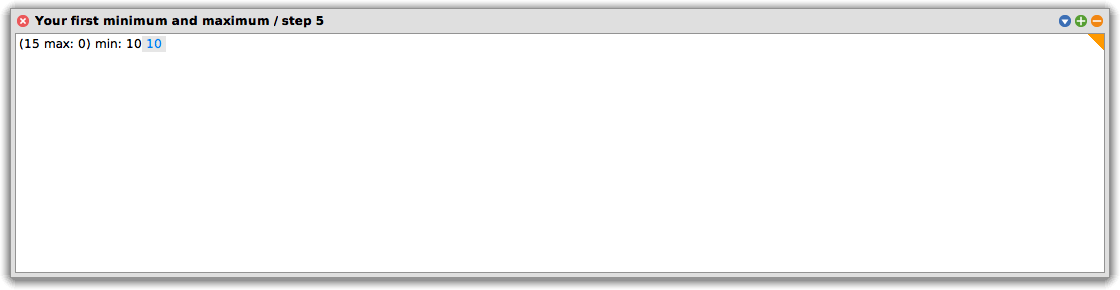
Your first Date: move across a leap day
Make a date, read its parts and move one day at a time using five tiny tested examples.
Start this short lesson →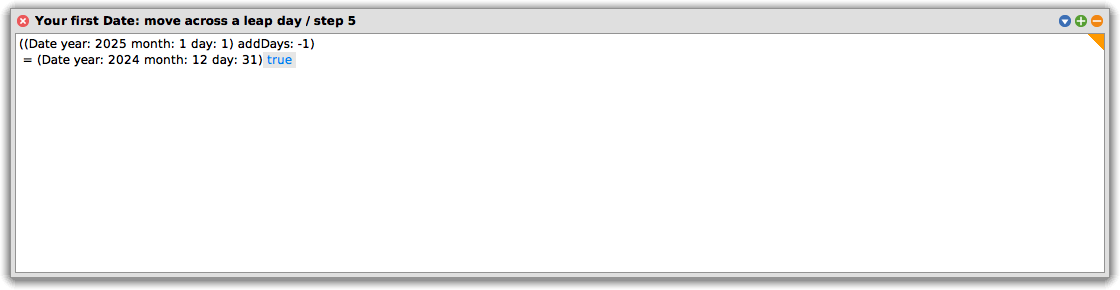
Your first reversed: turn an order around
Reverse a word and a list, keep the original, and spot a palindrome in five tiny visual Smalltalk steps.
Start this short lesson →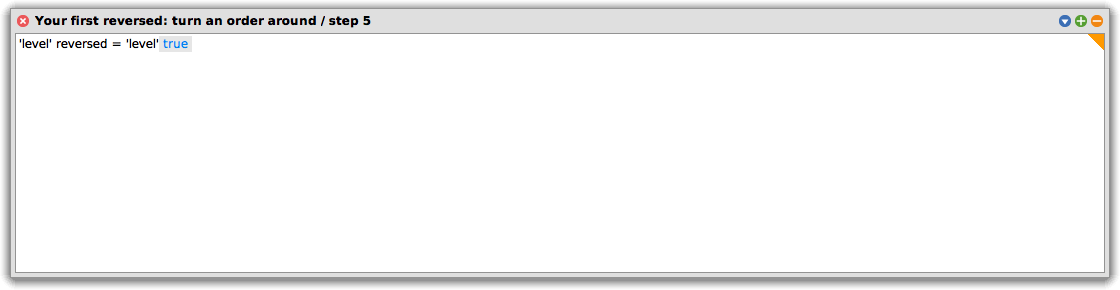
Your first between: ask whether a number fits
Check a number against two limits in five tiny visual Smalltalk steps. The ends count too.
Start this short lesson →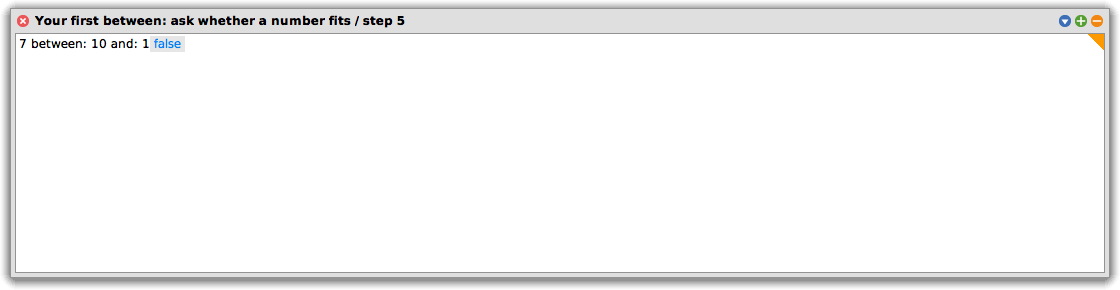
Your first absolute value: measure distance from zero
Turn a negative number into a positive distance with abs, in five tiny visual Squeak steps.
Start this short lesson →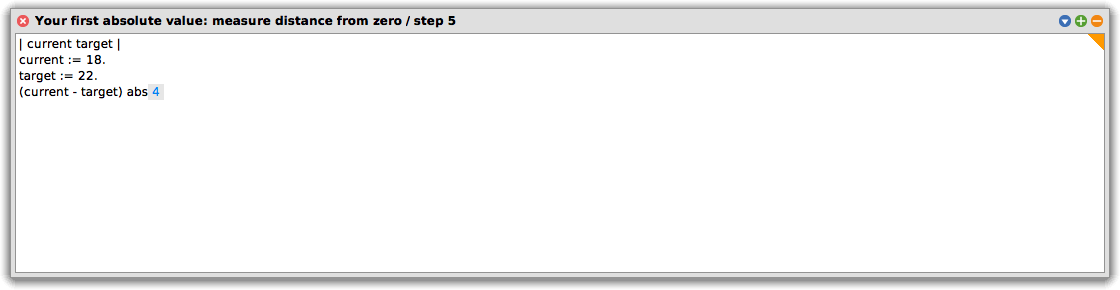
Your first isEmpty: ask whether anything is there
Ask a word or list whether it contains anything, then watch a collection change in five tiny visual Squeak steps.
Start this short lesson →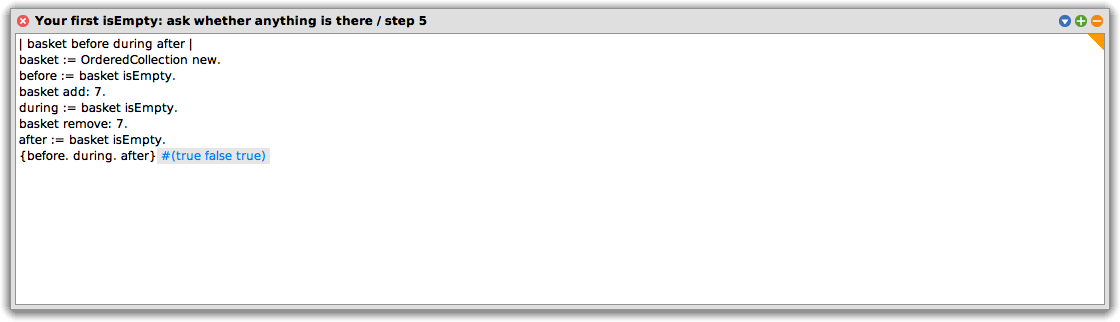
Your first even and odd: ask about pairs
Ask whether whole numbers split into pairs, include zero and negative numbers, then keep only the even values in five tiny Squeak steps.
Start this short lesson →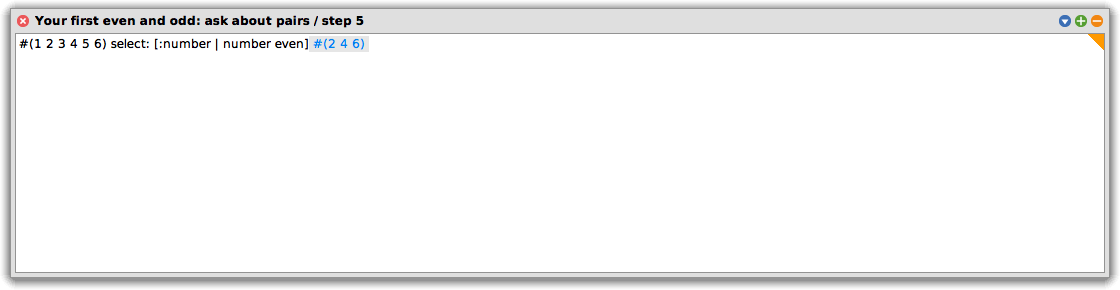
Your first includes: find one item
Ask whether a list contains a number or a word contains a letter, with five tiny visual Smalltalk steps.
Start this short lesson →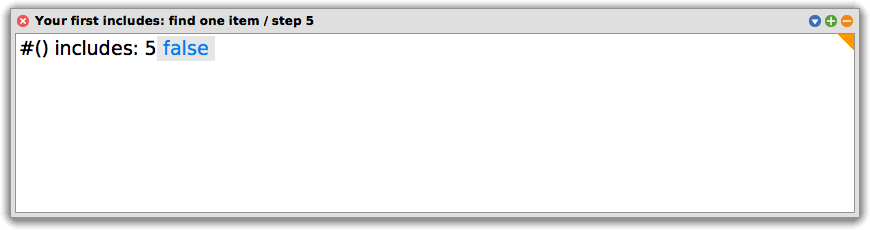
Your first slice: copy part of a word
Copy a few letters or list entries with copyFrom:to:, in five small visual Squeak steps.
Start this short lesson →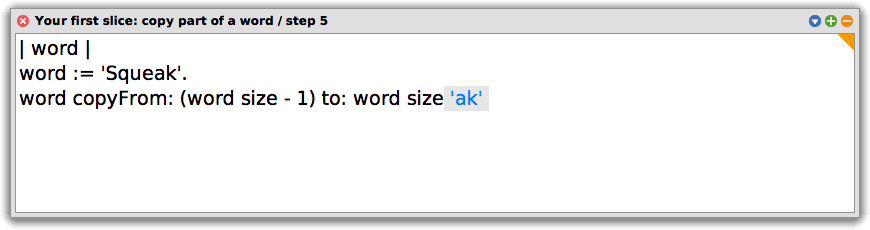
Your first uppercase: change the case of a word
Make text uppercase or lowercase in five tiny visual Squeak steps.
Start this short lesson →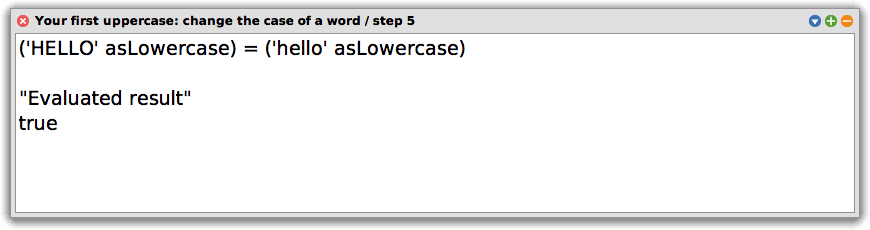
Your first sorted list
Put numbers and words in order with one Smalltalk message. Try five tiny examples in Workspace.
Start this short lesson →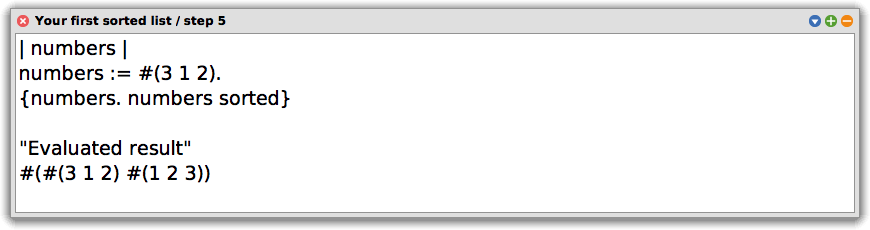
Your first text replacement
Change a word inside some text with one message. Try five tiny examples and keep the original when you need it.
Start this short lesson →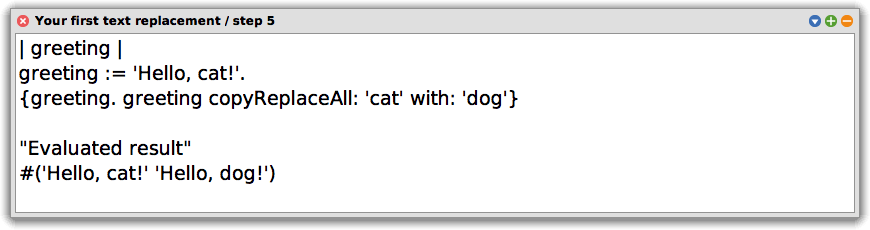
Your First Text Trim in Squeak
Remove extra spaces from both ends of a string in five tiny Workspace steps.
Start this short lesson →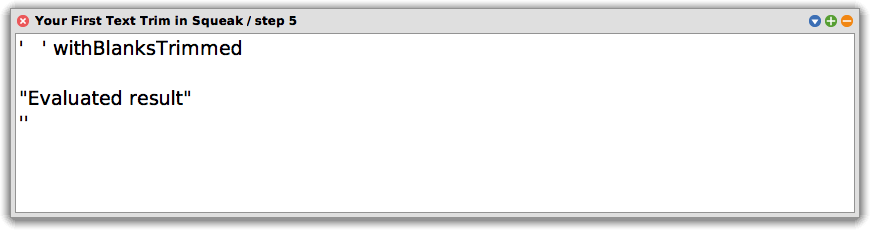
Your First Prefix Test in Squeak
Ask if a piece of text starts with a few letters, in five tiny Workspace steps.
Start this short lesson →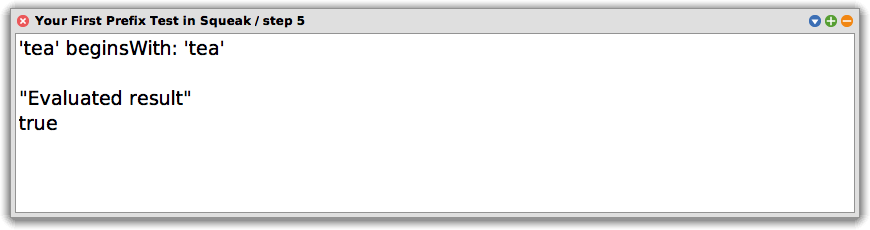
Your First Matching Item in Squeak
Find the first item that passes a test, or choose a clear answer when none does.
Start this short lesson →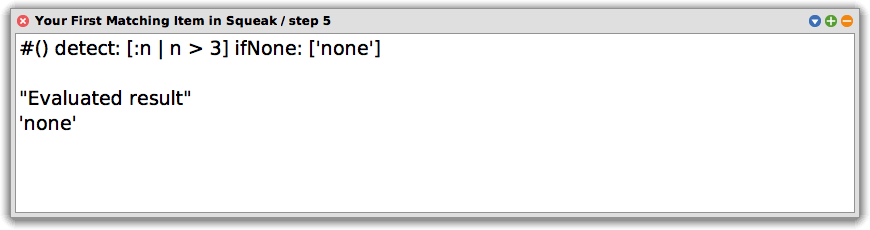
Your First Match Count in Squeak
Use count: to find how many items in a list pass a simple test.
Start this short lesson →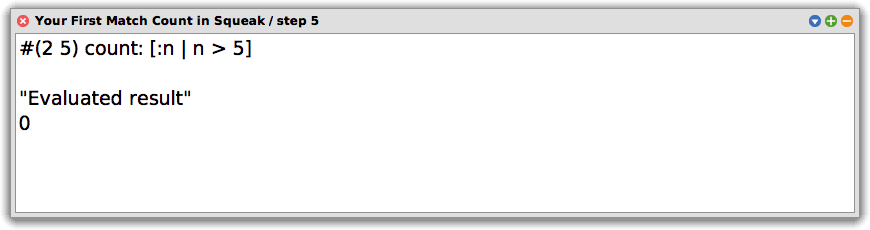
Your First collect: in Squeak
Use collect: to turn each item in a list into a new value without changing the original list.
Start this short lesson →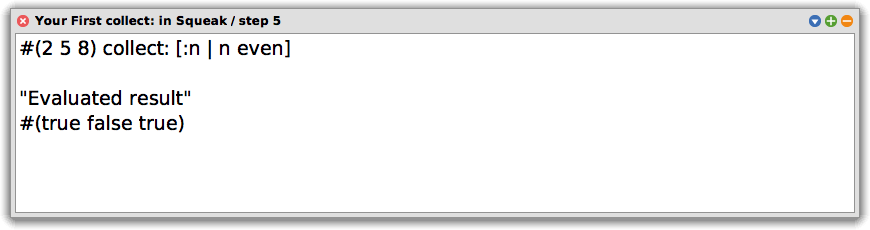
Your First anySatisfy: in Squeak
Ask whether at least one item in a list passes a test.
Start this short lesson →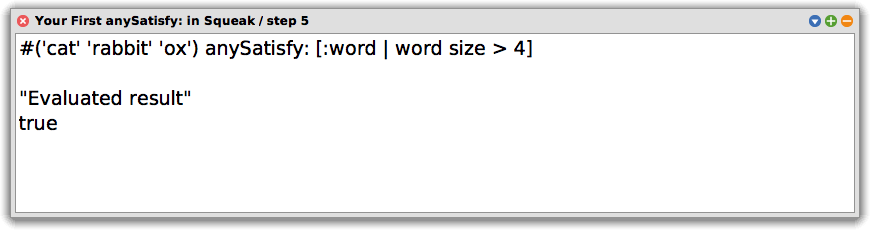
Your First occurrencesOf: in Squeak
Count how many times the same item appears in a list or character string.
Start this short lesson →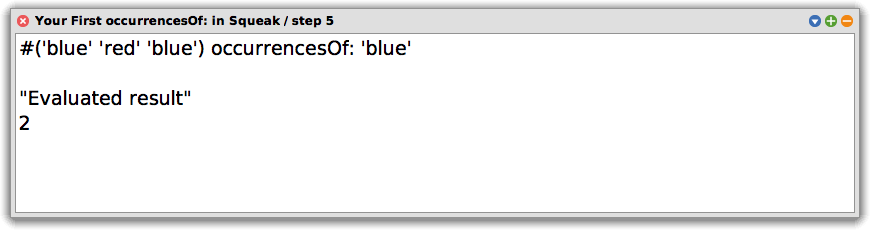
Your First copyWith: in Squeak
Make a new Array with one extra item, without changing the old Array.
Start this short lesson →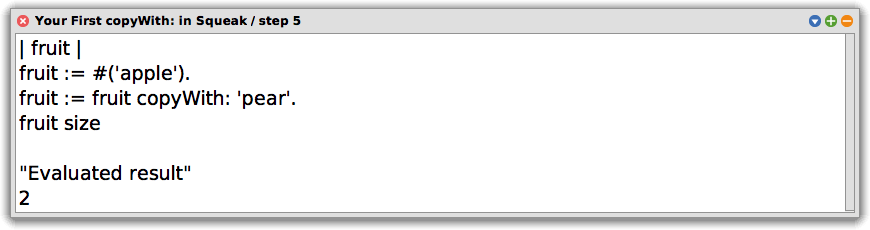
Number the items in a list
Use withIndexDo: to get an item and its position together. Make a tiny numbered menu in five steps.
Start this short lesson →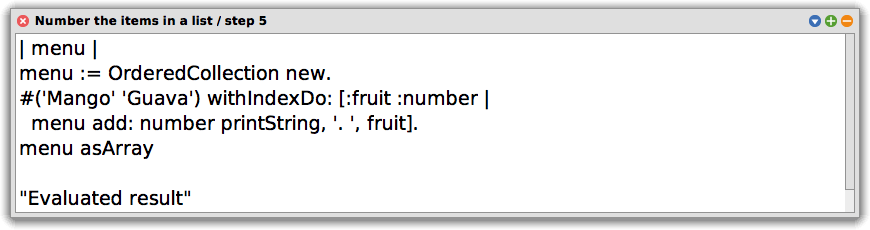
What comes next?
When these feel comfortable, follow the learning path or explore Smalltalk a little further. There is no rush.