ABSOLUTE BEGINNER
Your first includes: find one item
Ask whether a list contains a number or a word contains a letter, with five tiny visual Smalltalk steps.
STEP 1
Find a number in a list
Open a Workspace in Squeak. Type the line below, select the whole line, and choose Print it. The notation #(3 5 8) makes a list of three numbers. includes: asks whether one entry equals the number after the colon.
#(3 5 8) includes: 5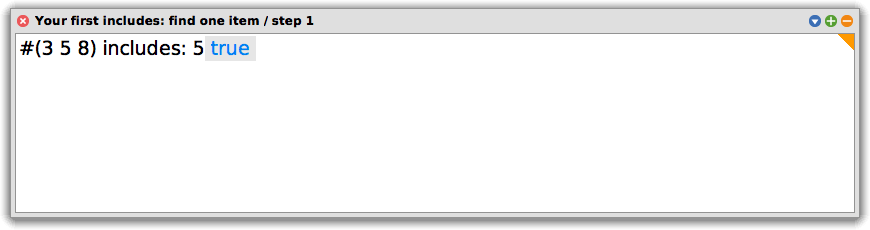
true. Five is one of the entries. Change 5 to 3 and try again.
STEP 2
Ask about a missing entry
Replace the line with this one and Print it. The answer is a yes-or-no Boolean, not the position of an entry. A false answer does not mean your program failed.
#(3 5 8) includes: 4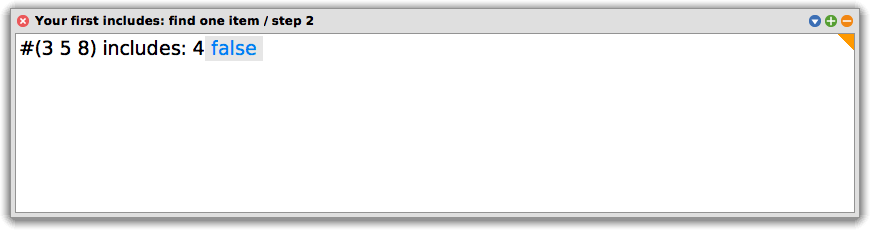
false. Four is not in the list. The numbers do not need to be in order for includes: to work.
STEP 3
Look for one letter
A String is a sequence of Characters. Single quotes surround the text. The dollar sign makes one Character, so $a means the letter a. Send includes: to the word, then Print it.
'Squeak' includes: $a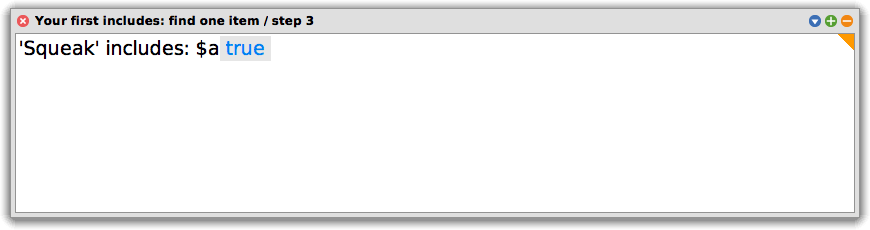
true. The word Squeak contains the Character a. The argument is $a, not the one-letter String 'a'.
STEP 4
Notice that letter case matters
Smalltalk compares these Characters exactly. Lowercase s and uppercase S are different. Braces collect the two calculated answers into a new list. Copy the whole expression and Print it.
{'Squeak' includes: $s. 'Squeak' includes: $S}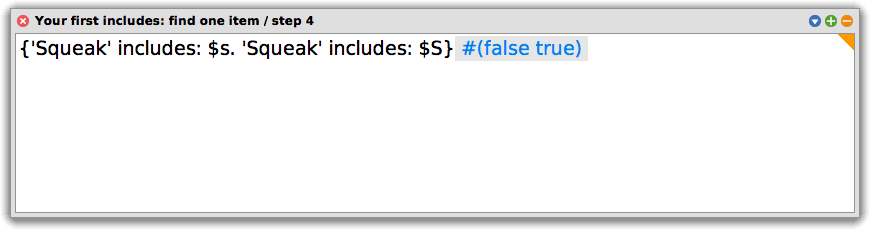
#(false true). The first question finds no lowercase s. The second finds uppercase S.
STEP 5
Ask about an empty list
The notation #() is a list with no entries. includes: can still answer the question safely. Print the expression, then try replacing 5 with another number.
#() includes: 5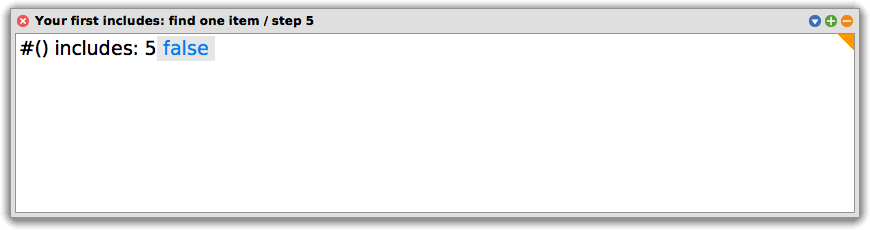
false. No item can be found in an empty list. You now know how to ask whether a list or word contains one particular item.
YOU DID IT
A small step. A real result.
includes: asks whether an equal item occurs in a collection. For words, ask with a Character such as $a. Letter case matters, and an empty list answers false.
Optional code download: open it as text and copy one example into Workspace.