ABSOLUTE BEGINNER
Your first Morph
Make a rectangle, change it, and clear it away.
STEP 1
Open a Workspace
Click an empty part of the Squeak desktop. Choose open… then workspace. Move the window toward the left so there is room beside it.
Keep this same Workspace open for the whole lesson. It will remember the name box between commands.
STEP 2
Make a rectangle
Paste these three lines and select all three. Right-click the selection and choose do it (d). Some Squeak setups use middle-click for this menu. A small light-blue rectangle appears.
The first line makes a rectangle and calls it box. The next line gives it a position; the last shows it on the desktop. Do it runs the code without inserting an answer.
box := RectangleMorph new.
box position: 520@120.
box openInWorld.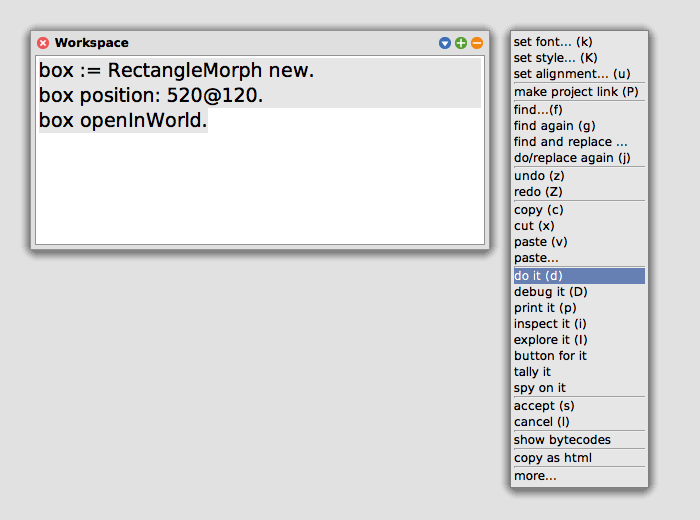
STEP 3
Give it a color
Select all the Workspace text and replace it with this line. Select the new line and choose do it (d). Your rectangle turns orange.
You are changing the same box, not creating another one. Replacing the text does not erase the Workspace’s remembered name.
box color: Color orange.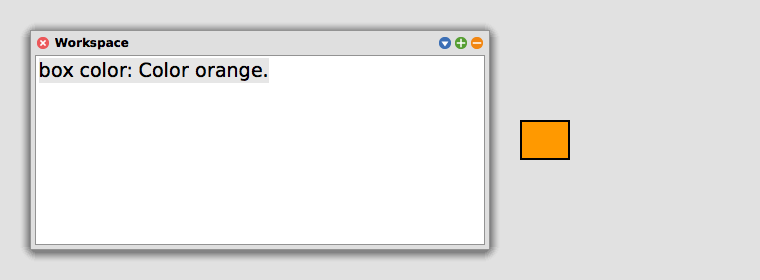
STEP 4
Make it bigger
Run this line with do it (d). The rectangle becomes 180 pixels wide and 100 pixels high.
The @ joins the width and height into a pair. Try 220@140 to see the difference.
box extent: 180@100.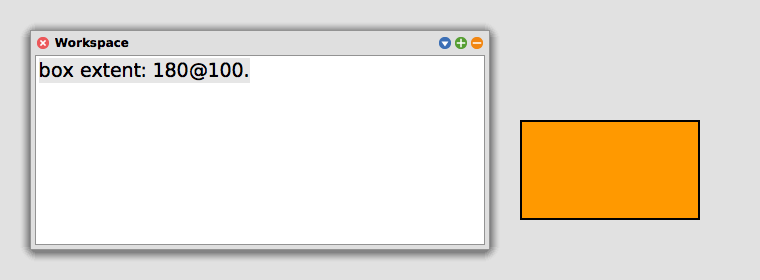
STEP 5
Clear it away
Run this last line with do it (d). The rectangle disappears.
To start again, return to the three-line creation step. Keep using this Workspace; a different Workspace has its own names.
box delete.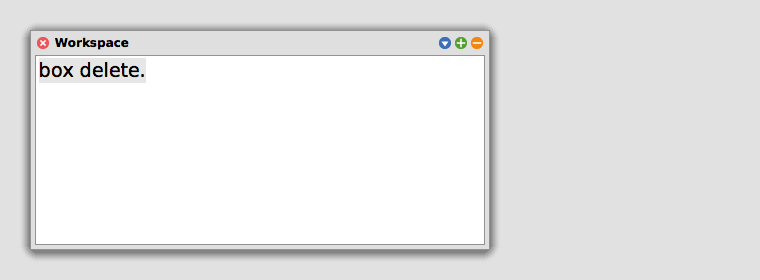
YOU DID IT
A small step. A real result.
Make an object, give it a name, and send it small commands: color:, extent:, and delete.
Create the rectangle again. Try Color green and a different width and height, then delete it when you are done.
Optional code download: open it as text and copy one example into Workspace.
Tiny step-by-step commands (.st)
See more shapes in the browser playground · Try the full Morphic tutorial
The playground opens a prepared shapes demo. Use native Squeak for this lesson’s exact editing steps.