ABSOLUTE BEGINNER
Number the items in a list
Use withIndexDo: to get an item and its position together. Make a tiny numbered menu in five steps.
STEP 1
Make a list
A list keeps its items in order. This one has three drink names.
#('Tea' 'Milk' 'Water')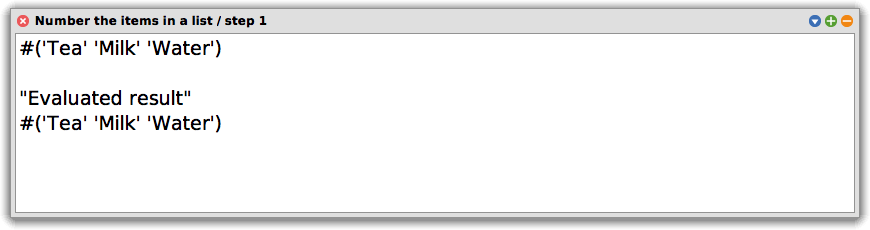
Tea appears first.
STEP 2
Get the first item
Squeak starts counting list positions at 1.
#('Tea' 'Milk' 'Water') at: 1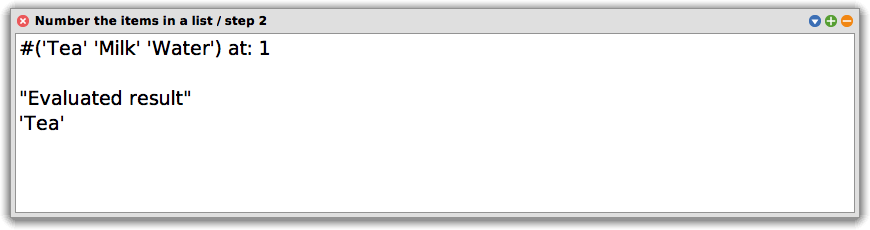
Change 1 to 2 to see Milk.
STEP 3
See an item beside its number
withIndexDo: runs the words inside the square brackets once for each item. The item comes first and the position comes second.
| rows |
rows := OrderedCollection new.
#('Tea' 'Milk' 'Water') withIndexDo: [:drink :number |
  rows add: {drink. number}].
rows asArray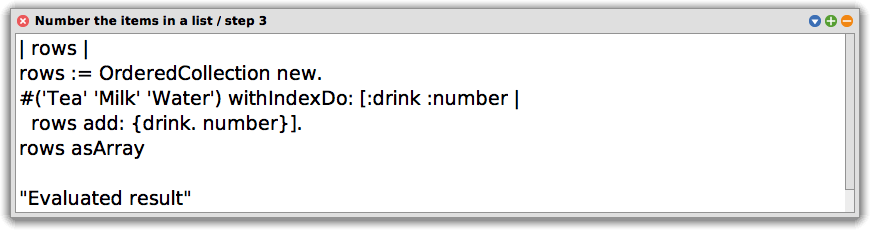
Milk is paired with 2.
STEP 4
Make a numbered menu
printString turns each number into text. A comma joins it to the dot, space and drink name.
| menu |
menu := OrderedCollection new.
#('Tea' 'Milk' 'Water') withIndexDo: [:drink :number |
  menu add: number printString, '. ', drink].
menu asArray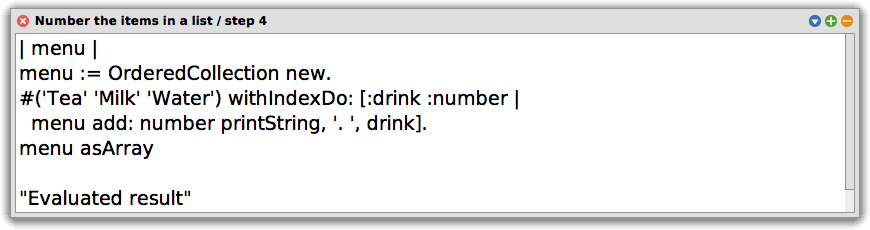
You now have one numbered label per drink.
STEP 5
Number a different list
The same block works on any list of names. Each new list starts at 1.
| menu |
menu := OrderedCollection new.
#('Mango' 'Guava') withIndexDo: [:fruit :number |
  menu add: number printString, '. ', fruit].
menu asArray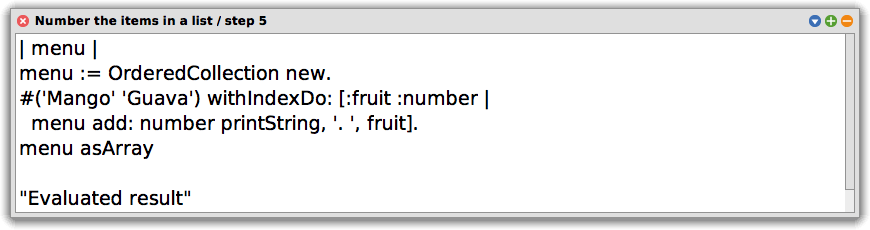
Add an item and predict its number before printing.
YOU DID IT
A small step. A real result.
withIndexDo: gives the block the item first and its one-based position second.
Optional code download: open it as text and copy one example into Workspace.