ABSOLUTE BEGINNER
Your first sorted list
Put numbers and words in order with one Smalltalk message. Try five tiny examples in Workspace.
STEP 1
Make a small list
Open Workspace. Type this list, select it, and choose Print it.
#(3 1 2)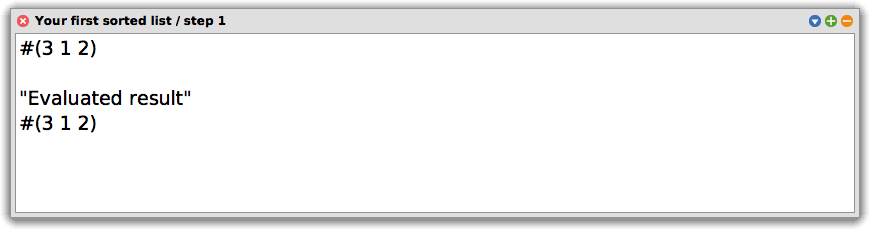
You see three numbers in the order you typed them.
STEP 2
Put it in order
Send sorted to make an ordered copy.
#(3 1 2) sorted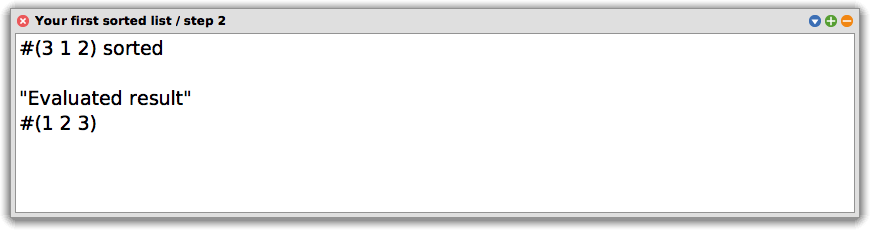
The smallest number comes first.
STEP 3
Keep repeated numbers
Sorting keeps every item, including repeats.
#(4 1 4 2) sorted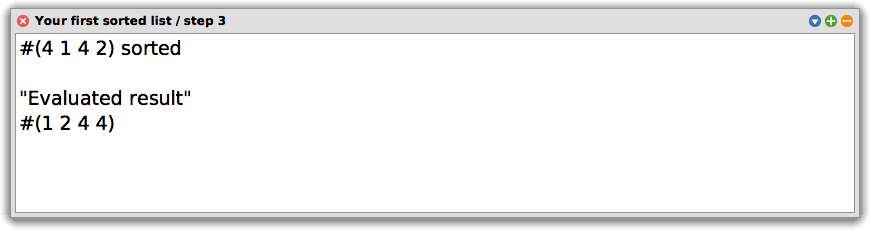
Both 4s are still there.
STEP 4
Sort words too
Use single quotes around each word. These lowercase words sort alphabetically.
#('pear' 'apple' 'banana') sorted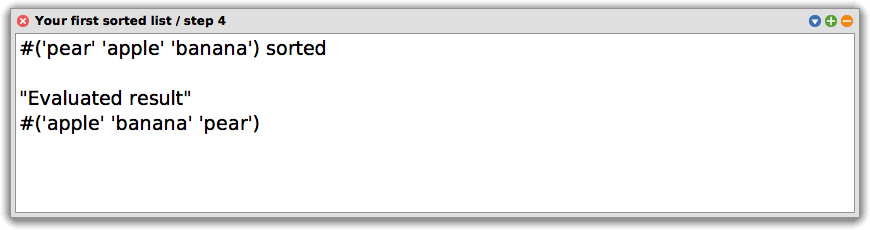
Apple comes before banana, then pear.
STEP 5
Keep the original
Give the list a name. Look at the original and the sorted copy together.
| numbers |
numbers := #(3 1 2).
{numbers. numbers sorted}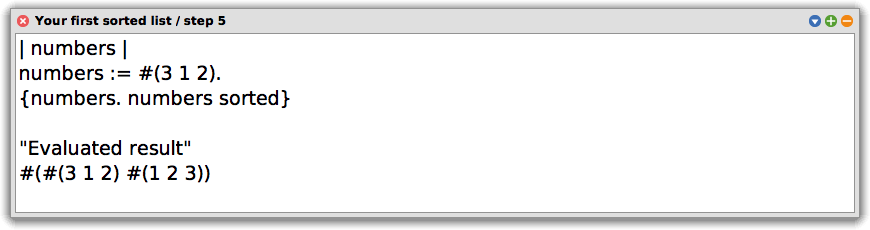
The first list still says 3, 1, 2. sorted made a separate ordered list.
YOU DID IT
A small step. A real result.
sorted returns an ordered copy. The original list is still available.
Optional code download: open it as text and copy one example into Workspace.