ABSOLUTE BEGINNER
Your first Point: two numbers together
Make a tiny two-number address, read it, and move it in five small steps.
STEP 1
Make a pair
Click an empty part of the Squeak desktop. Choose open… then workspace. Type this line, select it, right-click and choose print it (p). Some setups use middle-click for this menu.
The @ joins two numbers into a Point. Think of it as a tiny address: 20 across, 30 down.
20@30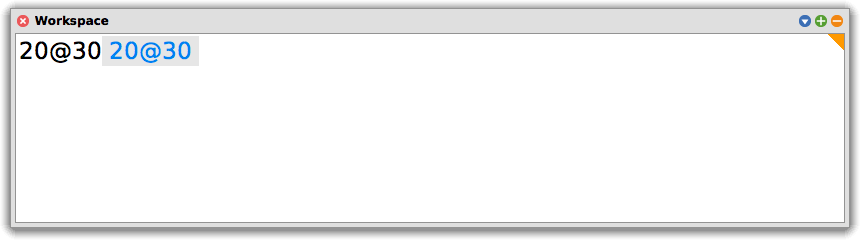
20@30
STEP 2
Read the first number
Replace all the old text, including the old answer, with this line. Select the whole line and choose print it (p).
x asks for the first number. The parentheses keep the pair together.
(20@30) x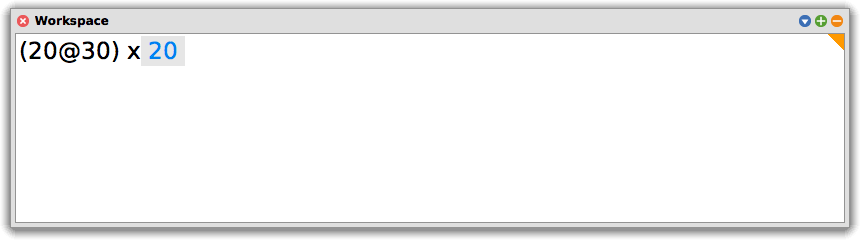
20
STEP 3
Read the second number
Replace all the old text, including the old answer, with this line. Select the whole line and choose print it (p).
y asks for the second number. On the Squeak screen, larger y positions are farther down.
(20@30) y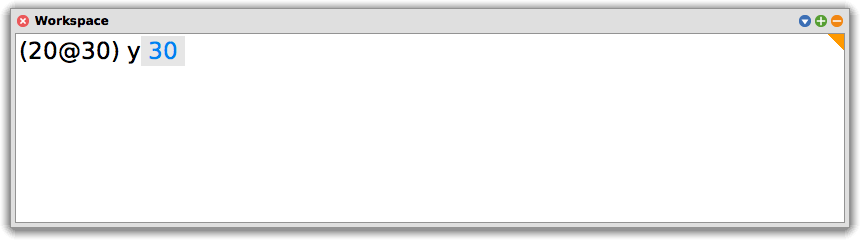
30
STEP 4
Move the pair
Replace all the old text, including the old answer, with this line. Select the whole line and choose print it (p).
Add two Points to add their numbers separately: 20 + 10 and 30 + 5.
(20@30) + (10@5)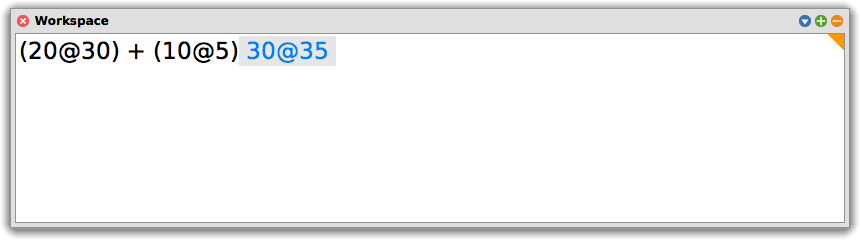
30@35
STEP 5
Check your answer
Replace all the old text, including the old answer, with this line. Select the whole line and choose print it (p).
The = asks whether the two Points are equal. Squeak answers true: both numbers match.
((20@30) + (10@5)) = (30@35)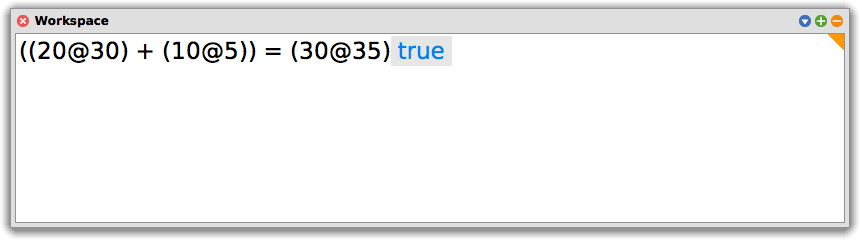
true
YOU DID IT
Two numbers. One Point.
@ makes a Point. x and y read its two numbers. Adding Points changes both numbers together.
In step 4, replace 20@30 with 40@50. Print it again. Can you predict 50@55 before you run it?
Optional code download: open it as text and copy one example into Workspace.