ABSOLUTE BEGINNER
Your first minimum and maximum
Choose the smaller or larger of two numbers in five tiny Squeak steps, then keep a number inside a simple range.
STEP 1
Choose the smaller number
Open a Workspace. Type this line, select it, and choose Print it from the text menu. min: means minimum, or smaller.
8 min: 3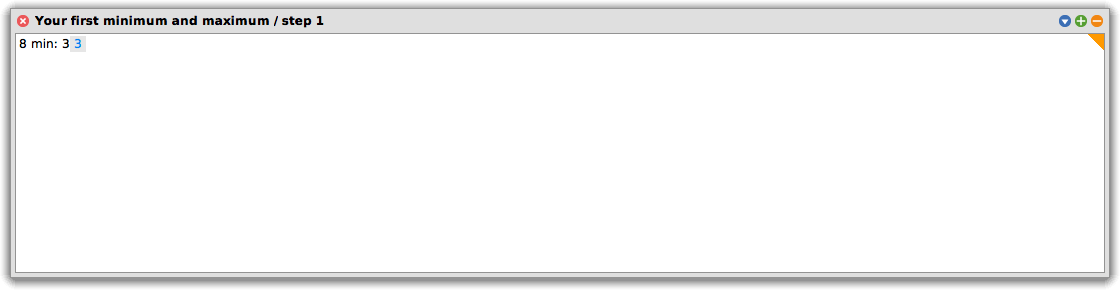
You should see 3. Remove the selected answer before trying the next line.
STEP 2
Choose the larger number
max: means maximum, or larger. It returns a number rather than changing either number.
8 max: 3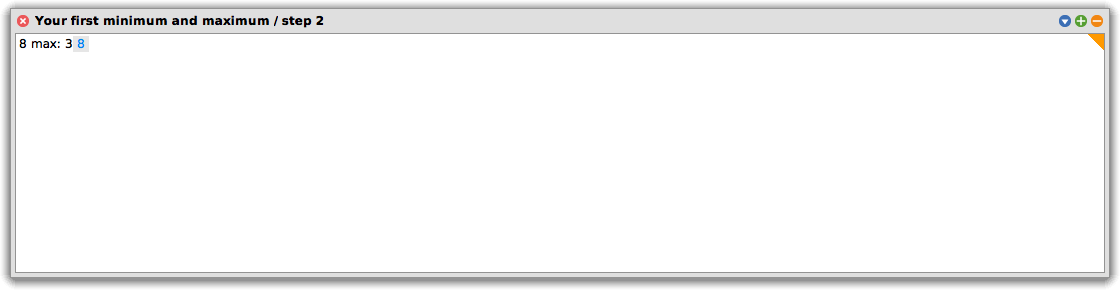
You should see 8.
STEP 3
Try equal numbers
When the two numbers are equal, either choice gives that same value.
5 min: 5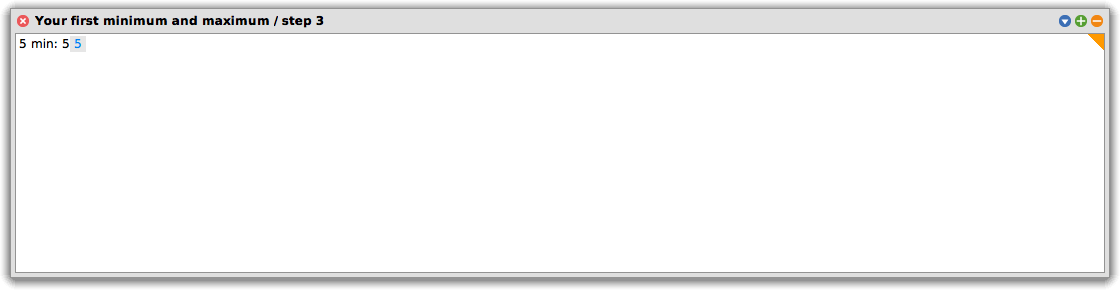
You should see 5.
STEP 4
Try a negative number
Negative two is smaller than three. Parentheses make the negative number easy to read.
(-2) min: 3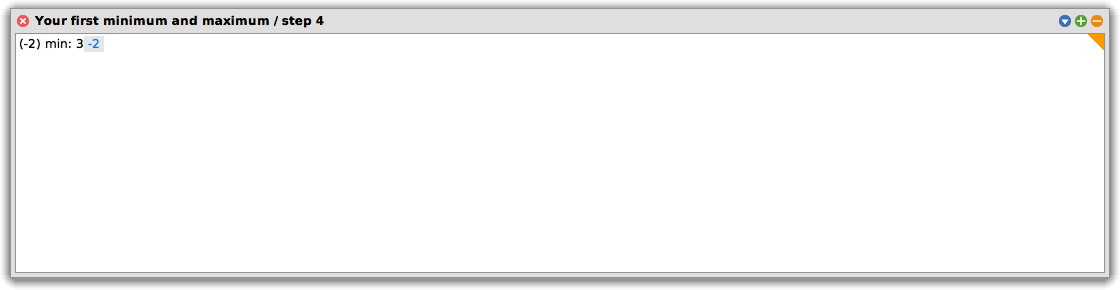
You should see -2. Try max: to get 3.
STEP 5
Keep a value inside two limits
First stop the value from going below zero. Then stop it from going above ten. Parentheses show which operation happens first.
(15 max: 0) min: 10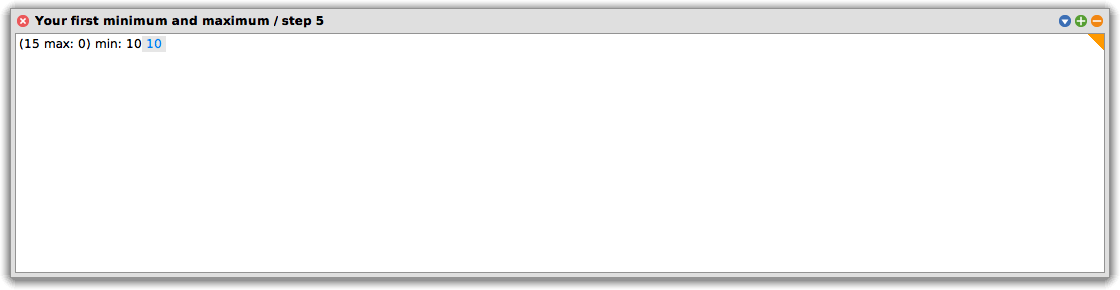
You should see 10. Try -4 instead of 15 to get 0, or 7 to keep 7.
YOU DID IT
A small step. A real result.
min: chooses the smaller number; max: chooses the larger. clamping combines them to keep a number within two limits.
Optional code download: open it as text and copy one example into Workspace.