ABSOLUTE BEGINNER
Your first Character: one letter at a time
Write one letter, change its case, ask a question, and pick a letter from a word in five tiny steps.
STEP 1
Write one character
Click an empty part of the Squeak desktop. Choose open… then workspace. Type this line, select it, right-click and choose print it (p). Some setups use middle-click.
The dollar sign says: take the next character. $m means the letter m, not a price.
$m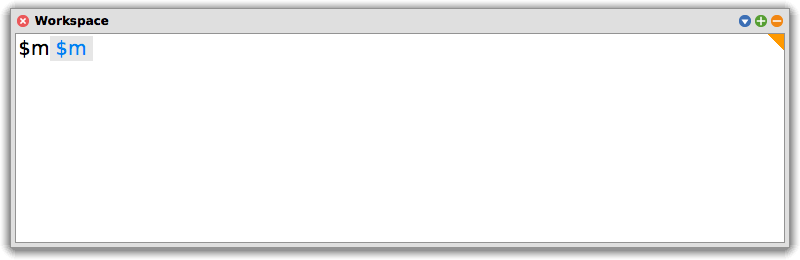
$m
STEP 2
Make it uppercase
Replace ALL the old text, including its answer. Type this line, select it and Print it.
asUppercase asks for the capital version. The original letter is lowercase; the answer is uppercase.
$m asUppercase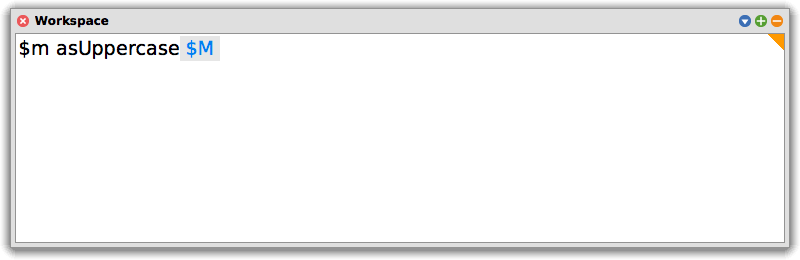
$M
STEP 3
Ask whether it is a digit
Replace all the text again. Select the new line and Print it.
isDigit asks whether this character is a digit. $7 is a written character, not the number 7.
$7 isDigit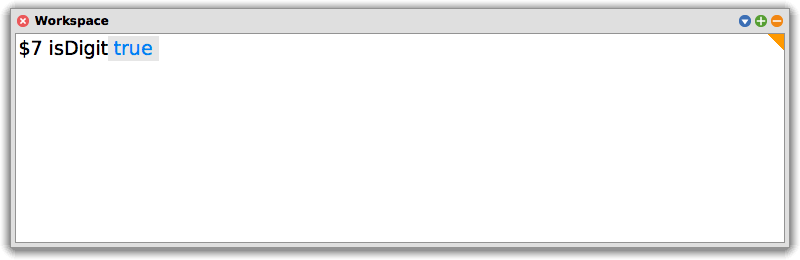
true
STEP 4
Turn it into text
Replace all the text, select this line and Print it.
asString makes text. $m is one Character; the answer 'm' is text containing one character.
$m asString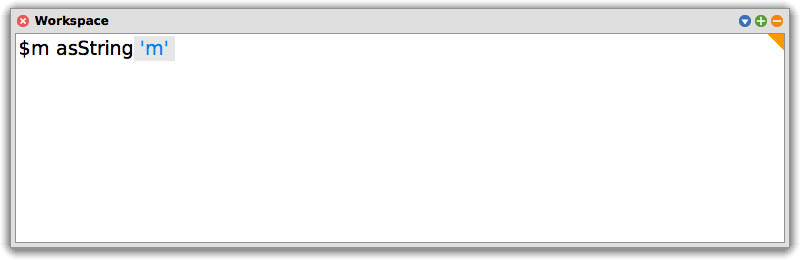
'm'
STEP 5
Pick a character from a word
Replace all the text, select this line and Print it.
at: 1 picks the first character from the word. Squeak starts counting at 1.
'mouse' at: 1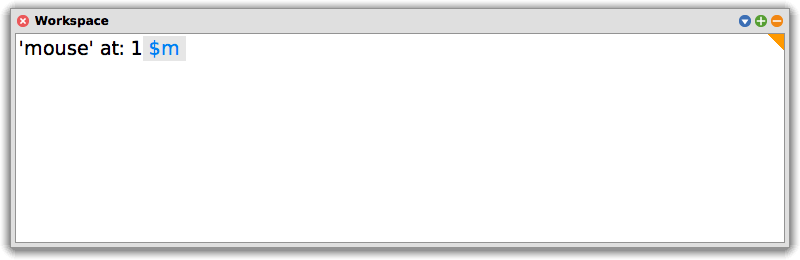
$m
YOU DID IT
One character. Five small discoveries.
The dollar sign writes a Character. You can ask about it, change its case, turn it into text, or pick one from a word.
Change $7 to $m in step 3: the answer becomes false. Try position 2 in step 5: you get $o. Stay between 1 and 5 for 'mouse'. Replace the old answer before each try.
Optional code download: open it as text and copy one example into Workspace.