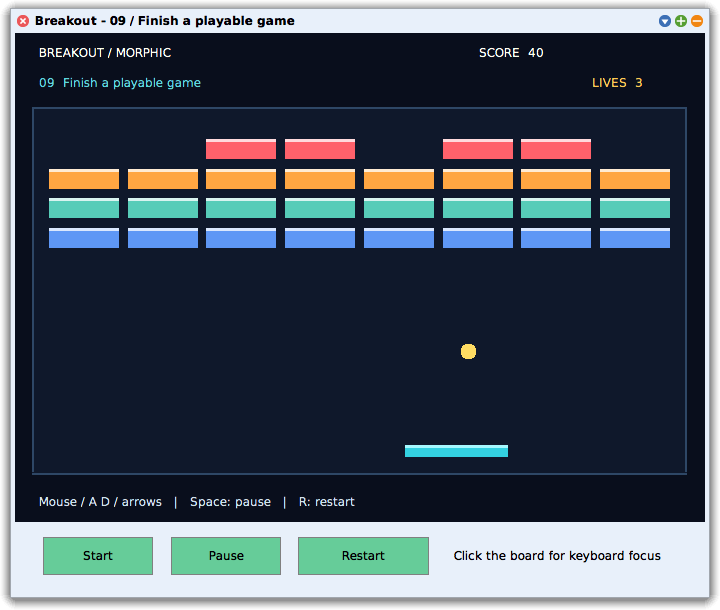
Build small native games in Squeak, one working step at a time. Start with Breakout, follow an object-oriented maze, add gravity in a platformer, then build a 3D corridor game and an endless runner.
Real native Squeak capture. Open the tutorial for checkpoints, source and animated demonstrations.
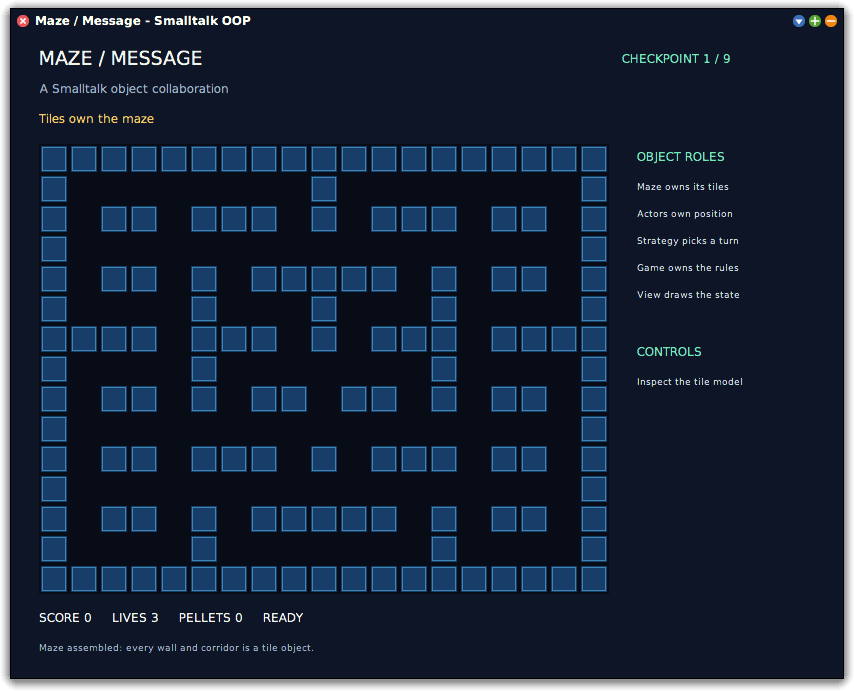
Build a tile maze with a player, pellets and ghosts. Follow the messages between the game model, interchangeable ghost strategies, controller and Morphic view.
Practice: Composition · polymorphism · grid movement
Real native Squeak capture. Open the tutorial for checkpoints, source and animated demonstrations.
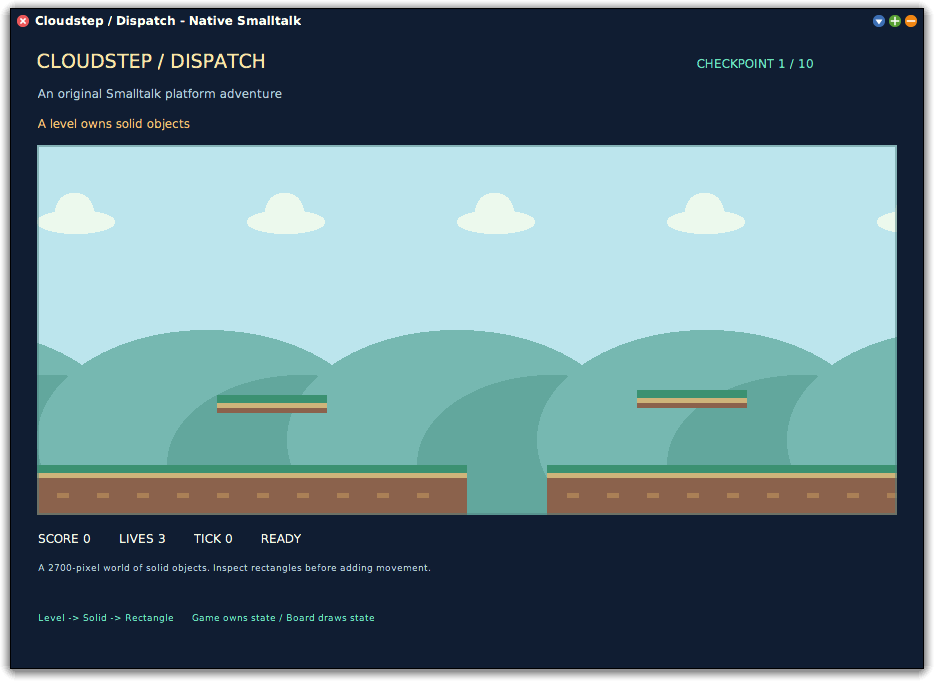
Build an original side-scrolling game with solid platforms, jumping, coins and enemies. Keep the simulation separate from the camera and native Morphic view.
Practice: Gravity · platforms · camera · game states
Real native Squeak capture. Open the tutorial for checkpoints, source and animated demonstrations.
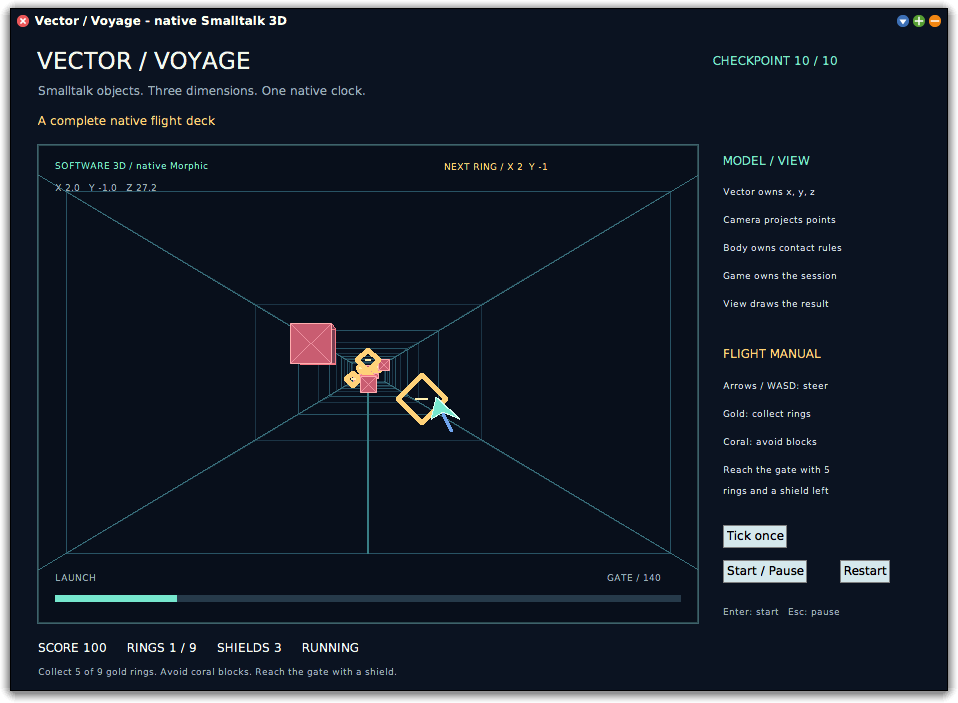
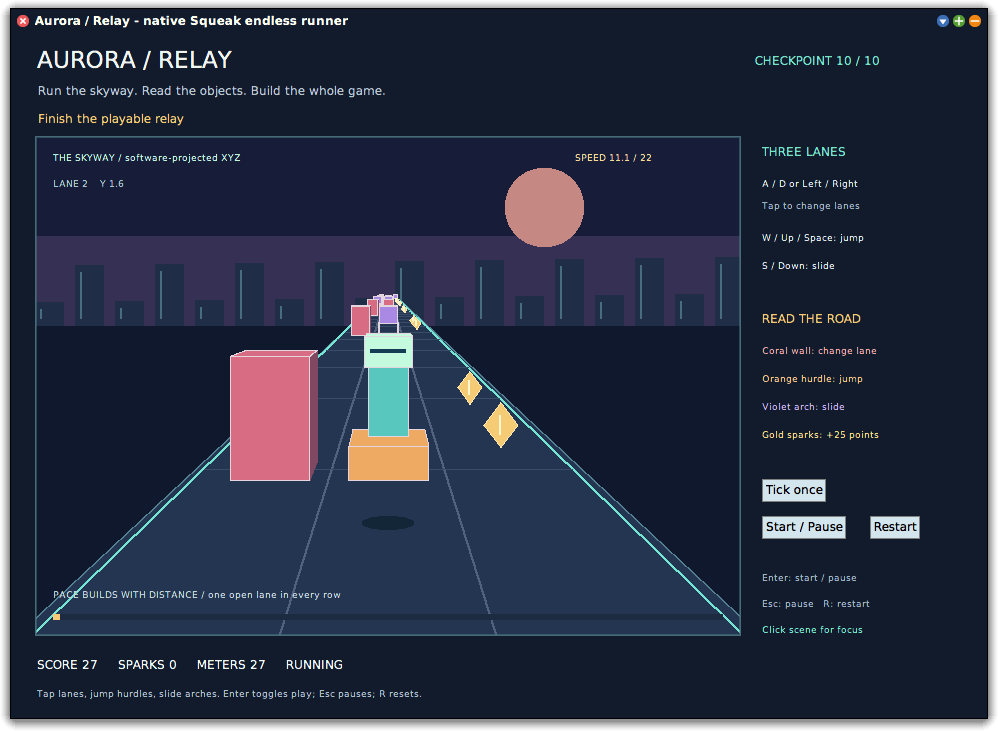
Build a three-lane native runner with perspective depth, coins and different obstacle actions. Generate fair patterns, increase speed within bounds and retire old world objects.
These are native Squeak programs. The tutorial pages show their construction and provide source files; gameplay runs inside your Squeak image. Each lesson includes real screenshots and optional animated demonstrations.
Use the start-here guide to install Squeak and keep a separate learning image.
Read the chosen lesson’s setup section, file in its complete source, then evaluate its launcher in a Workspace.
Work through the checkpoints in order. Each lesson explains which files and code belong together.
Try the exercises and run the supplied tests before changing the rules further.
The built-in demos lesson launches bundled games such as Mines, SameGame and Tetris. Use it to explore existing Morphic examples before building your own. The visual object reference documents the registered catalog with tested examples and explicit limitations.