ABSOLUTE BEGINNER
Your first number range: count without listing
Make a number range, see what it contains and change its step in five tiny Squeak examples.
STEP 1
Make a small range
Open a Workspace from Squeak’s desktop menu: open… then workspace. Type this line, select it, right-click and choose print it (p). Some setups use middle-click.
This describes the whole numbers from 1 through 5. Squeak calls this kind of range an Interval.
1 to: 5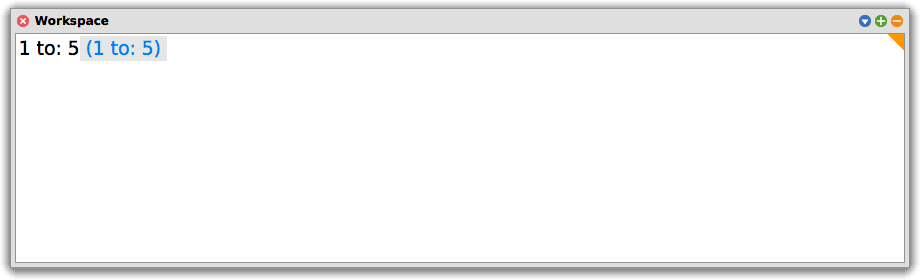
(1 to: 5)
STEP 2
See its numbers
Replace ALL the old text, including its printed answer. Select this new line and Print it.
asArray shows the numbers together. The parentheses keep the range together before you ask for its numbers.
(1 to: 5) asArray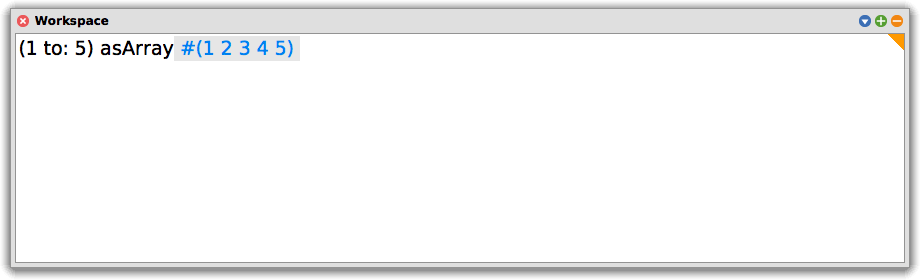
#(1 2 3 4 5)
STEP 3
Count the numbers
Replace all the text again, select this line and Print it.
size asks how many numbers are in the range. Both 1 and 5 are included, so the answer is 5.
(1 to: 5) size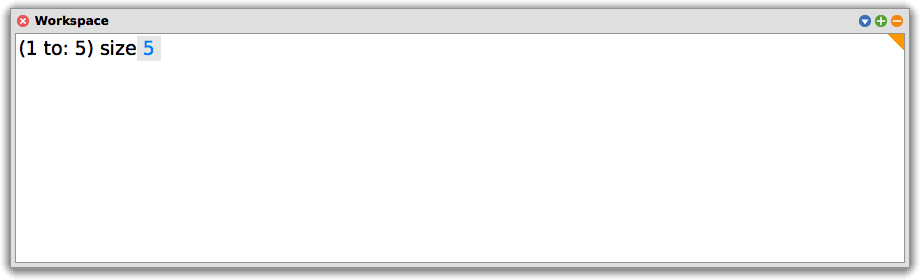
5
STEP 4
Ask whether a number belongs
Replace all the text, select this line and Print it.
includes: asks whether 3 belongs to the range. It does, so the answer is true.
(1 to: 5) includes: 3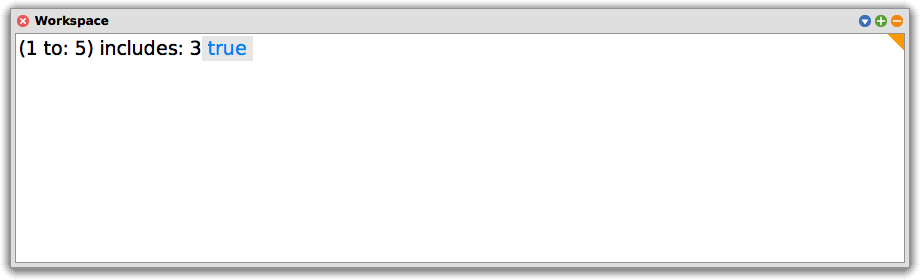
true
STEP 5
Take bigger steps
Replace all the text, select this line and Print it.
by: 2 means move forward two each time. Starting at 2 gives you five even numbers, ending at 10.
(2 to: 10 by: 2) asArray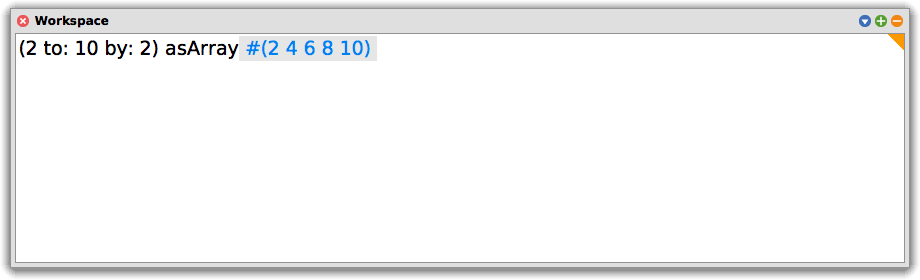
#(2 4 6 8 10)
YOU DID IT
A short message. A whole range.
You can describe a sequence with a start, an end and a step. Ask it for its size or whether a number belongs.
Try (1 to: 5) includes: 8. Expect false. Replace the old text and answer before each new example.
Optional code download: open it as text and copy one example into Workspace.
Five range examples: copy one at a time (.st)
Make your own list · Repeat a small action · Official Squeak documentation