ABSOLUTE BEGINNER
Your first Association: a label and a value
Make a labeled pair and read its two parts in five tiny Smalltalk steps.
STEP 1
Make a labeled pair
Open a Workspace from Squeak’s desktop menu: open… then workspace. Type this line, select it, right-click and choose print it (p). Some setups use middle-click.
The arrow -> joins a label to a value. This pair is called an Association.
'score' -> 7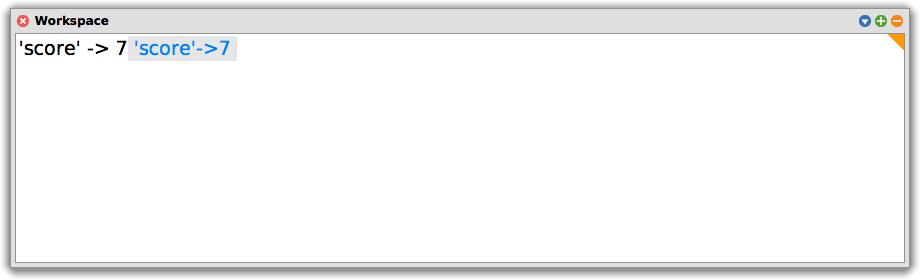
'score'->7
STEP 2
Read the label
Replace ALL the old text, including its printed answer. Type this line, select it and Print it.
key asks for the label on the left. Parentheses keep the pair together.
('score' -> 7) key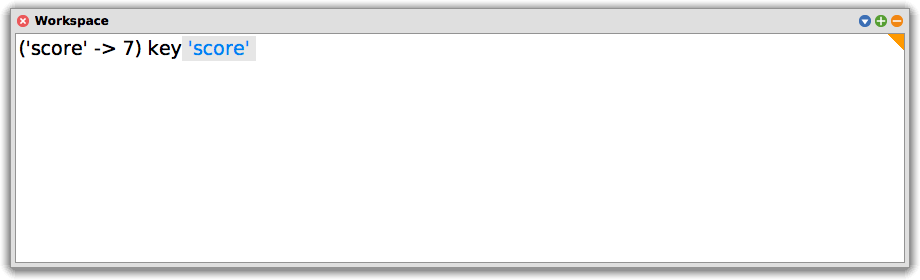
'score'
STEP 3
Read the value
Replace all the text again, then select this line and Print it.
value asks for the item on the right. The label and value have different jobs.
('score' -> 7) value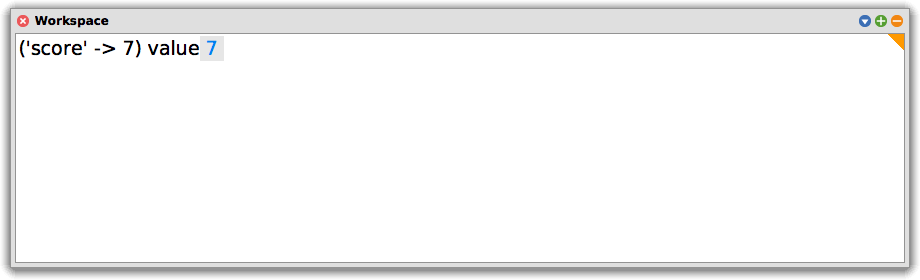
7
STEP 4
Use words as the value
Replace all the text, select this line and Print it.
A value need not be a number. Single quotes make text, so this pair links a pet label to a name.
('pet' -> 'Milo') value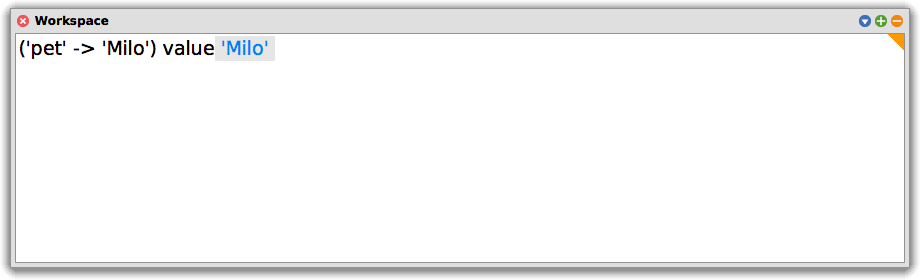
'Milo'
STEP 5
Calculate a value
Replace all the text, select this line and Print it.
The parenthesized addition runs first. The pair receives 10 as its value; value then reads it.
('score' -> (7 + 3)) value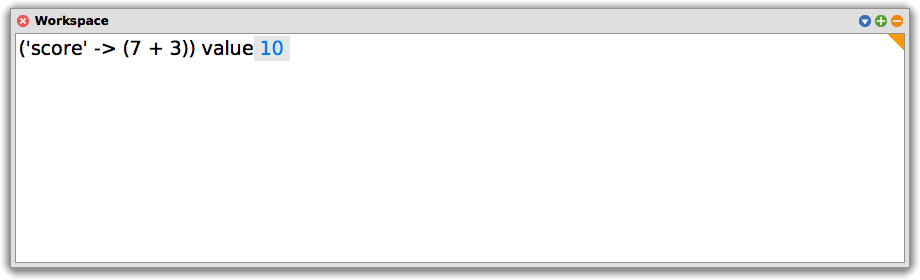
10
YOU DID IT
Two parts. One useful pair.
An Association keeps a key and a value together. The arrow makes the pair; key and value read its parts.
Change 'score' to 'lives' and 7 to 3. Ask for key, then value. Replace the old printed answer each time. This is one pair, not a whole Dictionary.
Optional code download: open it as text and copy one example into Workspace.
Five Association examples: copy one at a time (.st)
Keep several labeled values in a Dictionary · Try text messages · Official Squeak documentation