ABSOLUTE BEGINNER
Your first absolute value: measure distance from zero
Turn a negative number into a positive distance with abs, in five tiny visual Squeak steps.
STEP 1
Send one short message
Open a Workspace using the World menu, open..., workspace. Type this expression, select all of it, and choose Print it. abs is short for absolute value: how far a number is from zero.
-7 abs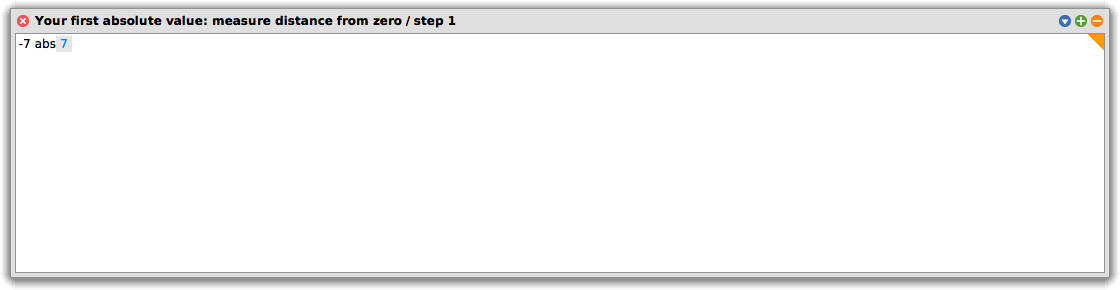
7. The number -7 is seven units from zero. The answer is a number, not text.
STEP 2
Keep an already positive number
The same message works on a positive receiver. abs does not always change the sign; it returns a nonnegative distance.
7 abs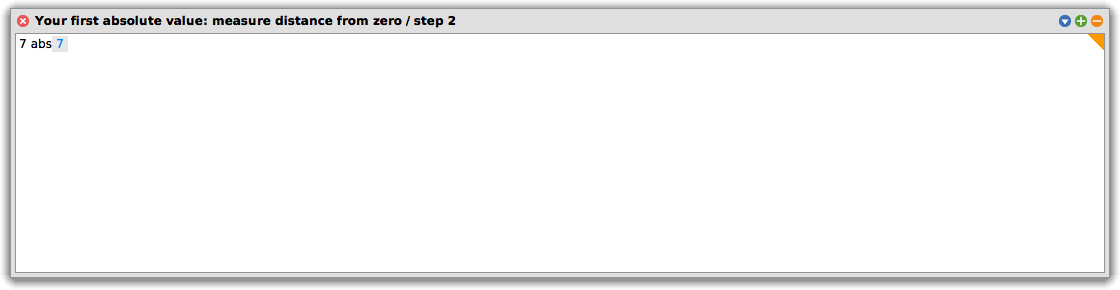
7 again. Try 3 abs next; the answer is 3.
STEP 3
Notice zero
Zero is already at zero, so its distance is zero. No special branch is needed in your code.
0 abs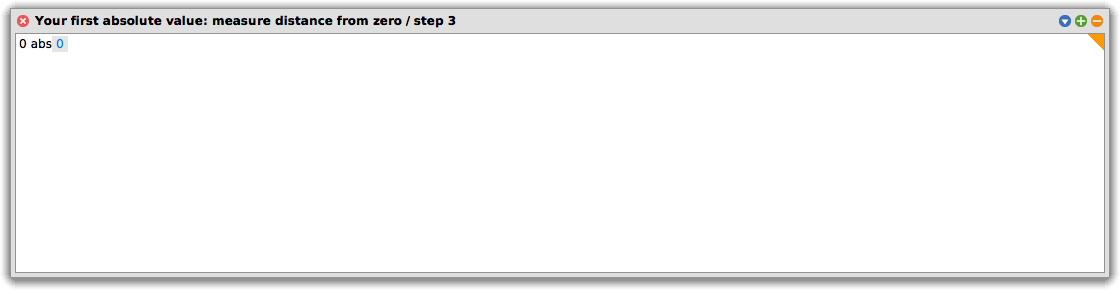
0. Absolute values can be zero; they are not always strictly positive.
STEP 4
Measure the gap between numbers
Parentheses make the subtraction happen first. Without them, Smalltalk sends the unary abs message before the subtraction, giving a different result.
(3 - 10) abs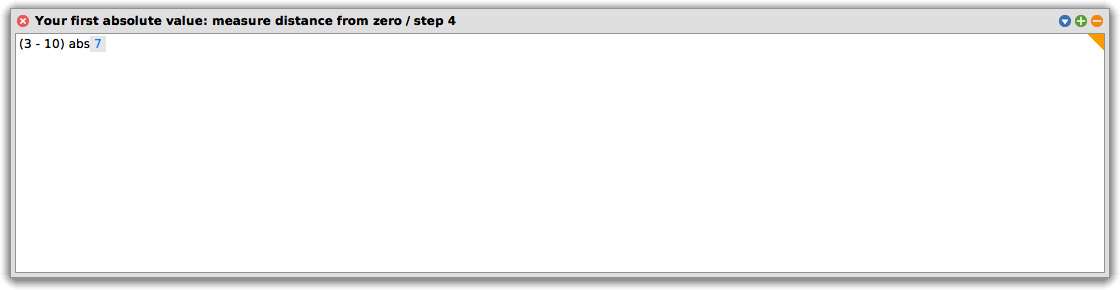
7. The subtraction produces -7, and abs produces its distance from zero. Compare with 3 - 10 abs, which answers -7.
STEP 5
Give the readings names
Copy the whole example, including the bars. The variables name two readings. Their absolute difference is the gap, regardless of which reading comes first.
| current target |
current := 18.
target := 22.
(current - target) abs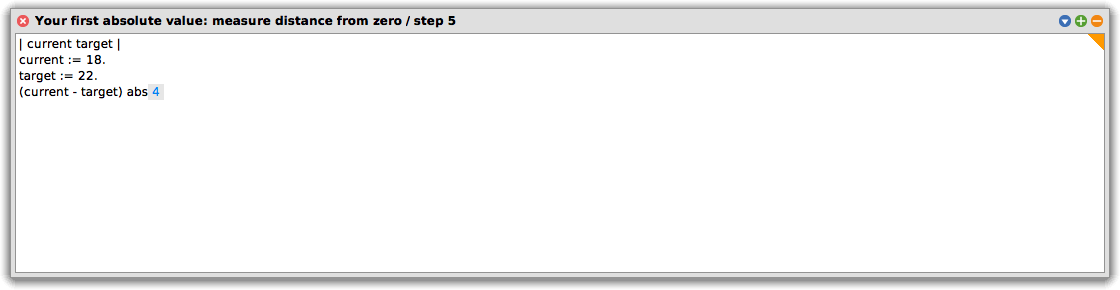
4. Swap 18 and 22 and Print it again: the gap is still 4. You have measured a distance with one message.
YOU DID IT
A small step. A real result.
abs gives the distance from zero. The result is nonnegative; parentheses make a subtraction happen before abs.
Optional code download: open it as text and copy one example into Workspace.