ABSOLUTE BEGINNER
Your first between: ask whether a number fits
Check a number against two limits in five tiny visual Smalltalk steps. The ends count too.
STEP 1
Ask one clear question
Open a Workspace from the World menu: open… then workspace. Type this line, select it all, and choose Print it. between:and: asks whether a number is inside two limits.
7 between: 1 and: 10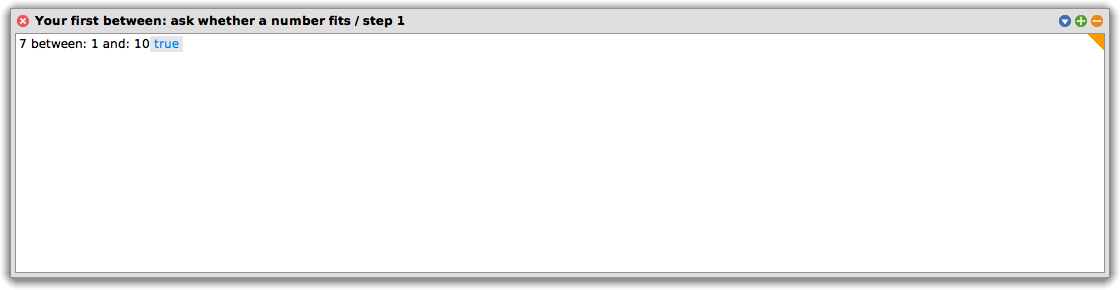
true means yes: 7 is between 1 and 10.
STEP 2
Include the ends
The lower and upper limits are included. You do not need to be strictly inside.
10 between: 1 and: 10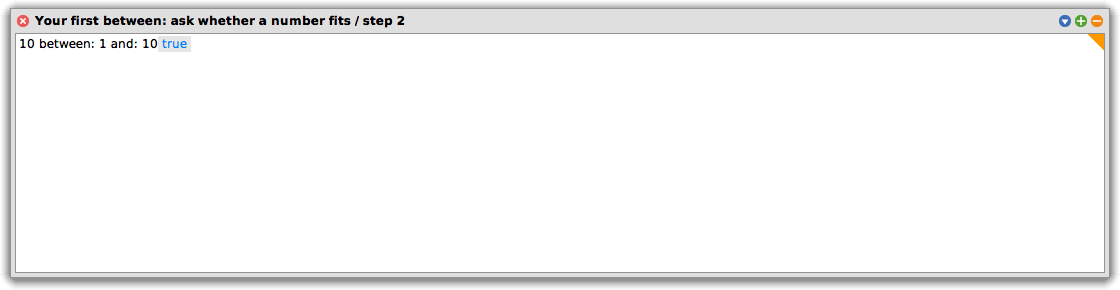
The answer is true. Change 10 at the start to 1: that end counts too.
STEP 3
Spot an outside value
A number below the lower limit or above the upper limit answers false.
11 between: 1 and: 10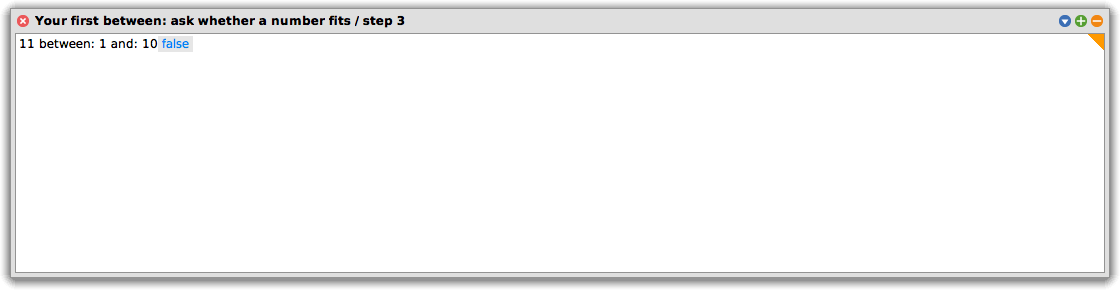
false means no. Try 0 next; it is outside too.
STEP 4
Use a variable
A variable gives a value a name. Paste this complete example, including the vertical bars. The last line asks about the named value.
| temperature |
temperature := 18.
temperature between: 15 and: 22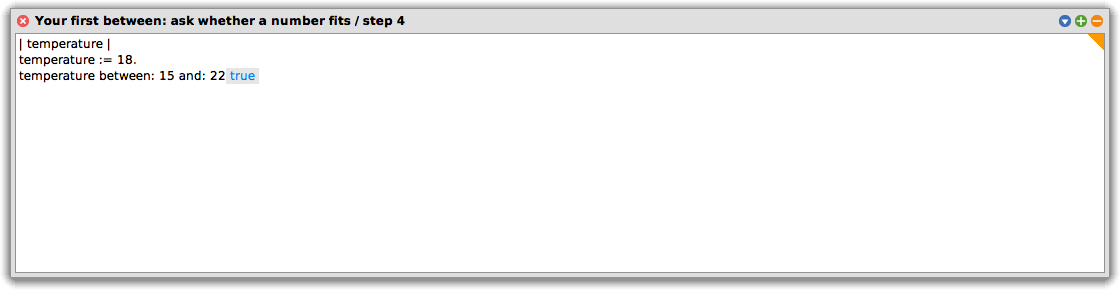
18 fits the interval. Try 25 instead and Print it again.
STEP 5
Keep the limits in order
Write the smaller limit first and the larger one second. This message does not swap them for you.
7 between: 10 and: 1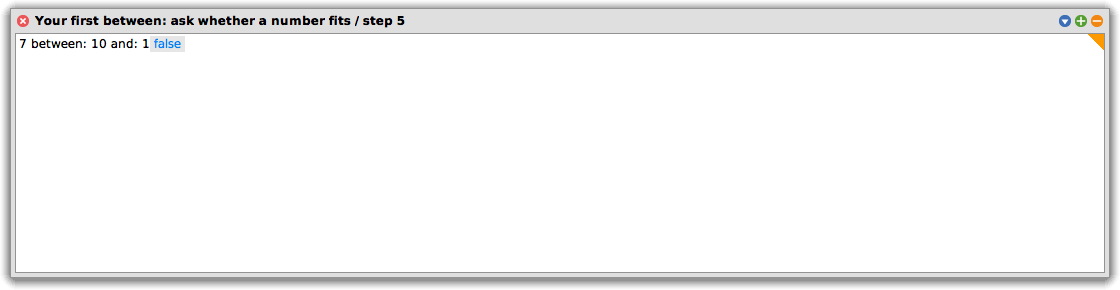
false. Fix the limits to 1 and 10 to get true again.
YOU DID IT
A small step. A real result.
between:and: answers true when the receiver is inside the interval, including its endpoints. Put the lower limit first. Outside values answer false.
Optional code download: open it as text and copy one example into Workspace.