ABSOLUTE BEGINNER
Your first Date: move across a leap day
Make a date, read its parts and move one day at a time using five tiny tested examples.
STEP 1
Make a date
Send year:month:day: to Date. Use numbers for all three parts.
Date year: 2024 month: 2 day: 28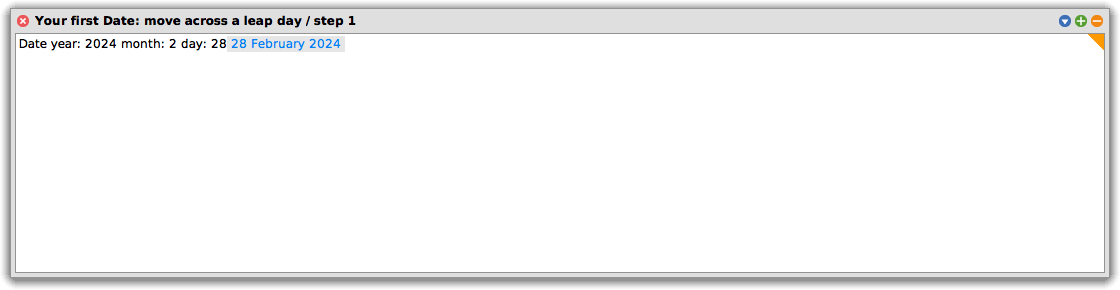
You made February 28, 2024. Print formatting may follow your image’s date preferences.
STEP 2
Read the day number
dayOfMonth asks the Date for its day within the month.
(Date year: 2024 month: 2 day: 28) dayOfMonth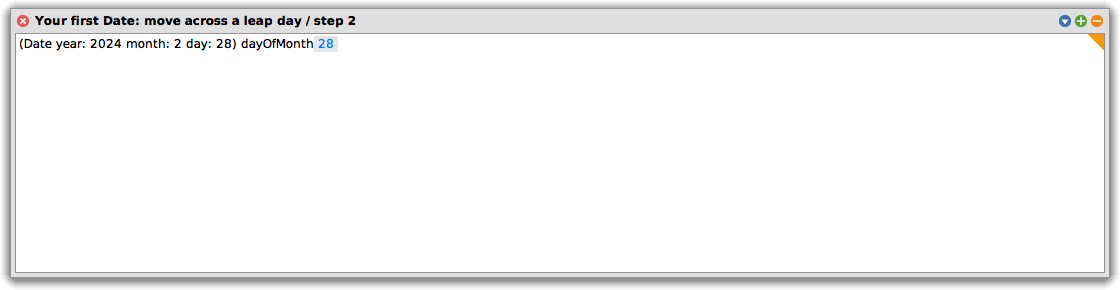
The answer is a number, not a new Date.
STEP 3
Move forward one day
addDays: returns another Date. February 2024 has a leap day.
((Date year: 2024 month: 2 day: 28) addDays: 1) dayOfMonth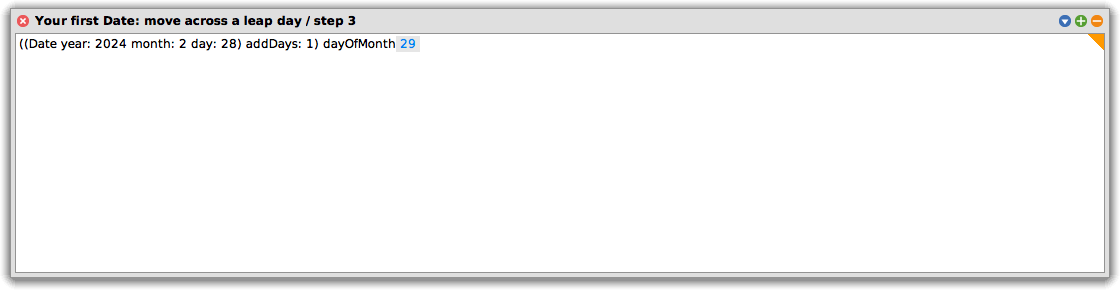
The original date is unchanged.
STEP 4
Cross into the next month
Two days after February 28 is March 1 in this leap year. Equality lets us check the whole date.
((Date year: 2024 month: 2 day: 28) addDays: 2)
 = (Date year: 2024 month: 3 day: 1)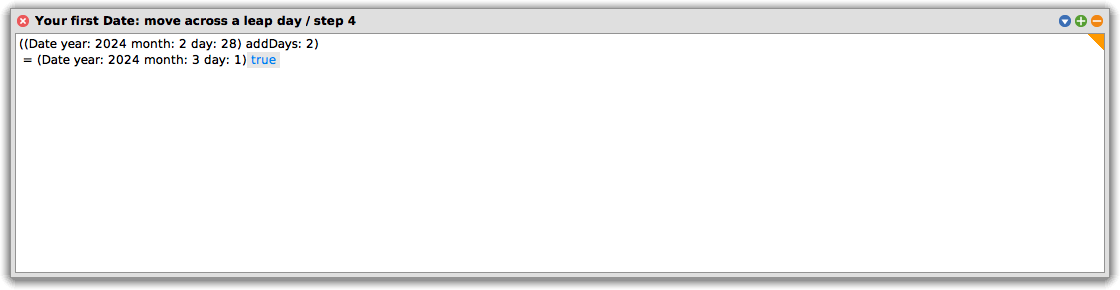
You did not need to count the days in the month yourself.
STEP 5
Move backward too
A negative number moves backward. One day before January 1 belongs to the previous year.
((Date year: 2025 month: 1 day: 1) addDays: -1)
 = (Date year: 2024 month: 12 day: 31)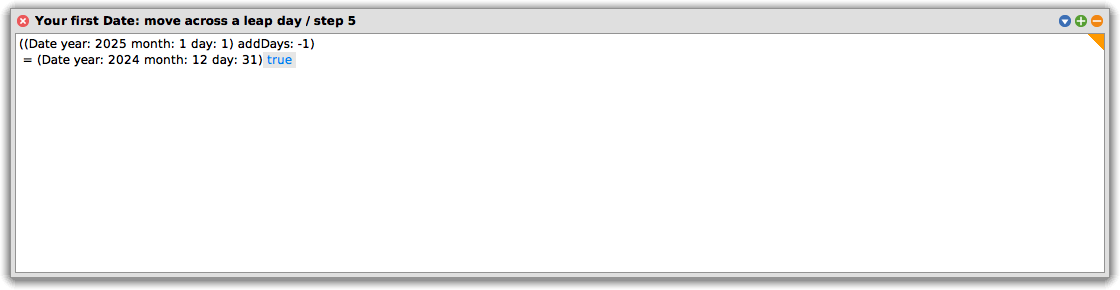
Date describes a calendar day. Use DateAndTime when a time of day and offset matter.
YOU DID IT
A small step. A real result.
Date represents a calendar day. year:month:day: creates one, dayOfMonth reads its day number, and addDays: returns a shifted date.
Optional code download: open it as text and copy one example into Workspace.