ABSOLUTE BEGINNER
Your First occurrencesOf: in Squeak
Count how many times the same item appears in a list or character string.
STEP 1
Count a repeated number
In Workspace, select the whole line and choose Print it. The number 2 appears twice.
#(2 5 2 9) occurrencesOf: 2NATIVE SQUEAK CAPTURE
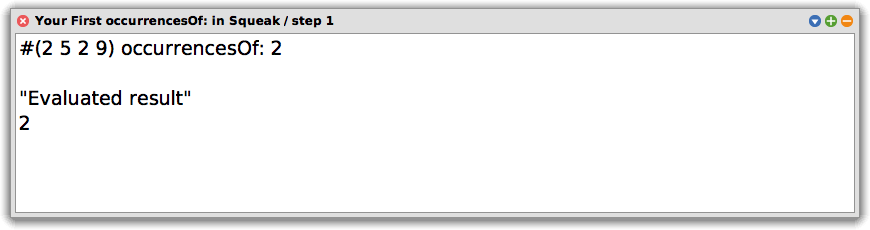
You should see
The result is 2.
STEP 2
Count an item seen once
Ask the same list about 9. It appears just once.
#(2 5 2 9) occurrencesOf: 9NATIVE SQUEAK CAPTURE
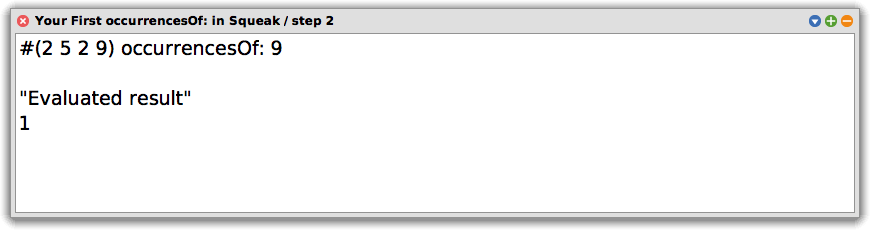
You should see
The result is 1.
STEP 3
Count an item that is missing
The list has no 4. Zero is still an answer.
#(2 5 2 9) occurrencesOf: 4NATIVE SQUEAK CAPTURE
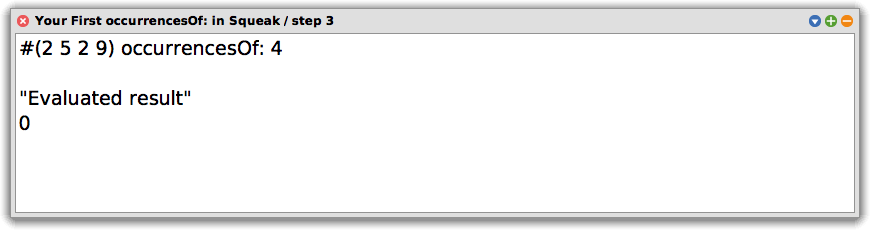
You should see
The result is 0.
STEP 4
Count a letter in a word
A string is made of characters. Write $a for the single letter a.
'banana' occurrencesOf: $aNATIVE SQUEAK CAPTURE
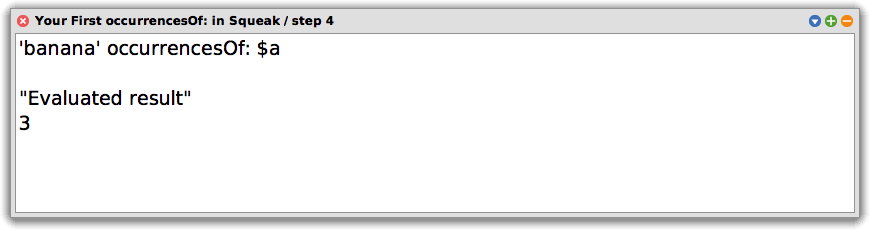
You should see
The result is 3.
STEP 5
Count matching words in a list
Here the items are whole words, so keep the quotes around 'blue'.
#('blue' 'red' 'blue') occurrencesOf: 'blue'NATIVE SQUEAK CAPTURE
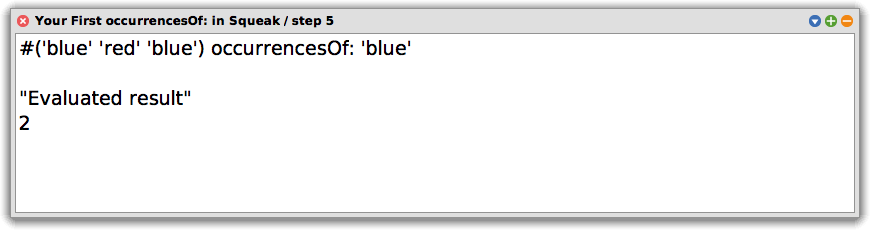
You should see
The result is 2.
YOU DID IT
A small step. A real result.
occurrencesOf: counts entries that equal the item you give it.
Optional code download: open it as text and copy one example into Workspace.