ABSOLUTE BEGINNER
Your first text replacement
Change a word inside some text with one message. Try five tiny examples and keep the original when you need it.
STEP 1
Start with a greeting
Open Workspace. Type this text, select it, and choose Print it.
'Hello, cat!'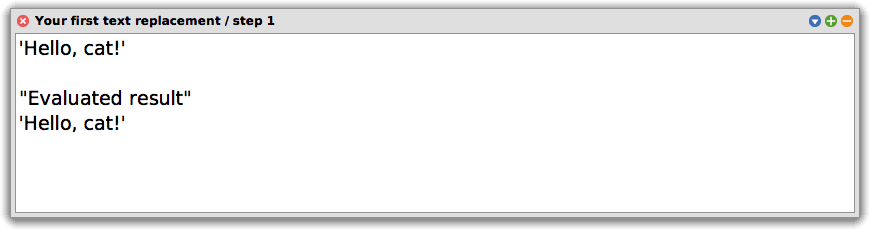
The greeting appears as text.
STEP 2
Change one word
Send copyReplaceAll:with: to make a changed copy.
'Hello, cat!' copyReplaceAll: 'cat' with: 'dog'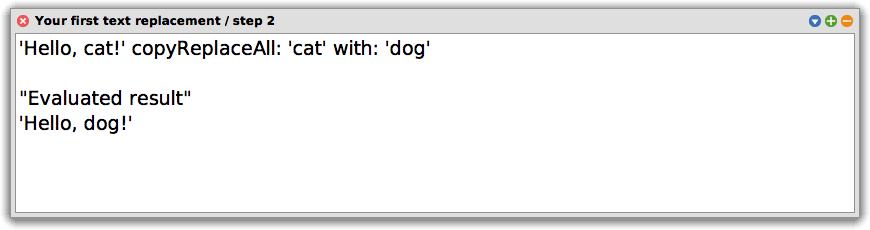
The greeting now says dog.
STEP 3
Change every match
The message replaces each matching piece of text.
'red red blue' copyReplaceAll: 'red' with: 'green'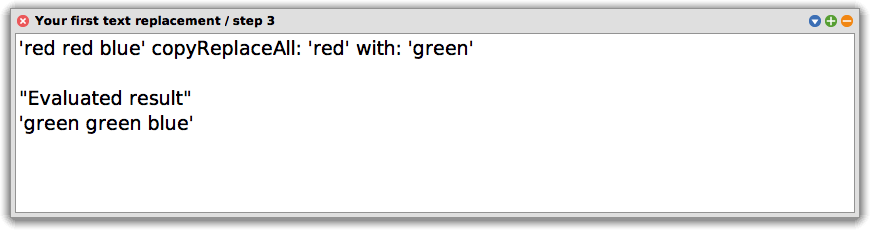
Both copies of red became green.
STEP 4
Notice capital letters
Capital letters and small letters are different here.
'Cat cat' copyReplaceAll: 'cat' with: 'dog'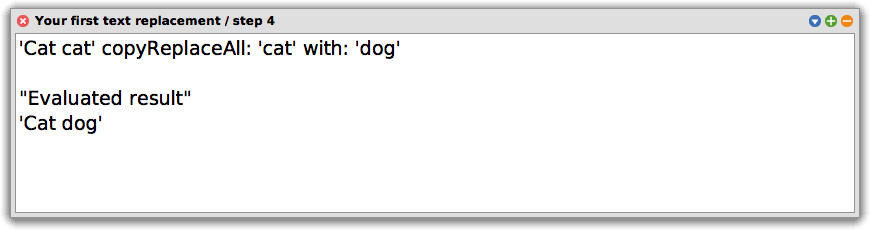
Cat stays the same. Only cat changes.
STEP 5
Keep both versions
Give the text a name, then look at the original and the changed copy.
| greeting |
greeting := 'Hello, cat!'.
{greeting. greeting copyReplaceAll: 'cat' with: 'dog'}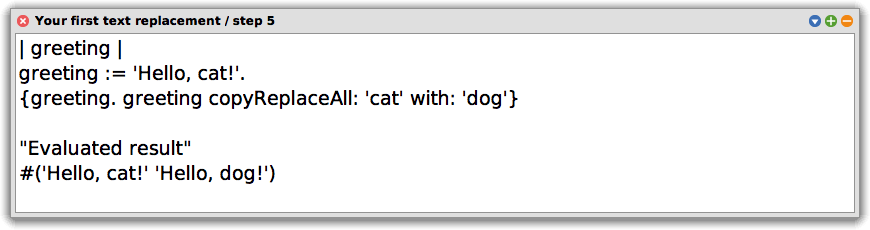
The original still says cat. The second text says dog.
YOU DID IT
A small step. A real result.
copyReplaceAll:with: makes a new piece of text. The original stays unchanged.
Optional code download: open it as text and copy one example into Workspace.