ABSOLUTE BEGINNER
Swap two items in a list
Use swap:with: to trade two positions in a playlist. Learn how to keep the original and undo a swap in five tiny steps.
STEP 1
Make a tiny playlist
A list has an order. Here, Rain is first and Waves is last.
#('Rain' 'Wind' 'Waves')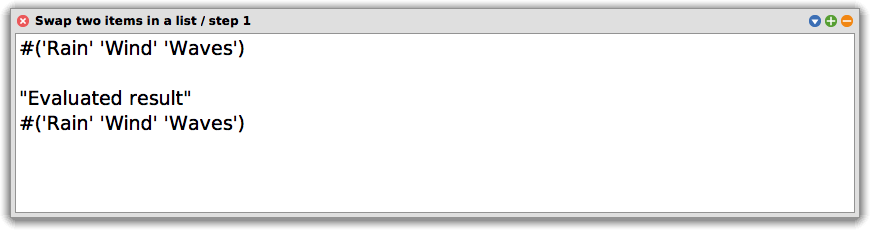
Notice that Wind sits in the middle.
STEP 2
Find the song at position 3
Squeak uses 1 for the first item. Ask for the third item with at:.
#('Rain' 'Wind' 'Waves') at: 3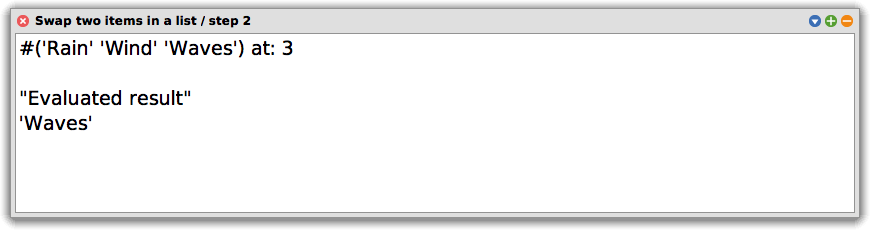
Change 3 to 2 to see Wind.
STEP 3
Swap the first and last songs
swap:with: takes two position numbers. Copy this playlist first so you have a list you can change.
| playlist |
playlist := #('Rain' 'Wind' 'Waves') copy.
playlist swap: 1 with: 3.
playlist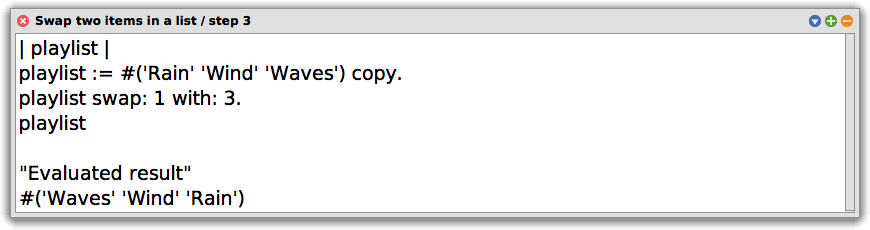
Waves and Rain trade places. Wind stays in the middle.
STEP 4
Keep one list as a backup
Copy the original into a new list, then swap in the copy. The last line shows the original and the copy side by side.
| original copy |
original := #('Rain' 'Wind' 'Waves').
copy := original copy.
copy swap: 1 with: 2.
{original. copy}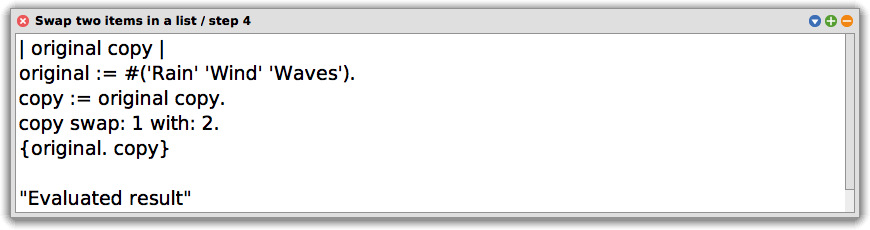
Rain stays first in the original but moves to second in the copy.
STEP 5
Swap twice to undo it
The same two positions still exist after the first swap. Swap them again to go back.
| playlist |
playlist := #('Rain' 'Wind' 'Waves') copy.
playlist swap: 2 with: 3.
playlist swap: 2 with: 3.
playlist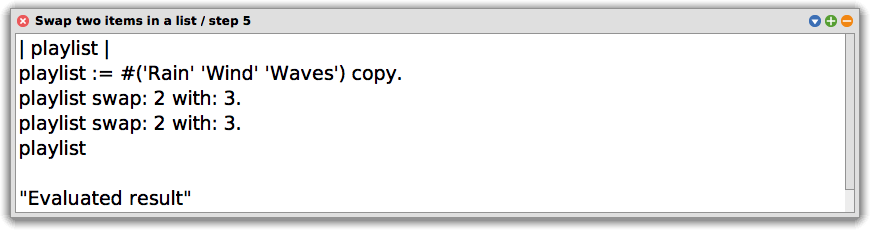
Try changing only the second swap to 1 with: 3. Predict the new order.
YOU DID IT
A small step. A real result.
swap:with: exchanges two positions in the same list. To keep the original order, swap in a copy.
Optional code download: open it as text and copy one example into Workspace.