ABSOLUTE BEGINNER
Your first variable
Give a number a name, use it, and change its value.
STEP 1
Open a Workspace
In Squeak 6.1, click an empty part of the desktop. Choose open… then workspace.
A Workspace is a small window for trying code. A variable is a name that holds a value. Let's call ours score.
STEP 2
Give a number a name
Paste all three lines below. Drag across the WHOLE block to select it. Right-click the selection and choose print it (p). Some setups use middle-click for this menu.
The bars in | score | declare a temporary variable called score. The := puts 7 into it: type a colon followed by an equals sign. The period ends that instruction; the last line reads score.
| score |
score := 7.
score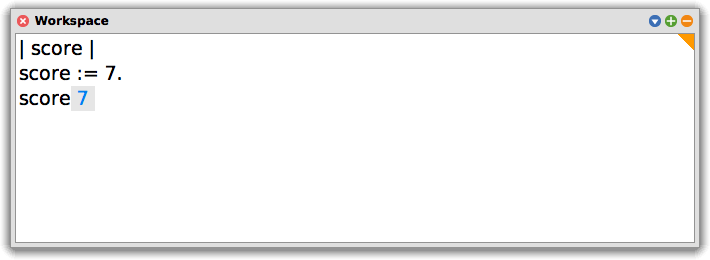
STEP 3
Use the value
Replace ALL the Workspace text, including the old answer, with this block. Select the whole block and choose print it (p).
score * 2 multiplies its value by 2. The answer is 14. The temporary name lasts only while its block runs, so every example declares it again.
| score |
score := 7.
score * 2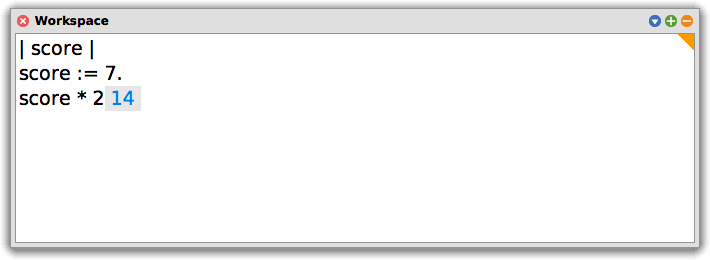
STEP 4
Change the value
Replace ALL the Workspace text, including the old answer, with this block. Select the whole block and choose print it (p).
score := score + 1 reads 7, adds 1, and puts 8 back into score. The last line shows the new value.
| score |
score := 7.
score := score + 1.
score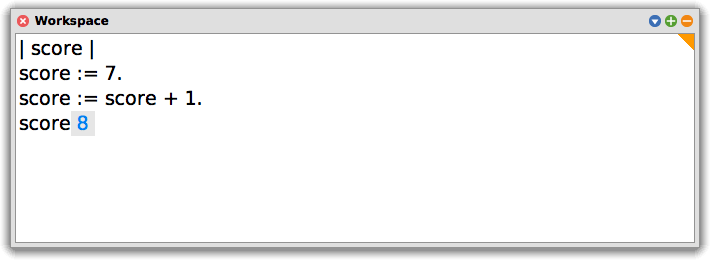
STEP 5
Choose your starting number
Replace ALL the Workspace text, including the old answer, with this block. Select the whole block and choose print it (p).
This time score starts at 20. Adding 1 changes it to 21. Try a different starting number and run the whole block again, without the old printed answer.
| score |
score := 20.
score := score + 1.
score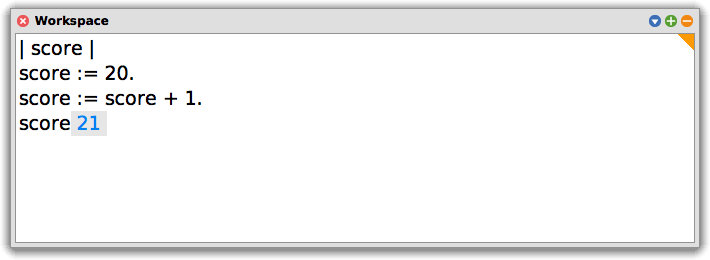
YOU DID IT
A name for a changing value.
Declare a temporary name between bars, give it a value with :=, then use that name in your code.
Each block works on its own. Keep replacing the old code and answer, then selecting the whole new block before Print it.
Optional code download: open it as text and copy one example into Workspace.