LANGUAGE FOUNDATIONS
Smalltalk,
inside Squeak.
A few simple rules. A whole world of objects.
Learn to read and write Smalltalk by evaluating small expressions in Squeak. Every complete code block below is independent and was tested in Squeak 6.1. Finish by building a small study-session summary.
YOUR EXPERIMENT BENCH
Do it. Print it. Inspect it.
- Open Squeak, then choose Tools → Workspace.
- Paste one complete example and select its code, including any temporary-variable declarations.
- Use print it from the text pane’s context menu to evaluate it and insert its answer. Common shortcuts are Ctrl+P on Windows/Linux and Cmd+P on macOS; key mappings can vary.
Do it evaluates code without inserting the answer. Print it evaluates and inserts a textual representation. Inspect it opens an inspector on the result so you can explore the object. None of these automatically writes to Transcript.
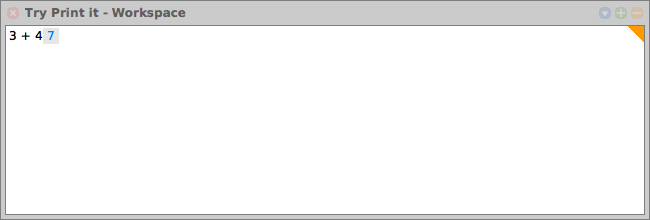
Use the code block, not the displayed Result text, as your input. After Print it, avoid selecting the newly inserted answer together with the original code. The screenshots with “Evaluated result” labels were arranged after running the exact snippet so the input and answer are easy to compare.
LANGUAGE IN PRACTICE
Everything starts with a message
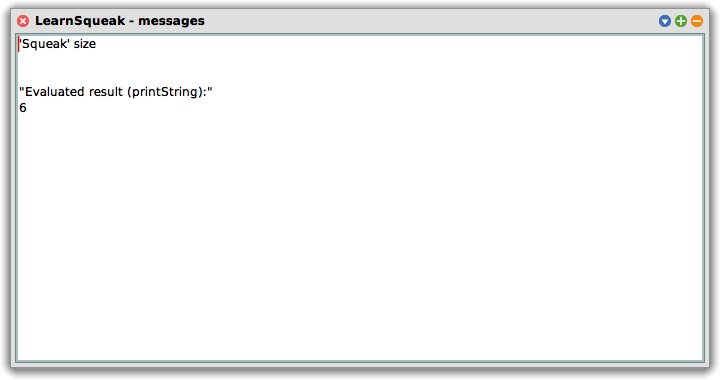
In 'Squeak' size, the string is the receiver, and size is a unary message: it takes no argument. The receiver answers with the number of characters. You don’t call a free-standing size function; you ask an object.
'Squeak' size
6See the real Squeak screenshot
LANGUAGE IN PRACTICE
Numbers, strings, and booleans are objects
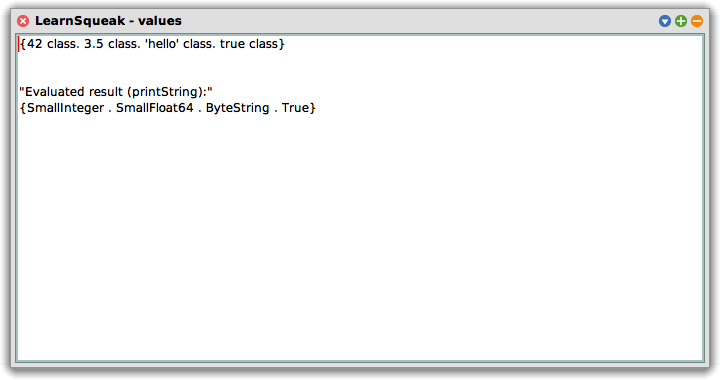
The unary message class asks an object which class it belongs to. Braces build a dynamic Array from evaluated expressions, separated by periods. The class names below are the actual representation classes in our 64-bit Squeak image; another image can choose different numeric or string representations.
{42 class. 3.5 class. 'hello' class. true class}
{SmallInteger . SmallFloat64 . ByteString . True}See the real Squeak screenshot
LANGUAGE IN PRACTICE
Arithmetic is message sending too
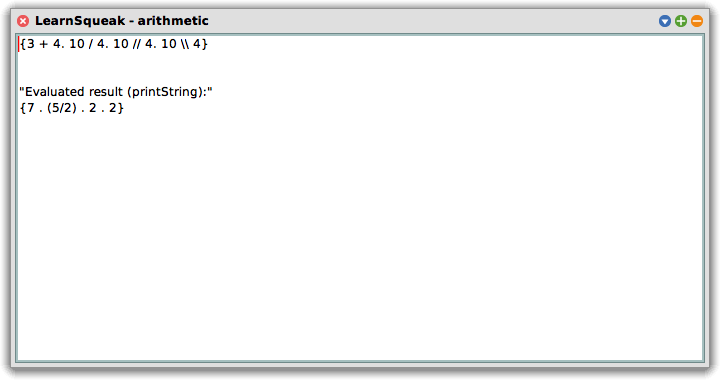
Operators such as + and / are binary messages with one argument. Squeak can preserve exact fractions: ten divided by four answers 5/2. Here // gives the floor quotient and \\ the modulo remainder.
{3 + 4. 10 / 4. 10 // 4. 10 \\ 4}
{7 . (5/2) . 2 . 2}See the real Squeak screenshot
LANGUAGE IN PRACTICE
Combine strings
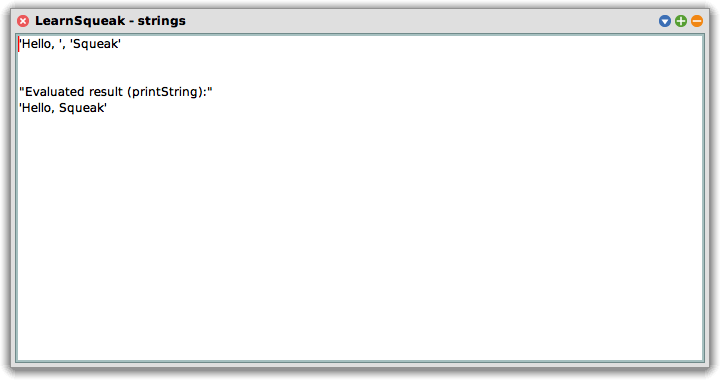
Single quotes delimit a string. The comma is a binary message that concatenates collections such as strings. Double quotes delimit comments, not strings. To put an apostrophe inside a string, write it twice.
'Hello, ', 'Squeak'
'Hello, Squeak'See the real Squeak screenshot
LANGUAGE IN PRACTICE
Give intermediate results a name
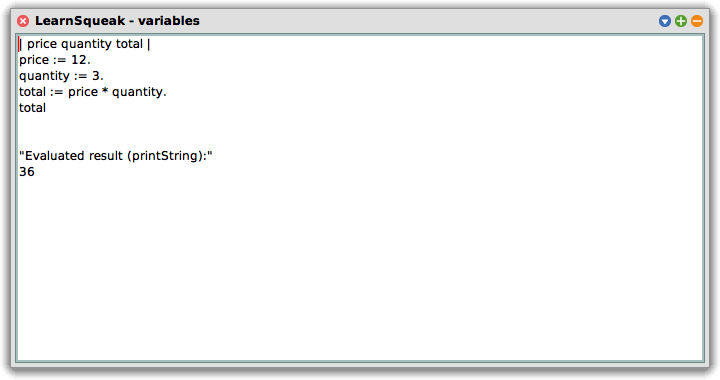
Declare temporary variables between vertical bars. := assigns a value; = compares values. A period separates expressions. The final expression is the result of this Workspace evaluation. These declared temporaries exist only for this evaluation, so every example includes what it needs.
| price quantity total |
price := 12.
quantity := 3.
total := price * quantity.
total
36See the real Squeak screenshot
LANGUAGE IN PRACTICE
Read messages in the right order
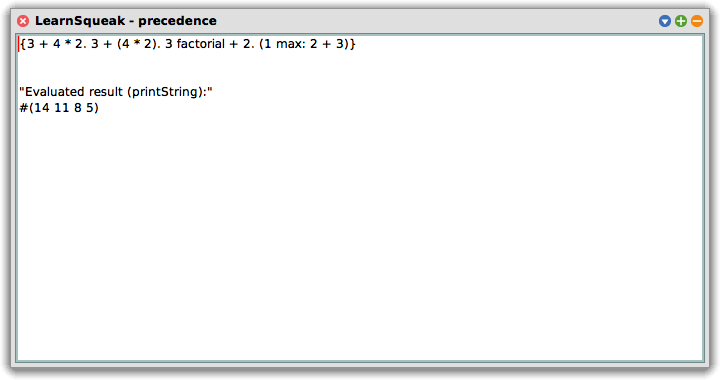
Smalltalk evaluates unary messages first, binary messages next, keyword messages last. Binary messages share one precedence and run left to right. That means 3 + 4 * 2 is 14, not 11. Parentheses override the order. The unary message factorial runs before +; the argument to max: includes the binary sum.
{3 + 4 * 2. 3 + (4 * 2). 3 factorial + 2. (1 max: 2 + 3)}
#(14 11 8 5)See the real Squeak screenshot
LANGUAGE IN PRACTICE
Package work in a block
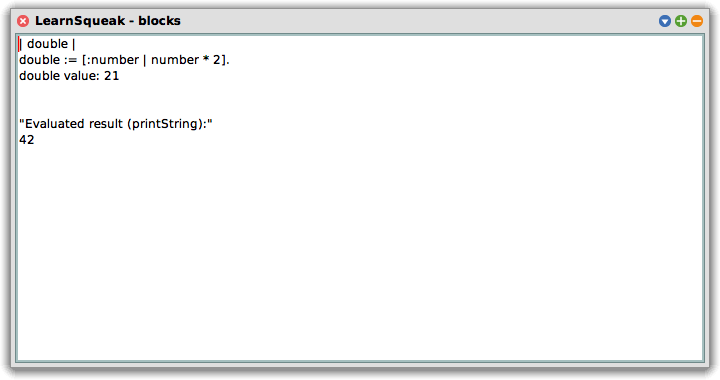
Square brackets create a block, a piece of work you can evaluate later. :number is its argument, and the vertical bar separates arguments from the body. The keyword message value: supplies an argument and runs the block. An argument-free block receives value.
| double |
double := [:number | number * 2].
double value: 21
42See the real Squeak screenshot
LANGUAGE IN PRACTICE
Ask a boolean to choose
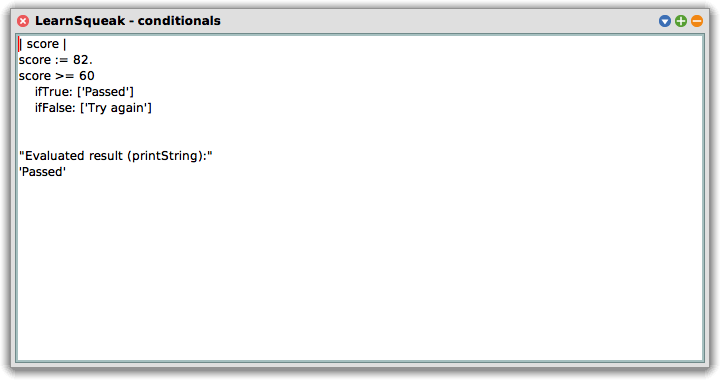
The comparison answers a boolean. ifTrue:ifFalse: is one keyword message with two block arguments. Only the selected block is evaluated. Conditionals are messages to objects rather than special statement syntax.
| score |
score := 82.
score >= 60
    ifTrue: ['Passed']
    ifFalse: ['Try again']
'Passed'See the real Squeak screenshot
LANGUAGE IN PRACTICE
Repeat with a message
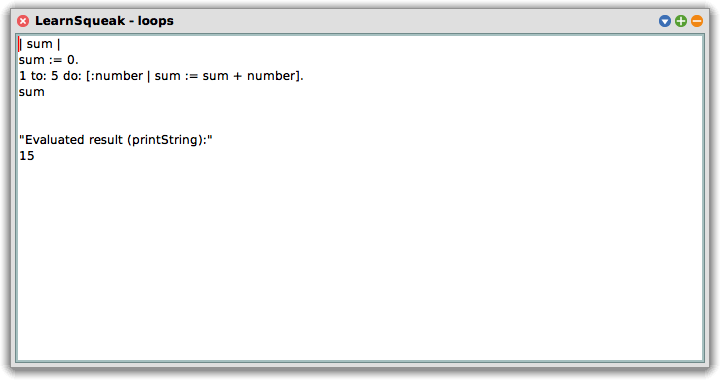
to:do: sends one keyword message with an end value and a block. The block receives each number from 1 through 5, including both ends. It updates the temporary sum, then the final expression answers 15.
| sum |
sum := 0.
1 to: 5 do: [:number | sum := sum + number].
sum
15See the real Squeak screenshot
LANGUAGE IN PRACTICE
Transform, filter, and reduce
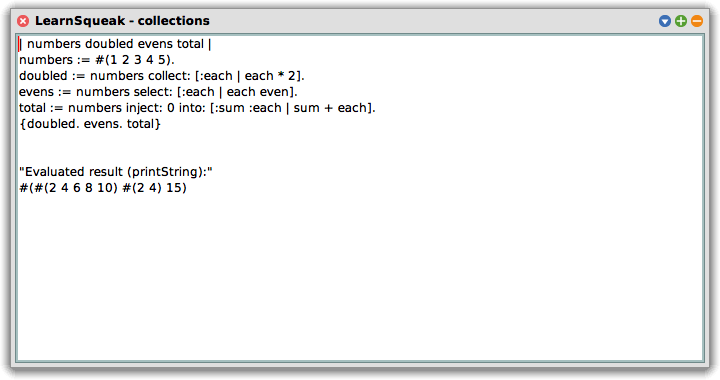
#(1 2 3 4 5) is a literal Array. collect: makes a collection of transformed values; select: keeps values whose block answers true; inject:into: combines values starting from an accumulator. Array and string indexing begins at 1. An Array has a fixed size; an OrderedCollection can grow.
| numbers doubled evens total |
numbers := #(1 2 3 4 5).
doubled := numbers collect: [:each | each * 2].
evens := numbers select: [:each | each even].
total := numbers inject: 0 into: [:sum :each | sum + each].
{doubled. evens. total}
#(#(2 4 6 8 10) #(2 4) 15)See the real Squeak screenshot
LANGUAGE IN PRACTICE
One receiver, several messages
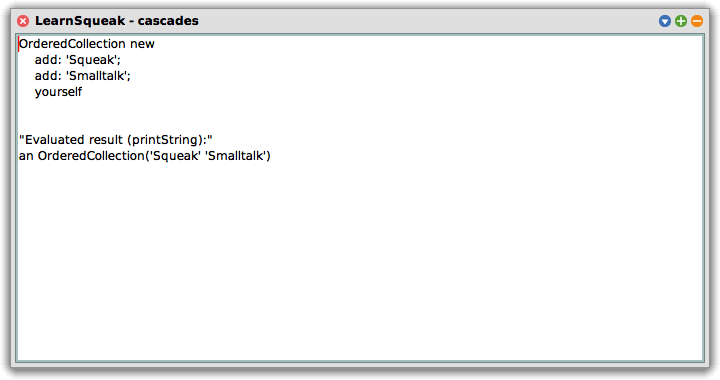
A semicolon makes a cascade: add both strings to the same new collection. The final yourself answers that collection; without it, the last add: answers the added string. A period instead ends an expression. In a sequence you would first assign the collection to a variable, then send each message using that variable again. Ordinary message chaining uses each previous answer as the next receiver.
OrderedCollection new
    add: 'Squeak';
    add: 'Smalltalk';
    yourself
an OrderedCollection('Squeak' 'Smalltalk')See the real Squeak screenshot
LANGUAGE IN PRACTICE
Build a study-session summary
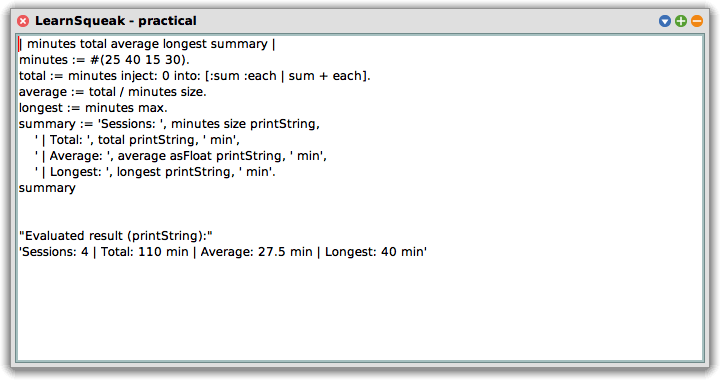
Put the ideas together. Store four session lengths, total them with a block, compute the average, find the longest, and assemble a readable string. printString converts each number to text. The parentheses are unnecessary around minutes size because unary messages run before division. Here asFloat gives an easy-to-read decimal average.
| minutes total average longest summary |
minutes := #(25 40 15 30).
total := minutes inject: 0 into: [:sum :each | sum + each].
average := total / minutes size.
longest := minutes max.
summary := 'Sessions: ', minutes size printString,
    ' | Total: ', total printString, ' min',
    ' | Average: ', average asFloat printString, ' min',
    ' | Longest: ', longest printString, ' min'.
summary
'Sessions: 4 | Total: 110 min | Average: 27.5 min | Longest: 40 min'See the real Squeak screenshot
A FEW RULES WORTH KEEPING
Avoid the usual surprises
- Periods separate expressions. They are not decimal points unless inside a number, and they are not interchangeable with semicolons.
- Use := for assignment. Use = for value equality; == asks whether two references identify the same object.
- Case matters. Keep class names, variable names, and message spelling exactly as shown.
- Quotes do different jobs. Single quotes make strings; double quotes make comments.
- Binary messages run left to right. Add parentheses when you want conventional arithmetic grouping.
- Blocks need evaluation. A block by itself is an object containing deferred work, not its eventual result.
- A message-not-understood error has a receiver. Inspect what object received the message; it may be an intermediate answer you did not expect.
Use the Browser to inspect the implementation of messages such as size, collect:, and ifTrue:ifFalse:. Squeak lets you learn from the system you are running.
Read further
Older references can differ in terminology and interface details. All 12 main snippets and their results were verified in the Squeak image used for these screenshots. The page does not execute Smalltalk in your browser.
Put it into practice.
Try an exercise before revealing its hints and tested solution.