The separate playground loads the real Smalltalk image on demand. This lesson keeps its native setup instructions; browser compatibility notes appear beside each demo.
Before you start
Give text and drawing a shared, failure-safe command history with groups, branches and savepoints.
Save a copy of your Squeak image. Each checkpoint is a complete cumulative .st file that can be loaded into a fresh Squeak 6.1 image.
Put the downloaded .st file beside your image. Open the File List, select it and choose fileIn. Close the previous checkpoint window before loading a later checkpoint.
After filing in a checkpoint, evaluate its exact Workspace block with Do it (Ctrl+D / Cmd+D). Method excerpts belong in the named class in the System Browser; they are already installed.
For final verification, file in LearningUndo.st, then LearningUndoTests.st. Evaluate TestRunner openForSuite: LUUndoTest suite. Tests create only UUID-named practice files beneath the image directory.
A command names one user intention and stores detached before/after snapshots. LUBoard owns the caption and stroke collection; LUCommand knows how to restore either state. This small example snapshots a bounded document because that makes rollback easy to audit. Larger editors commonly use smaller inverse operations, but those must retain every piece of information needed to undo.
Where to run this
System Browser, LUCommand, instance side. This method is installed by checkpoint 01. Read it here or accept it in that class; do not paste the definition into a Workspace.
Construction code · follow the run instructions above
executeOn: aModel
 aModel snapshot = before ifFalse: [self error: 'Stale command'].
 aModel restore: after
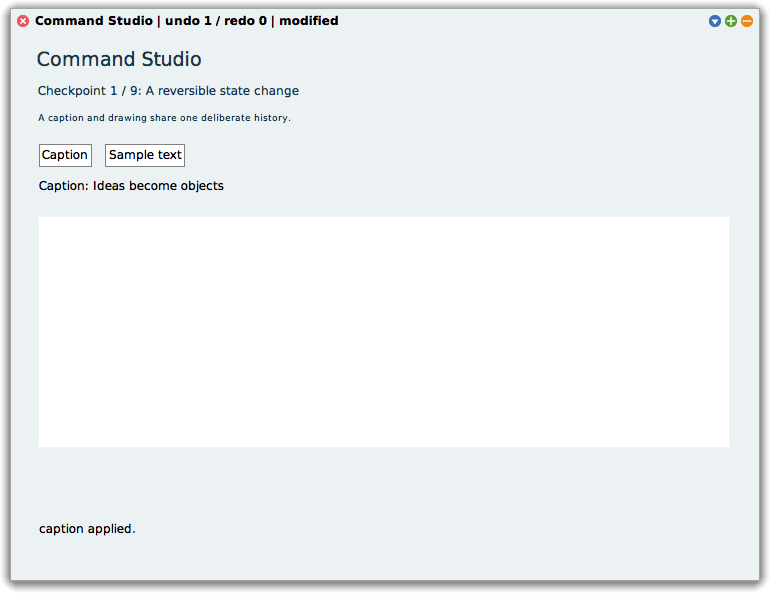
After filing in this checkpoint, evaluate the complete block in a Workspace with Do it. It returns the native app.
Native Squeak 6.1 checkpoint 01; generated by executing the exact Workspace block shown here.
02 · Move a command onto the undo stack
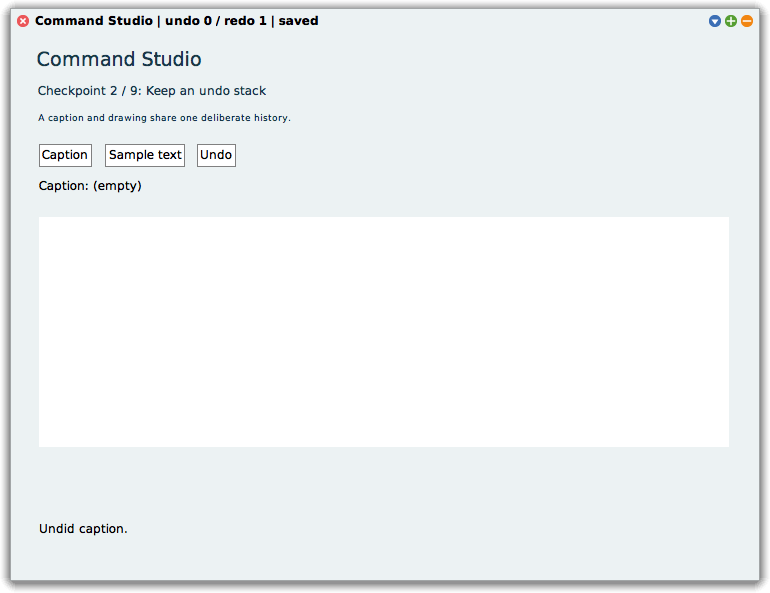
The most recent successful command sits at the end of undoStack. Undo first asks that command to restore its previous state. Only after success does the history move the entry to redoStack and restore the previous revision identity. Empty stacks are normal and return false, with a useful status message.
Where to run this
System Browser, LUHistory, instance side. This method is installed by checkpoint 02. Read it here or accept it in that class; do not paste the definition into a Workspace.
Construction code · follow the run instructions above
undo
 | entry original |
 undoStack isEmpty ifTrue: [status := 'Nothing to undo.'. ^ false].
 entry := undoStack last. original := model snapshot.
 [entry first undoOn: model] on: Error do: [:error |
  model restore: original. status := 'Undo failed; state and stacks restored.'. ^ false].
 undoStack removeLast. redoStack addLast: entry. currentId := entry second.
 status := 'Undid ', entry first label, '.'. ^ true
After filing in this checkpoint, evaluate the complete block in a Workspace with Do it. It returns the native app.
Native Squeak 6.1 checkpoint 02; generated by executing the exact Workspace block shown here.
03 · Replay through a redo stack
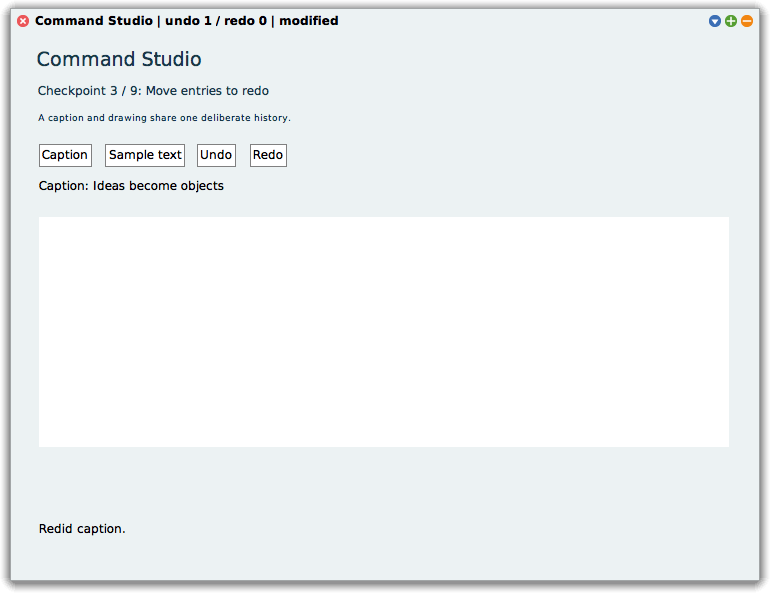
Redo executes the stored command again, then moves that entry back to undoStack. It does not create a new command or recapture the before state. Revision identities travel with the entry, so undoing and redoing can return to an exact savepoint. Both toolbar buttons use the same history object.
Where to run this
System Browser, LUHistory, instance side. This method is installed by checkpoint 03. Read it here or accept it in that class; do not paste the definition into a Workspace.
Construction code · follow the run instructions above
redo
 | entry original |
 redoStack isEmpty ifTrue: [status := 'Nothing to redo.'. ^ false].
 entry := redoStack last. original := model snapshot.
 [entry first executeOn: model] on: Error do: [:error |
  model restore: original. status := 'Redo failed; state and stacks restored.'. ^ false].
 redoStack removeLast. undoStack addLast: entry. currentId := entry third.
 status := 'Redid ', entry first label, '.'. ^ true
After filing in this checkpoint, evaluate the complete block in a Workspace with Do it. It returns the native app.
Native Squeak 6.1 checkpoint 03; generated by executing the exact Workspace block shown here.
04 · Create a new branch after Undo
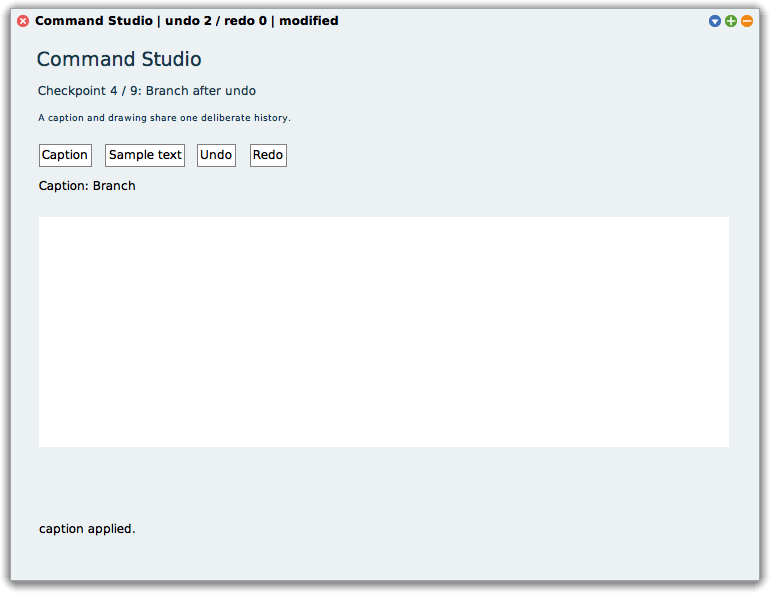
After undoing Two back to One, a new edit named Branch produces a different future. Keeping the old redo entry would later replace the user’s new work. The execute: commit clears redo only after the new command succeeds. A rejected edit or a no-op preserves redo, which is both safer and more useful.
Where to run this
System Browser, LUHistory, instance side. This method is installed by checkpoint 04. Read it here or accept it in that class; do not paste the definition into a Workspace.
Construction code · follow the run instructions above
execute: command
 | original entry |
 original := model snapshot.
 [command executeOn: model] on: Error do: [:error |
  model restore: original. status := 'Command failed; state and stacks restored.'. ^ false].
 model snapshot = original ifTrue: [status := 'No change; no history entry.'. ^ false].
 serial := serial + 1. entry := {command. currentId. serial}.
 undoStack addLast: entry. undoStack size > 50 ifTrue: [undoStack removeFirst]. redoStack removeAll. currentId := serial.
 status := command label, ' applied.'.
 ^ true
After filing in this checkpoint, evaluate the complete block in a Workspace with Do it. It returns the native app.
Native Squeak 6.1 checkpoint 04; generated by executing the exact Workspace block shown here.
05 · Make a group one atomic command
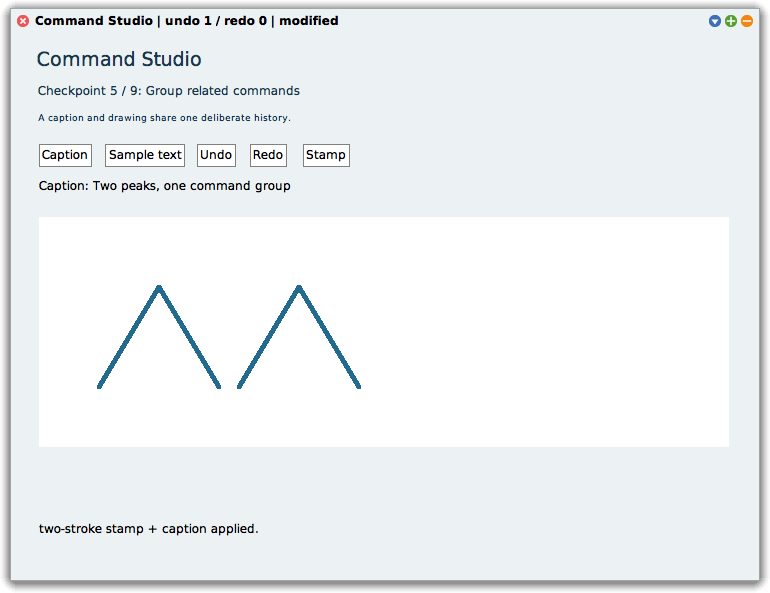
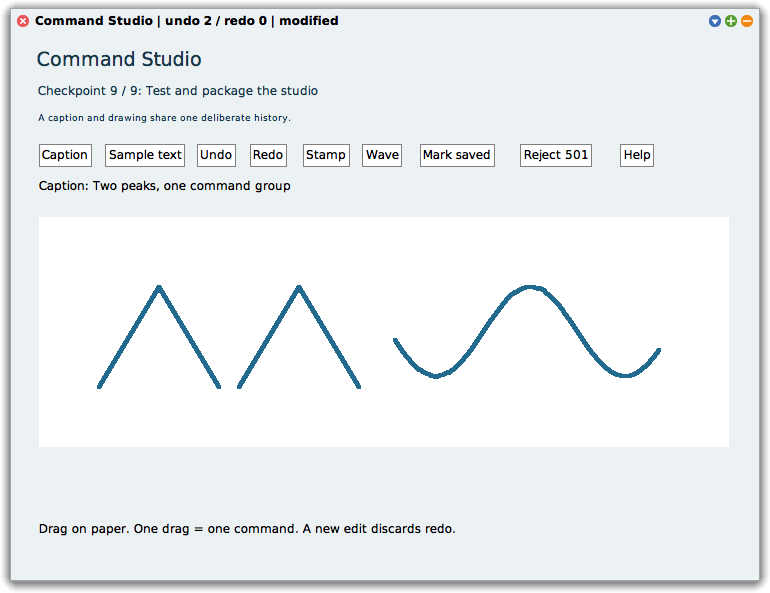
The Stamp action draws two peaks and changes the caption. performGroup:changes: first prepares every subcommand against a detached working model. The group executes in forward order and undoes in reverse order. The outer history snapshot restores the entire document if any member fails during execution or undo.
Where to run this
System Browser, LUHistory, instance side. This method is installed by checkpoint 05. Read it here or accept it in that class; do not paste the definition into a Workspace.
Construction code · follow the run instructions above
performGroup: aLabel changes: blocks
 | draft commands previous |
 draft := model class new. draft restore: model snapshot. commands := OrderedCollection new.
 [blocks do: [:block |
  previous := draft snapshot. block value: draft.
  commands addLast: (LUCommand new label: aLabel before: previous after: draft snapshot)]]
 on: Error do: [:error | status := 'Group preparation failed; no change.'. ^ false].
 draft snapshot = model snapshot ifTrue: [^ false].
 ^ self execute: (LUCommandGroup new label: aLabel commands: commands)
After filing in this checkpoint, evaluate the complete block in a Workspace with Do it. It returns the native app.
Workspace · run after installing this checkpoint
| app |
app := LUUndoApp open.
app stamp.
app
The blocks edit a detached draft before anything visible changes
Each child remembers the state produced by its predecessor
A command group implements the same executeOn:/undoOn: protocol as a simple command
Click Undo once: both peaks and the caption disappear together. One Redo restores all three changes.
Expected result
Two peaks and their caption appear as one undo entry
Native Squeak 6.1 checkpoint 05; generated by executing the exact Workspace block shown here.
06 · Treat a pen drag as one command
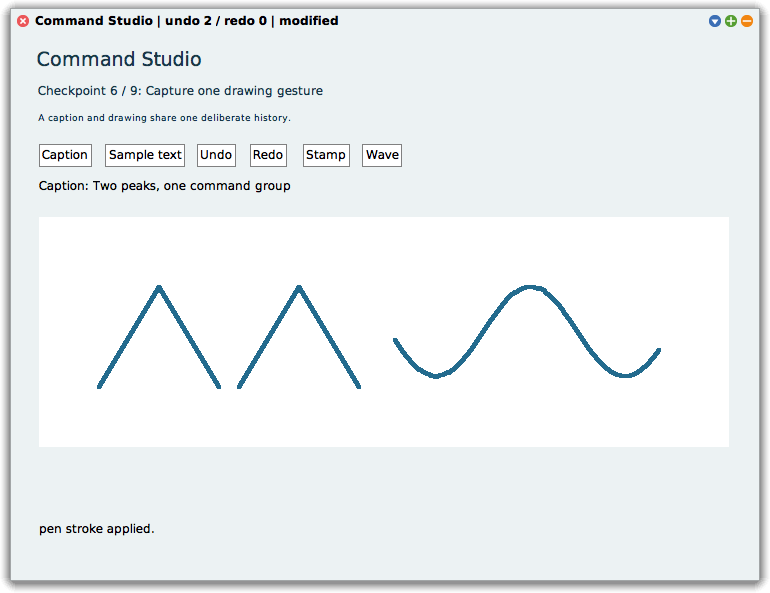
The canvas collects local points during mouseDown: and mouseMove:. It displays a temporary stroke as feedback. mouseUp: commits that collection as one command, then clears the temporary buffer. Pointer coordinates are clamped to the paper, and the native mouse focus route handles releasing outside the canvas.
Where to run this
System Browser, LUCanvas, instance side. This method is installed by checkpoint 06. Read it here or accept it in that class; do not paste the definition into a Workspace.
Construction code · follow the run instructions above
Native Squeak 6.1 checkpoint 06; generated by executing the exact Workspace block shown here.
07 · Remember the saved revision
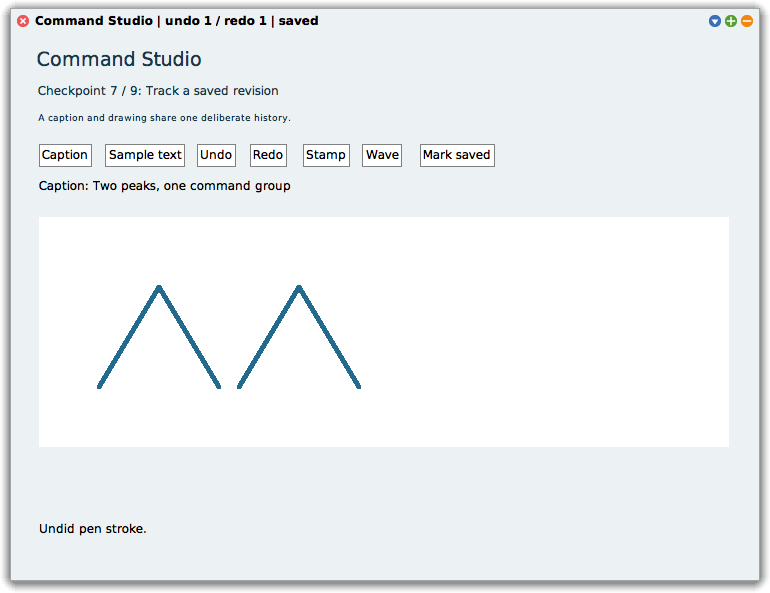
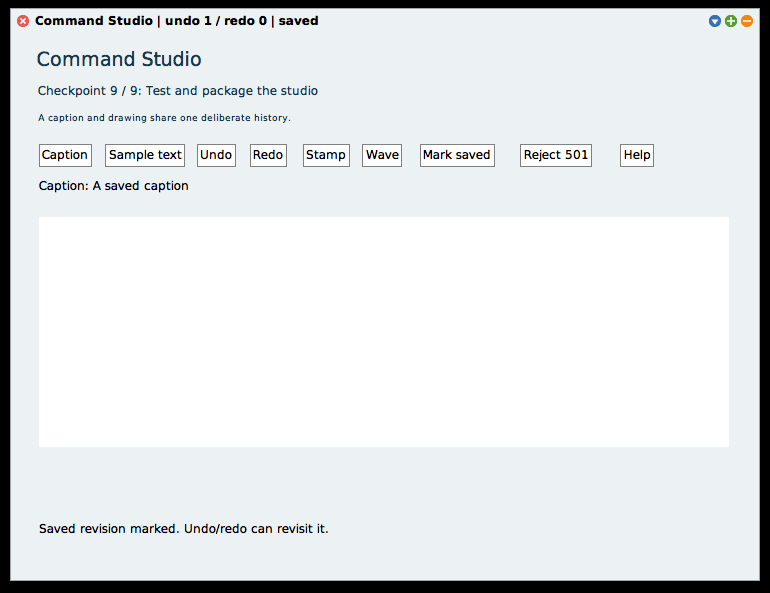
Mark saved records the current revision identity. Undoing away from it is dirty; redoing back to it is clean. A new branch at the same stack depth remains dirty because it has a different identity. This button is a teaching savepoint marker: it does not write a file. In an editor with real persistence, call markSaved only after a successful save.
Where to run this
System Browser, LUHistory, instance side. This method is installed by checkpoint 07. Read it here or accept it in that class; do not paste the definition into a Workspace.
Construction code · follow the run instructions above
markSaved
 savedId := currentId. status := 'Saved revision marked. Undo/redo can revisit it.'
After filing in this checkpoint, evaluate the complete block in a Workspace with Do it. It returns the native app.
Native Squeak 6.1 checkpoint 07; generated by executing the exact Workspace block shown here.
08 · Keep failures consistent
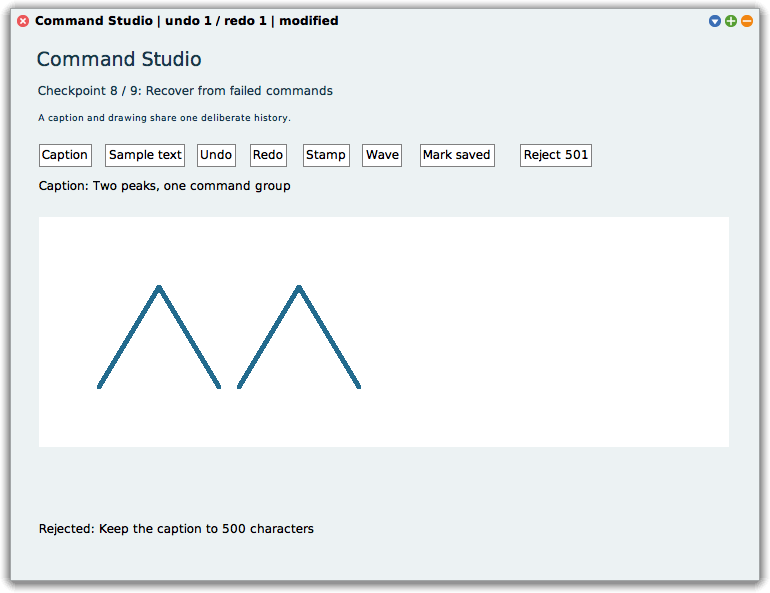
A caption is edited on a detached model. The 501-character probe fails validation, so the live board and redo stack remain intact. The history also wraps arbitrary command execution in a snapshot transaction. Tests inject failures after a command has already changed the model, including undo, redo and grouped operations.
Where to run this
System Browser, LUHistory, instance side. This method is installed by checkpoint 08. Read it here or accept it in that class; do not paste the definition into a Workspace.
Construction code · follow the run instructions above
perform: aLabel change: aBlock
 | draft command |
 draft := model class new. draft restore: model snapshot.
 [aBlock value: draft] on: Error do: [:error | status := 'Rejected: ', error messageText. ^ false].
 draft snapshot = model snapshot ifTrue: [status := 'No change; no history entry.'. ^ false].
 command := LUCommand new label: aLabel before: model snapshot after: draft snapshot.
 ^ self execute: command
After filing in this checkpoint, evaluate the complete block in a Workspace with Do it. It returns the native app.
Preparing a draft catches expected validation errors early
The original snapshot also protects against partially executed commands
Stacks and revision identifiers change only after a successful command
The lab guarantees model/history consistency for ordinary Smalltalk errors. It does not undo external effects such as sending email or writing unrelated files.
Expected result
The rejection message appears while one redo entry remains
Native Squeak 6.1 checkpoint 08; generated by executing the exact Workspace block shown here.
09 · Test the complete command protocol
The final app keeps business changes in LUBoard, reversible intentions in command objects, sequencing in LUHistory, and input/rendering in LUUndoApp plus LUCanvas. Dirty state also includes an in-progress pen stroke. Canceling Close retains that draft; an accepted native close calls windowIsClosing, which discards the pending stroke and releases mouse focus only when this canvas owns it. File the final app into a fresh image, then the test source. The tests cover behavior and failure invariants, including actual button actions and native drag dispatch.
Where to run this
System Browser, LUUndoApp, instance side. This method is installed by checkpoint 09. Read it here or accept it in that class; do not paste the definition into a Workspace.
Construction code · follow the run instructions above
okToClose
 ^ self isDirty not or: [self confirm: 'Close and discard this command practice?']
After filing in this checkpoint, evaluate the complete block in a Workspace with Do it. It returns the native app.
okToClose checks both history and a pending gesture before the native window can close
Detached snapshots prevent references held by callers from altering stored state
The final source defines every application class; the test source is separate
Do not save a giant history in the image as a substitute for an application file format. This snapshot design favors clarity for a bounded teaching document.
Expected result
The complete studio has a caption, three strokes and a helpful status line
The mutation commit is the correct place to discard redo. Validation and no-op changes cannot erase the future.
The exact solutionRun block was evaluated in a fresh Squeak 6.1 image and its assertions passed.
3. Return to a savepoint correctly
Mark the first caption saved, edit and Undo back to it. Then undo farther and create a different branch at the same depth. Verify clean and dirty states.
Show a tested solution
| app |
app := LUUndoApp open.
app setCaption: 'Saved'; markSaved; setCaption: 'Later'; undo.
app history isDirty ifTrue: [self error: 'Savepoint was not recognized'].
app undo; setCaption: 'Different at the same depth'.
app history isDirty ifFalse: [self error: 'Branch confused with savepoint'].
app
Exercise solution
| app |
app := LUUndoApp open.
app setCaption: 'Saved'; markSaved; setCaption: 'Later'; undo.
app history isDirty ifTrue: [self error: 'Savepoint was not recognized'].
app undo; setCaption: 'Different at the same depth'.
app history isDirty ifFalse: [self error: 'Branch confused with savepoint'].
app