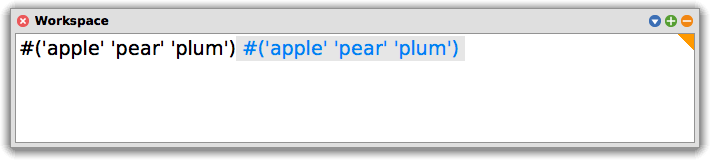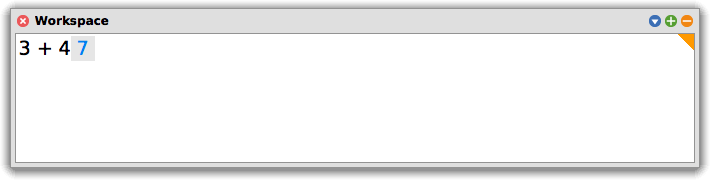
Number the items in a list
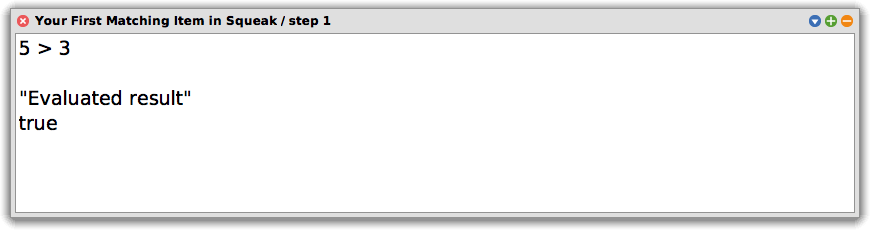
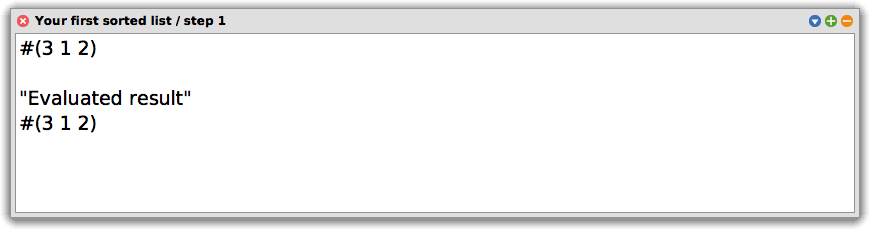
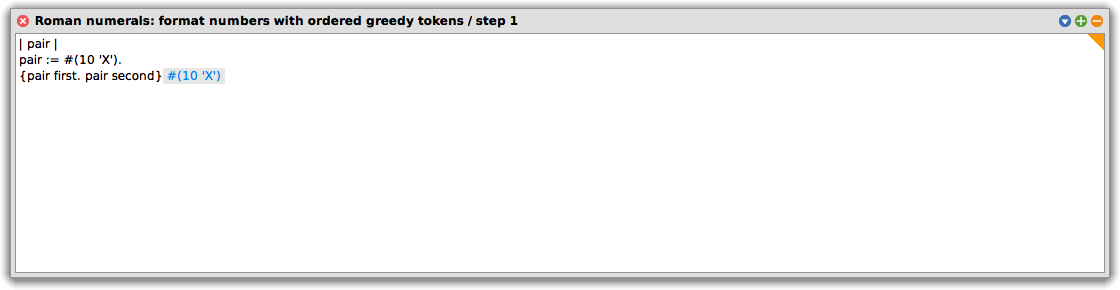
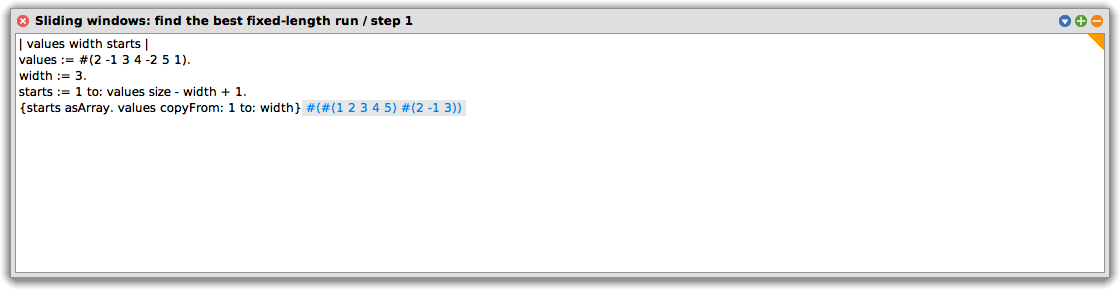
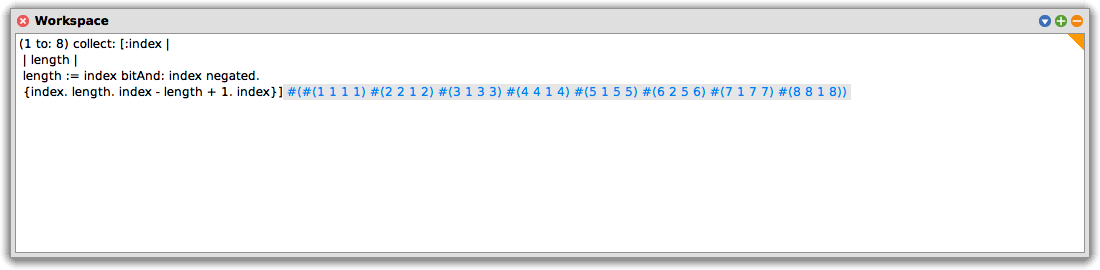
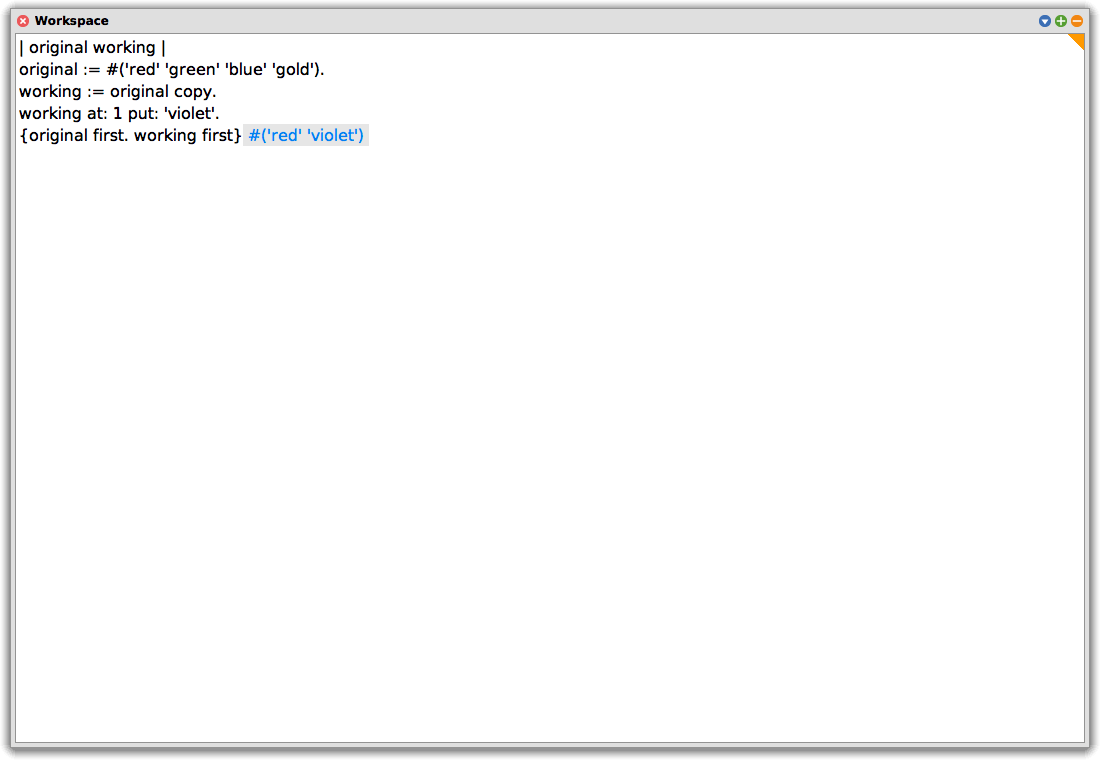
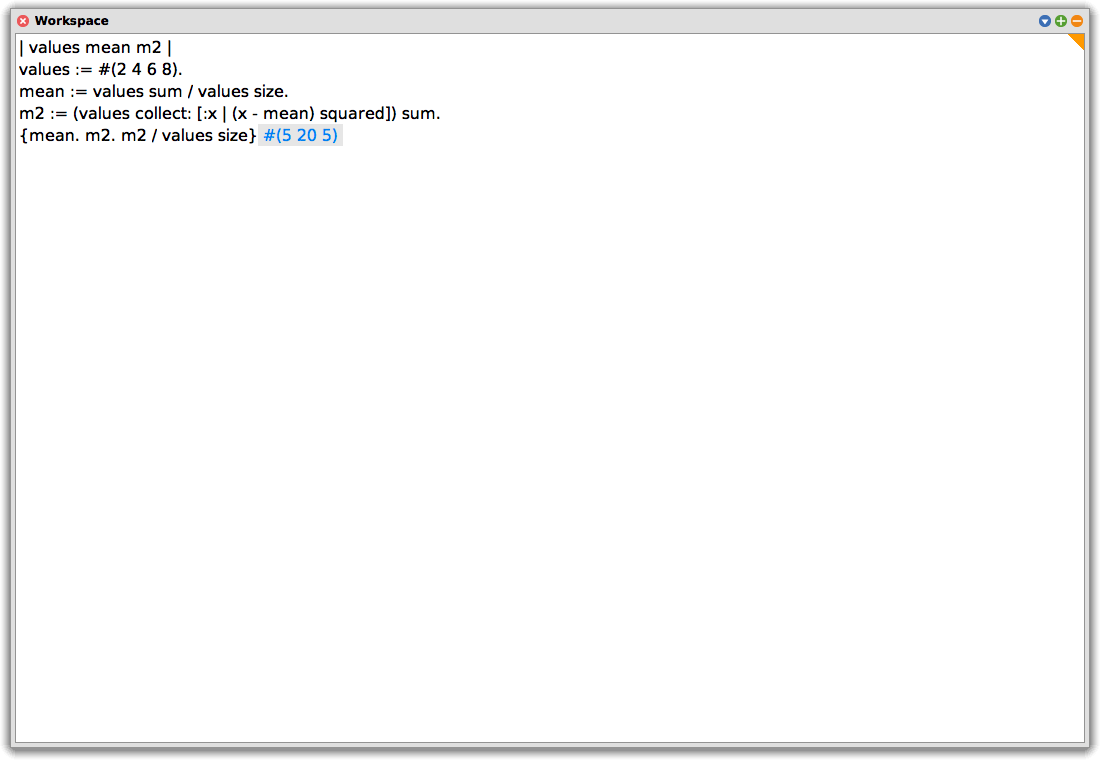
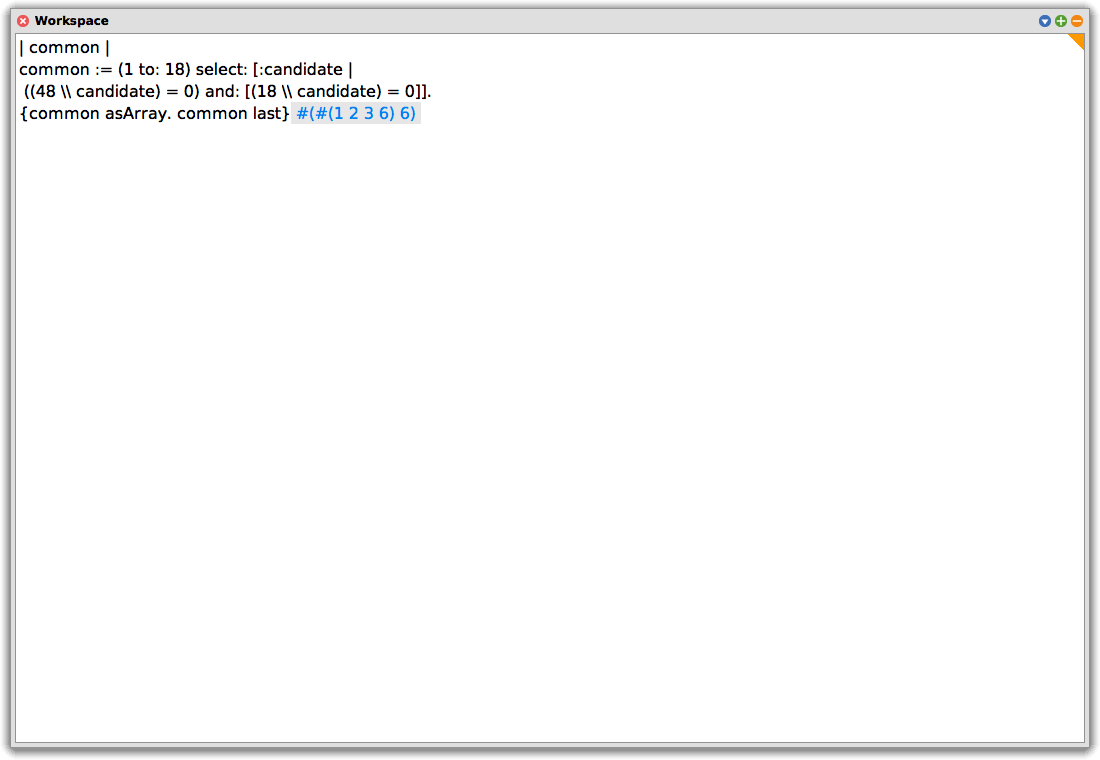
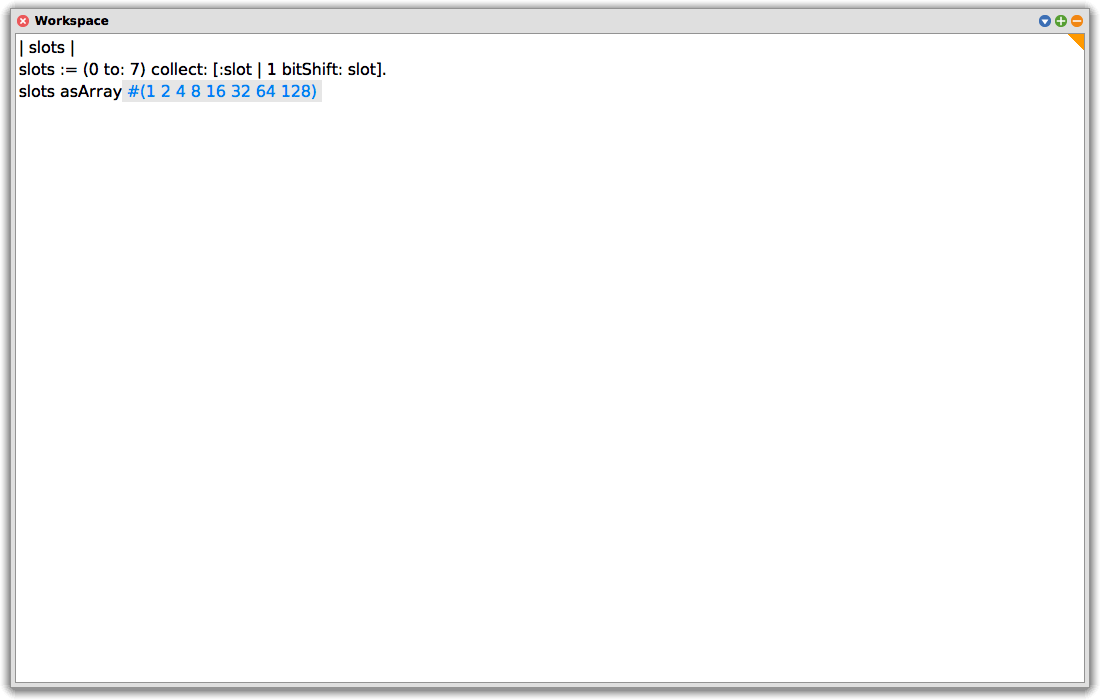
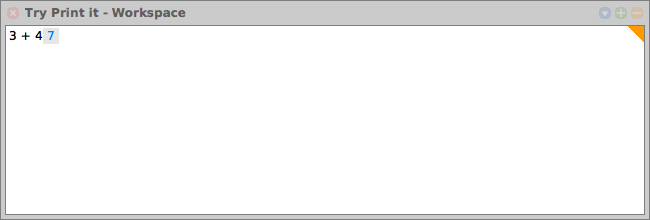
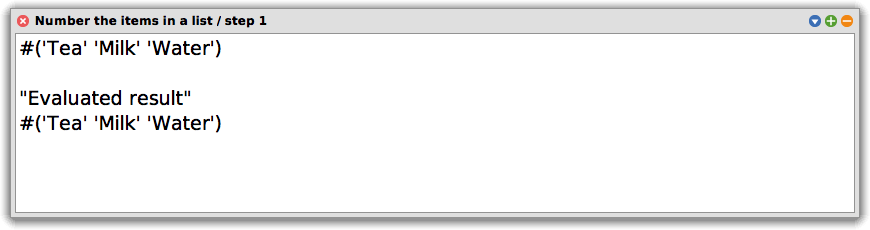
Use withIndexDo: to get an item and its position together. Make a tiny numbered menu in five steps.
Read the articleA SMALLTALK LEARNING WORKSHOP
LearnSqueak helps you learn and work with Squeak and Smalltalk, one useful experiment at a time.
Read a short explanation, run real code, and compare your result with an actual Squeak screenshot. Then change something and see what happens.
Set up Squeak and start learning → Learn Smalltalk syntax · Browse the cookbook
Brand new to coding? Start with short, visual lessons →
FROM THE WIDER SMALLTALK WORLD
What the debugger inserts when you step over
THE LATEST FROM LEARNSQUEAK
Newest additions first.
Choose a project and start exploring.
222 articles
“Added” is the first recorded addition to this site, recovered from its source history, in UTC. It is not a claim about when the underlying idea was invented. Articles are ordered by that timestamp, newest first; identical timestamps use the URL as a stable tie-break. Later navigation or styling changes do not move an older article to the top.
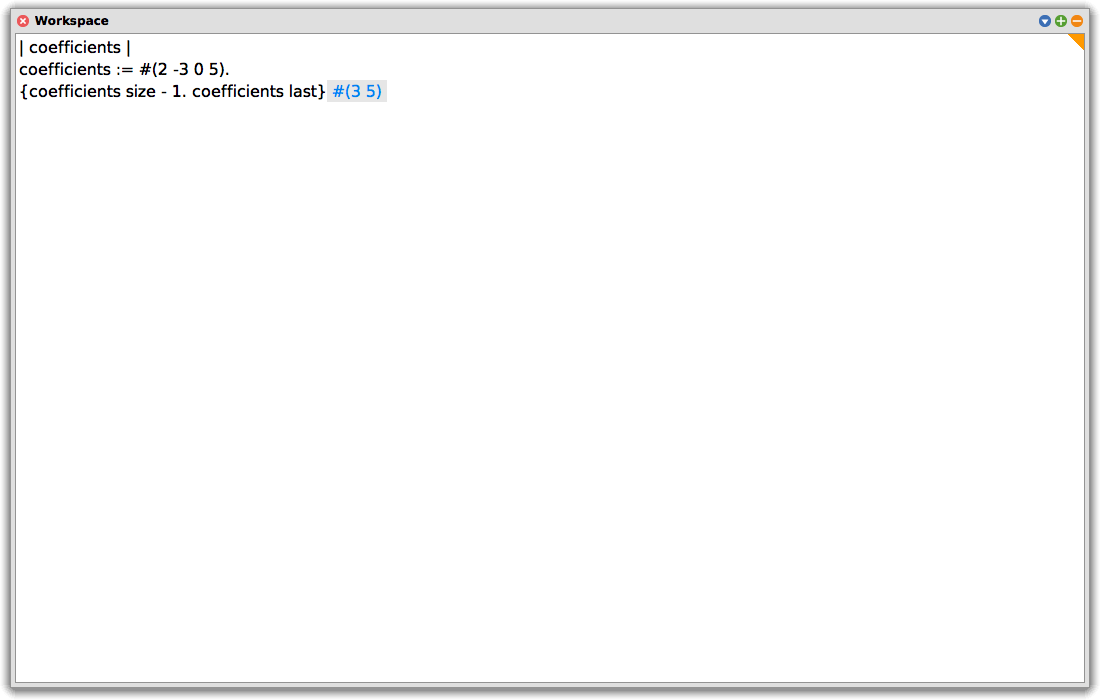
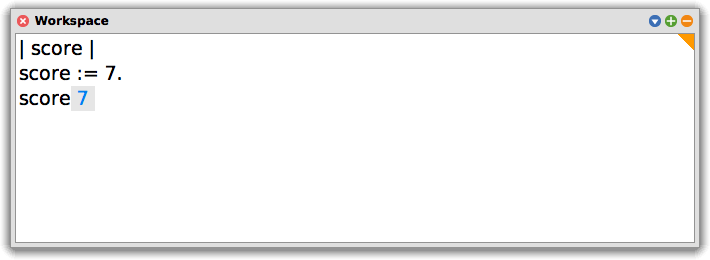
Use withIndexDo: to get an item and its position together. Make a tiny numbered menu in five steps.
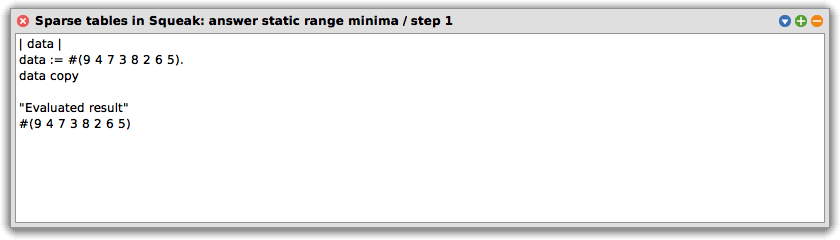
Read the articlePrecompute windows of power-of-two lengths, then answer a range minimum with two overlapping windows.
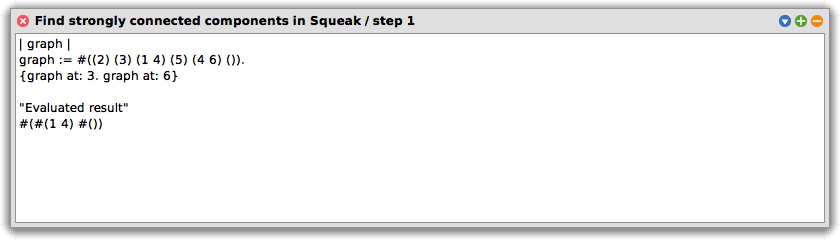
Read the articleUse two depth-first passes to separate a directed graph into groups whose vertices can all reach one another.
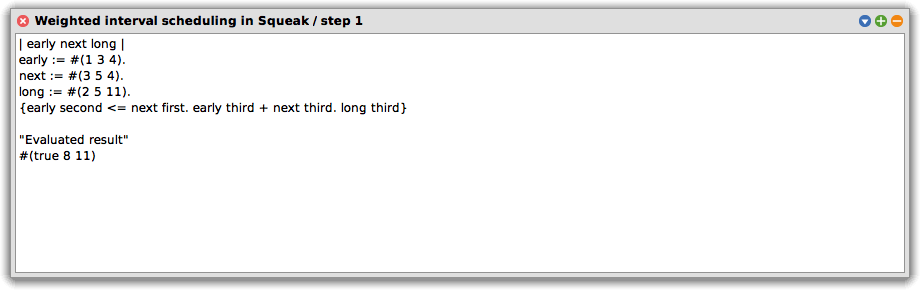
Read the articleChoose the most valuable set of non-overlapping bookings. Build a predecessor table, compute the best score and recover the selected jobs.
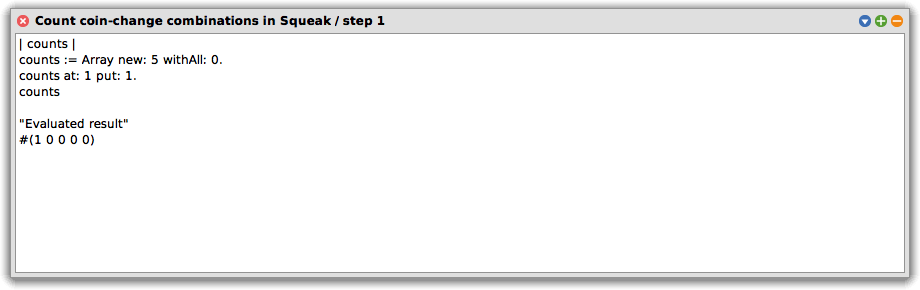
Read the articleBuild an array of reachable totals and count unordered combinations with unlimited coins.
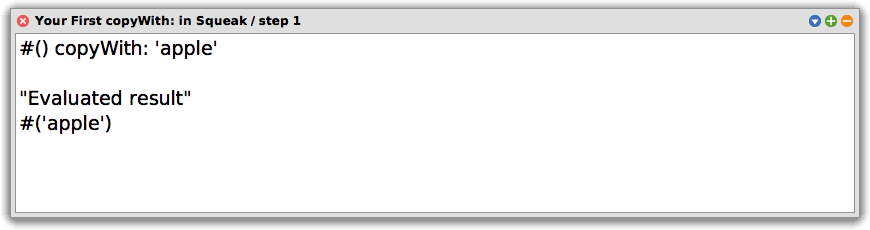
Read the articleMake a new Array with one extra item, without changing the old Array.
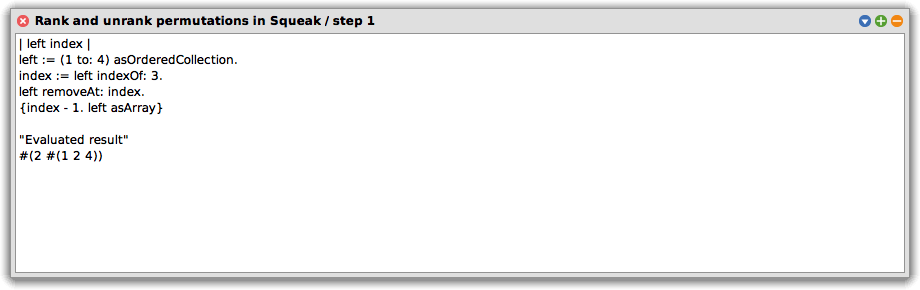
Read the articleFind an ordering’s position without generating all the orderings before it.
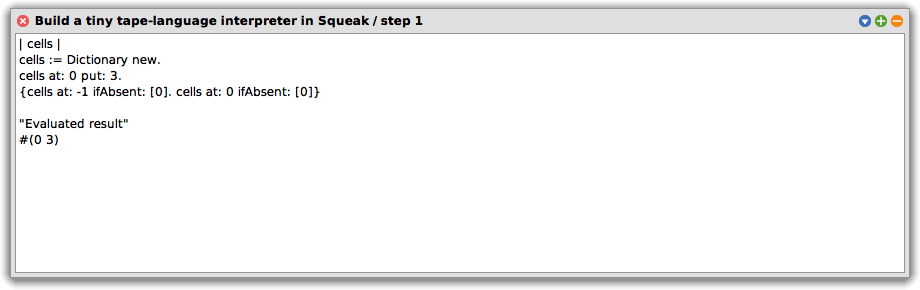
Read the articleMove a head across a tape, match loop brackets, and stop runaway programs with a step budget.
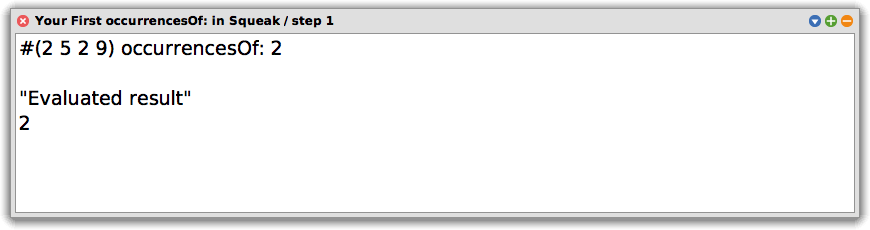
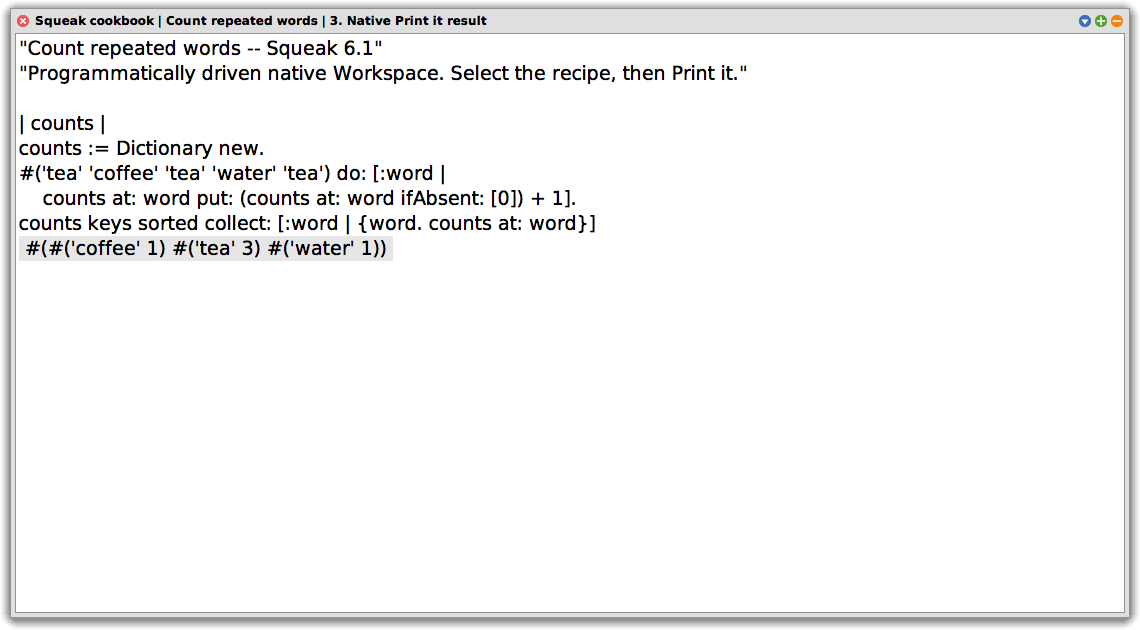
Read the articleCount how many times the same item appears in a list or character string.
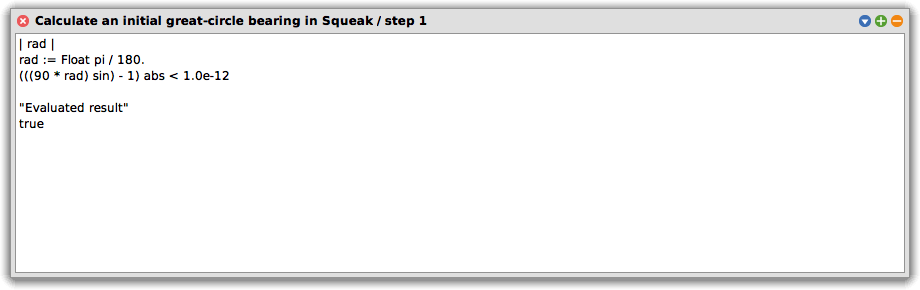
Read the articleFind the direction to leave on a spherical route, measured clockwise from north.
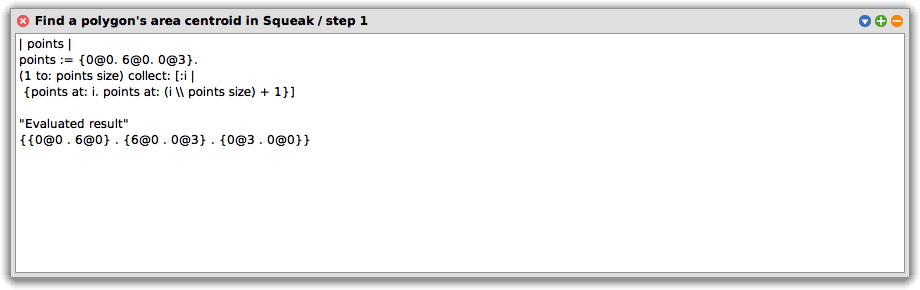
Read the articleUse signed edge contributions to compute the balance point of a filled polygon.
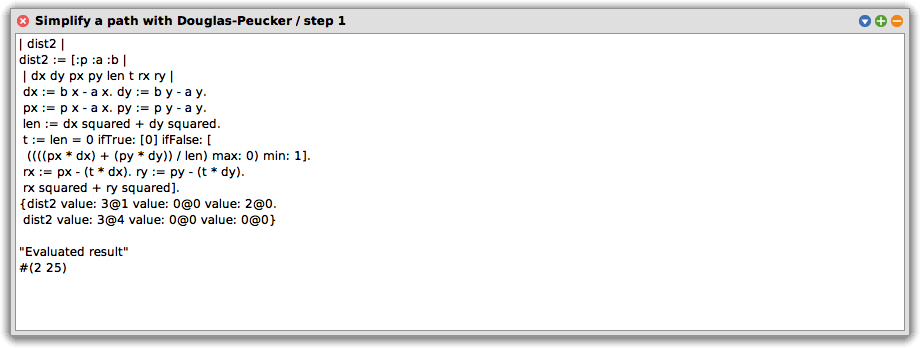
Read the articleKeep the meaningful bends of an open polyline with a distance tolerance.
Read the articleAsk whether at least one item in a list passes a test.
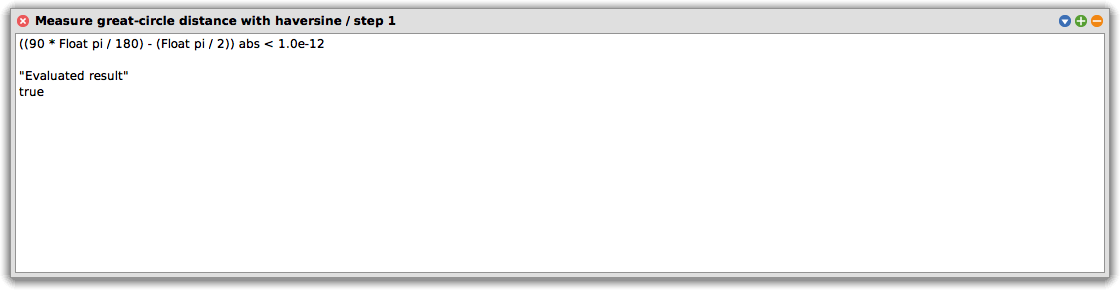
Read the articleCalculate the shortest surface distance on a sphere, including points near the date line.
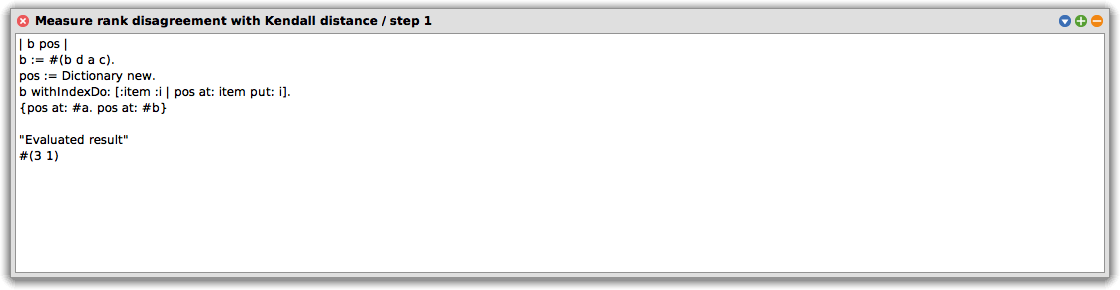
Read the articleCount the pairs of items that change order between two rankings.
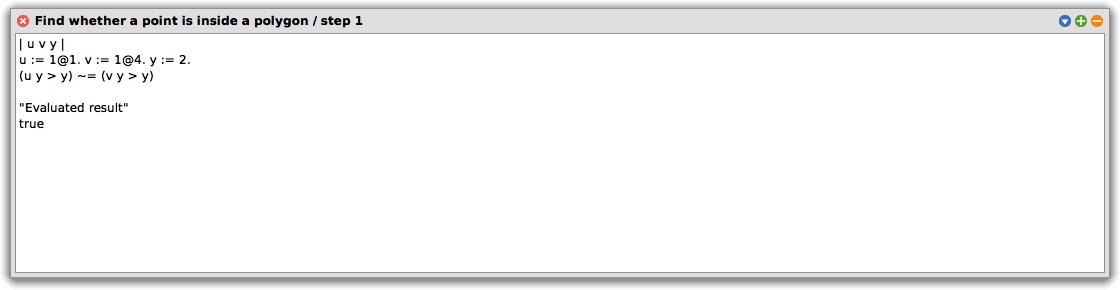
Read the articleCast a ray through a polygon and return inside, outside, or boundary.
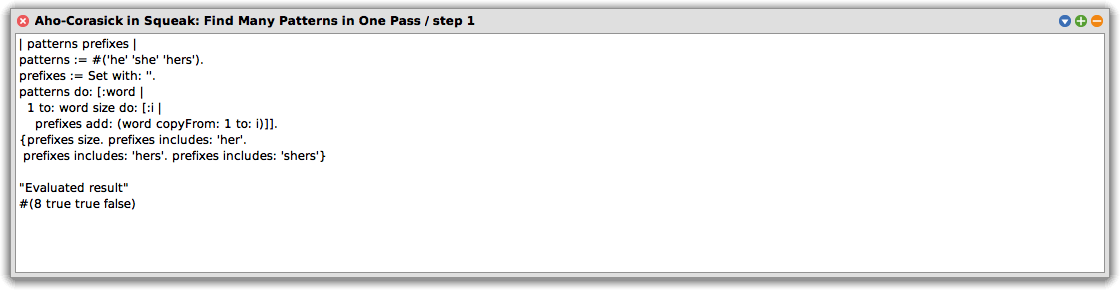
Read the articleFind he, she, and hers without starting the search over for each word. Build a shared prefix tree, teach it where to fall back, and report overlapping matches with one-based positions.
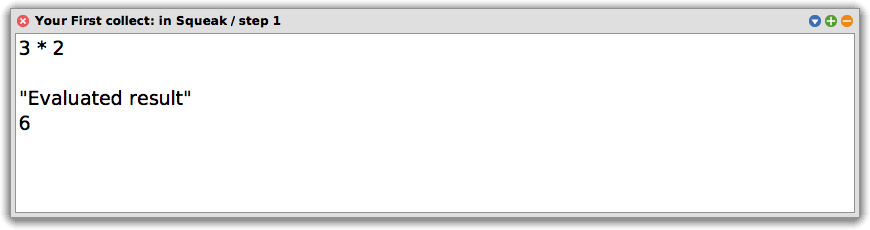
Read the articleUse collect: to turn each item in a list into a new value without changing the original list.
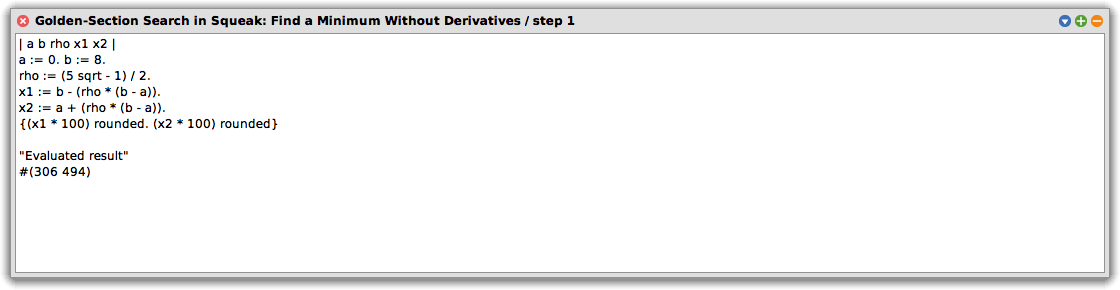
Read the articleNarrow a single-valley search interval with two probes. Reuse an expensive cost evaluation each round, and stop when you know how far your answer can be from the minimum.
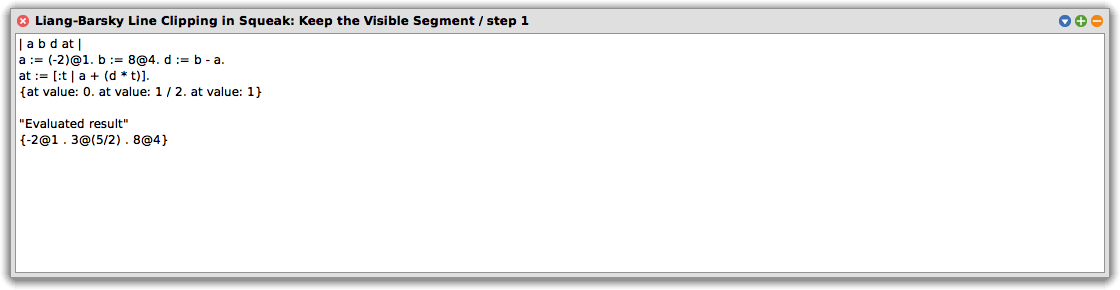
Read the articleClip a segment against a rectangular viewport without walking along pixels. Track the earliest and latest allowed position, then turn those positions into exact Squeak Points.
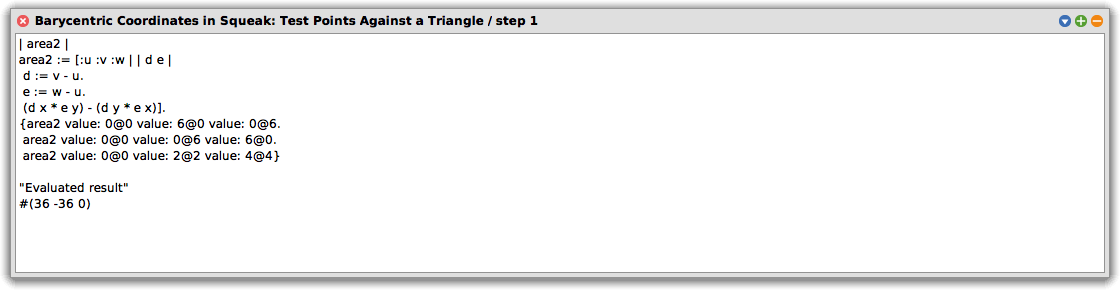
Read the articleTurn three signed areas into exact weights. Rebuild a point from those weights, classify it as inside, on the edge, or outside, and handle triangles that have collapsed into a line.
Read the articleUse count: to find how many items in a list pass a simple test.
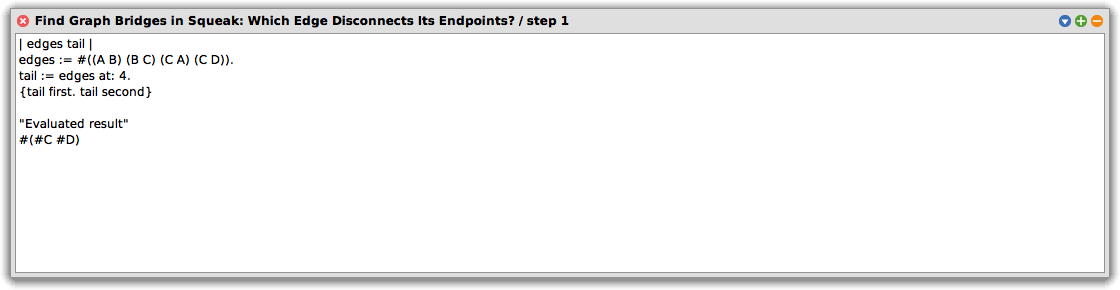
Read the articleBuild a bridge finder for small undirected graphs. Remove each edge in turn and test whether its endpoints can still reach each other, even when the graph starts out disconnected.
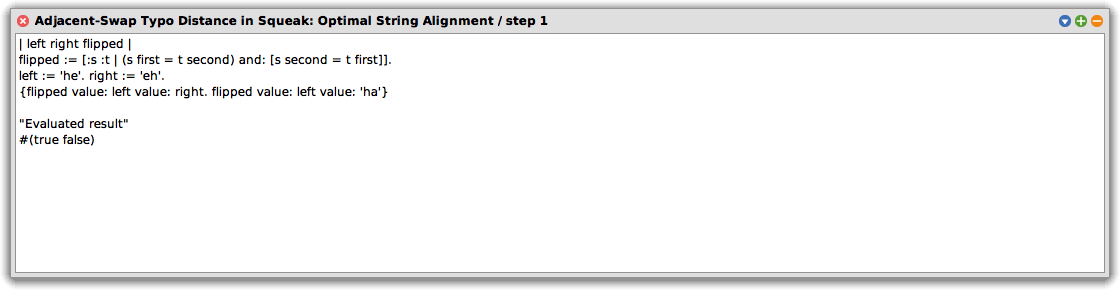
Read the articleTreat a neighboring-letter swap as one typo. Extend an edit-distance grid in Squeak, then find an example where the shortcut is not the full Damerau–Levenshtein distance.
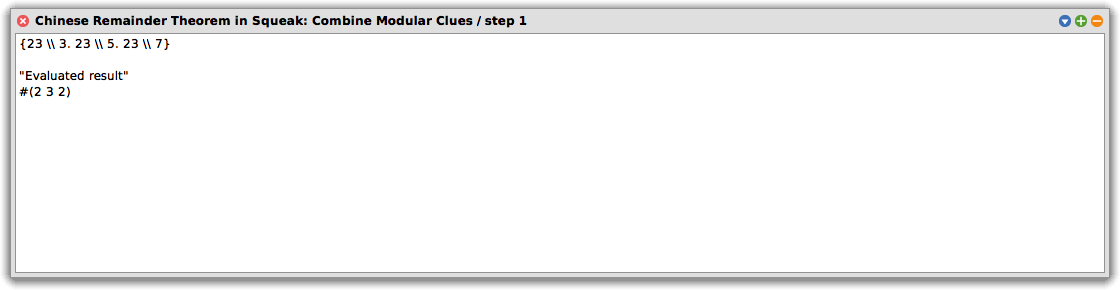
Read the articleTurn several remainder clues into one number. Build the constructive solution, check it against every clue, and diagnose inputs outside its scope.
Read the articleFind the first item that passes a test, or choose a clear answer when none does.
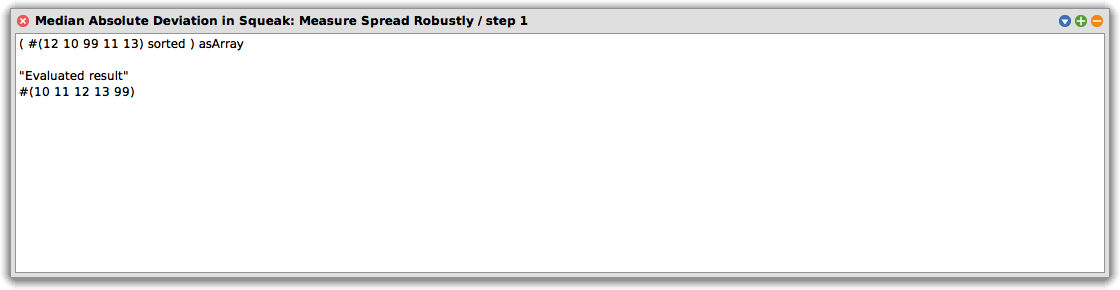
Read the articleCompute a robust measure of spread for a short response-time sample. Work through the median, absolute distances, extreme values and the zero-MAD corner case.
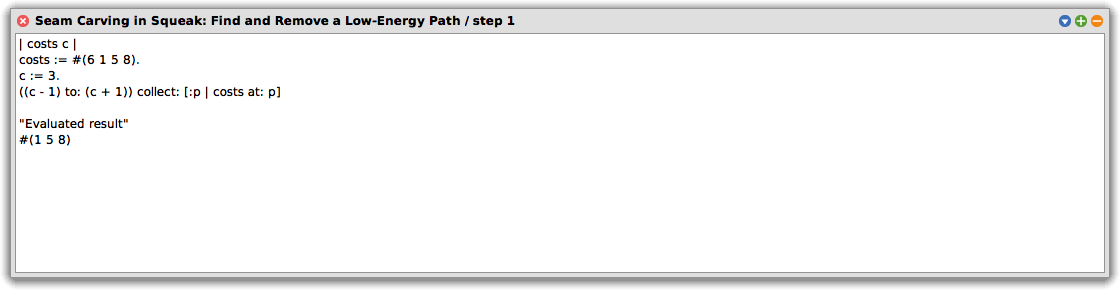
Read the articleRemove one column’s worth of cells without taking a straight column. Compute the cheapest connected seam in a small synthetic energy grid.
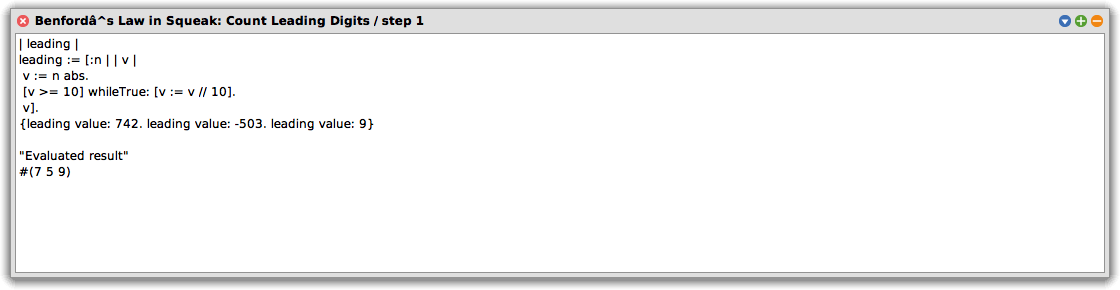
Read the articleExtract first significant digits, build a histogram, and check where Benford’s expected frequencies are a poor fit.
Read the articleBuild a cyclic binary sequence in which every short pattern appears once. Enumerate cyclic windows, then construct a ring with a stack.
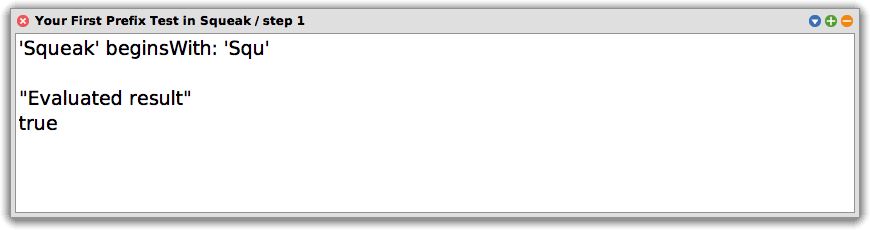
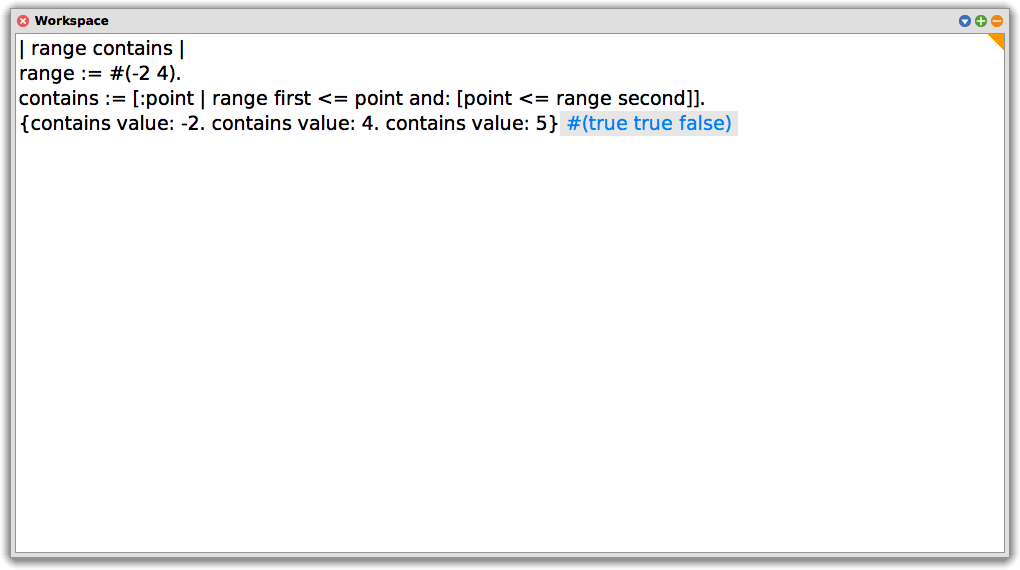
Read the articleAsk if a piece of text starts with a few letters, in five tiny Workspace steps.
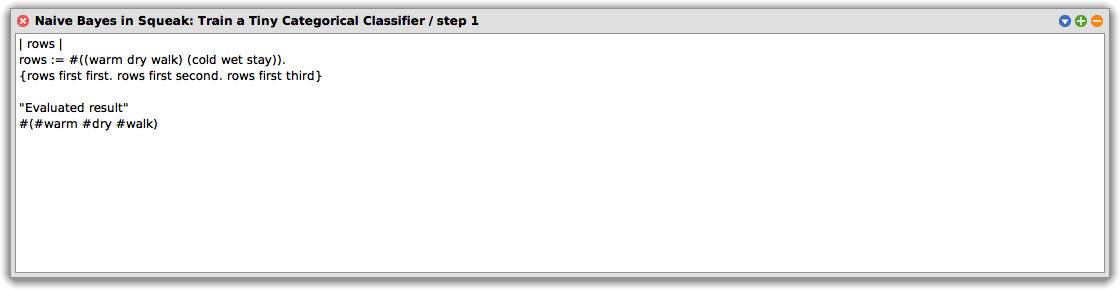
Read the articlePredict walk or stay from two weather clues. Build the class prior, smooth each conditional count, test one withheld pair, and normalize the two class scores.
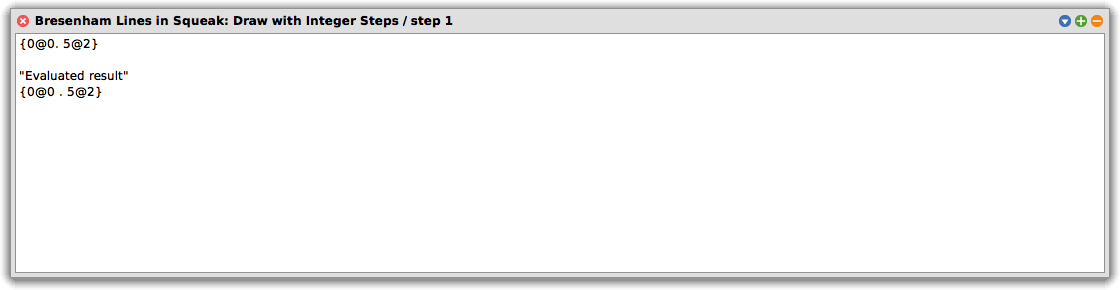
Read the articleTurn a mathematical line into a sequence of grid cells. Walk the error term, then test horizontal, steep and reflected lines.
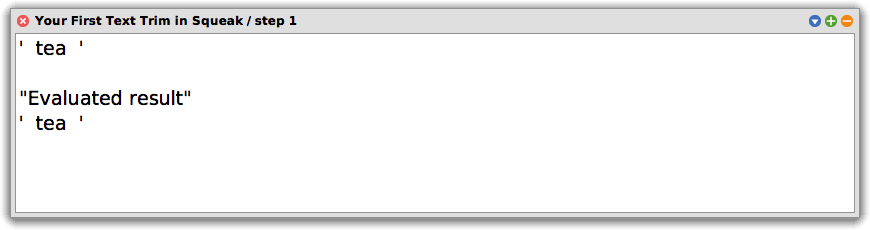
Read the articleRemove extra spaces from both ends of a string in five tiny Workspace steps.
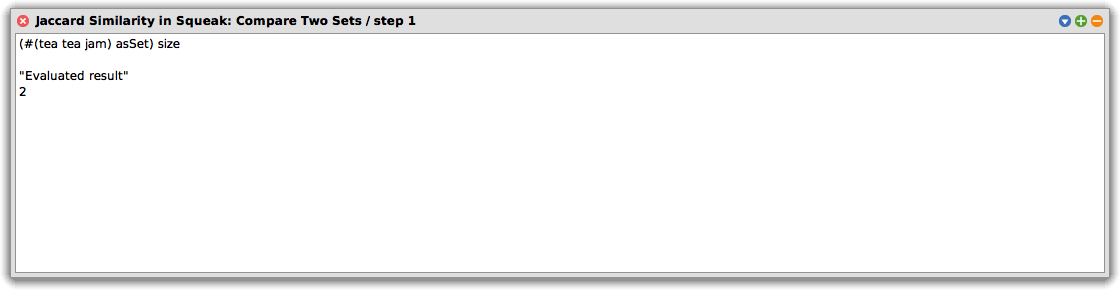
Read the articleCompare recipe tags by dividing shared tags by all distinct tags. Build an exact Smalltalk score and give empty sets an explicit policy.
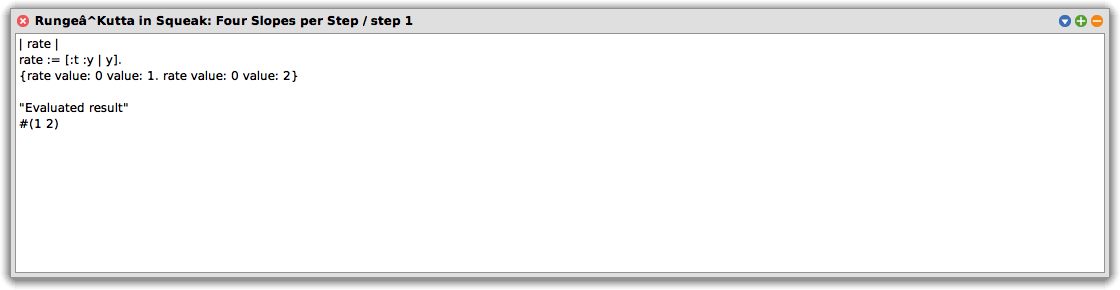
Read the articleApproximate growth when its rate depends on the current value. Compare Euler with RK4 and verify one step using exact fractions.
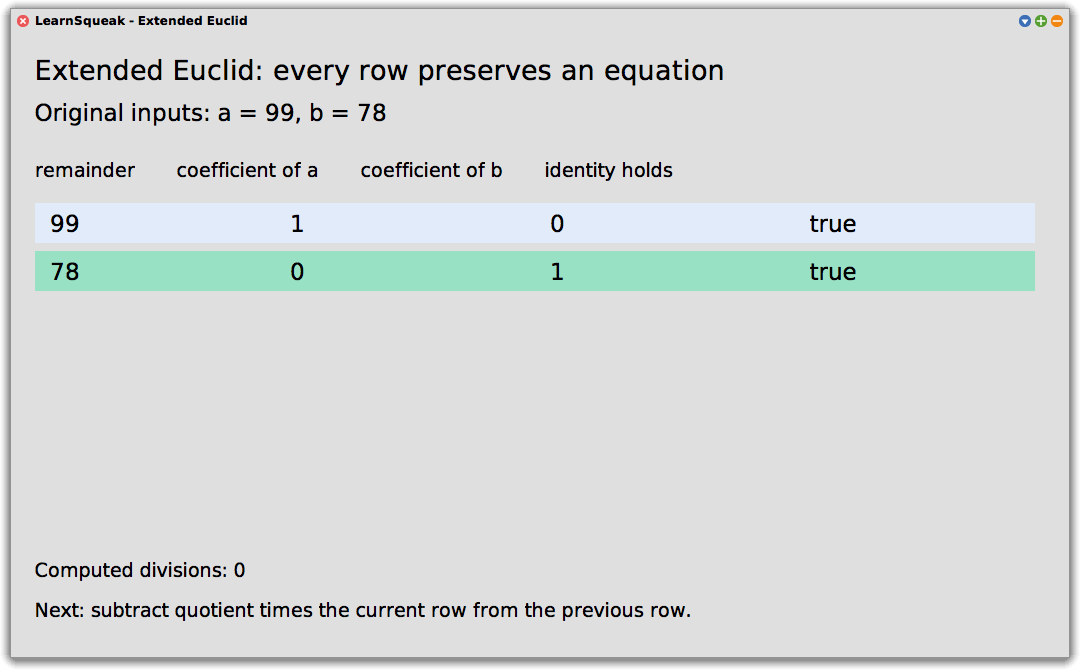
Read the articleCarry two coefficients through Euclid’s remainders, prove a Bezout identity, and use it to solve modular equations with exact integers.
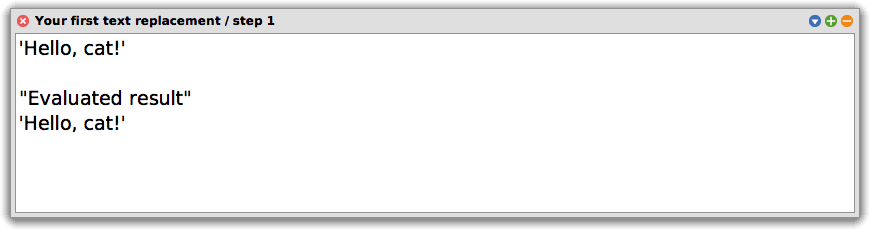
Read the articleChange a word inside some text with one message. Try five tiny examples and keep the original when you need it.
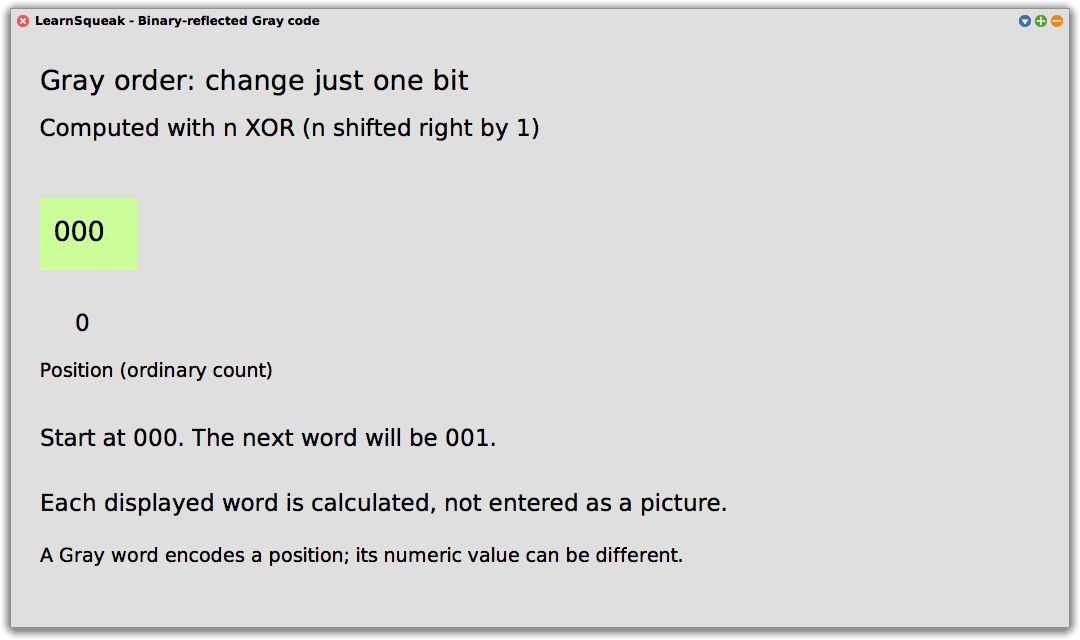
Read the articleOrder binary words so neighboring entries differ in exactly one bit. Construct the order by reflection, derive a compact XOR formula, decode it, and test the whole cycle.
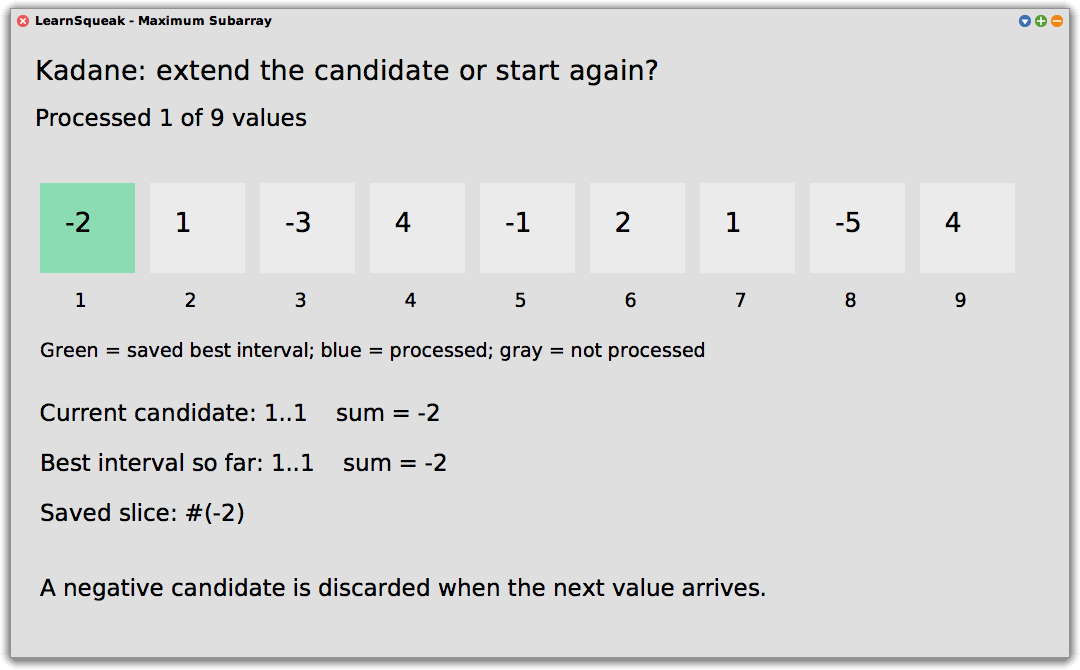
Read the articleFind the best contiguous run in linear time, recover its endpoints, handle all-negative input, and cross-check the result with a brute-force oracle.
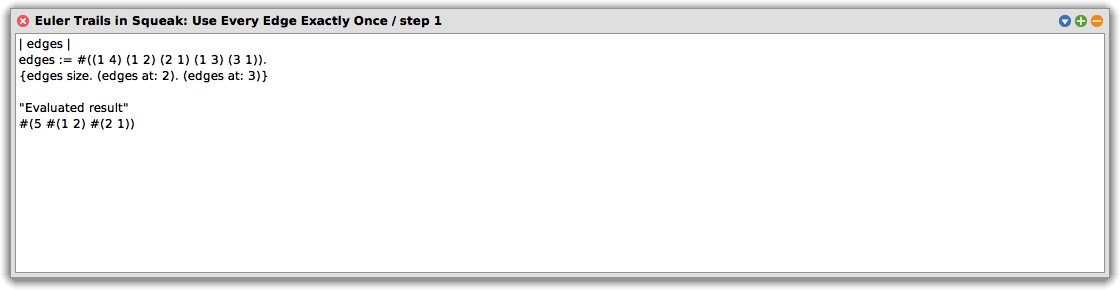
Read the articleBuild Hierholzer’s stack algorithm for an undirected multigraph, preserve parallel-edge identity, test the existence conditions, and independently validate the returned trail.
Read the articlePut numbers and words in order with one Smalltalk message. Try five tiny examples in Workspace.
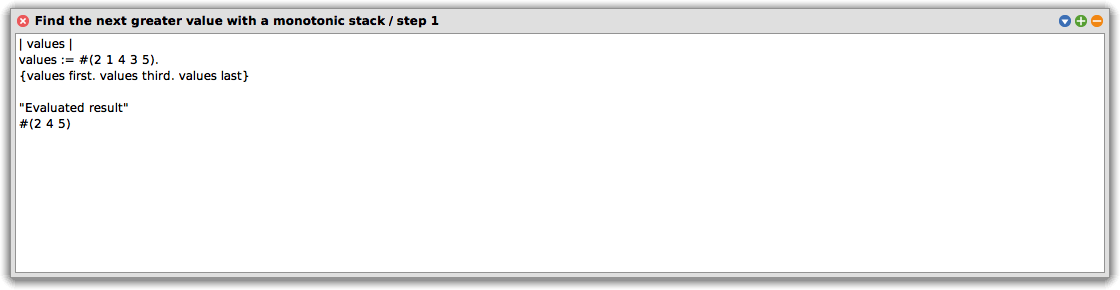
Read the articleTurn a repeated forward scan into a linear pass. Store unresolved positions, resolve them when a greater value arrives, and see why each position enters and leaves the stack only once.
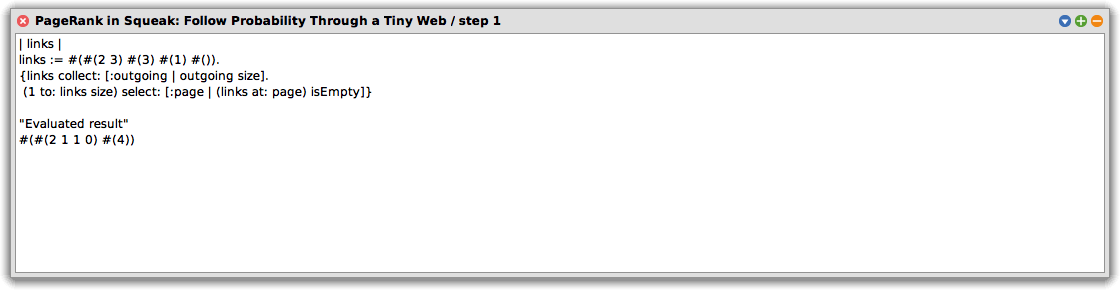
Read the articleTurn four linked pages into a probability experiment. Repair dangling nodes, add teleportation, and watch iteration settle while checking every unit of probability.
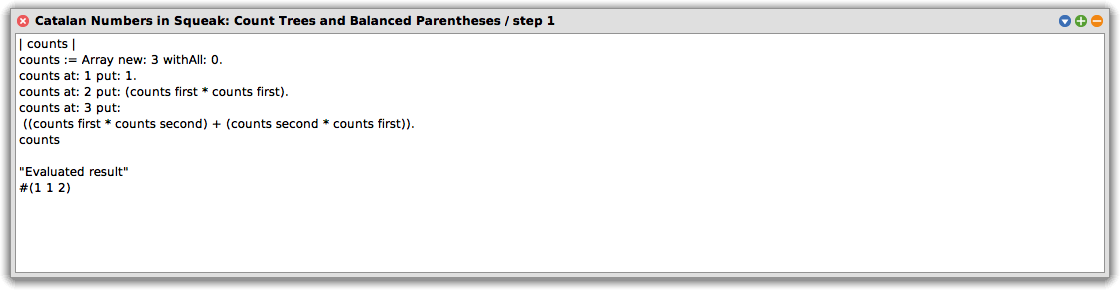
Read the articleCount ordered tree shapes and balanced parentheses with exact integers. Build a dynamic-programming table, inspect the actual strings, then cross-check the result with a second algorithm.
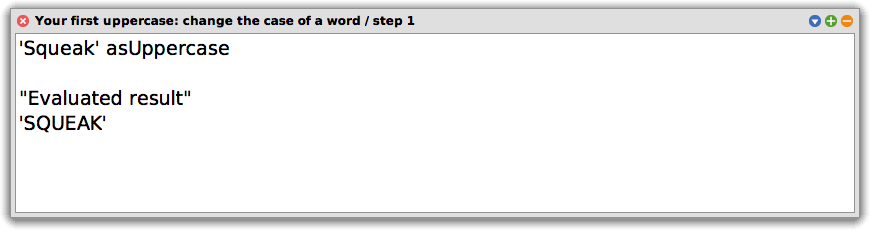
Read the articleMake text uppercase or lowercase in five tiny visual Squeak steps.
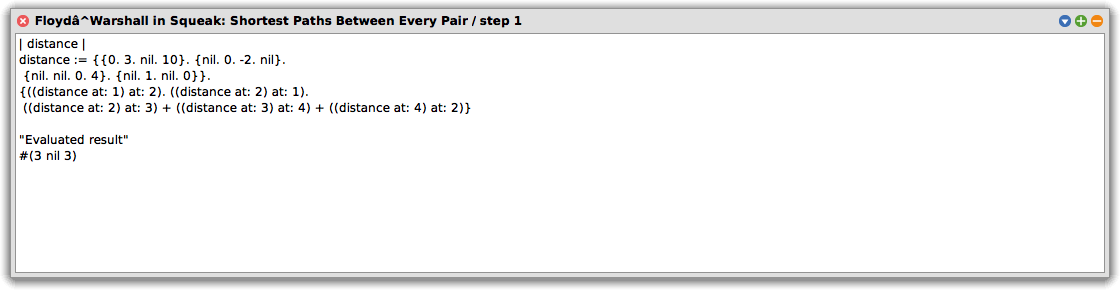
Read the articleTurn a directed graph into an all-pairs route table, reconstruct a path, preserve unreachable pairs, and detect negative cycles with eight runnable Smalltalk checkpoints.
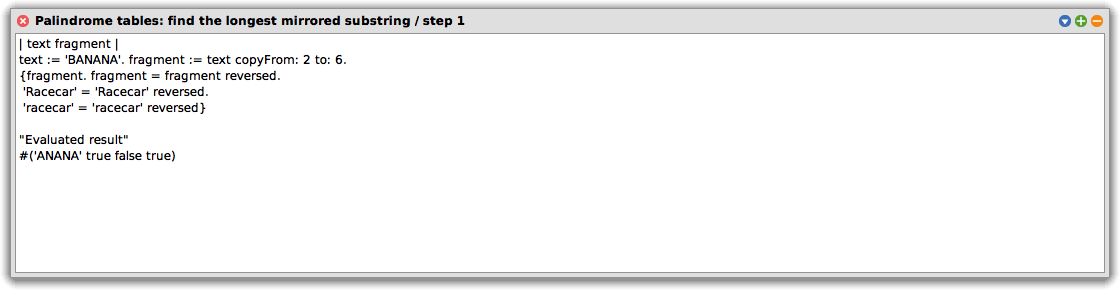
Read the articleBuild a dynamic program for contiguous palindromes in Squeak, recover the earliest longest match, test every small binary string against a brute-force oracle, and compare expansion around centers.
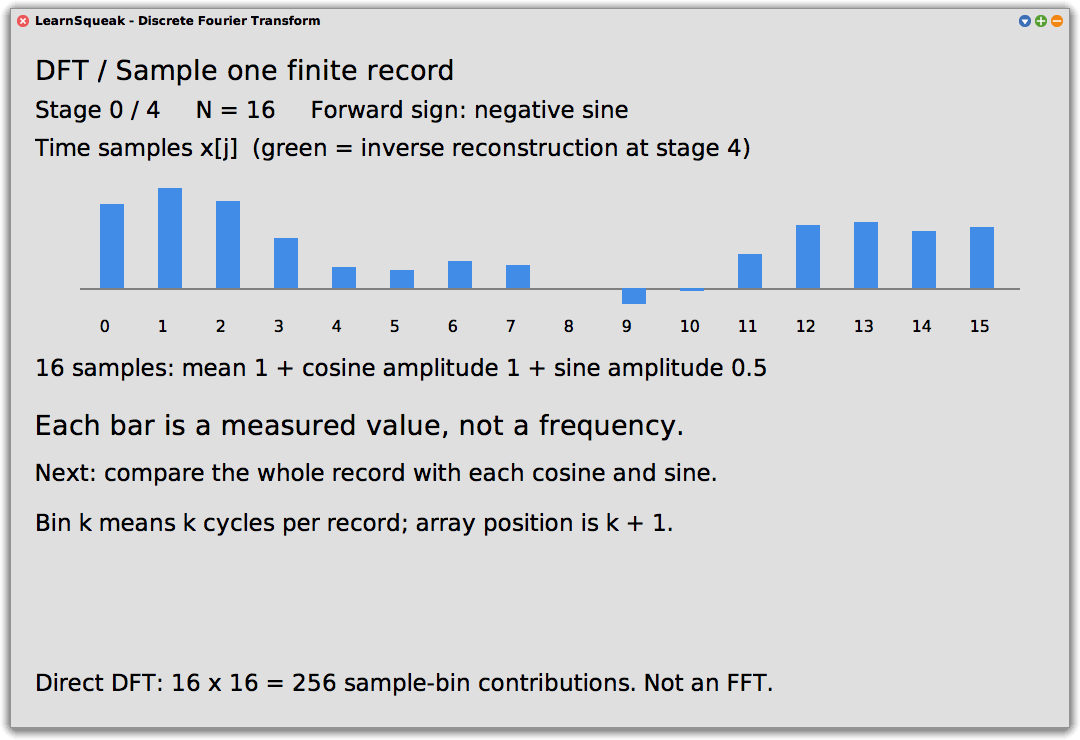
Read the articleBuild a direct DFT from cosine and sine projections in native Squeak. Keep real and imaginary coefficients as pairs, reconstruct the samples, and distinguish frequency bins from amplitude, aliasing and leakage.
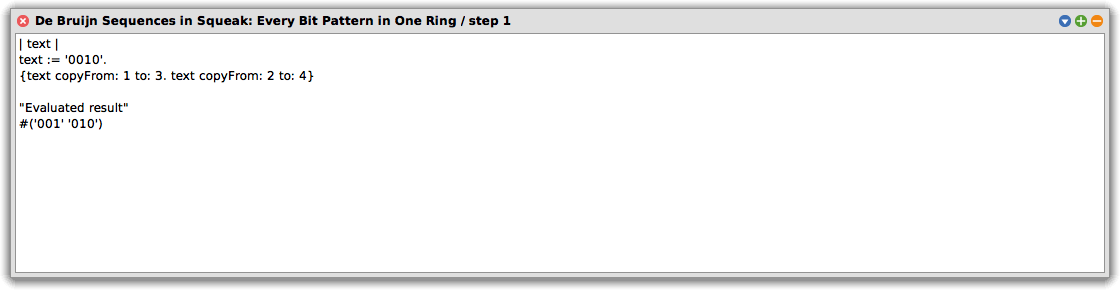
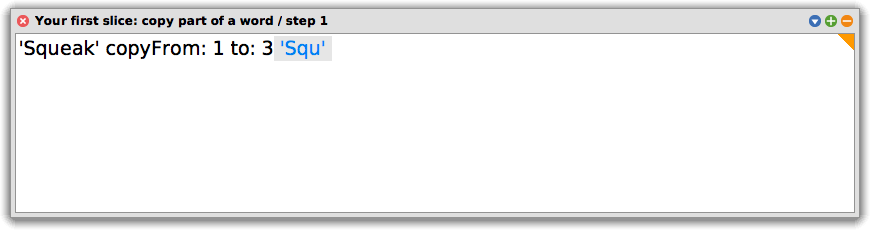
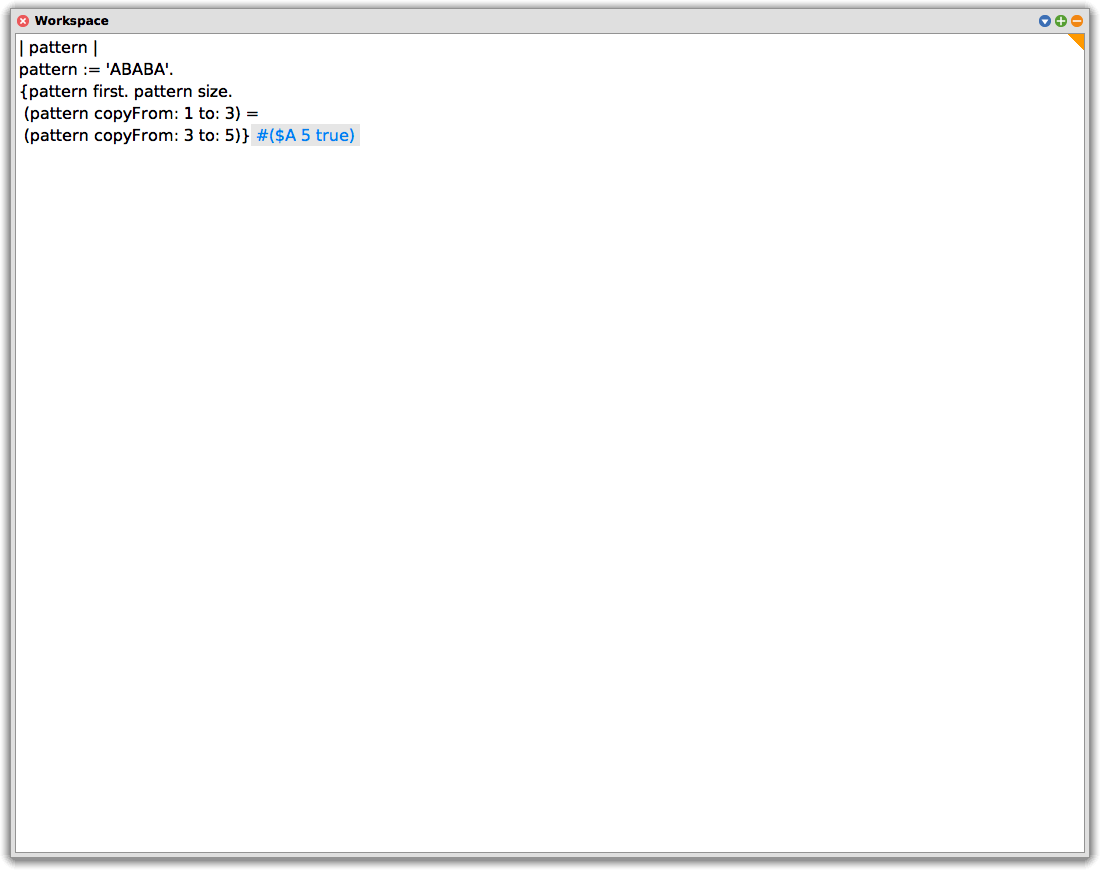
Read the articleCopy a few letters or list entries with copyFrom:to:, in five small visual Squeak steps.
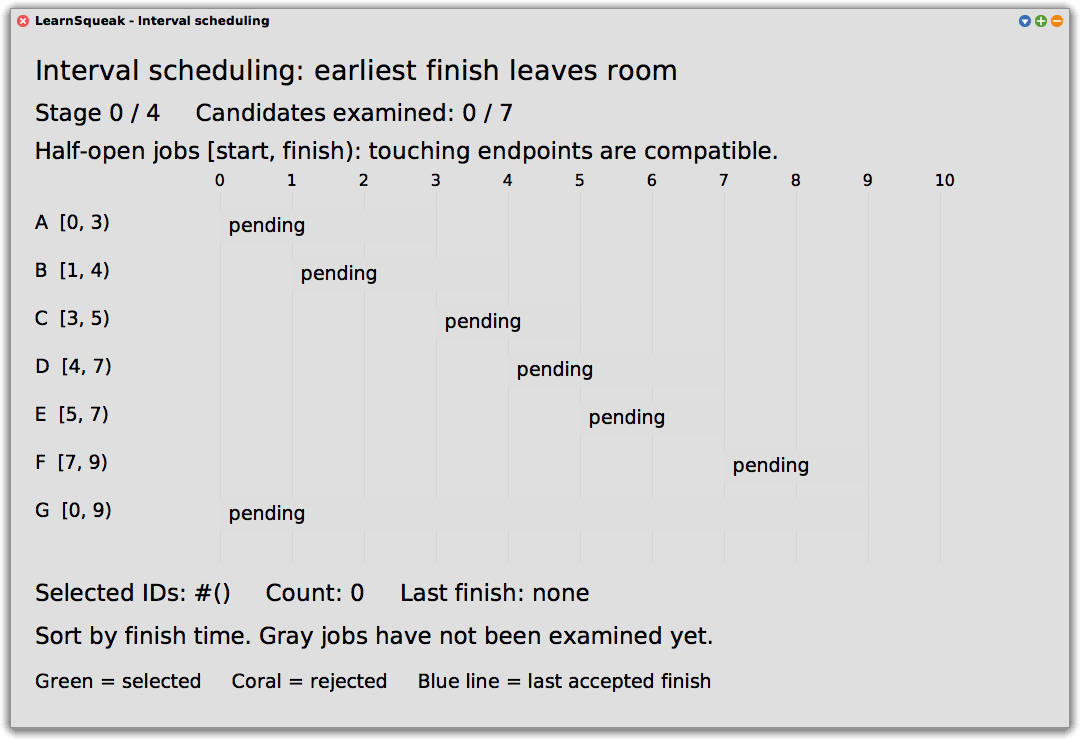
Read the articleBuild an earliest-finish greedy scheduler in native Squeak. Model touching endpoints precisely, trace accepted and rejected jobs, prove the exchange argument and verify optimal counts against exhaustive search.
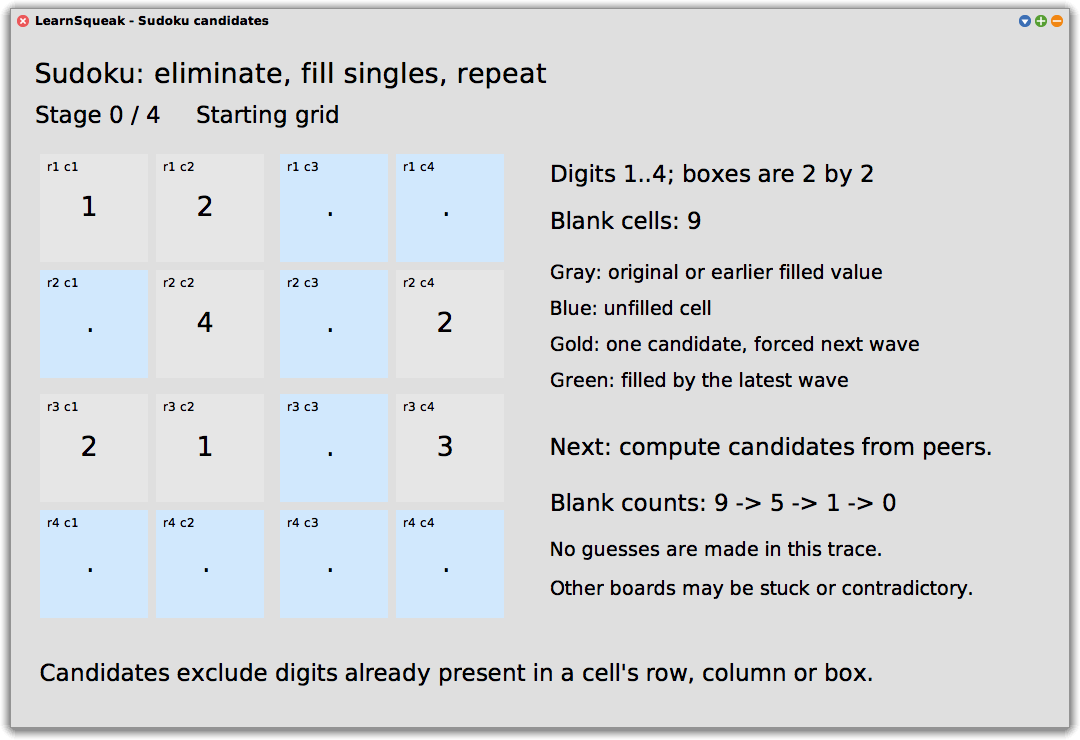
Read the articleModel a 4-by-4 Sudoku with peer sets, eliminate forbidden digits, and repeat naked singles to a fixed point. Keep solved, stuck and contradictory boards distinct, preserve inputs and test the solver in native Squeak.
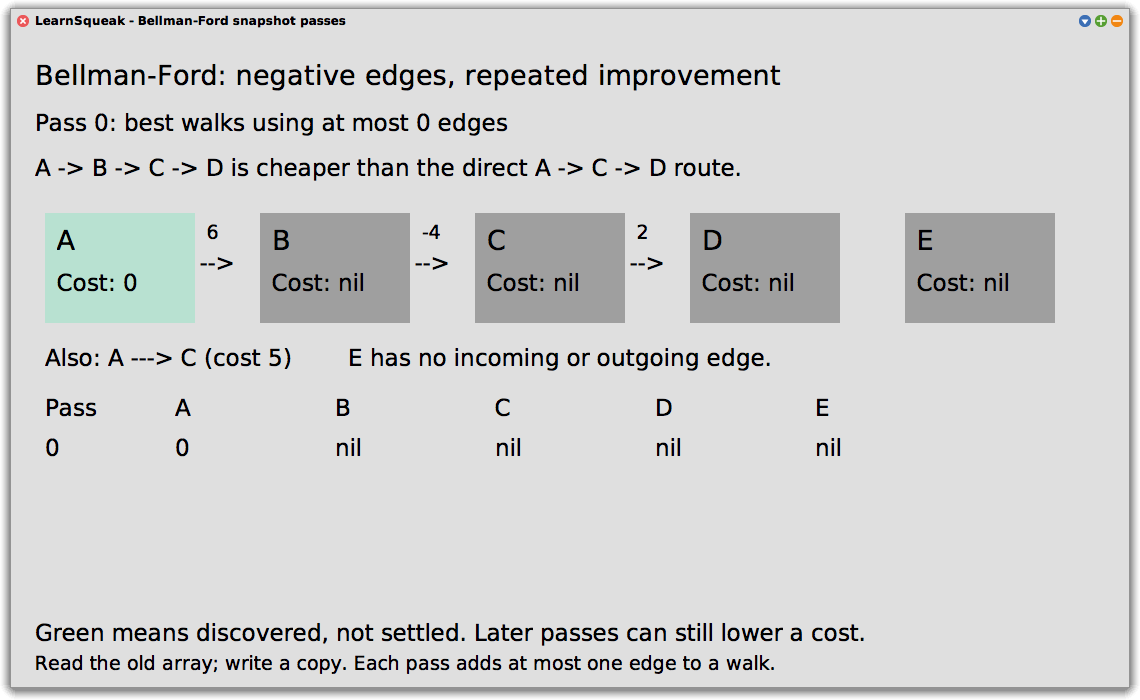
Read the articleRelax a directed graph one snapshot at a time. Compute exact single-source costs, preserve unreachable vertices, and detect only the negative cycles the source can reach.
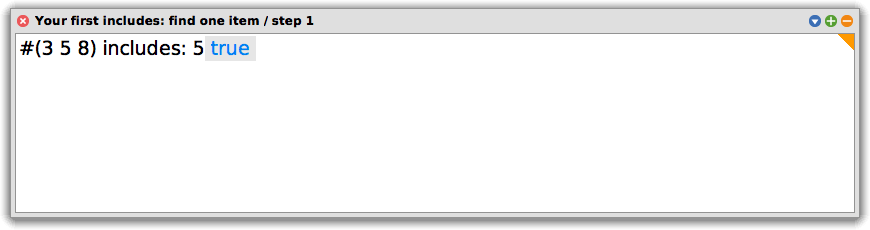
Read the articleAsk whether a list contains a number or a word contains a letter, with five tiny visual Smalltalk steps.
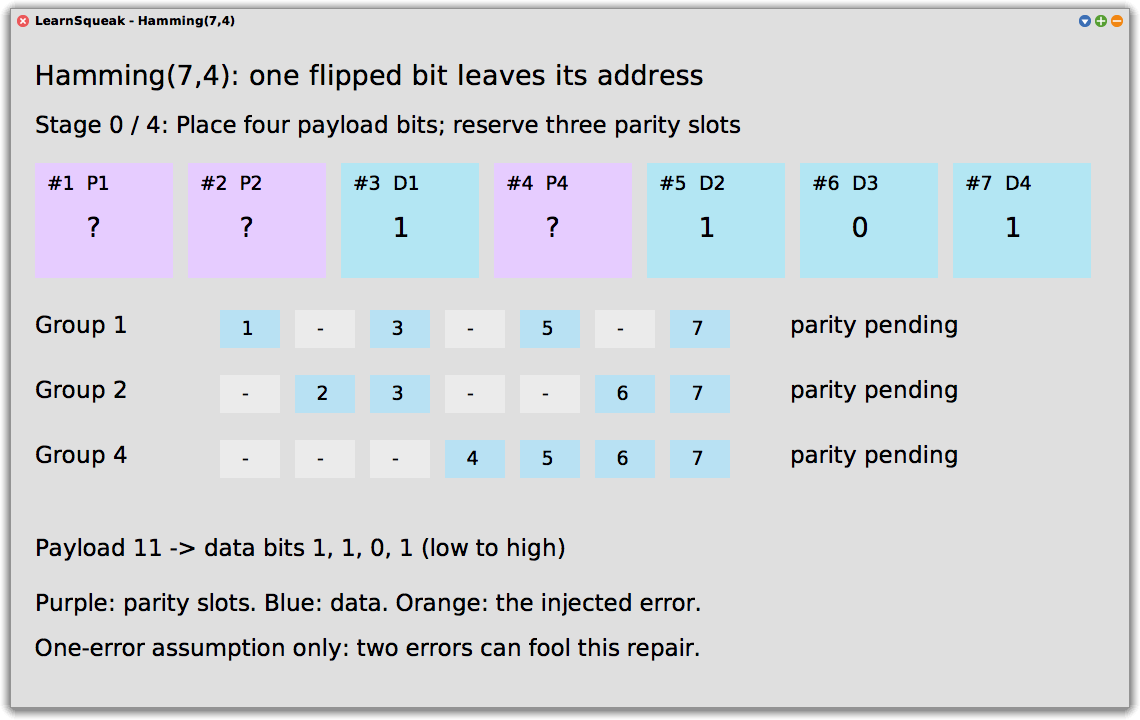
Read the articleTurn four data bits into a seven-bit codeword, use XOR parity to locate one error, and prove the limit by making two errors fool the decoder. Finish with all 112 single-bit corruption cases.
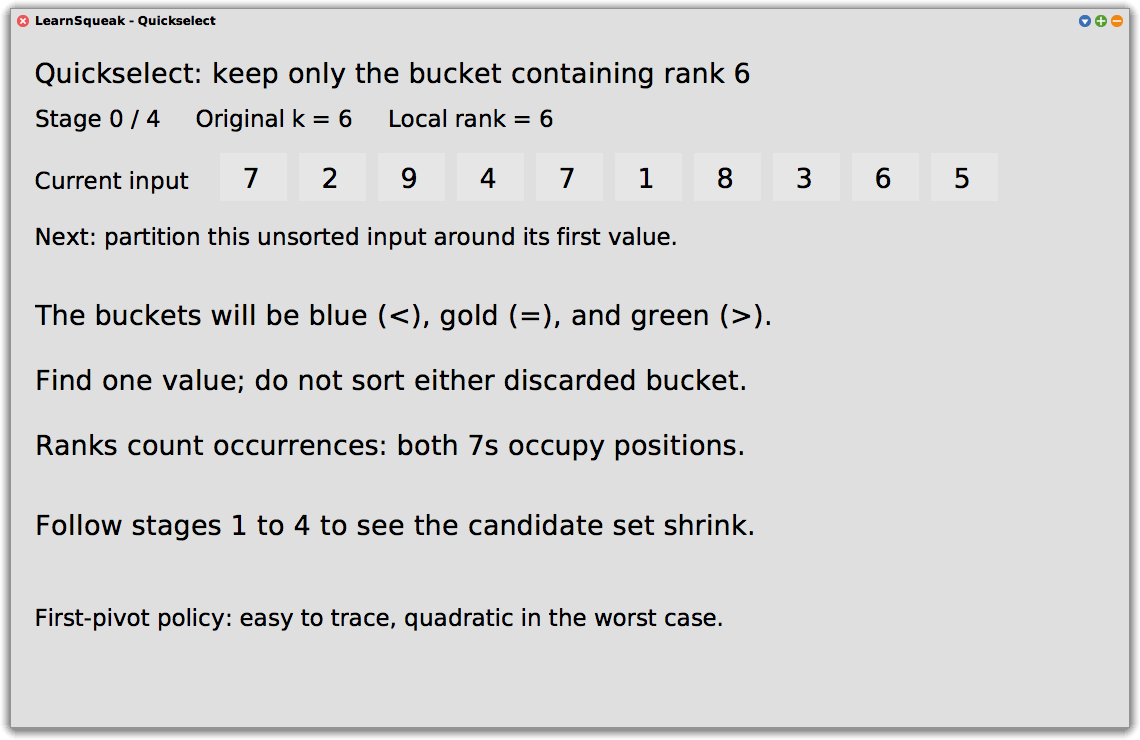
Read the articlePartition around a pivot, keep only the useful bucket, and translate ranks correctly. Build a non-mutating three-way Quickselect, handle duplicates, prove its invariant and test every rank against a sorted oracle.
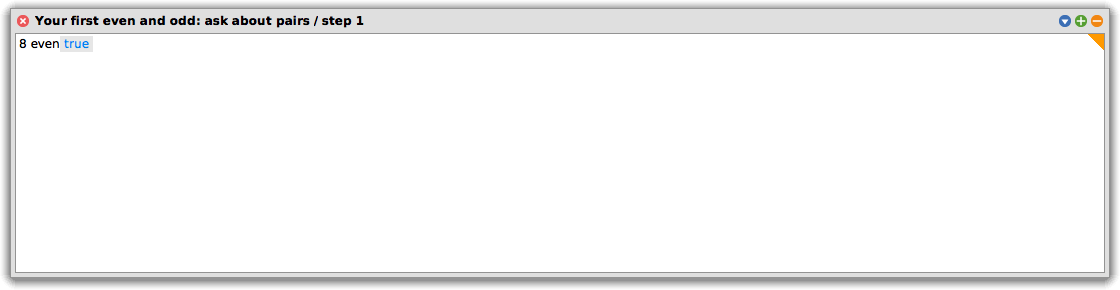
Read the articleAsk whether whole numbers split into pairs, include zero and negative numbers, then keep only the even values in five tiny Squeak steps.
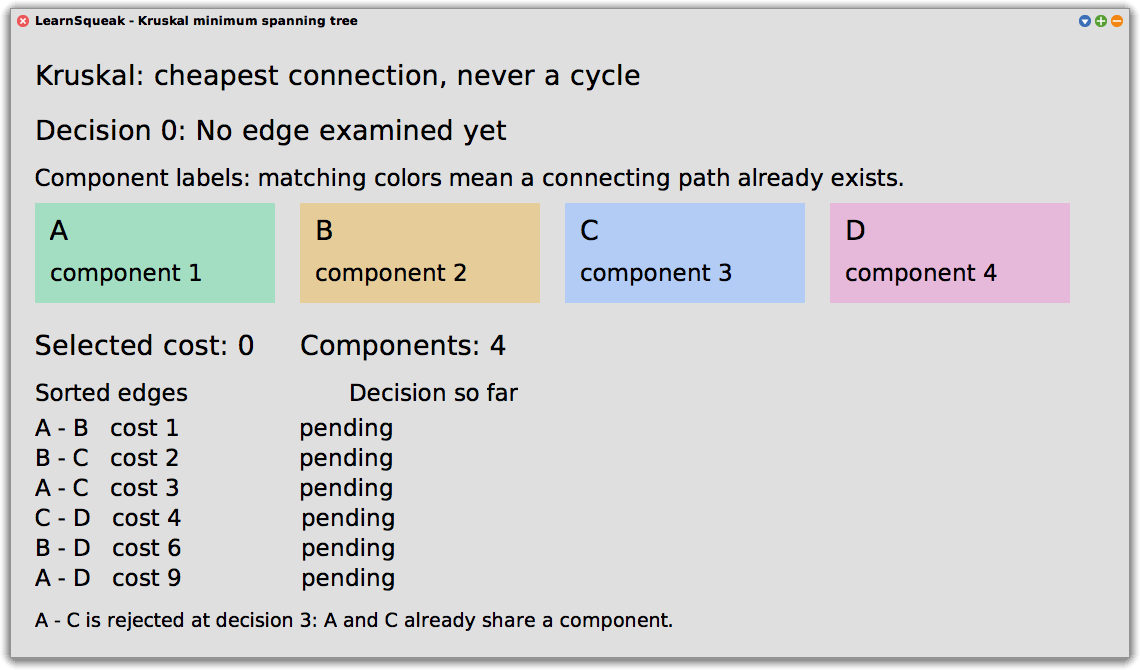
Read the articleBuild Kruskal’s algorithm in Squeak, trace component merges and rejected cycles, handle disconnected graphs and negative costs, and check a tiny minimum tree by exhaustive enumeration.
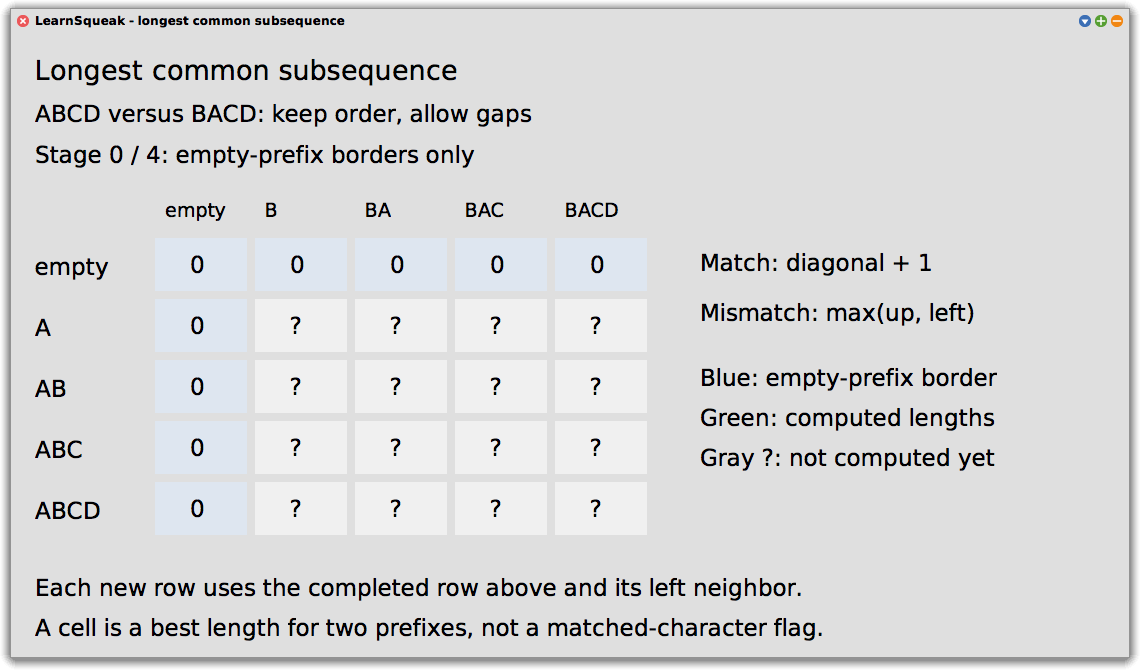
Read the articleCompare two sequences without requiring adjacent matches. Build a prefix-length table, reconstruct one optimal answer, test edge cases and reduce memory with two rolling rows in Squeak.
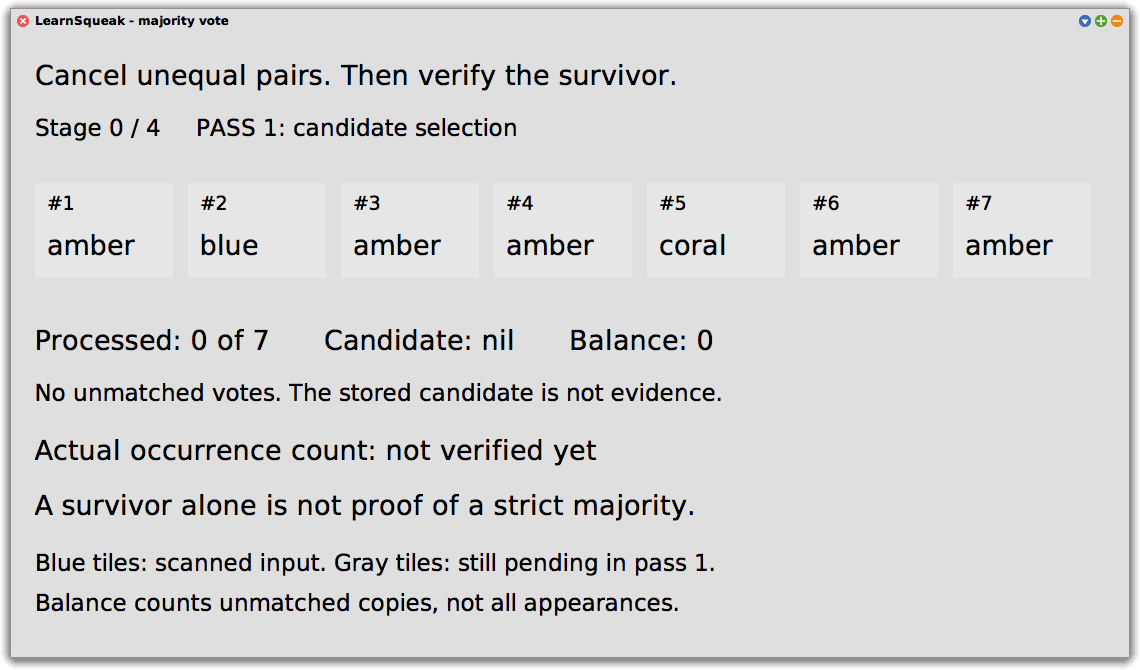
Read the articleFind a strict majority in linear time with one candidate and one balance. Build a two-pass Smalltalk solution, explain its cancellation invariant, and test false survivors, ties, nil and empty input.
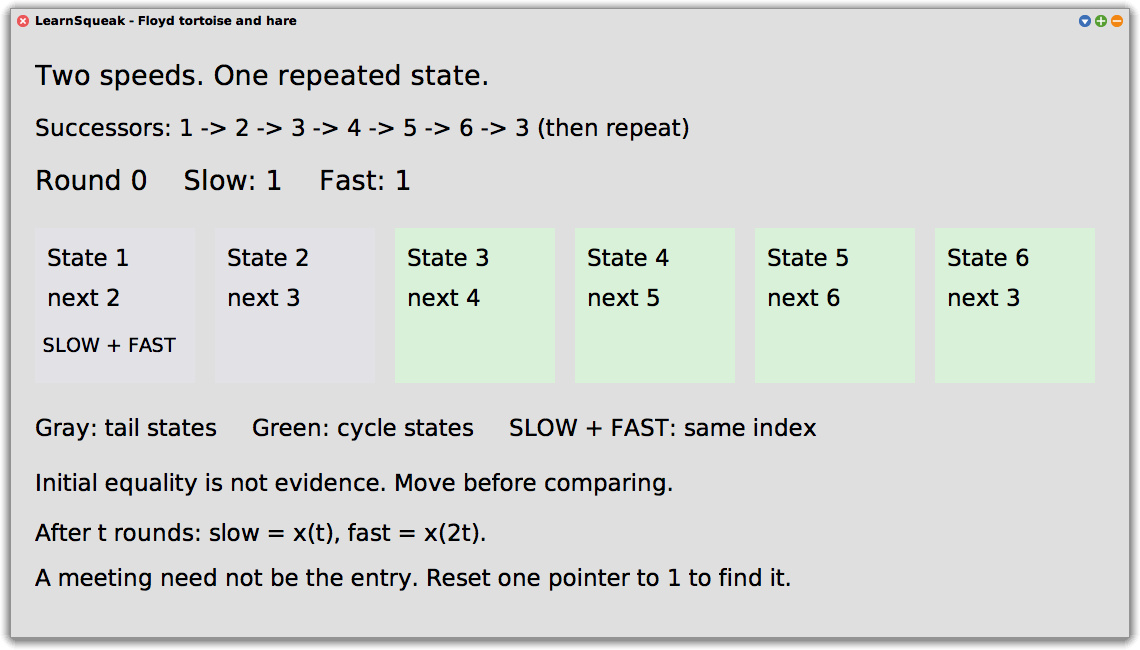
Read the articleUse a tortoise and hare to detect repetition, locate its entry and measure its period, with nil-safe Smalltalk checkpoints and a computed native state replay.
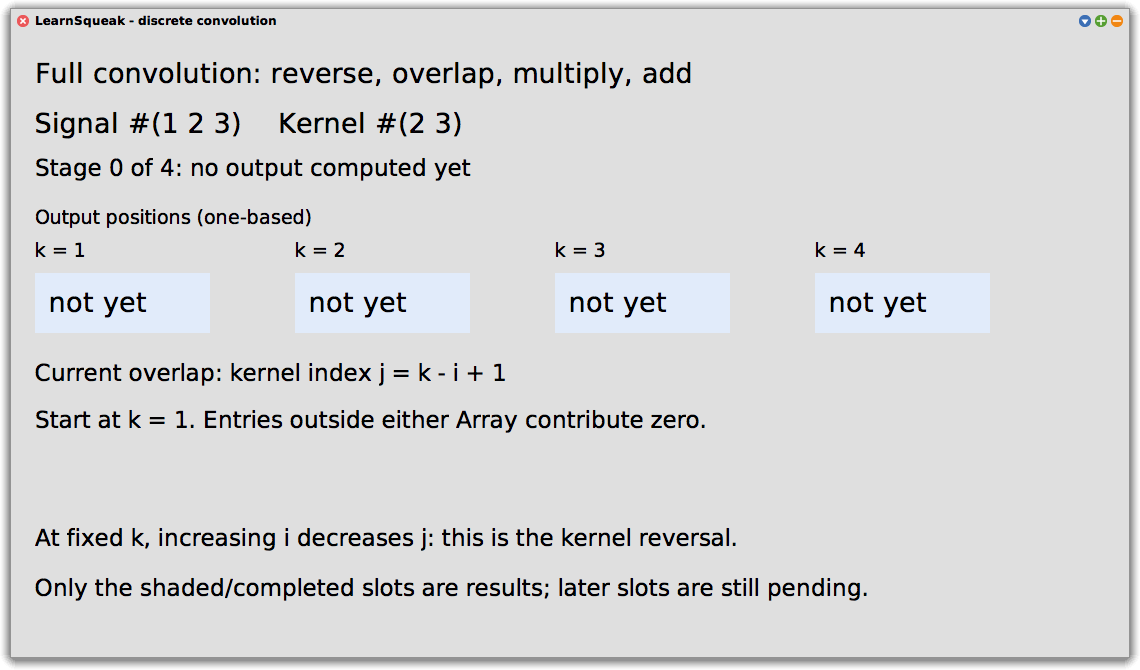
Read the articleBuild full linear convolution in Squeak Smalltalk, trace its reversed kernel indexes, distinguish correlation, and reuse the same exact calculation for smoothing and polynomial multiplication.
Read the articleAsk a word or list whether it contains anything, then watch a collection change in five tiny visual Squeak steps.
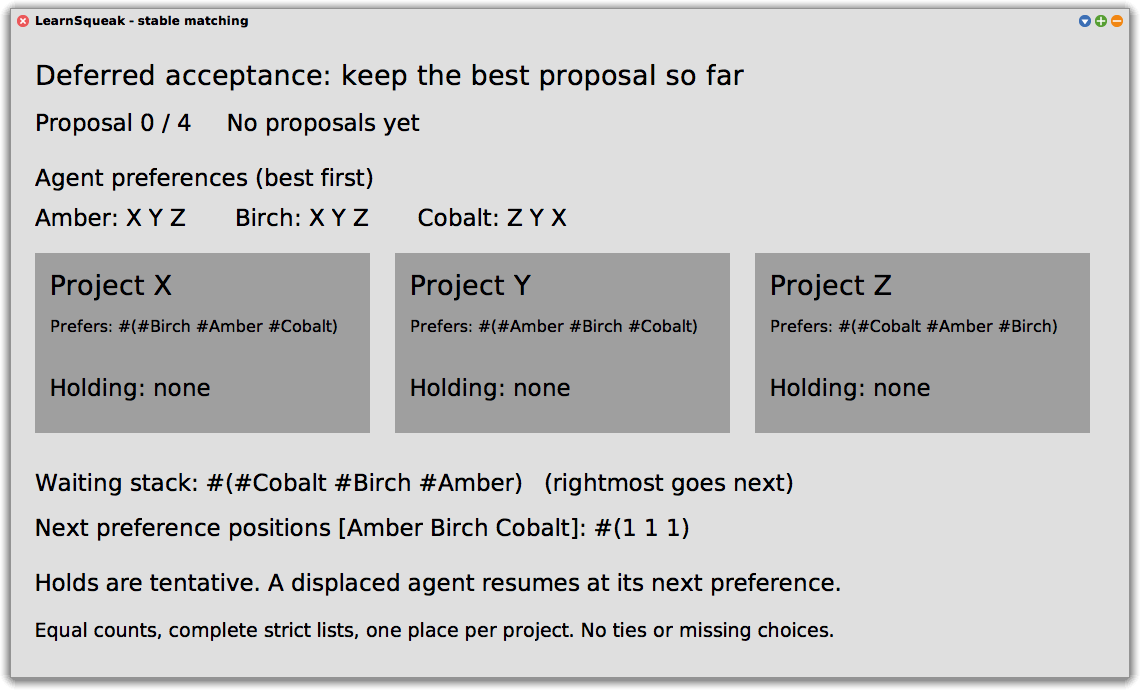
Read the articleBuild Gale–Shapley deferred acceptance in Smalltalk, trace replacements, independently check stability, and see why the proposing side changes the outcome.
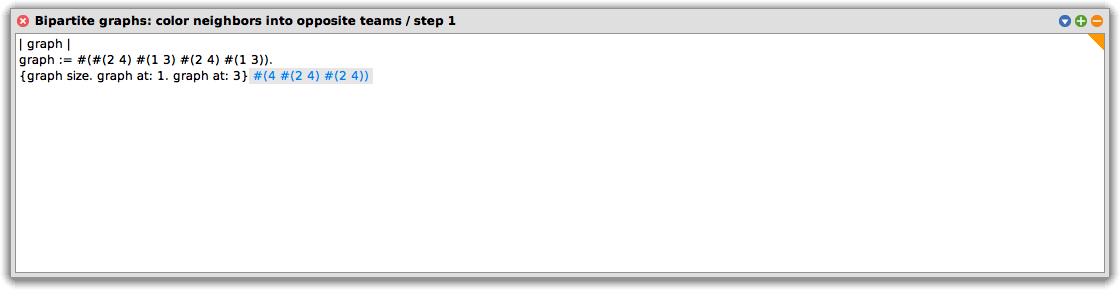
Read the articleUse a breadth-first traversal to split an undirected graph into two sides, find same-color conflicts, and test disconnected components with native Smalltalk checkpoints.
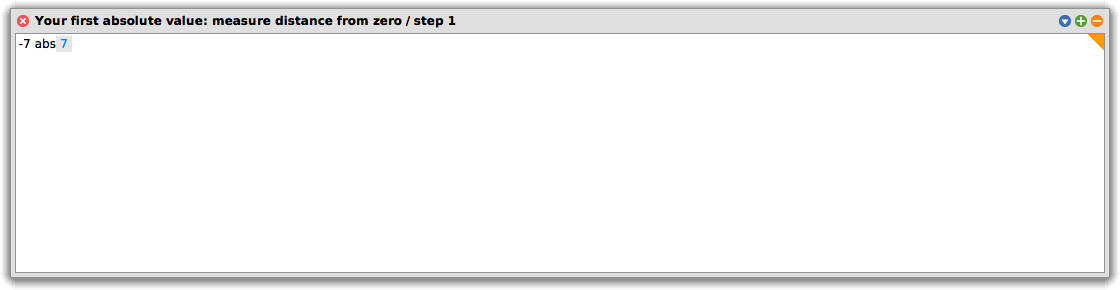
Read the articleTurn a negative number into a positive distance with abs, in five tiny visual Squeak steps.
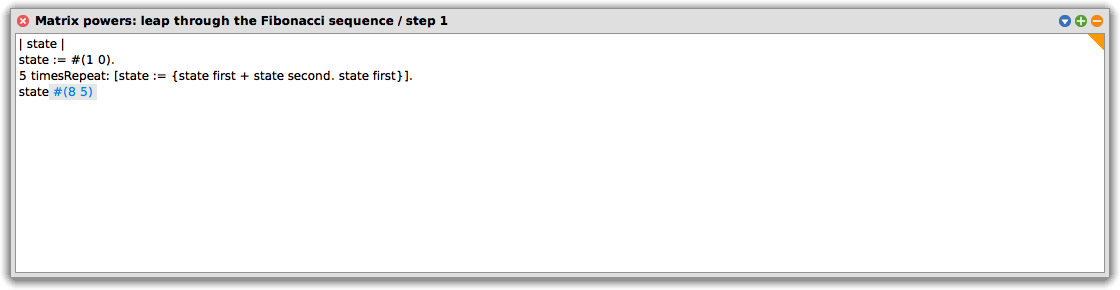
Read the articleTurn a two-number recurrence into a matrix, square it efficiently, and verify exact Fibonacci values with native Smalltalk experiments and a computed state replay.
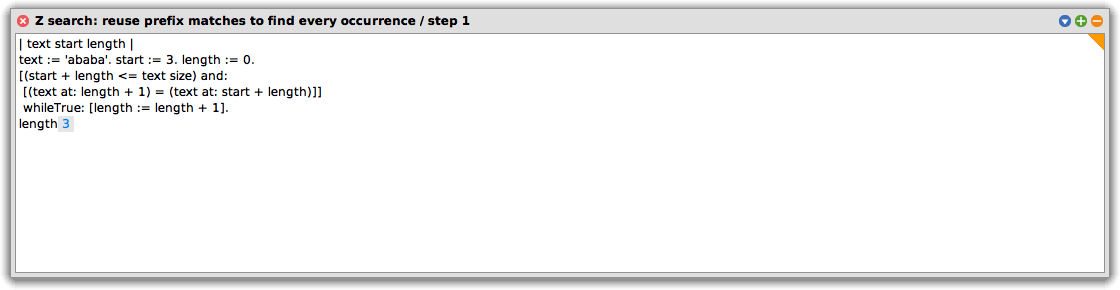
Read the articleCompute a Z array, reuse a known prefix-matching interval, and locate overlapping text matches with an explicit separator and native Squeak visual checkpoints.
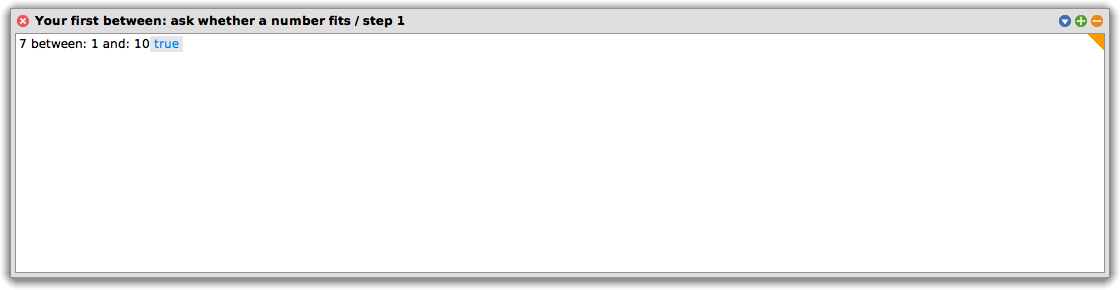
Read the articleCheck a number against two limits in five tiny visual Smalltalk steps. The ends count too.
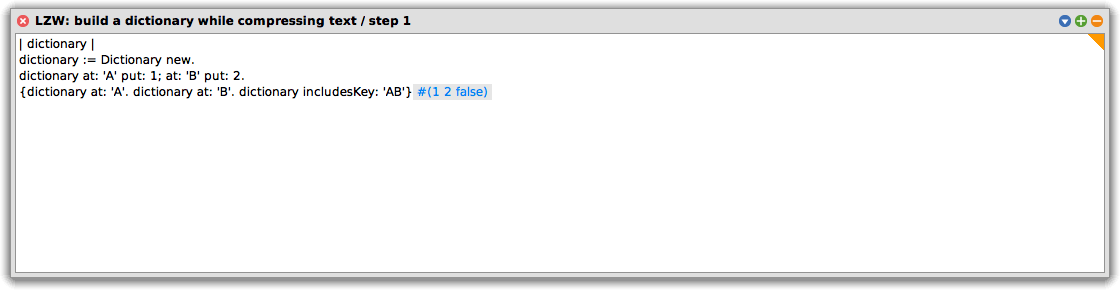
Read the articleGrow phrases from a tiny alphabet, emit integer codes, reconstruct the same dictionary, and explain the decoder’s surprising self-reference case with native Squeak traces.
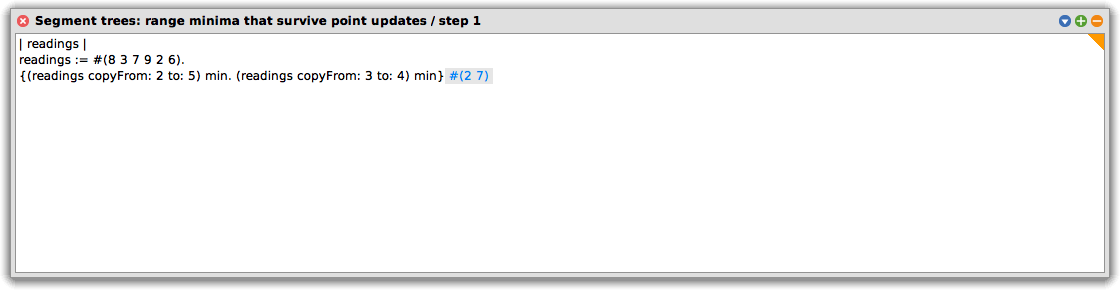
Read the articleBuild an inspectable minimum tree, cover inclusive ranges with disjoint nodes, and repair ancestors after edits, with native Smalltalk checkpoints and computed Morphic states.
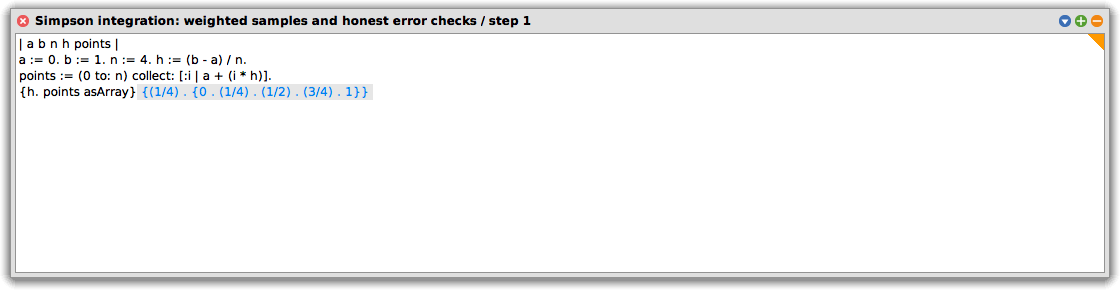
Read the articleBuild composite Simpson quadrature in Smalltalk, test its cubic exactness, refine a quartic with rational arithmetic, and discover how a sample grid can miss an entire feature.
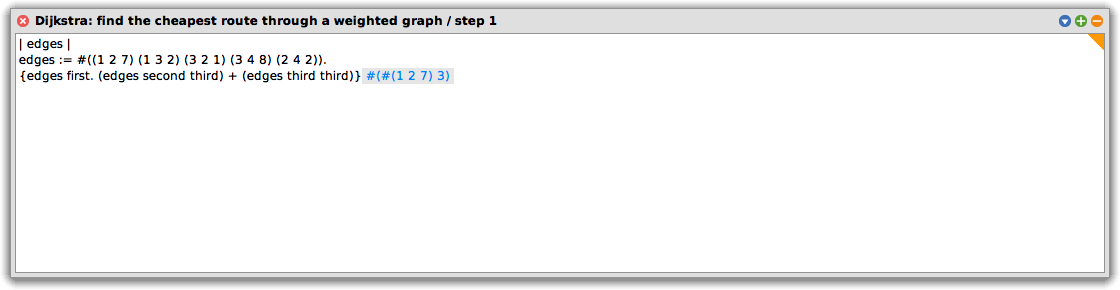
Read the articleSeparate cheapest from fewest hops, improve tentative distances, settle the minimum, and reconstruct a route with exact integer costs and native computed snapshots.
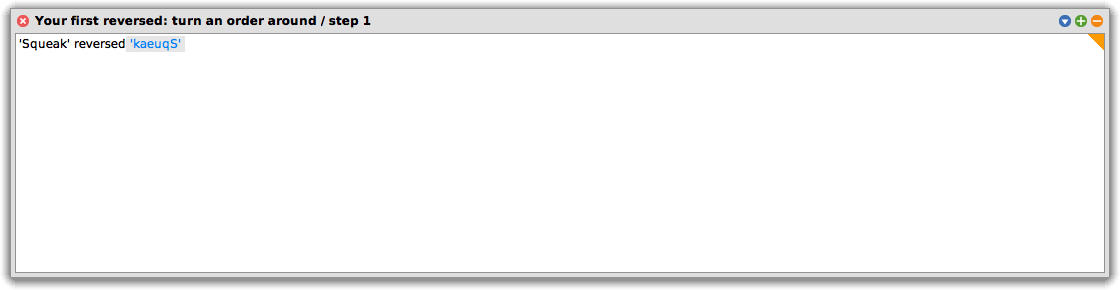
Read the articleReverse a word and a list, keep the original, and spot a palindrome in five tiny visual Smalltalk steps.
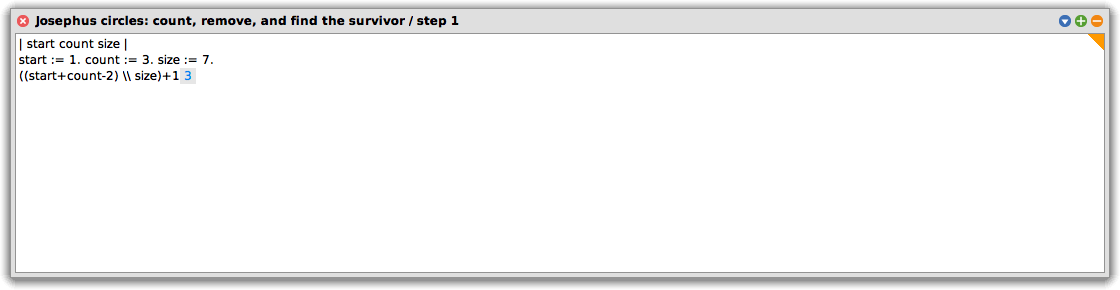
Read the articleSimulate a shrinking circle, keep counting across its boundary, then replace the elimination history with a compact recurrence that predicts the last label.
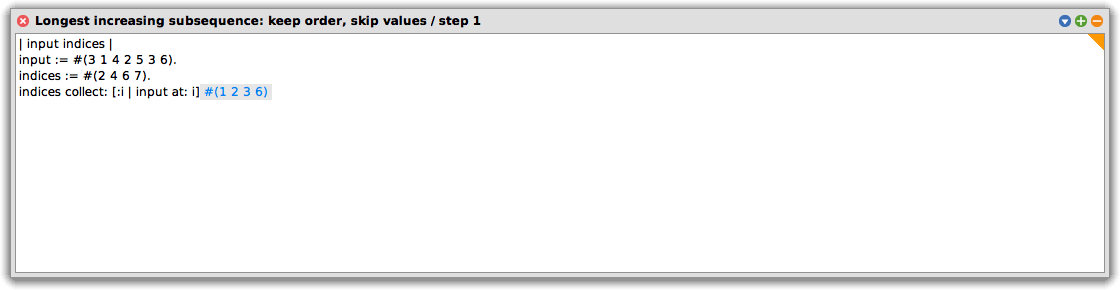
Read the articleBuild an O(n²) dynamic program in Smalltalk, reconstruct a longest strictly increasing subsequence, and see why gaps make this different from a sliding window.
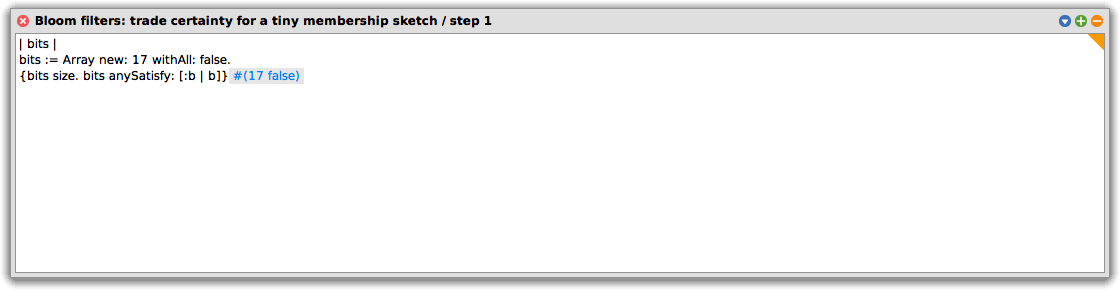
Read the articleBuild an insert-only probabilistic membership filter, distinguish definitely absent from possibly present, and deliberately expose a false positive.
Read the articleUse an orientation test and a monotone chain to find the outer corners of a point set, with exact integer geometry and a native visual trace.
Read the articleMake a date, read its parts and move one day at a time using five tiny tested examples.
Read the articleBuild a bounded Newton iteration for square roots, watch the residual shrink, and understand when a fast numerical method can fail.
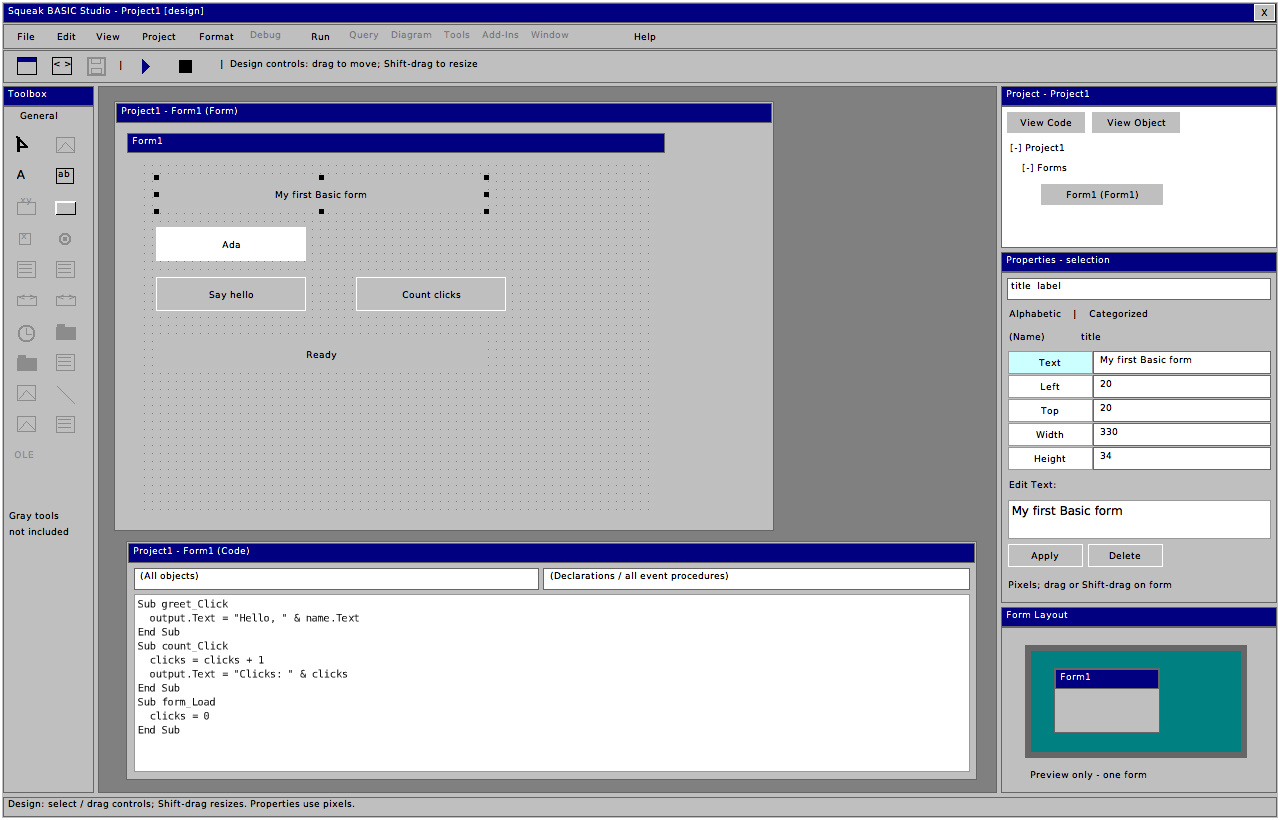
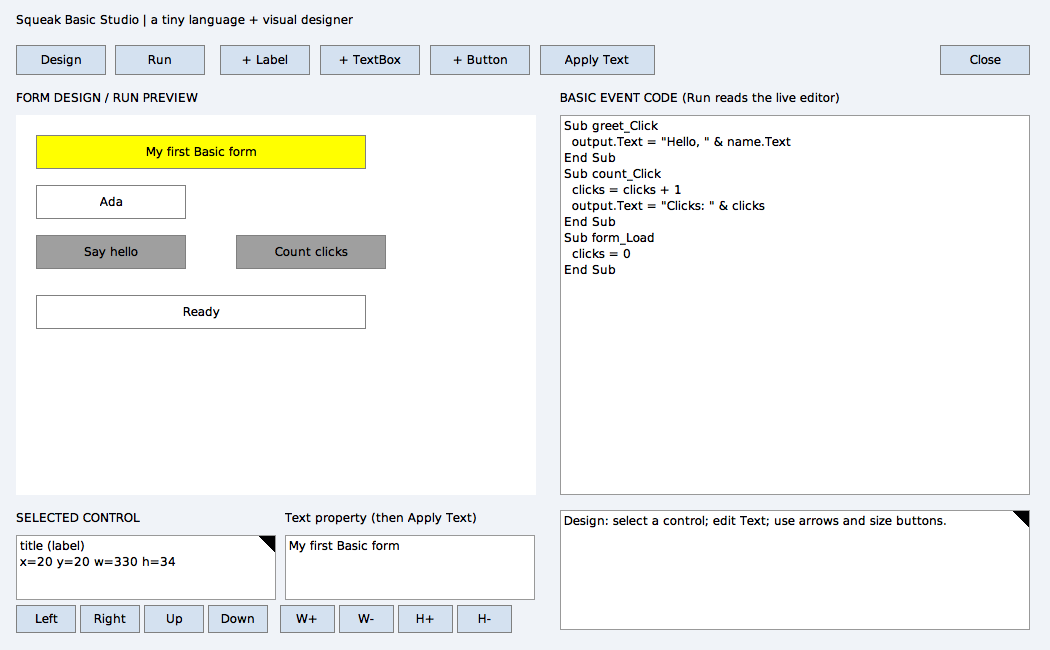
Read the articleUpgrade Squeak BASIC Studio with a classic Visual Basic 6-style workspace, toolbox, properties, form designer and event editor. Tested native source included.
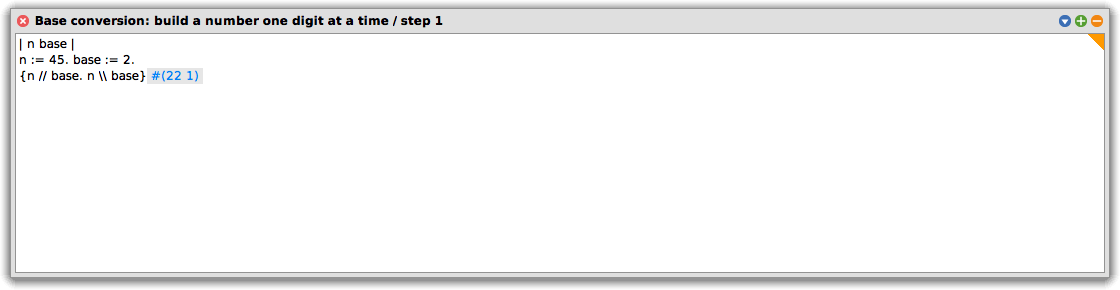
Read the articleWrite an integer encoder using quotient and remainder, reverse the process with a positional fold, and test binary through hexadecimal in Squeak.
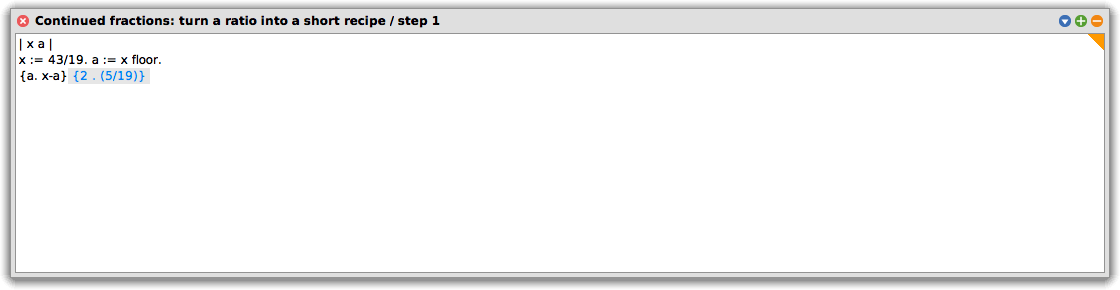
Read the articleExtract integer parts and reciprocals, rebuild exact ratios, and examine convergents using Squeak’s exact Fraction arithmetic.
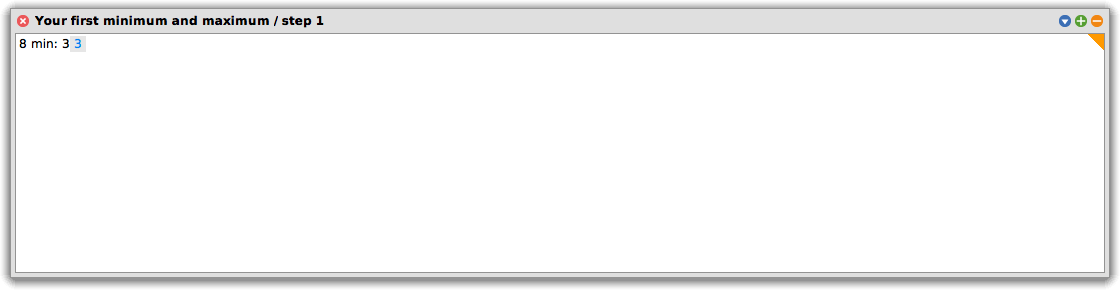
Read the articleChoose the smaller or larger of two numbers in five tiny Squeak steps, then keep a number inside a simple range.
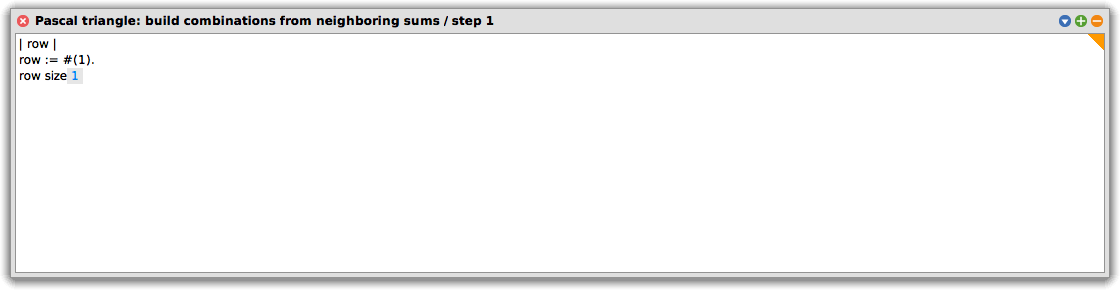
Read the articleConstruct binomial rows with arrays, verify symmetry and powers-of-two totals, and use Pascal’s triangle to count combinations without factorials.
Read the articleBuild a tiny BASIC interpreter, Morphic code editor and visual forms designer inside Squeak, with runnable source, tested events and native screenshots.
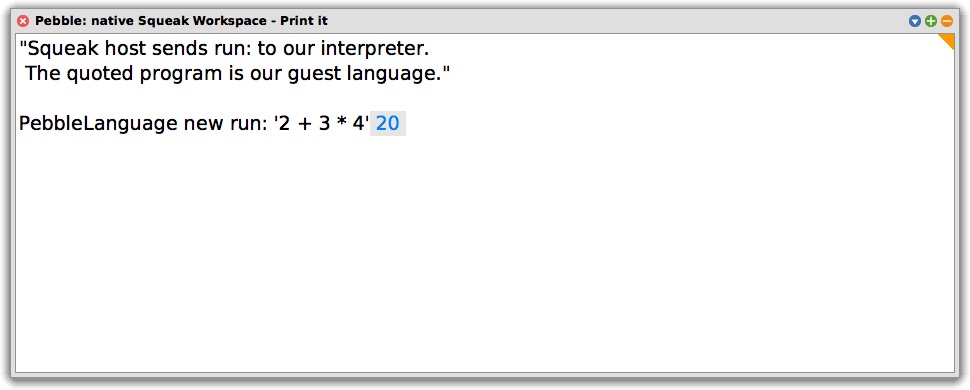
Read the articleBuild Pebble: a message-language scanner, parser and interpreter in Squeak, with runnable examples, native tests and Alan Kay’s Lisp connection.
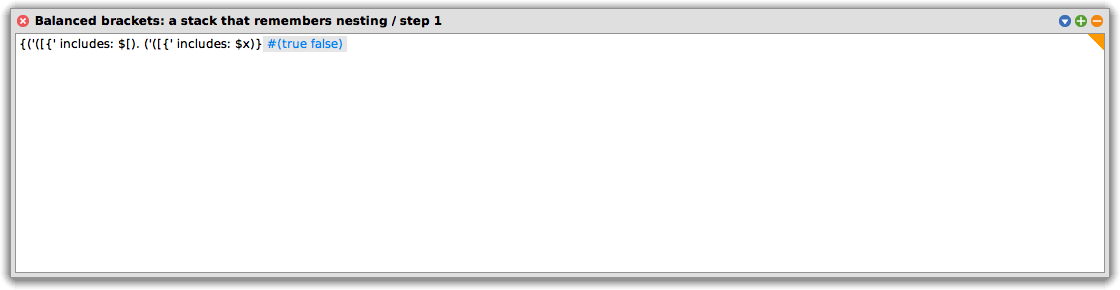
Read the articleBuild a three-bracket validator, distinguish unmatched and crossed pairs, and watch the stack grow and shrink in genuine Squeak captures.
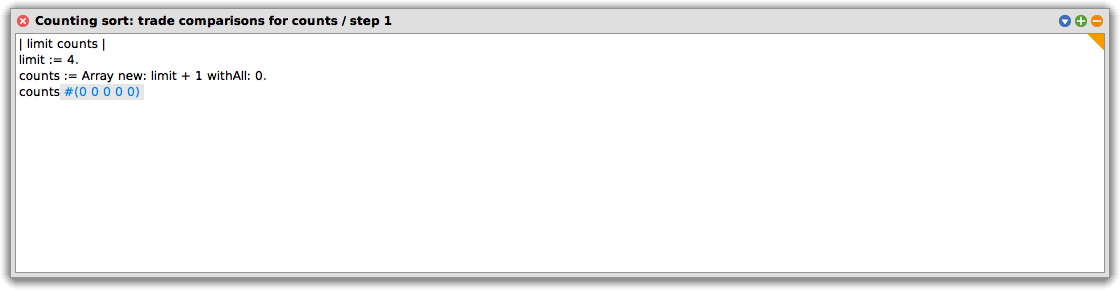
Read the articleSort bounded integer data by building a frequency table, reconstructing the sequence, and checking its invariants in native Squeak.
Read the articleTurn a decimal into a nearby whole number, then compare rounding down and rounding up in five tiny Squeak steps.
Read the articleApproximate an integral with straight-edged panels, keep exact Fraction arithmetic, and measure convergence with tested Squeak examples.
Read the articleTry five tiny Squeak examples to collect unique values and ask whether a value is present.
Read the articleBuild and test a Luhn checksum in Squeak, trace alternating weights from the right, and generate a check digit for a synthetic identifier.
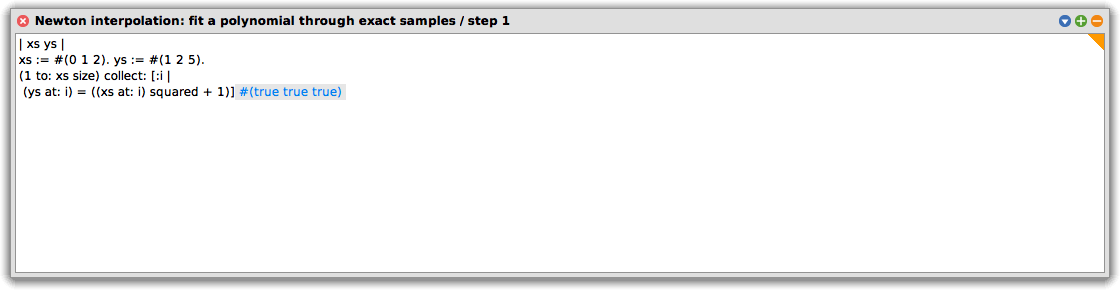
Read the articleBuild divided differences and evaluate Newton-form polynomials in Squeak, retaining exact fractions and checking that every original sample is reproduced.
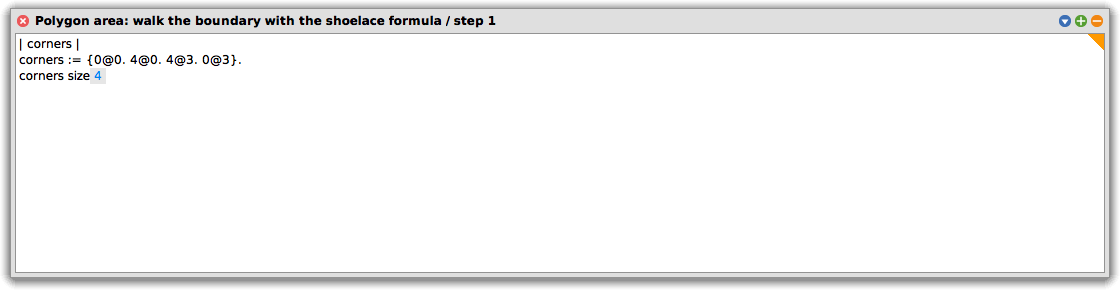
Read the articleMeasure a polygon in Squeak using oriented edge contributions, exact fractions and tests for winding, translation and scaling.
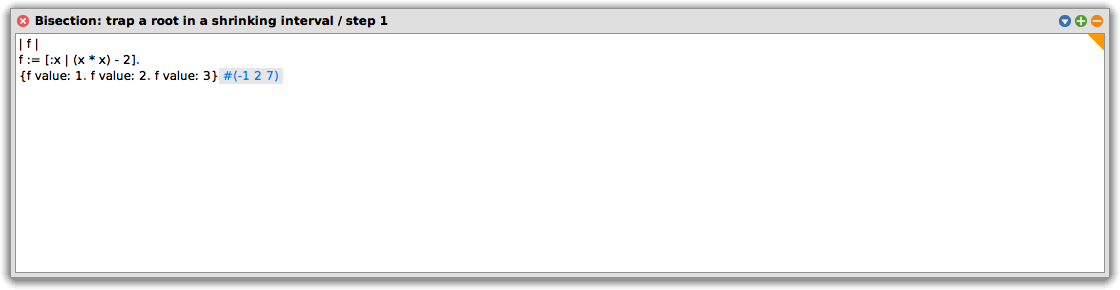
Read the articleFind approximate roots in Squeak Smalltalk by preserving a sign-changing interval, inspect each halving, and test error bounds instead of guessing decimal digits.
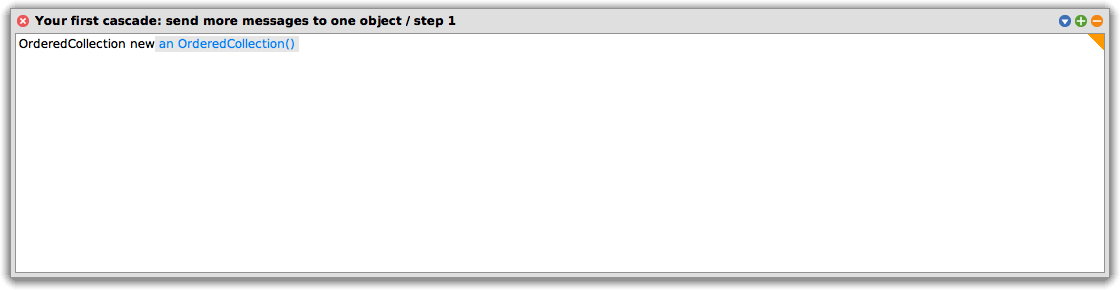
Read the articleUse a semicolon to talk to the same object again in five tiny Squeak steps.
Read the articleBuild a checked Roman numeral formatter in Squeak, trace its greedy choices, and compare every supported number with an independent place-value model.
Read the articleFind the highest-sum consecutive block by removing one outgoing reading and adding one incoming reading, then verify every result against a direct scan.
Read the articleBuild a binary indexed tree in Squeak Smalltalk, update one value without rebuilding every prefix, trace the affected blocks, and verify mixed edits against a direct-sum oracle.
Read the articleSpot a missing value and supply a friendly fallback in five tiny Squeak steps.
Read the articleBuild an exact linear-system solver in Squeak Smalltalk, swap zero pivots, distinguish unique and nonunique outcomes, and verify solutions with rational residuals.
Read the articleBuild a capacity-based dynamic program in Squeak Smalltalk, recover the chosen item indexes, make ties and zero-weight items explicit, and verify the answer by exhaustive subset enumeration.
Read the articleBuild and trace an integer power function in Squeak Smalltalk, halve the exponent, prove a loop invariant and test zero, negative bases and large exact results.
Read the articleMake a number range, see what it contains and change its step in five tiny Squeak examples.
Read the articleBuild a copied-array shuffle in Squeak Smalltalk, trace its shrinking choice range, and test every draw history for three items without relying on lucky frequencies.
Read the articleImplement Welford’s running mean and variance in Squeak Smalltalk, trace every update, distinguish population from sample variance, and test exact and floating-point inputs.
Read the articleBuild and trace an exact integer GCD in Squeak Smalltalk, explain why remainders preserve the answer, and test signs, zero, large integers and ratio reduction.
Read the articleRecognize a Symbol, turn it into text and compare names in five small Squeak steps.
Read the articleBuild bounded bitsets in Squeak Smalltalk: represent membership, combine sets, mask complements, validate slots and test the result against ordinary collections.
Read the articleBuild a prefix table and an exact substring matcher in Squeak. Find overlapping occurrences without restarting the text scan, then check the result against a simple oracle.
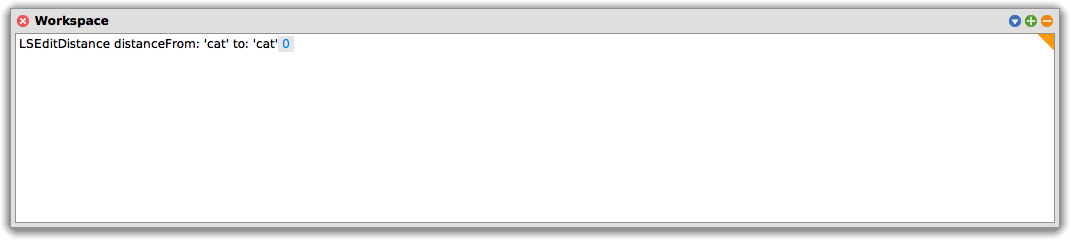
Read the articleBuild a Levenshtein distance table in Squeak Smalltalk, explain its one-based indexes, rank spelling candidates, and verify it against a tiny independent oracle.
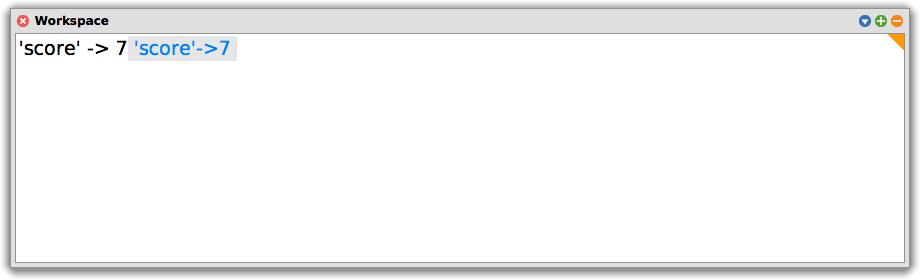
Read the articleMake a labeled pair and read its two parts in five tiny Smalltalk steps.
Read the articleTurn polynomial coefficients into a compact Squeak Smalltalk calculation, trace nested multiplication, and test exact values, derivatives and floating-point limits.
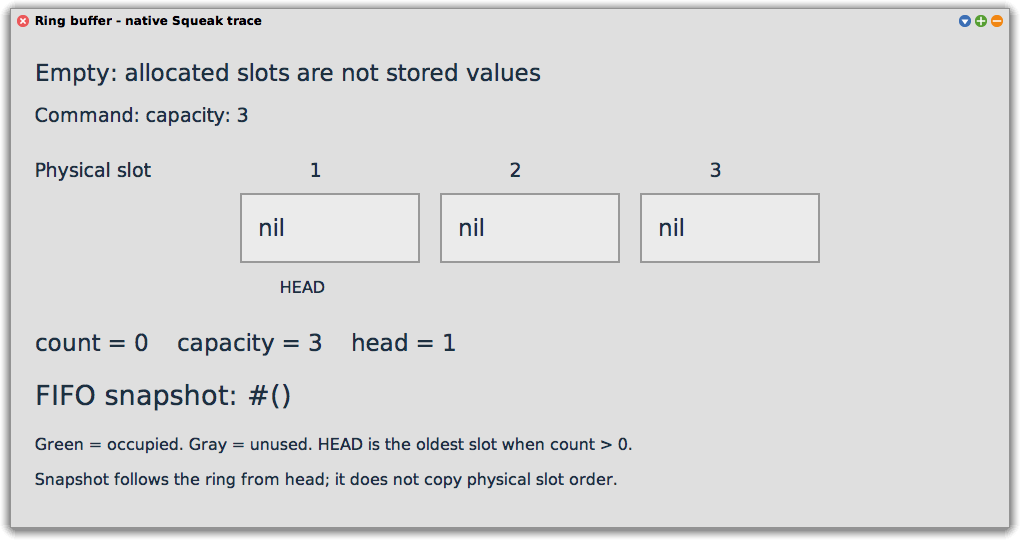
Read the articleBuild a fixed-capacity circular buffer in Squeak Smalltalk, make overwrite-oldest explicit, trace wraparound, and test FIFO order, empty removal and nil values.
Read the articleWrite one letter, change its case, ask a question, and pick a letter from a word in five tiny steps.
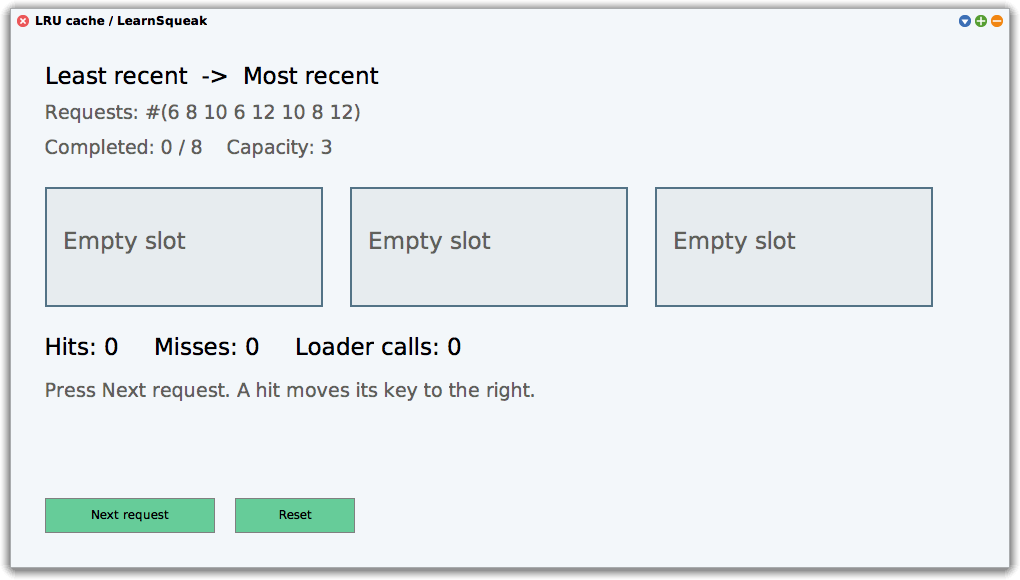
Read the articleBuild a bounded Smalltalk cache with read-through loading, trace hits and evictions in Squeak, and test nil values, zero capacity and failed loaders.
Read the articleSort closed ranges, merge their coverage in one pass, and test touching endpoints, nested ranges, input validation and independent output copies in Squeak.
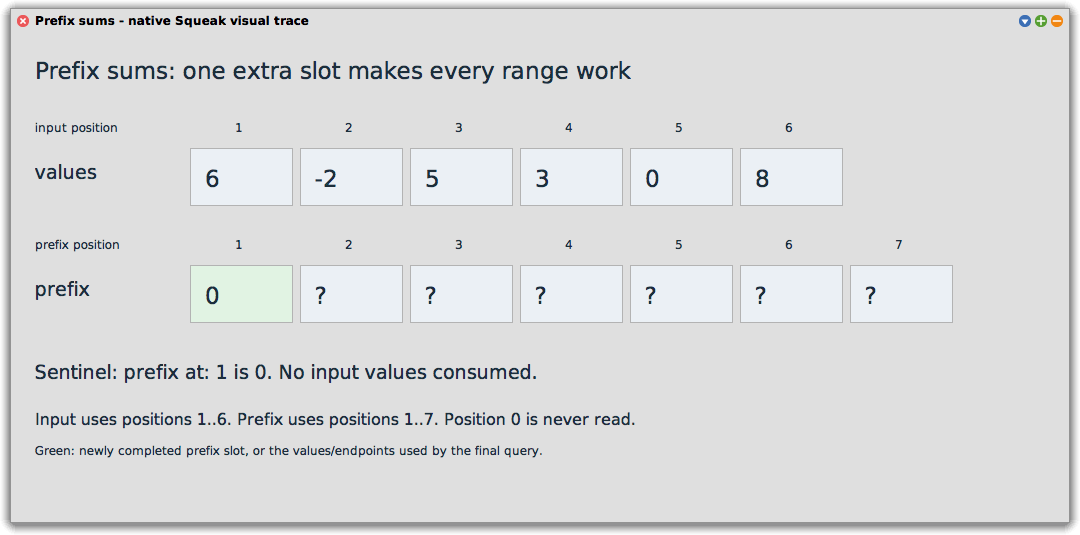
Read the articleBuild running totals in Squeak Smalltalk, answer inclusive range queries with two lookups, and test indexing, invalid bounds and stale cached sums.
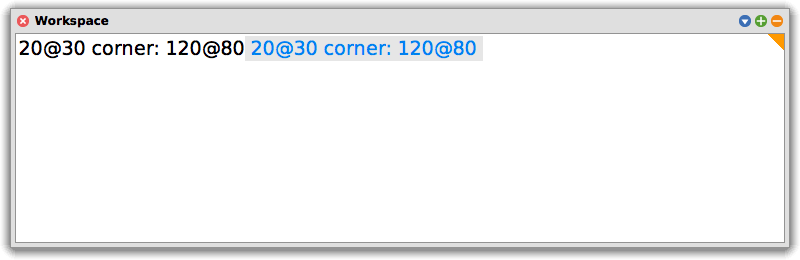
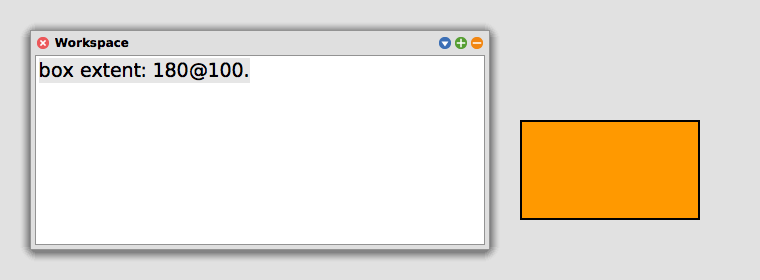
Read the articleMake an area, measure it, check two points, and move it in five tiny steps.
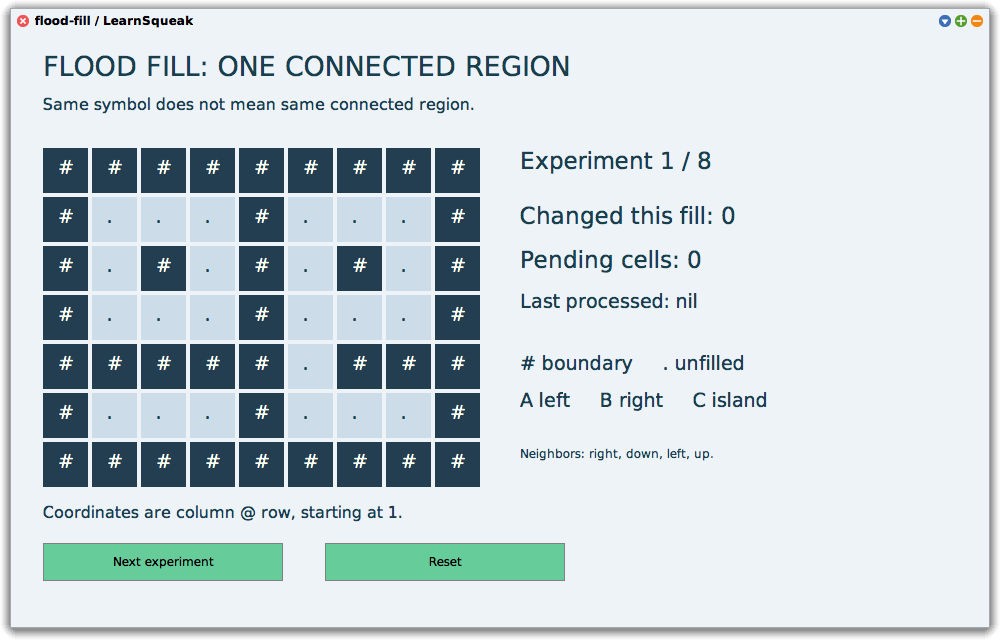
Read the articleBuild a queue-driven Squeak flood-fill model, watch cells join the frontier, and test exactly which regions a paint bucket can reach.
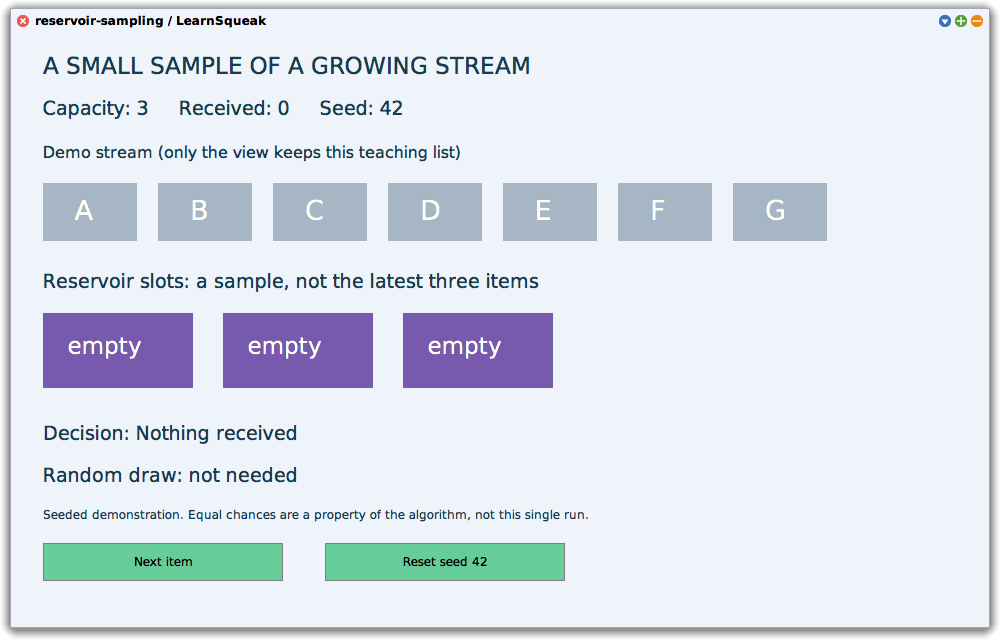
Read the articleBuild a native Squeak streaming sampler with three slots, seeded random choices, a visual trace and twelve deterministic SUnit tests.
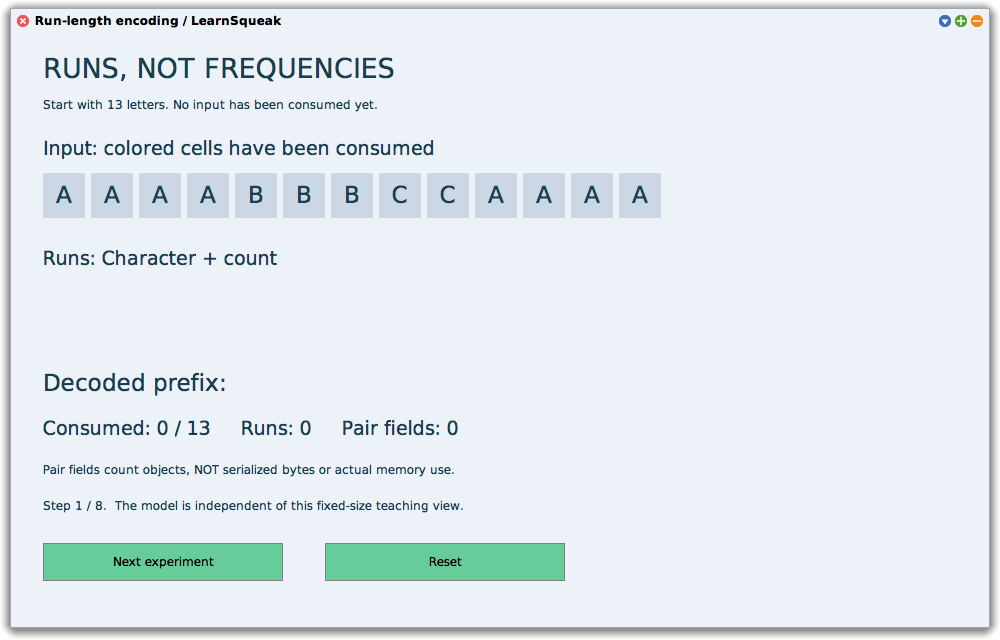
Read the articleBuild a native Squeak run-length encoder and decoder, step through repeated symbols, test round trips and discover when count pairs make data larger.
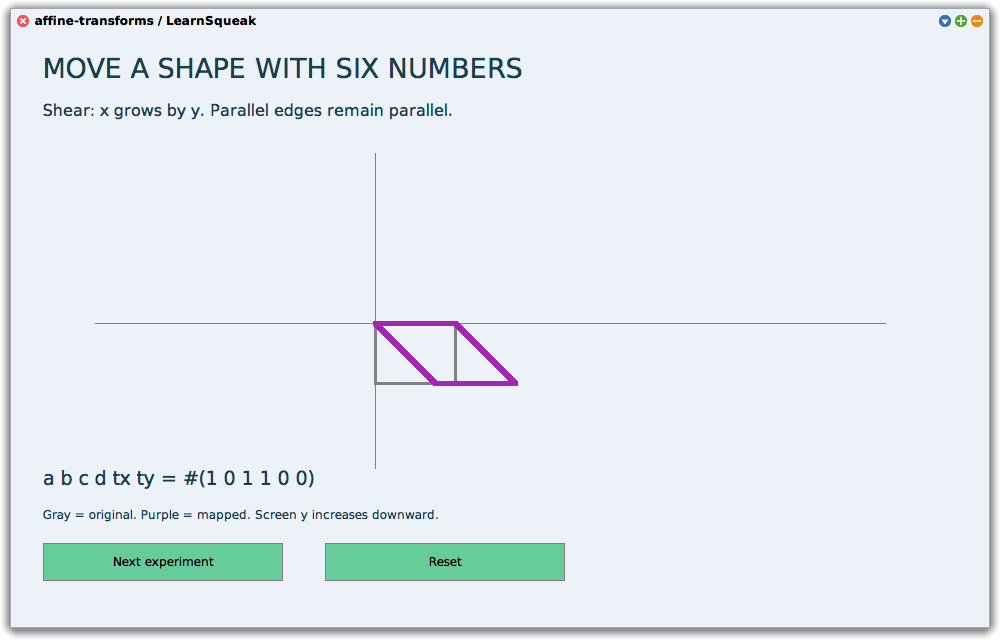
Read the articleExplore native Squeak affine transforms: translation, scaling, quarter turns, shear, composition order and exact inverse mappings.
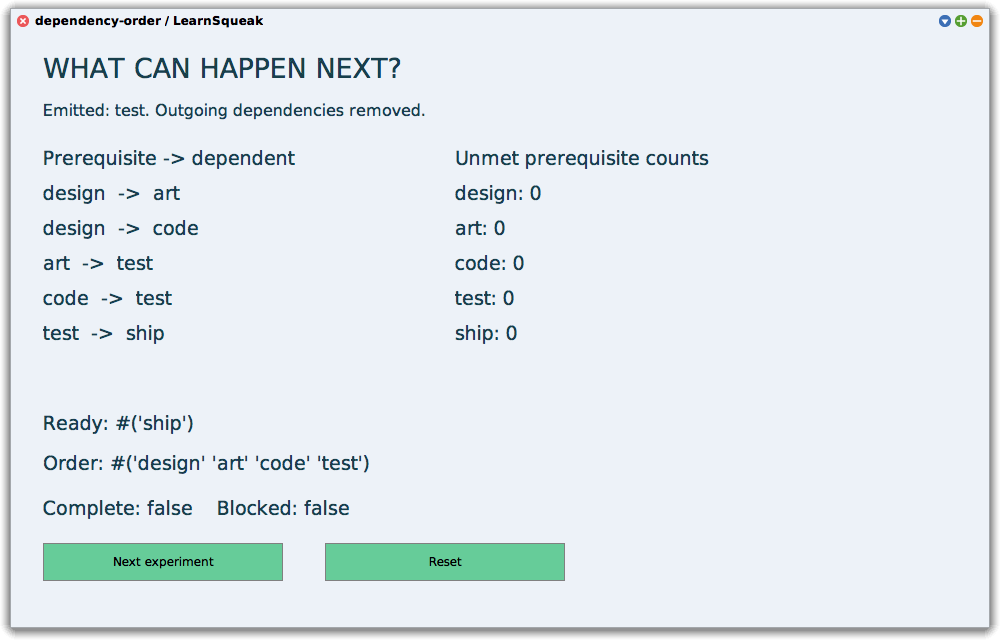
Read the articleBuild a native Squeak dependency planner with ready queues, indegree counts, deterministic ordering and explicit cycle detection.
Read the articleMake a tiny two-number address, read it, and move it in five small steps.
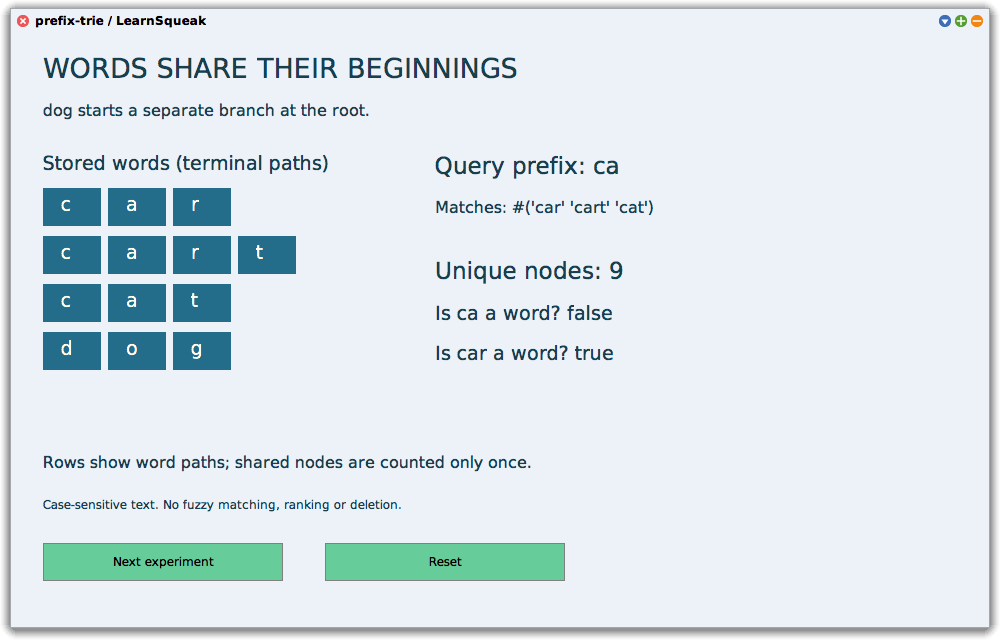
Read the articleBuild a native Squeak prefix trie, distinguish words from prefixes, and explore sorted autocomplete results with ten SUnit tests.
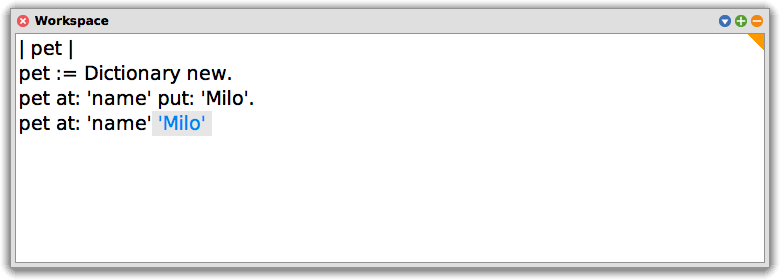
Read the articleKeep values under labels. Store a pet’s name and age, find them, and change a value.
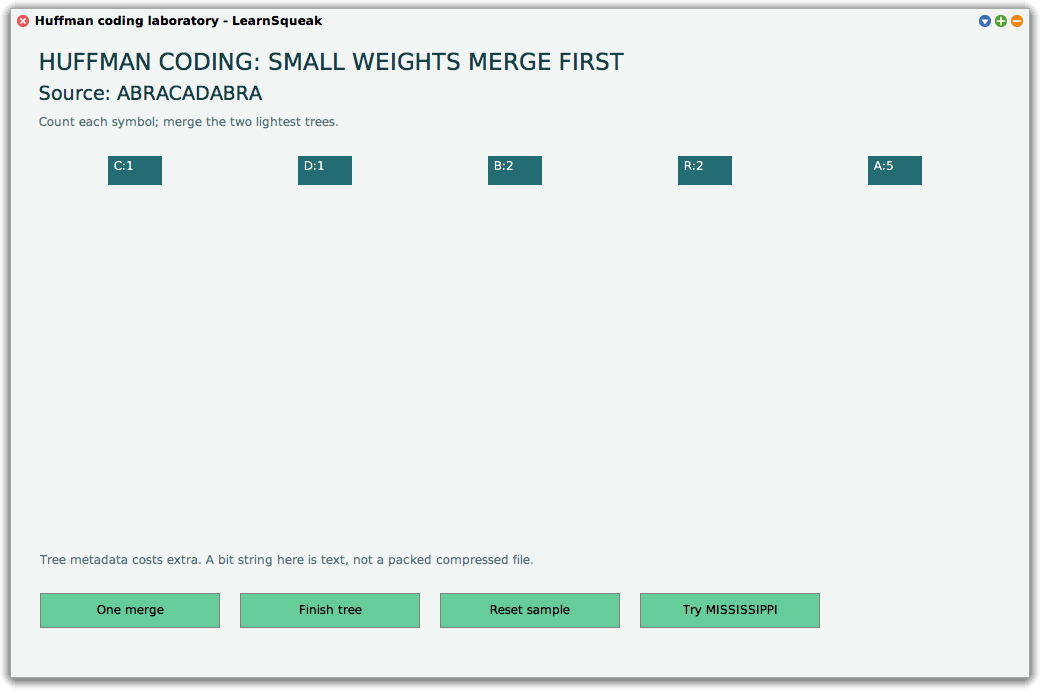
Read the articleMerge weighted trees, derive binary prefix codes and test a lossless encode/decode round trip in native Squeak Smalltalk.
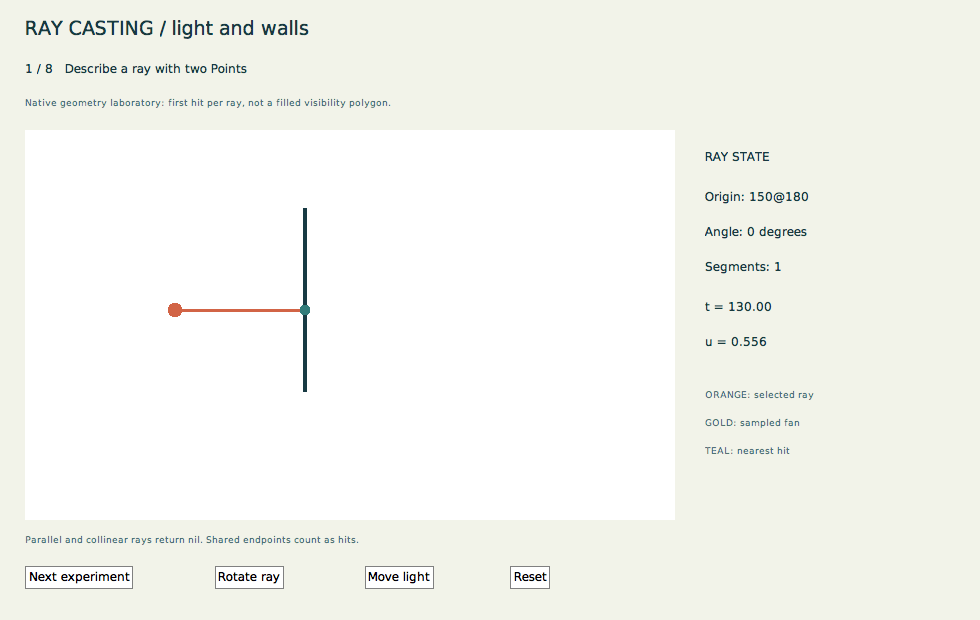
Read the articleIntersect rays with finite wall segments, select the nearest hit and explore sampled light fans with tested native Squeak geometry.
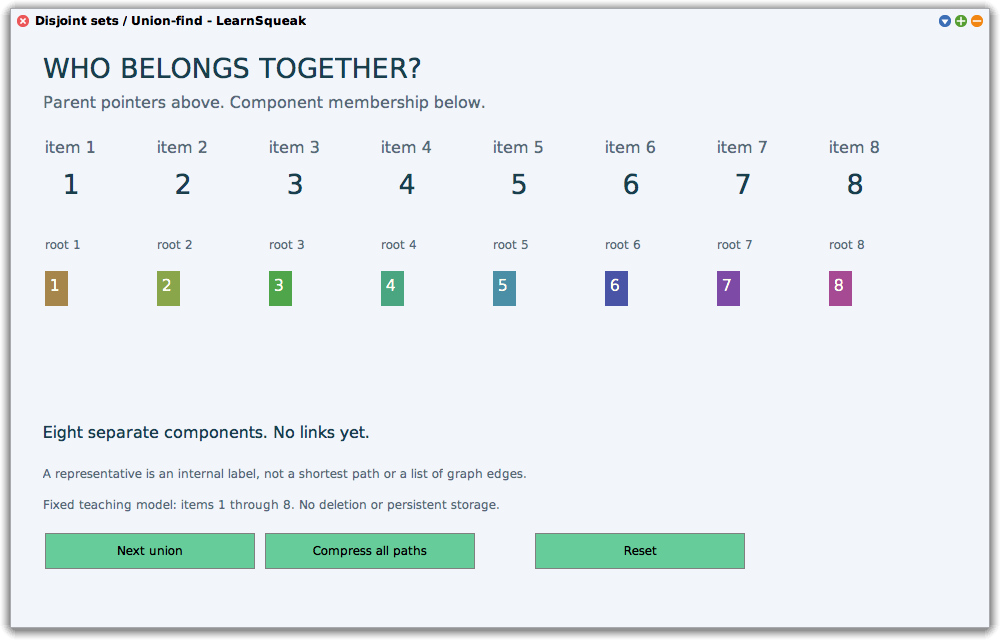
Read the articleBuild a native Squeak union-find lab with weighted unions, path compression, parent-pointer views and tested connectivity experiments.
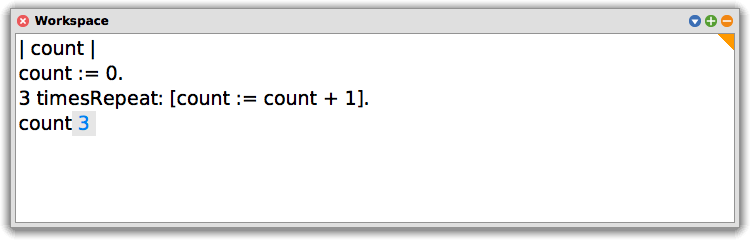
Read the articleAsk Squeak to do a small job more than once. Count up, add in twos, and repeat some text.
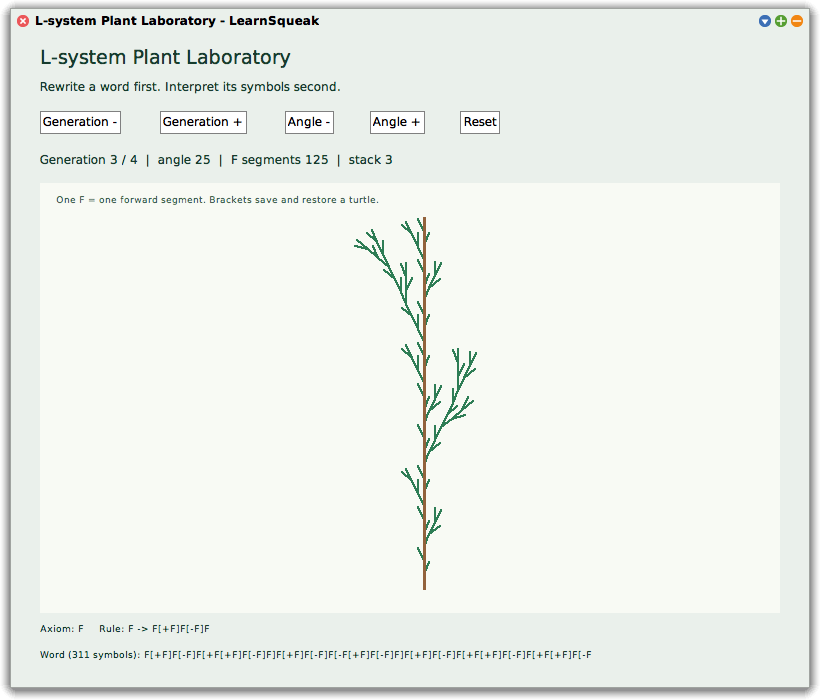
Read the articleRewrite symbols in parallel, interpret branches with a stack, and draw the result in native Squeak.
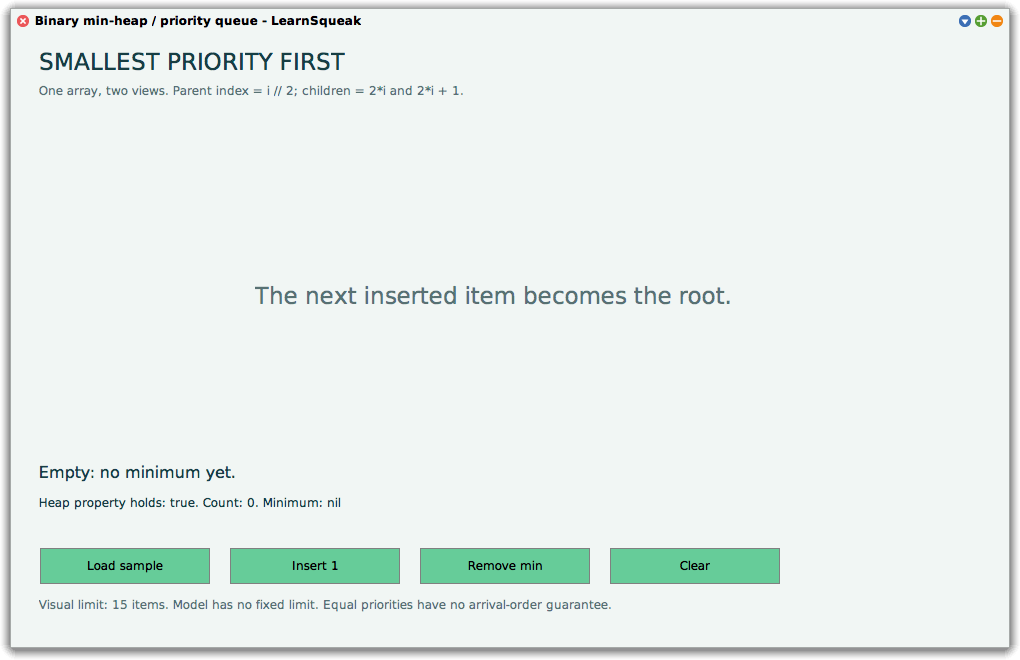
Read the articleSee how an array-backed min-heap inserts upward, removes downward and always returns the smallest priority first.
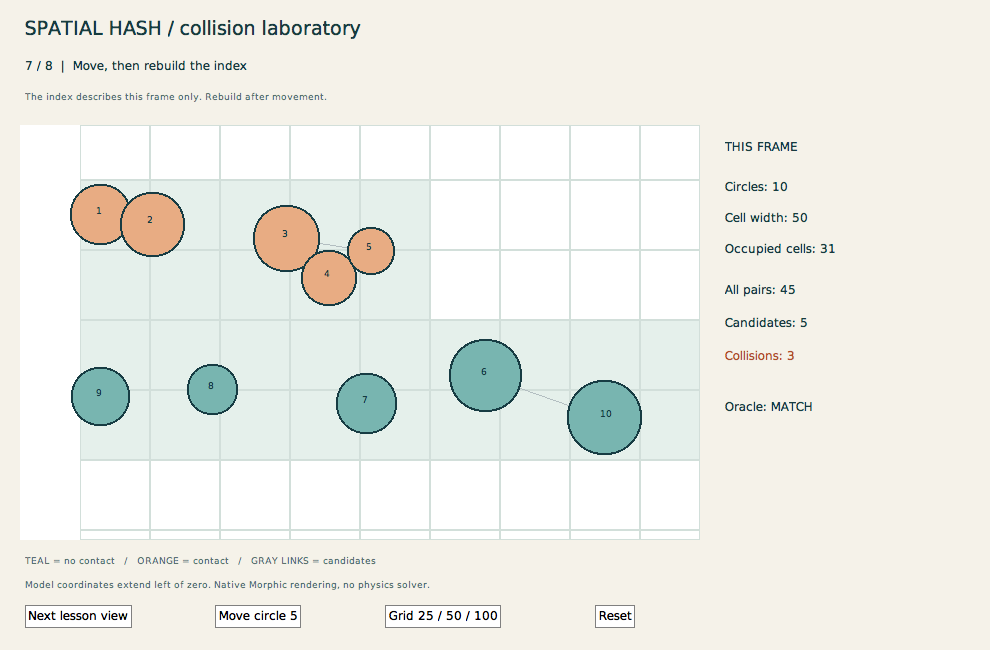
Read the articleUse a uniform grid to propose circle pairs, reject false positives, and check every result against a brute-force oracle.
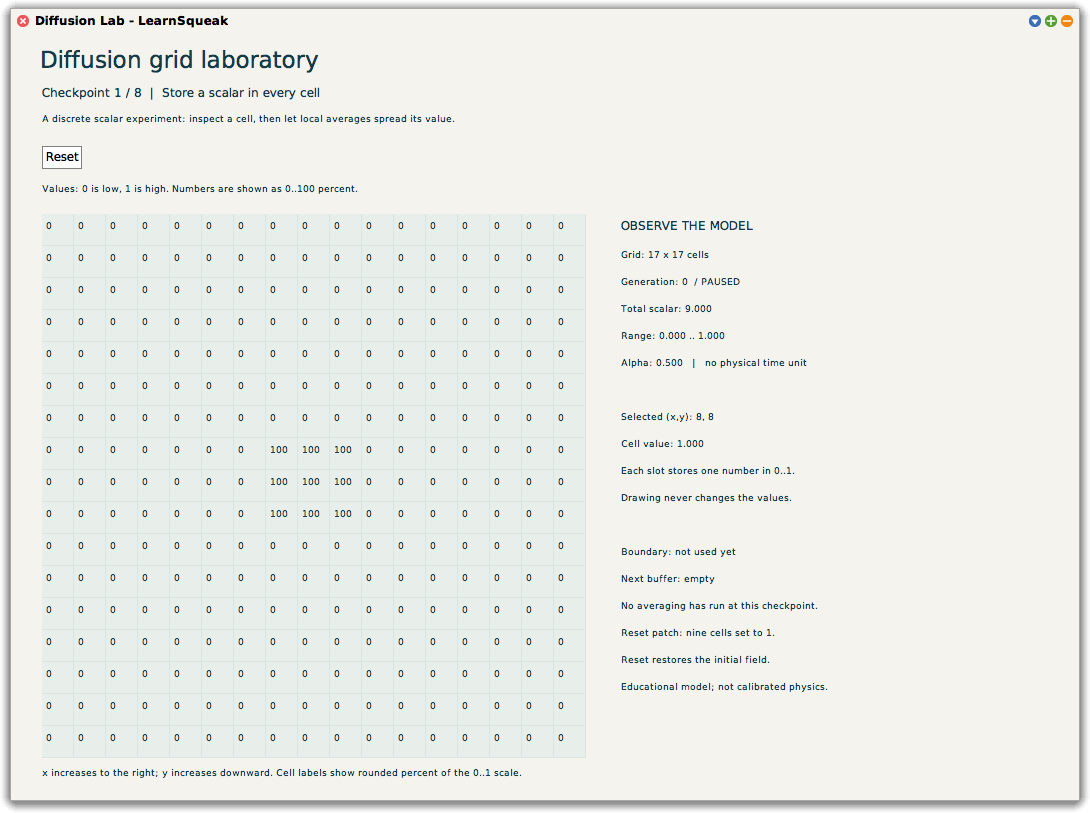
Read the articleBuild a native scalar-field experiment with honest boundaries, stable local averaging, separate buffers and one safe Morphic clock.
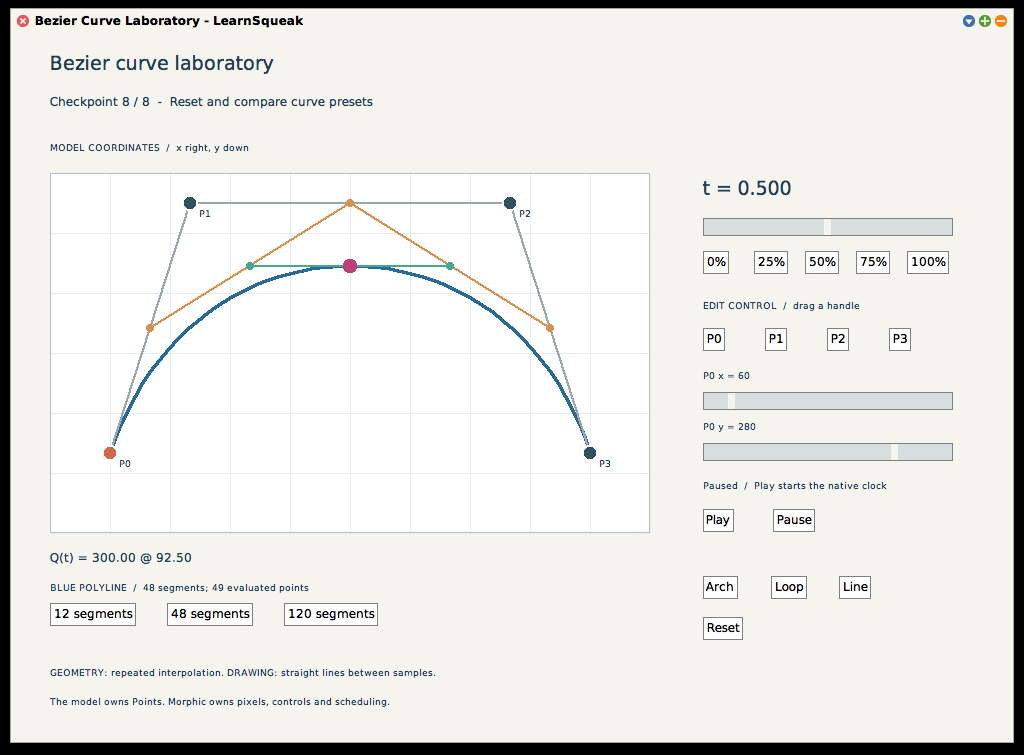
Read the articleConstruct curves with Points and de Casteljau interpolation, edit native handles, compare sampled drawings, and animate a safe parameter clock.
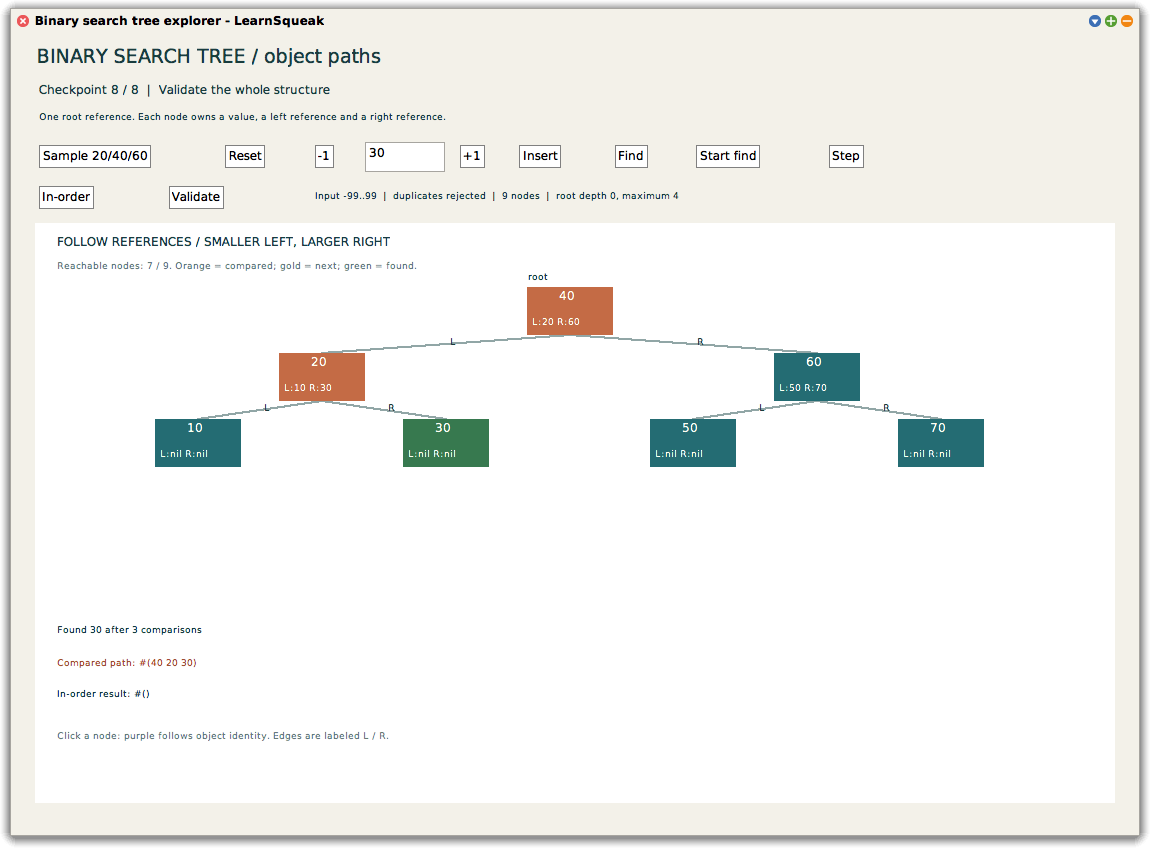
Read the articleFollow real left and right references, step through comparisons, and turn an object tree into a native Morphic explorer.
Read the articleAsk a yes-or-no question, then use the answer to choose some text.
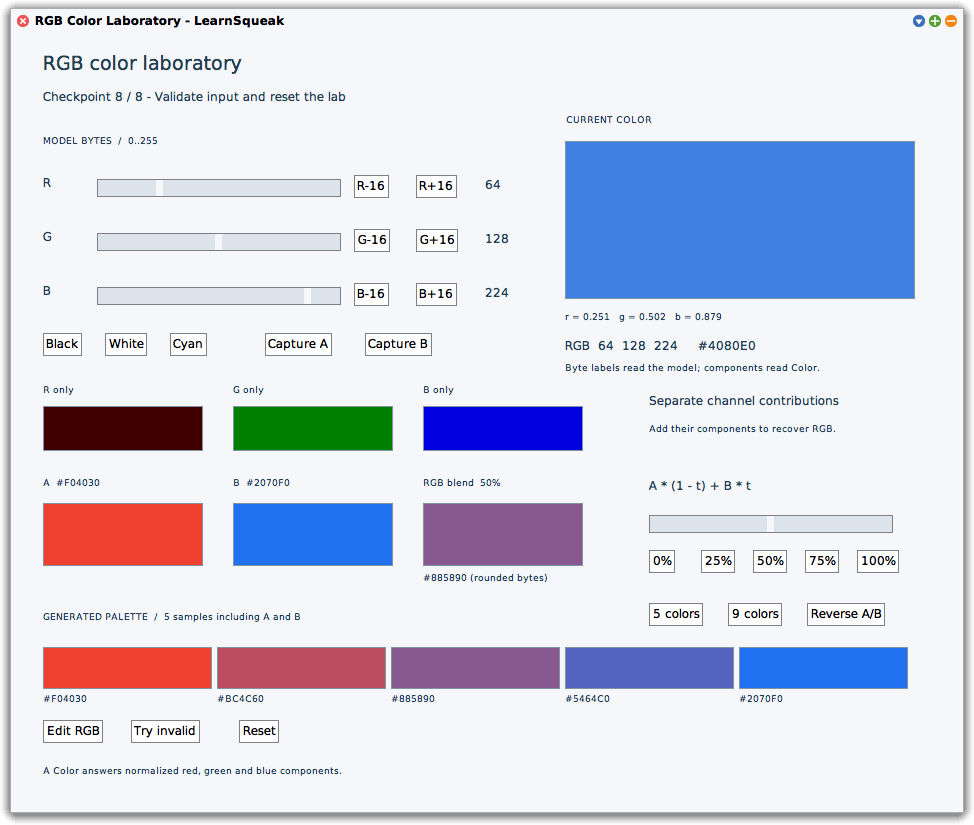
Read the articleExplore Color objects, bounded RGB bytes, native channel controls, numeric interpolation and generated palettes.
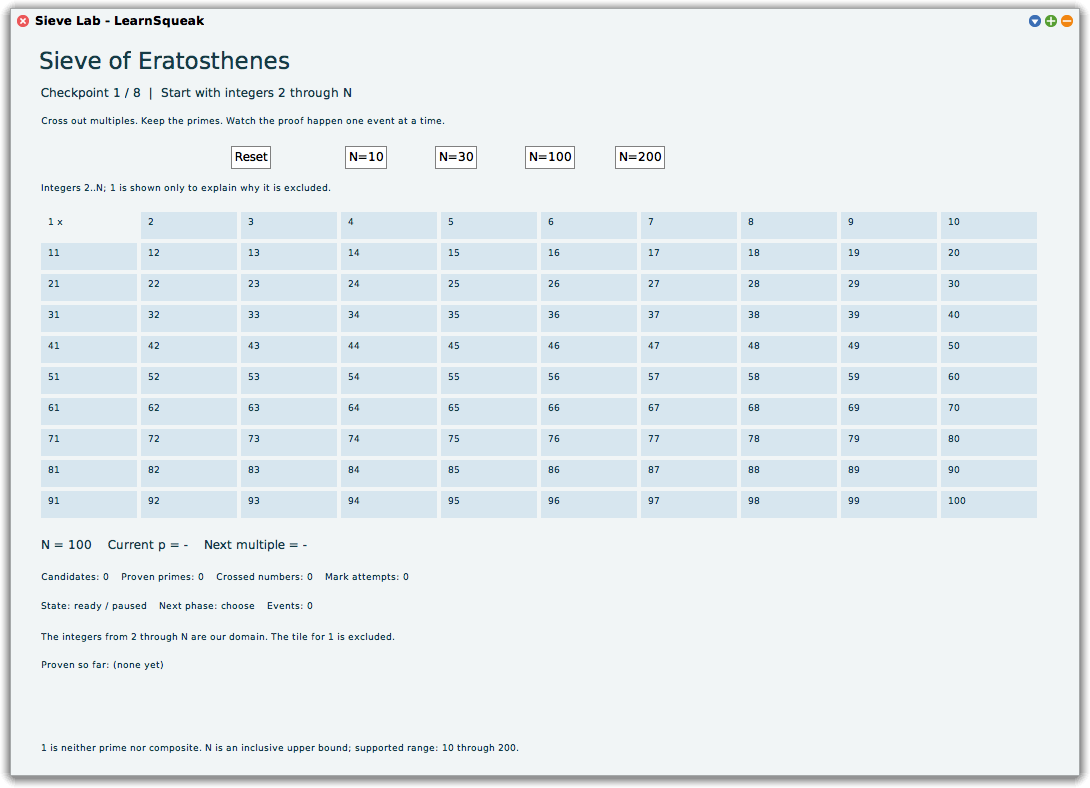
Read the articleTurn prime-number discovery into an observable native Squeak application with honest candidate states, one-event stepping and a visible stopping proof.
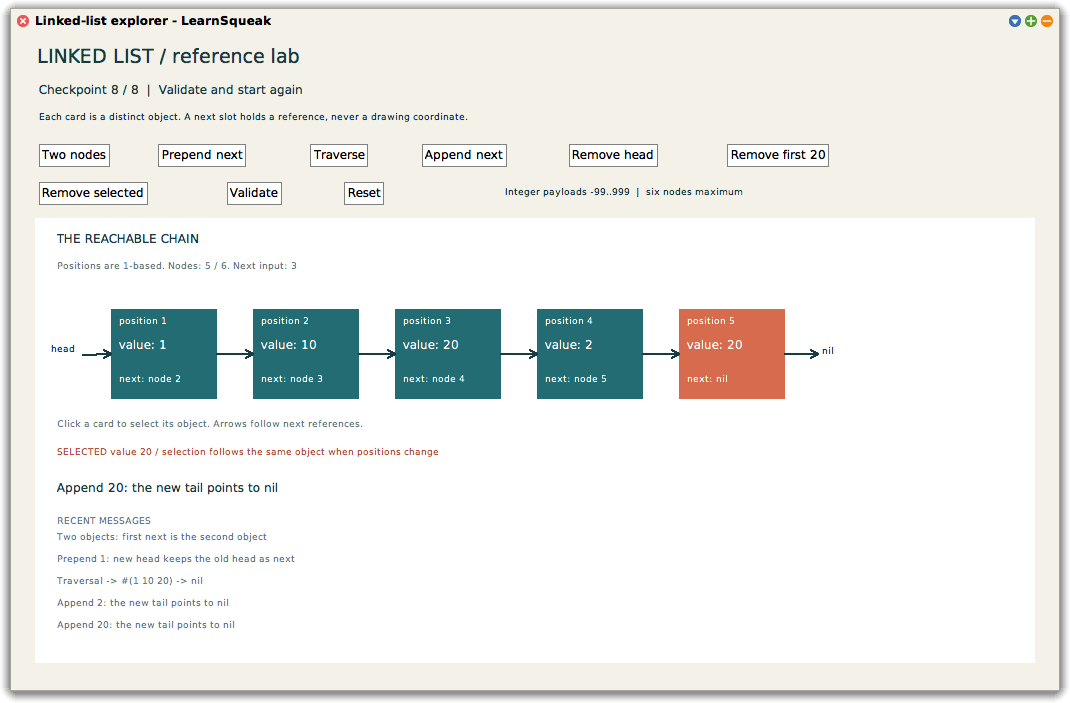
Read the articleFollow real node references, rewire insertions and removals, and make identity visible in a native Morphic diagram.
Read the articleWrite some text, count its letters, and join words together.
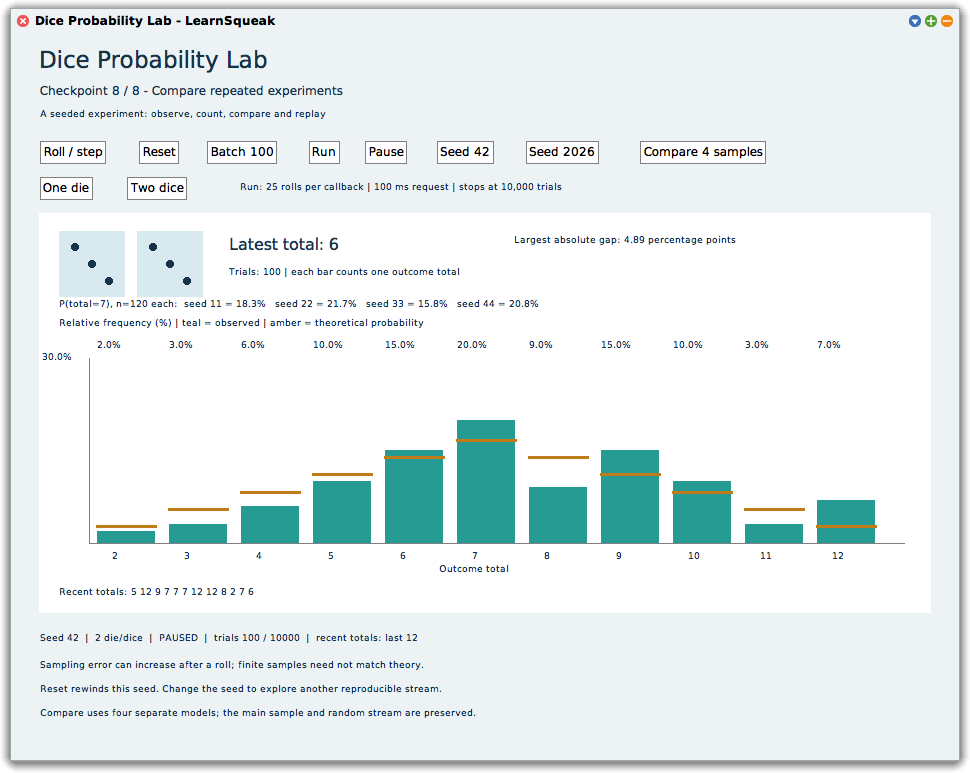
Read the articleUse seeded experiments, exact sample spaces and native Morphic histograms to explore probability and sampling variability.
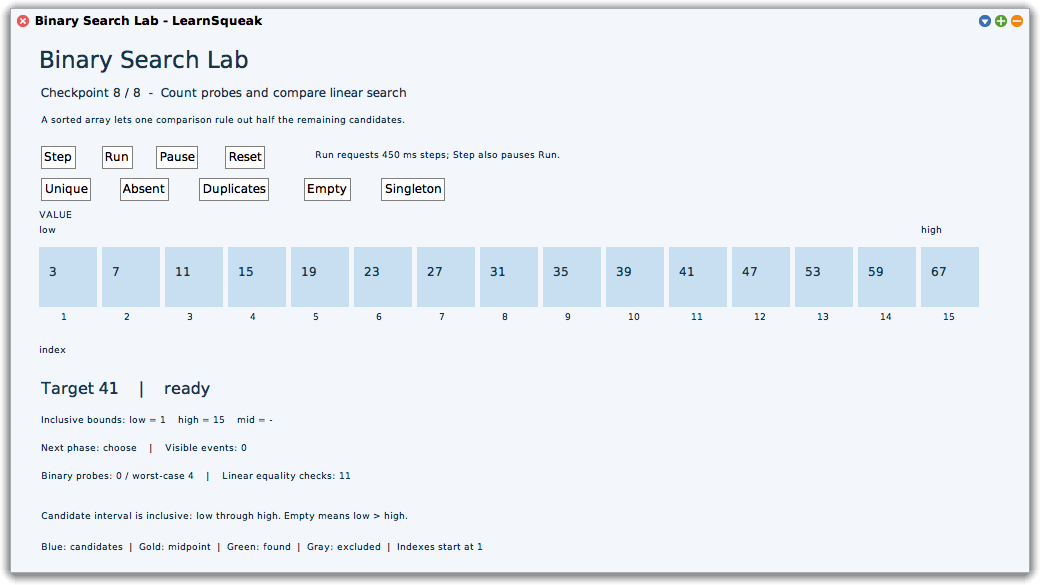
Read the articleBuild a native Squeak lab that shows sorted data, inclusive bounds, midpoint comparisons and the shrinking search interval.
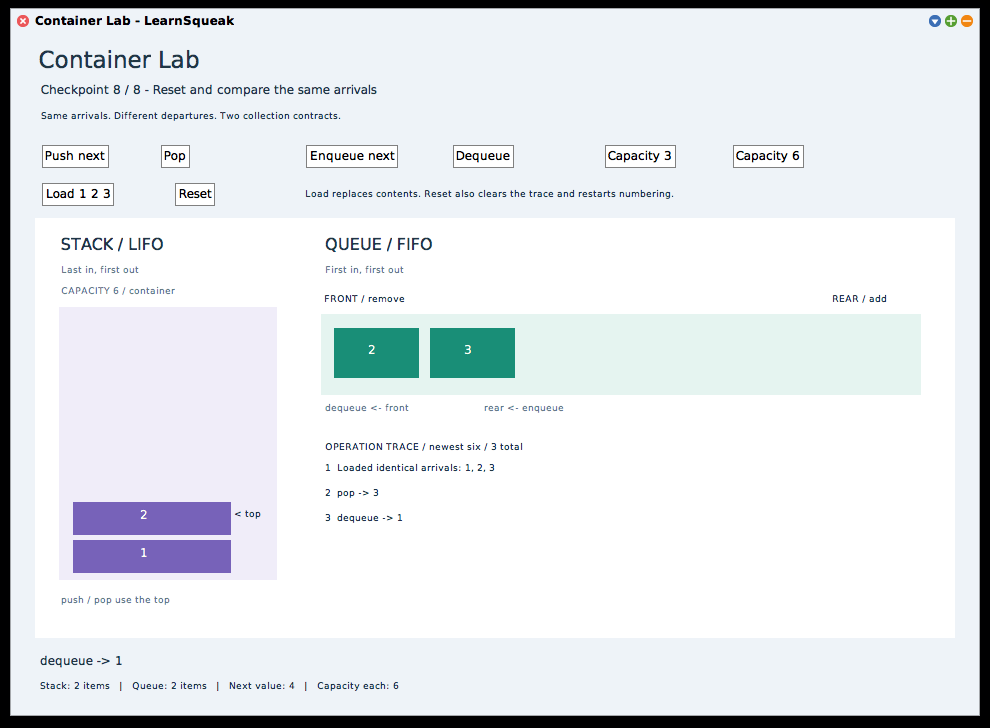
Read the articleMake LIFO and FIFO visible with native controls, safe empty handling, a bounded trace and tested collection contracts.
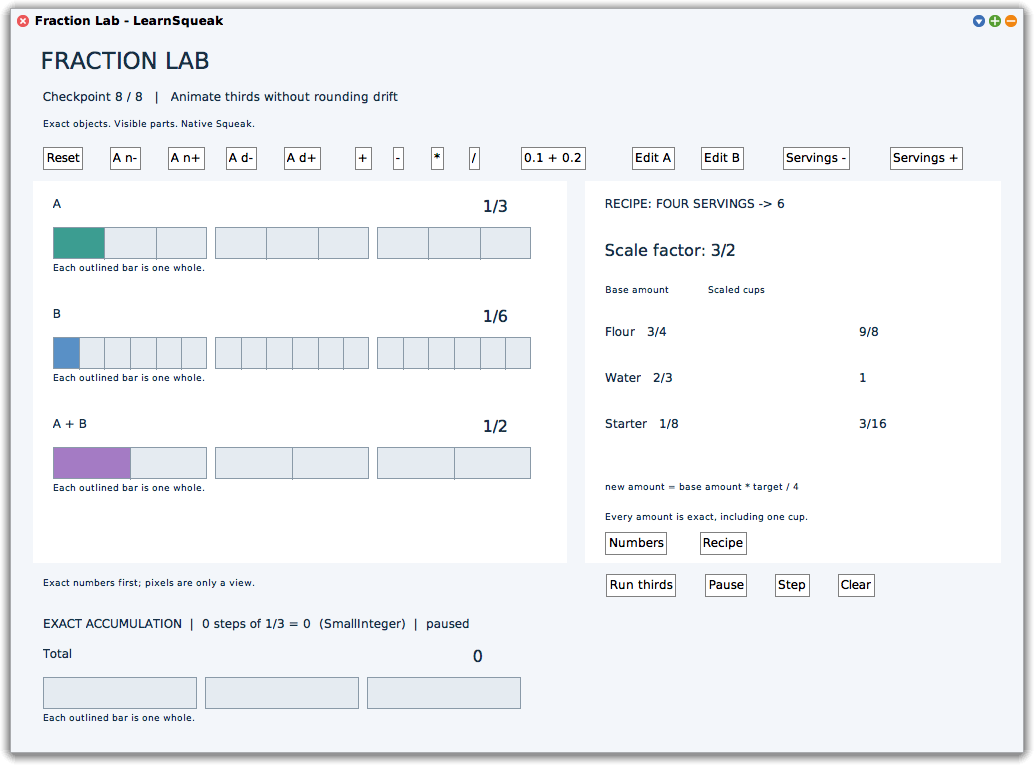
Read the articleExplore rational objects, signed arithmetic, safe input and recipe scaling with native Morphic fraction bars.
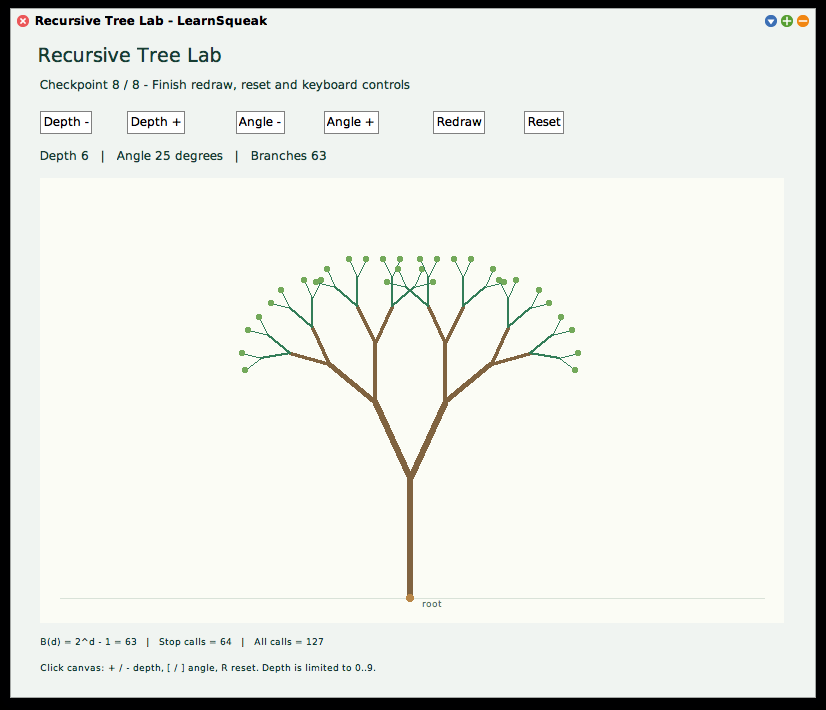
Read the articleGrow a native Morphic tree from one endpoint calculation. Understand base cases, recursive calls, branch geometry and exponential work.
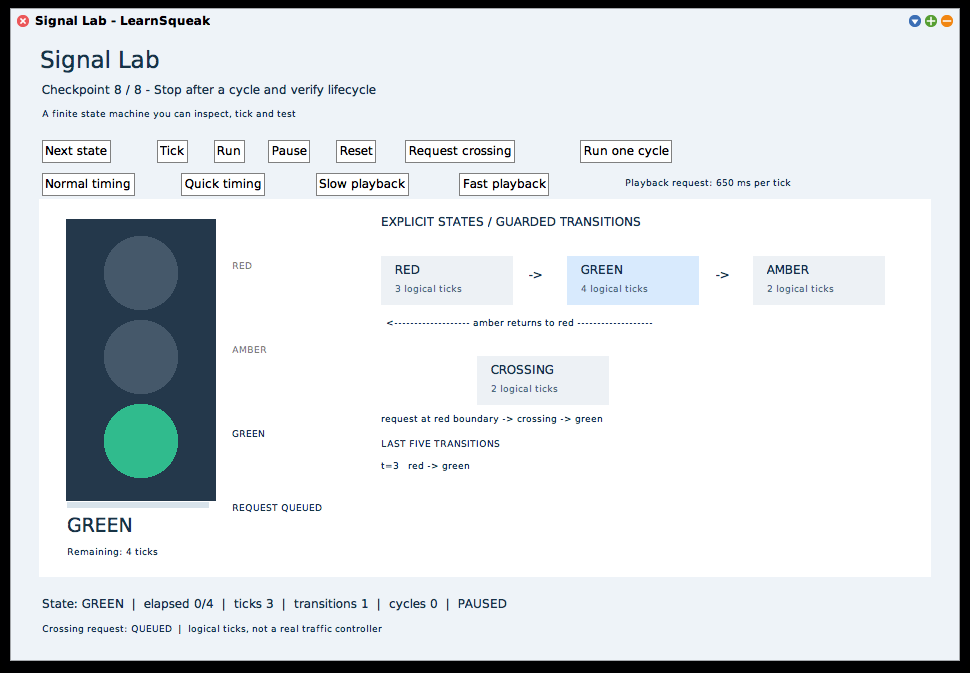
Read the articleModel a traffic-light illustration, make guarded transitions visible, and control native Morphic playback one logical tick at a time.
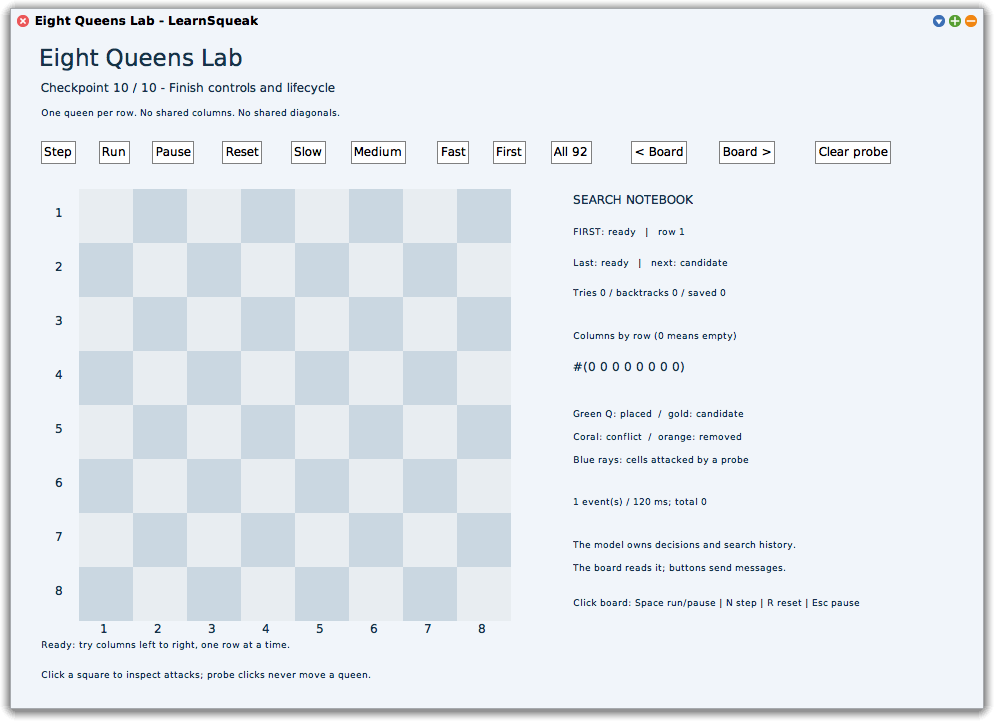
Read the articleTurn a chess puzzle into an observable search: candidates, conflicts, safe placements, dead ends, and all 92 solutions.
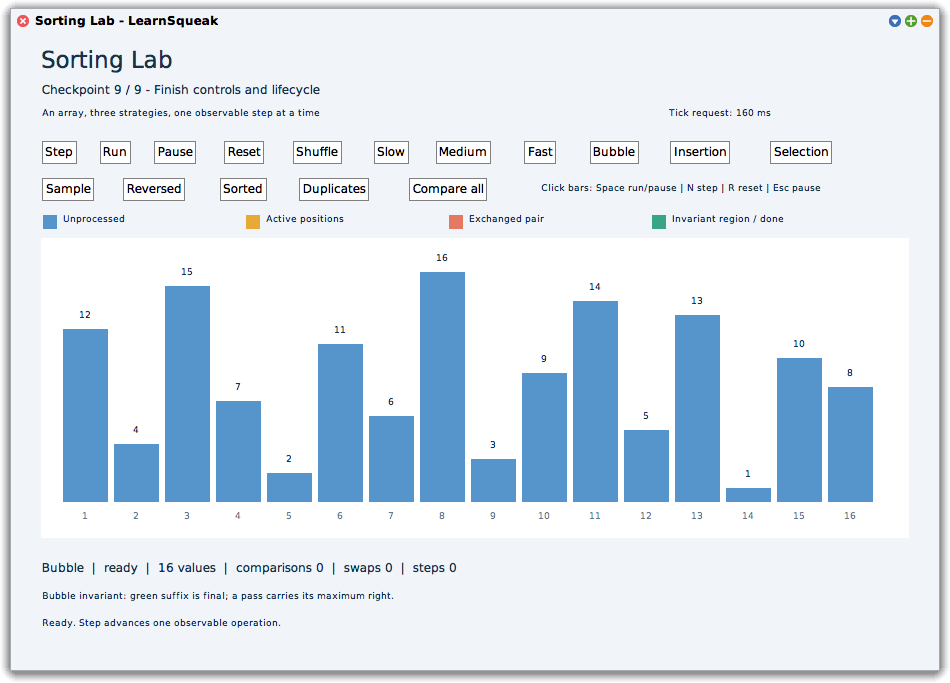
Read the articleTurn three sorting algorithms into observable objects, animate their invariants, and compare their work in native Squeak.
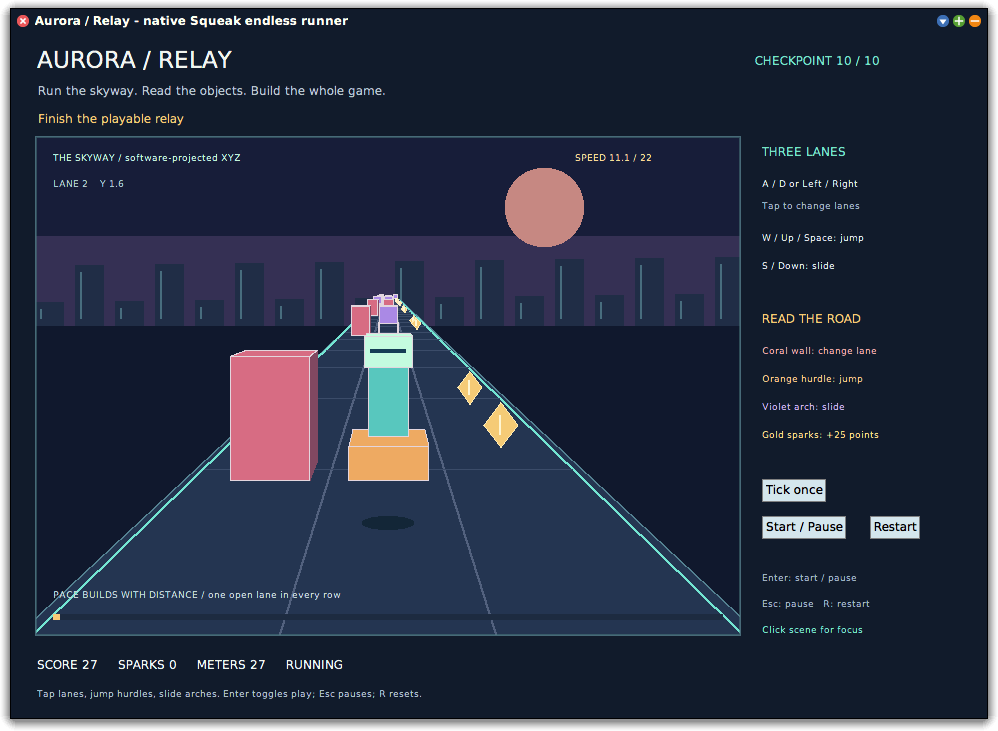
Read the articleTen cumulative Squeak checkpoints: three lanes, perspective, jumps, slides, swept contacts, fair seeded generation and one native game clock.
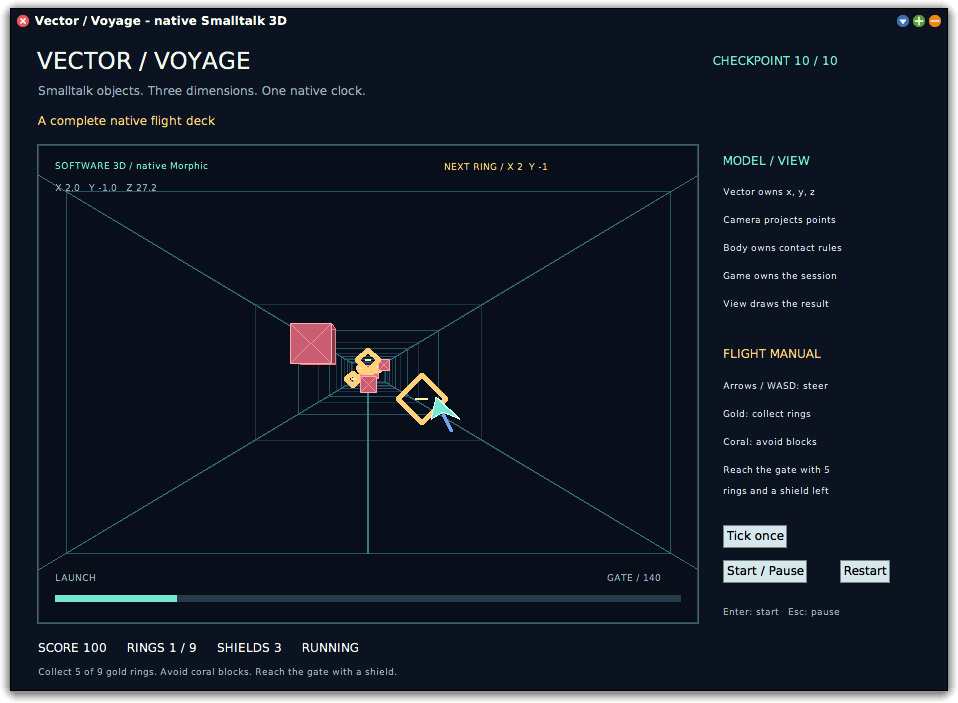
Read the articleTen runnable Squeak checkpoints: 3D vectors, perspective, projected geometry, continuous collisions, keyboard control and one safe native clock.
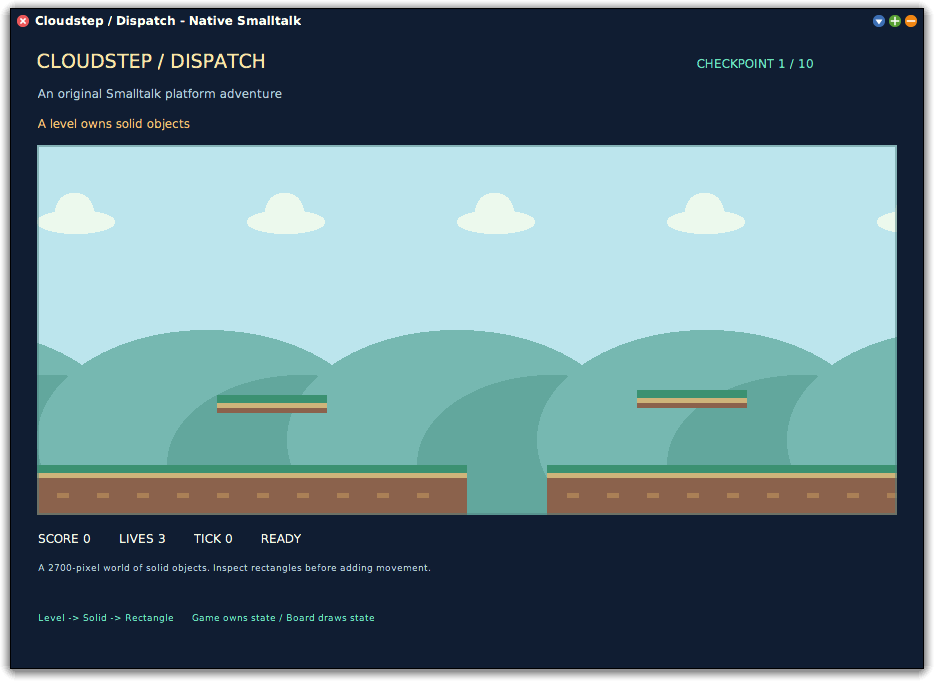
Read the articleTen native Squeak checkpoints: solid geometry, fixed-step physics, jumping, scrolling, collectible polymorphism, enemies, and one safe game clock.
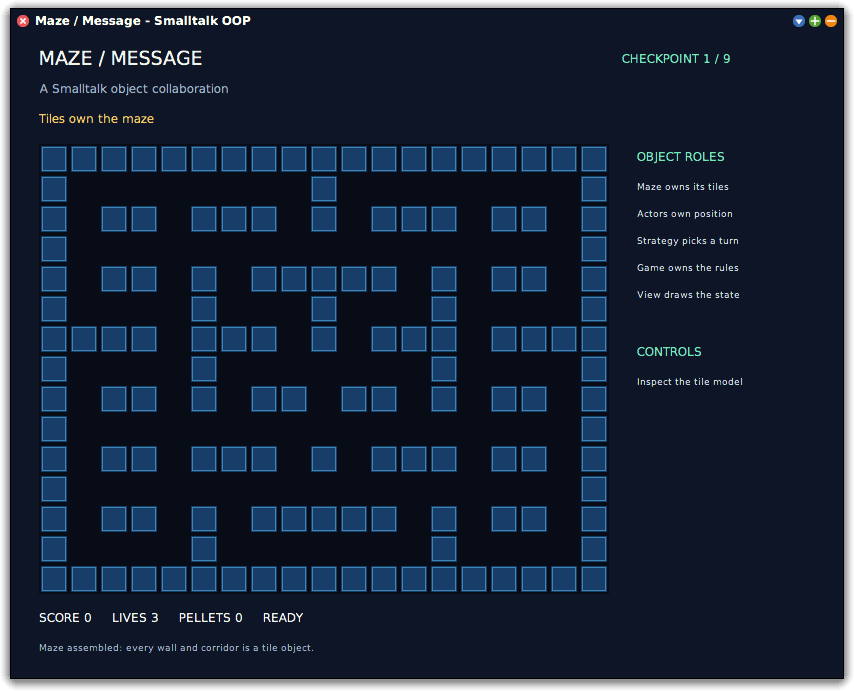
Read the articleNine native Squeak checkpoints: tiles, actors, polymorphic pellets, ghost strategies, explicit game states, and one safe Morphic clock.
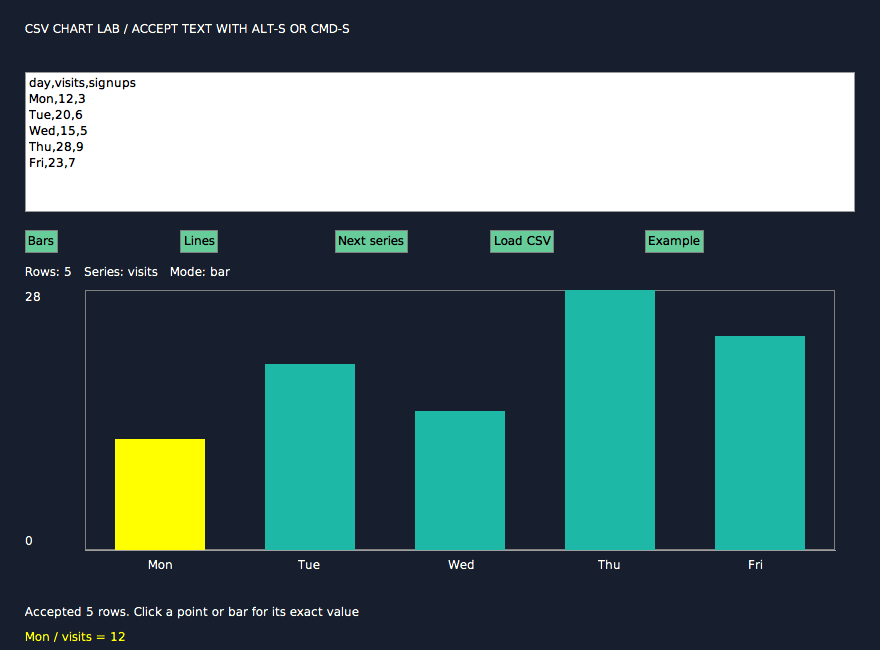
Read the articleParse a small CSV table, scale positive and negative values, and inspect bars or line points.
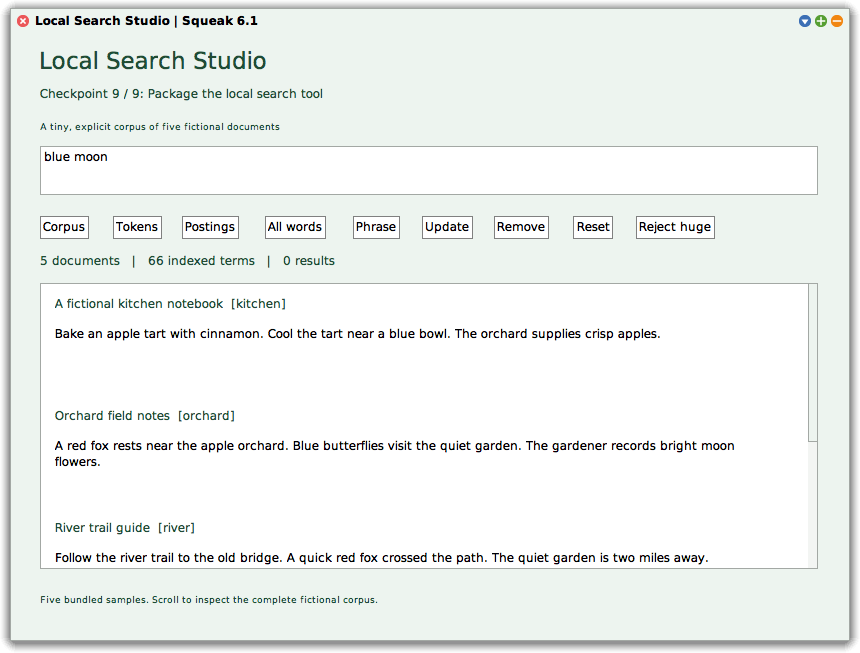
Read the articleTurn an explicit fictional corpus into a positional inverted index with AND queries, phrase matching, highlighted snippets and atomic updates.
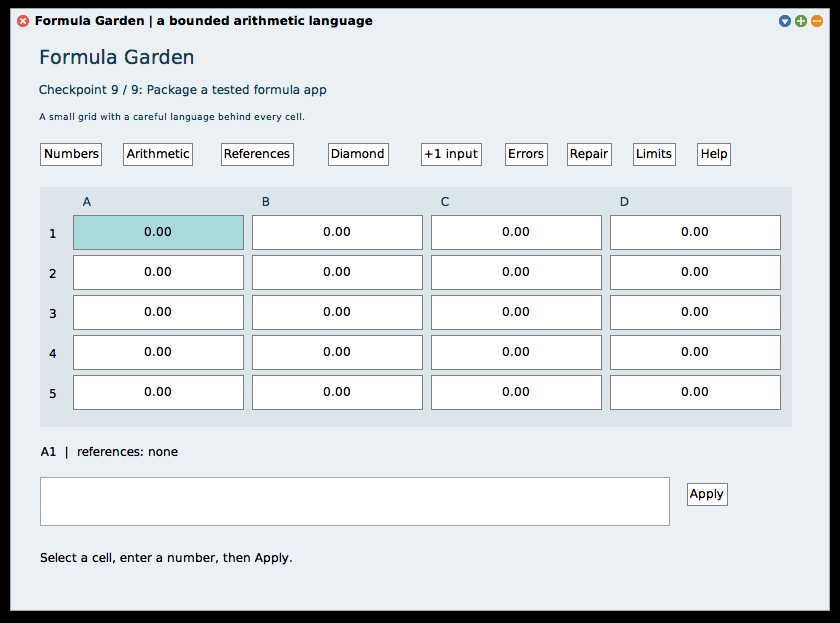
Read the articleCreate an editable native grid with a bounded arithmetic language, cell references, dependency recalculation and recoverable errors.
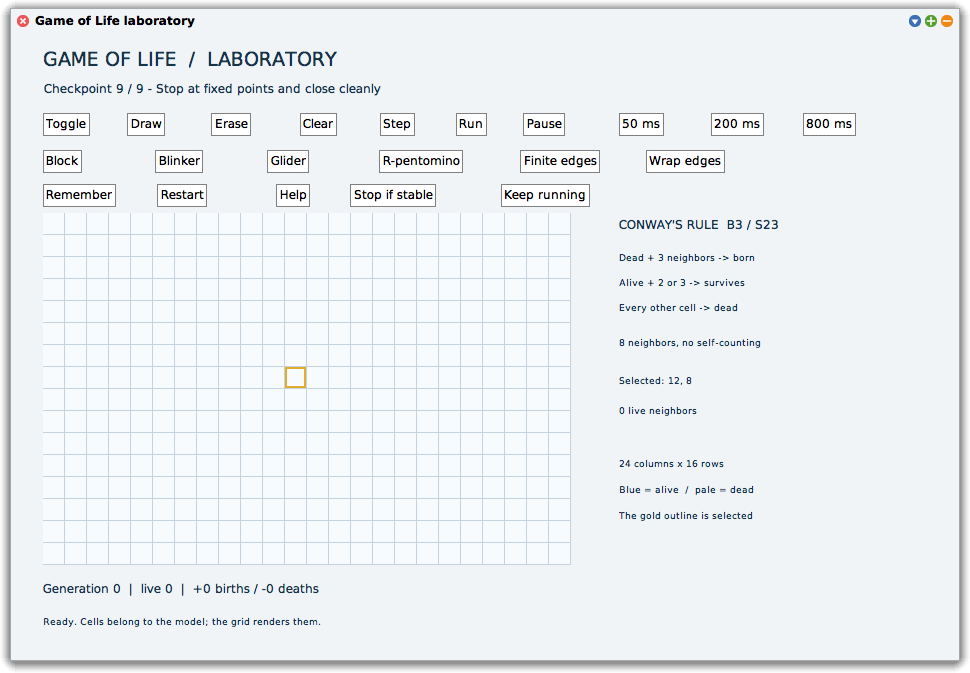
Read the articleTurn a Boolean grid into a deterministic cellular simulation with native drawing, double buffering and explicit boundaries.
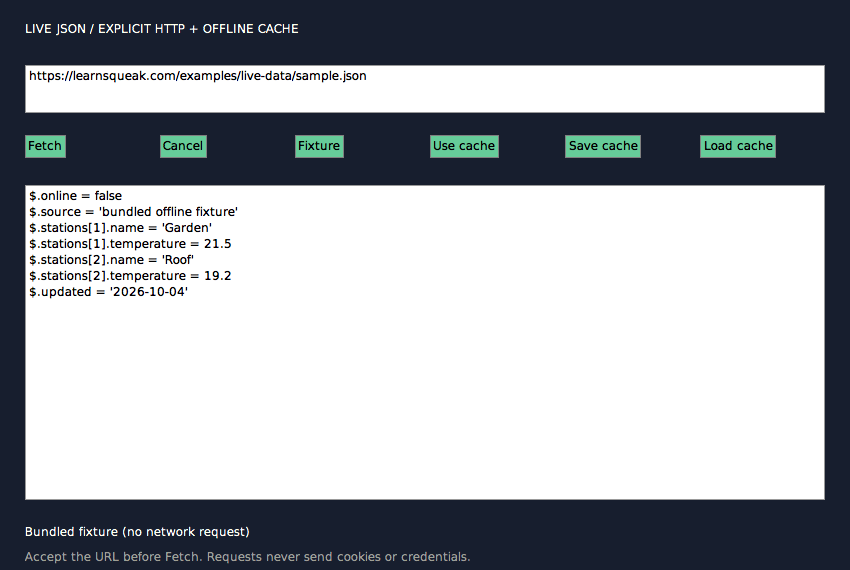
Read the articleFetch explicitly, bound network work, preserve a good cache, and keep an offline fixture.
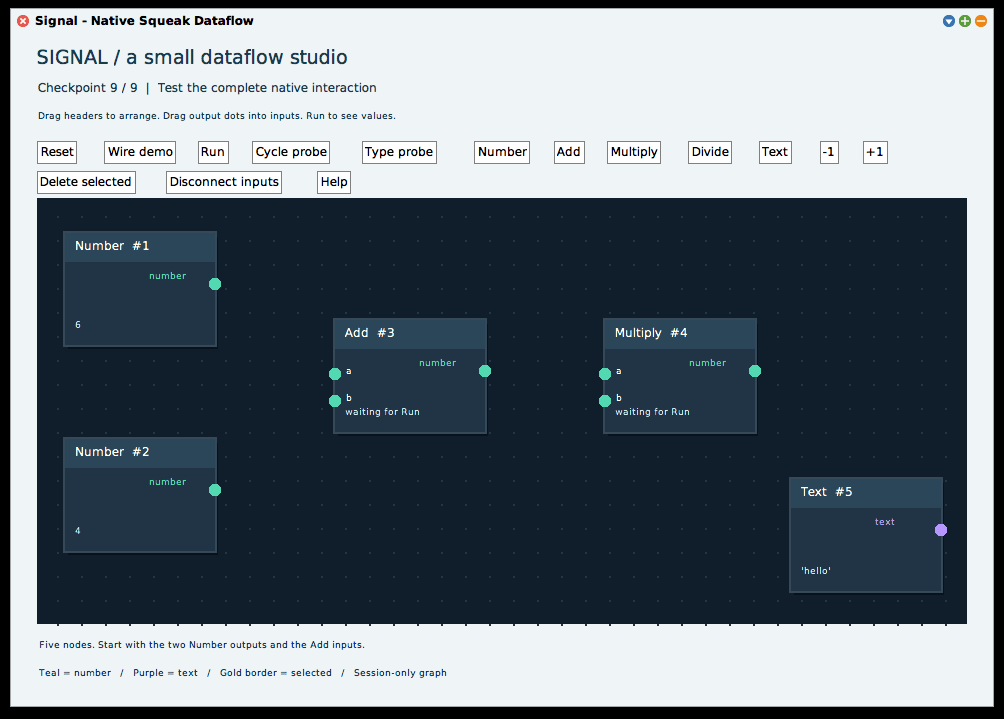
Read the articleBuild a native visual language: arrange nodes, connect typed ports, execute arithmetic and explain broken dataflow.
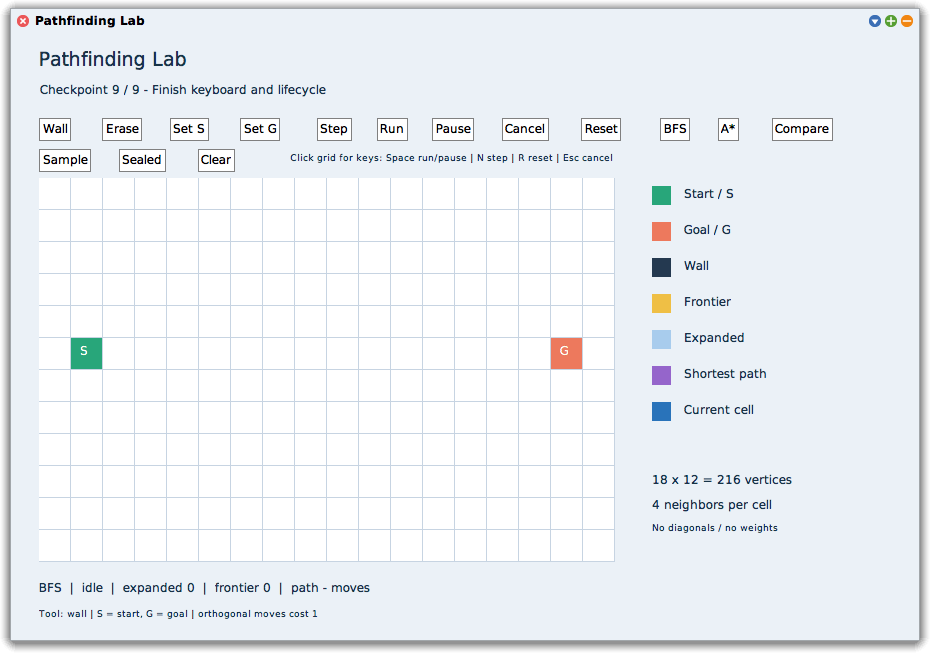
Read the articleEdit a graph, watch its frontier expand, recover shortest routes, and compare two search strategies in native Squeak.
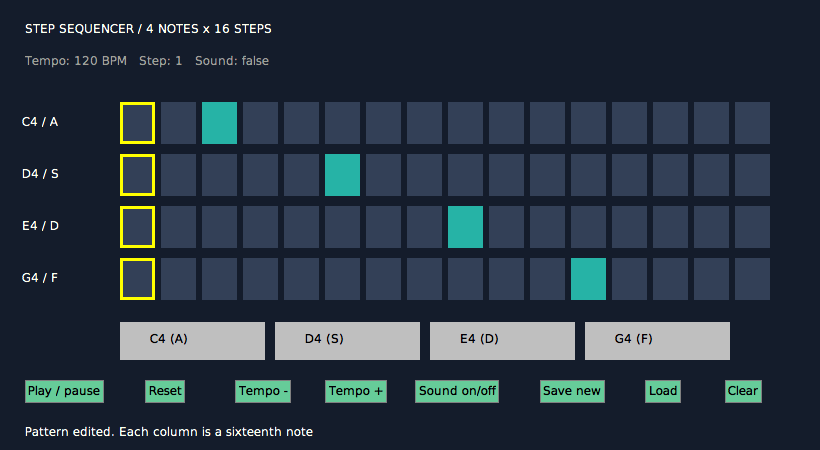
Read the articleSynthesize four notes, edit sixteen steps, follow the playhead, and save a pattern.
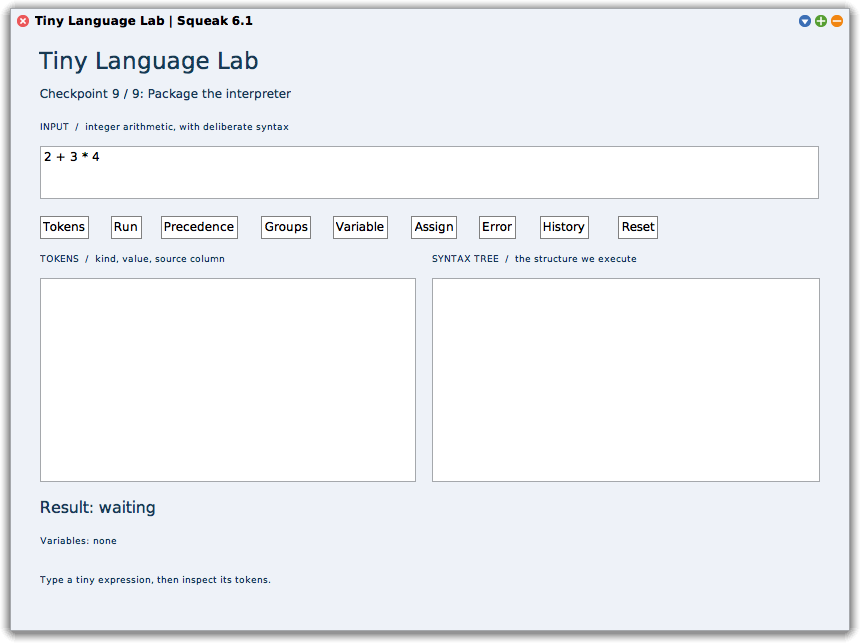
Read the articleBuild a real tokenizer, recursive-descent parser and bounded interpreter, then explore the syntax tree through a native Morphic workbench.
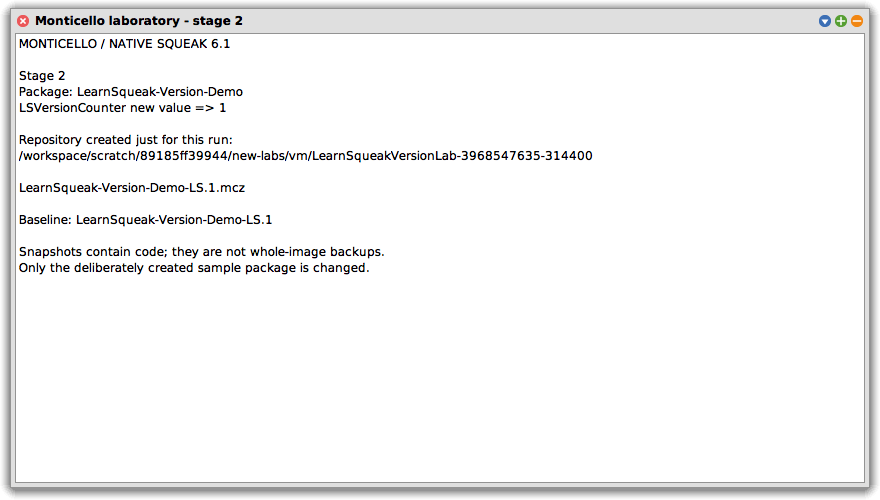
Read the articleSave snapshots, inspect a real diff, resolve a real conflict and recover known code.
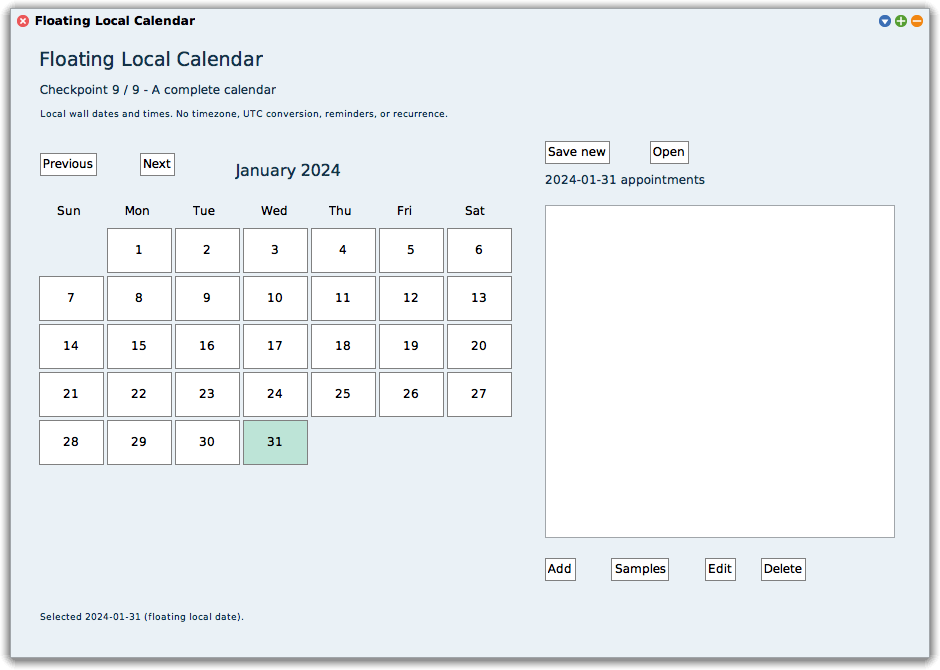
Read the articleBuild a real month grid, navigate Gregorian dates, collect validated appointments, and persist an explicit floating-local-time format.
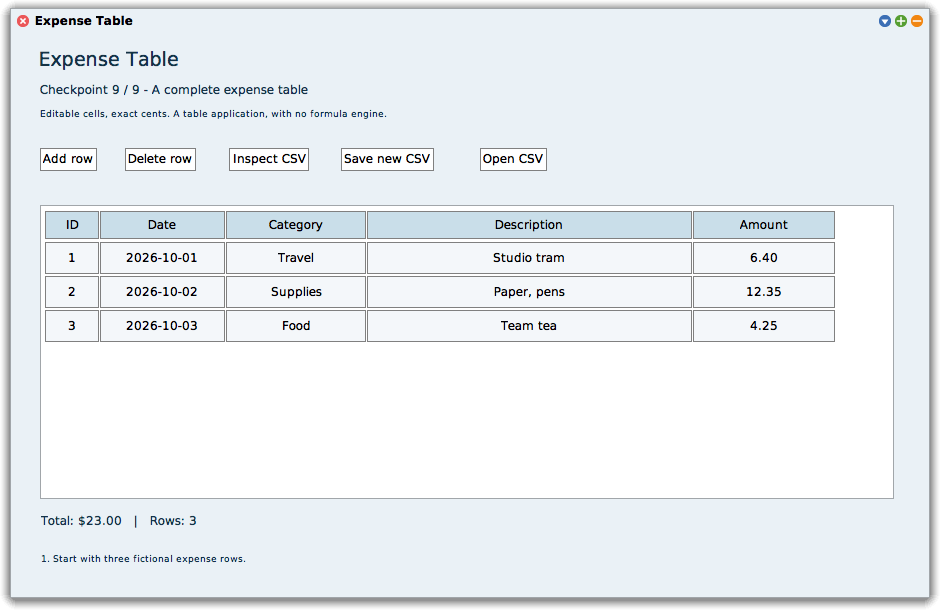
Read the articleBuild a native grid of editable cells, validate each draft, total integer cents, sort by stable identity, and round-trip a bounded CSV format.
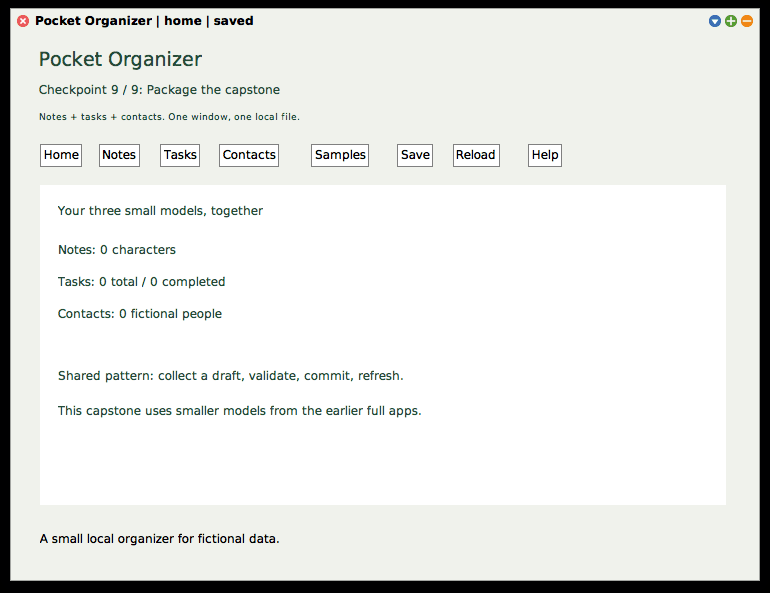
Read the articleCombine editable notes, tasks and fictional contacts behind shared navigation, validation and local persistence.
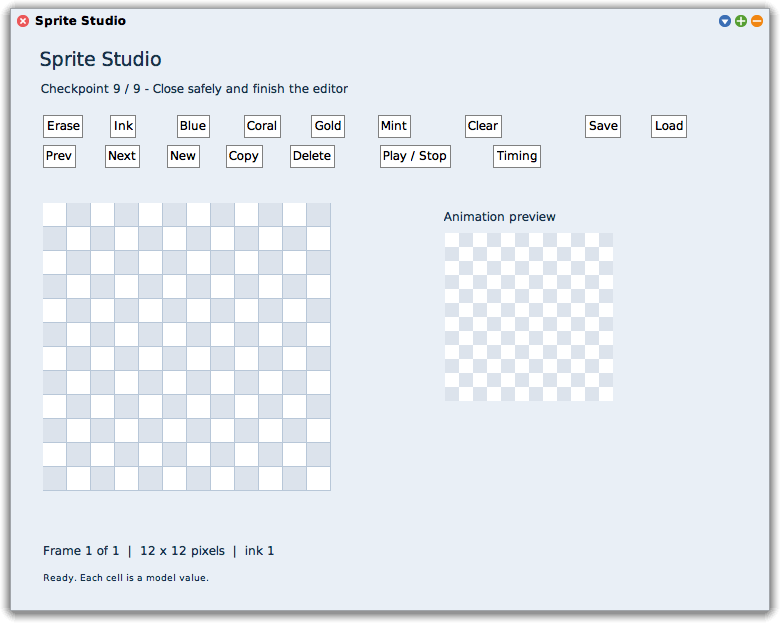
Read the articleBuild a sprite animation editor in Squeak: draw pixel frames, preview playback, adjust timing, and save your animations with tested Smalltalk code.
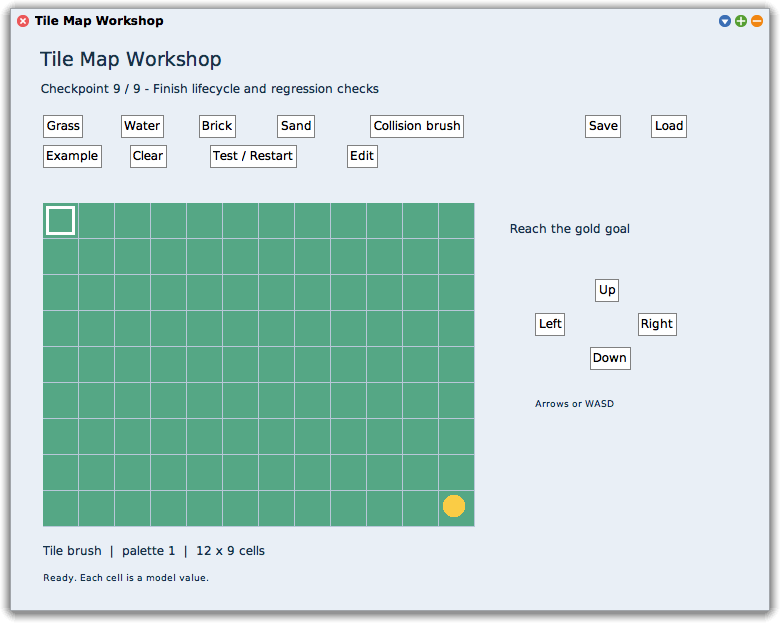
Read the articleBuild a tile-map editor in Squeak: paint a grid, mark collisions, save and load maps, and try the result in a small game with tested Smalltalk code.
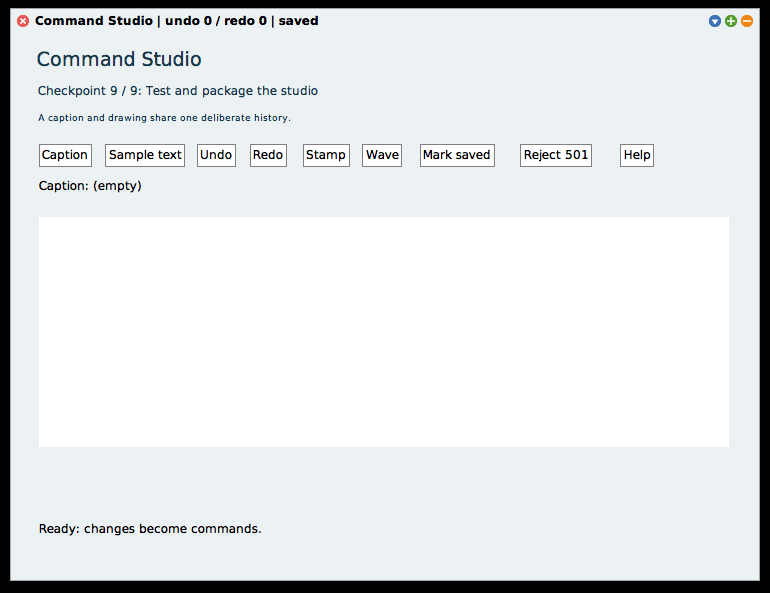
Read the articleGive text and drawing a shared, failure-safe command history with groups, branches and savepoints.
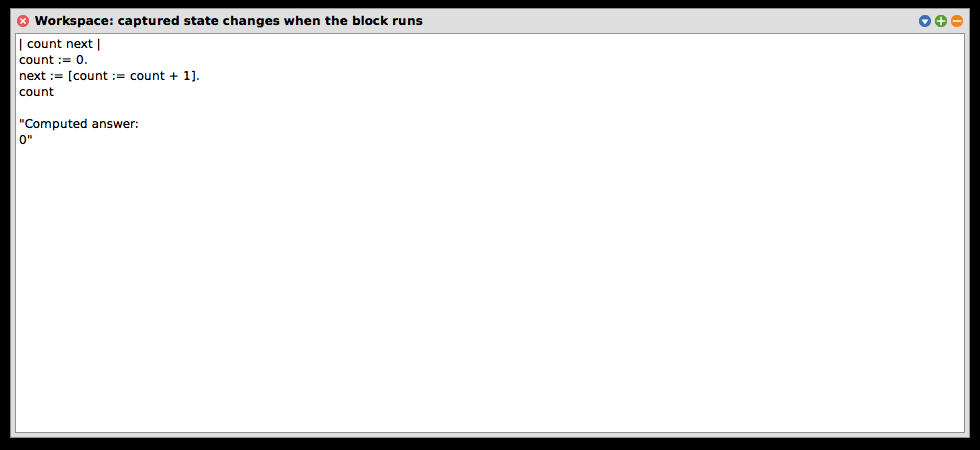
Read the articleUnderstand arguments, captured state, control flow, iteration, and the lifetime of a callback.
Read the articleArray, OrderedCollection, Set, Bag, and Dictionary, then a complete select–collect–inject pipeline.
Read the articleHow an Apple research project made a Smalltalk system, its virtual machine and its development tools available together.
Read the articleA family of tools and communities, connected by ideas and code but pursuing different goals.
Read the articleA selective release timeline, with the interface, execution engine and object memory kept distinct.
Read the articleBefore Squeak: personal computing, a programmable medium, and a system built around live objects.
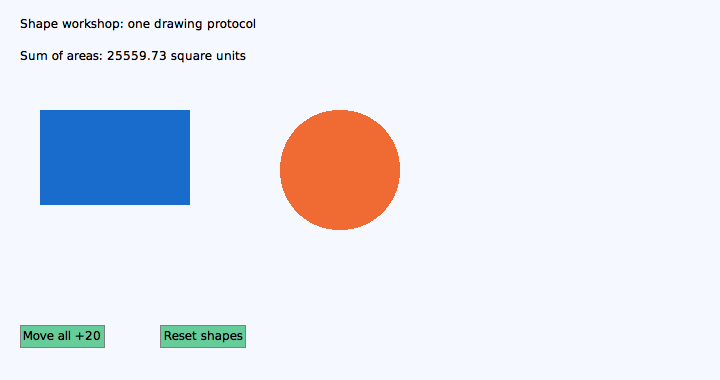
Read the articleGive rectangles, circles and groups one useful protocol, then draw and move them in Morphic.
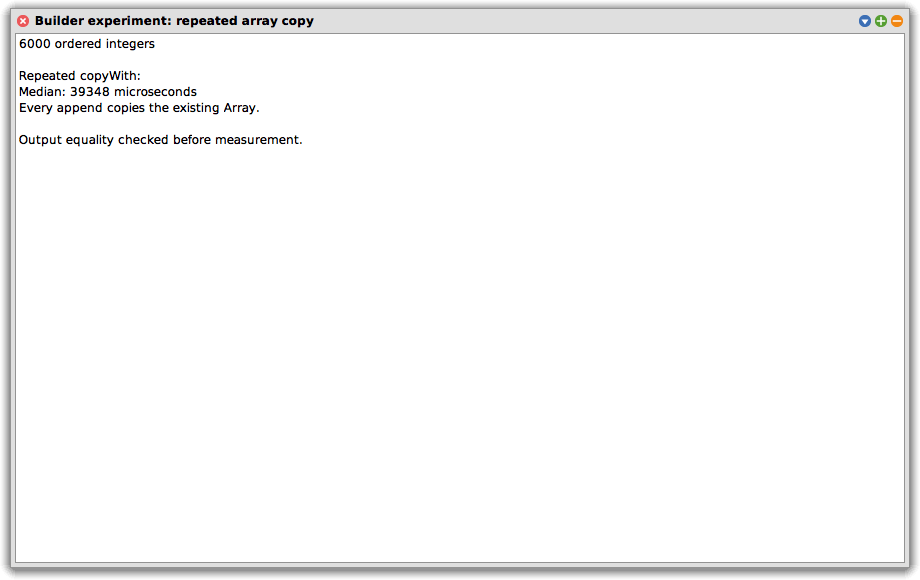
Read the articleFind the cost of copying, repeated searches and forced rendering with a reproducible native Squeak experiment.
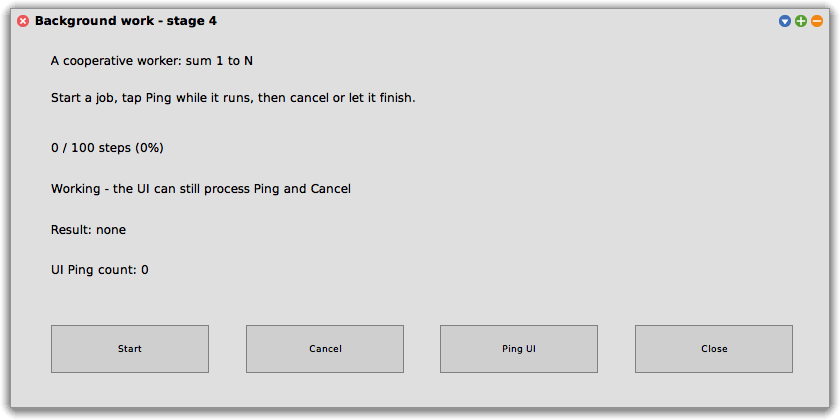
Read the articleGive a Morphic application one owned worker process, live progress, cooperative cancellation, safe repeat Start, and reliable window-close cleanup. Verify the actual scheduler and interrupted paths.
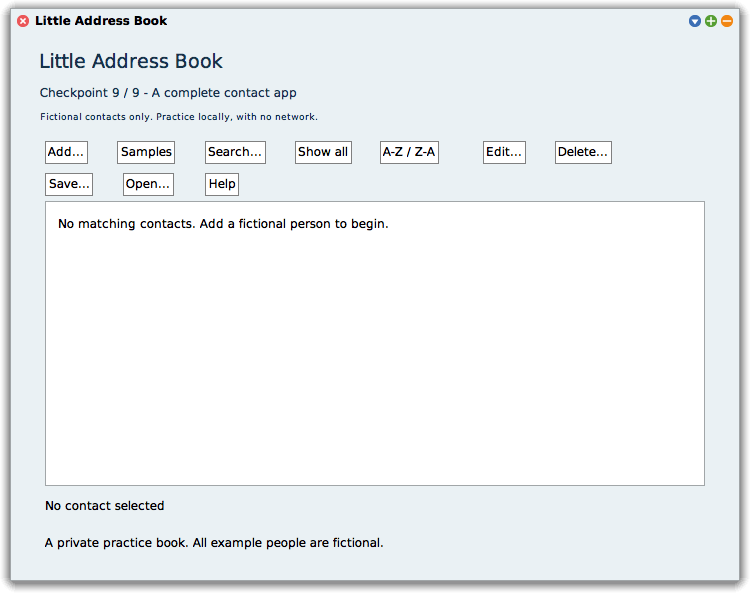
Read the articleSeparate a small contact model from its Morphic view, then add validation, search, sorting, transactional edits, and recoverable local persistence.
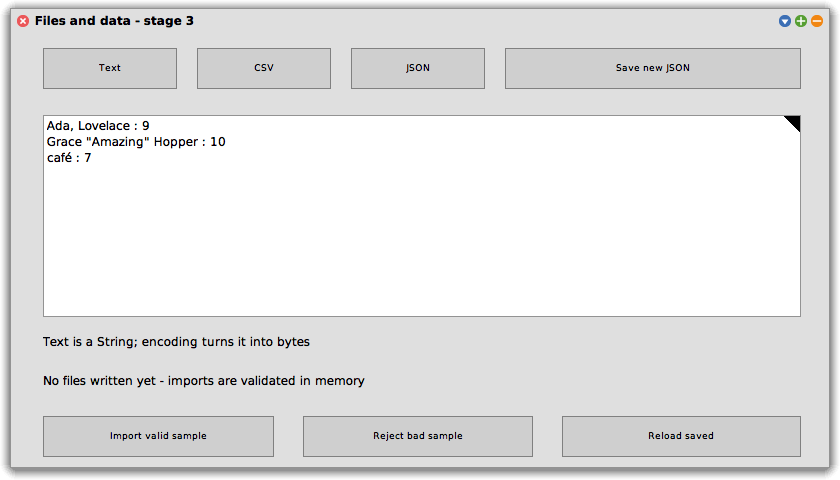
Read the articleMove a small model between readable text, quoted CSV, JSON, and UTF-8 files. Build an explicit import pipeline, preserve good data when input is malformed, and save fresh snapshots without overwriting old ones.
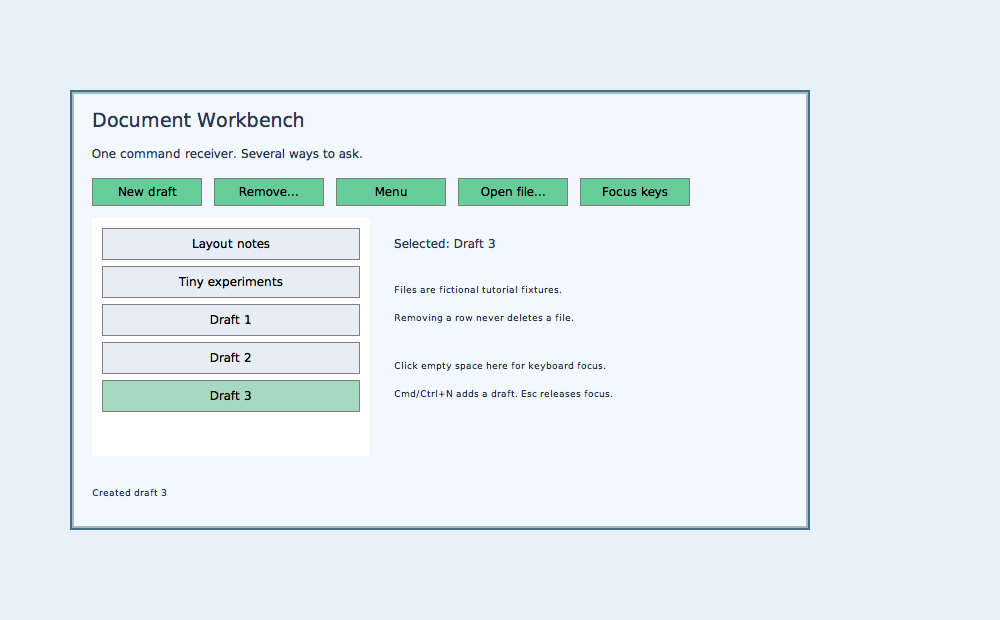
Read the articleOne command receiver, native popups, explicit cancellation and focused events.
Read the articleProve the difference between a saved world and a portable source release.
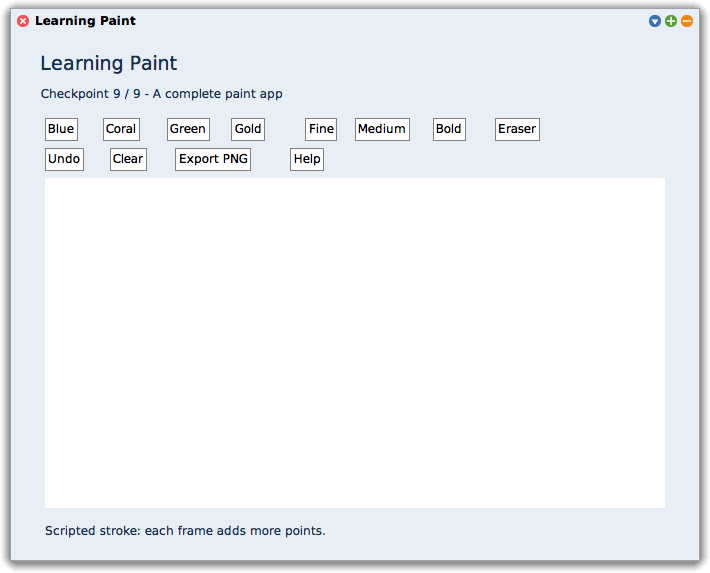
Read the articleTurn pointer events into editable pixels, then add colors, brush size, erasing, bounded undo, and recoverable PNG export.
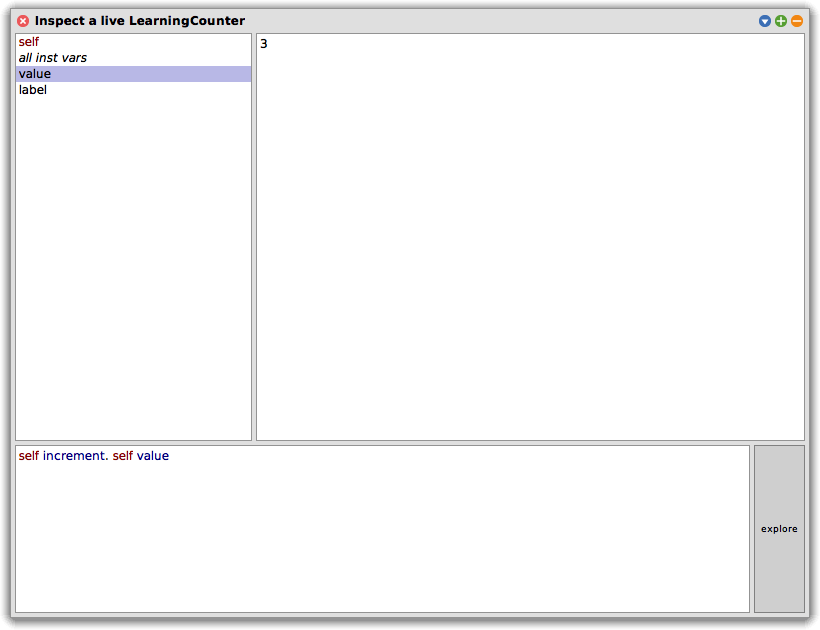
Read the articleTrace a native button from mouse release to model update, then use the Browser to explore.
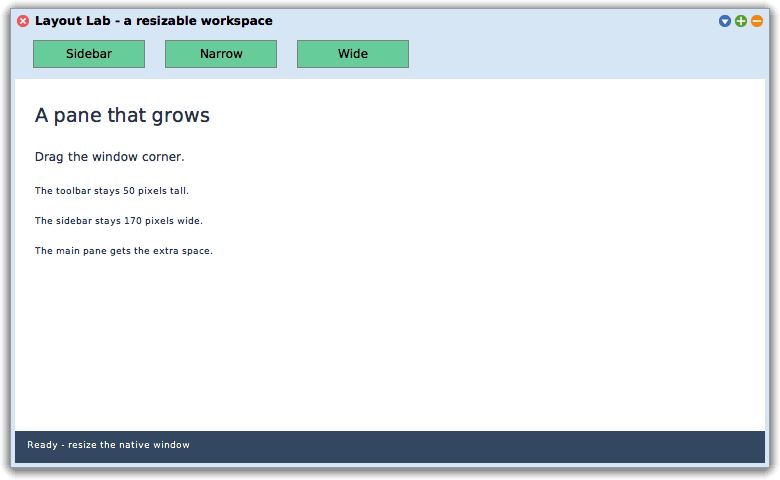
Read the articleBuild a toolbar, sidebar, flexible main pane and status strip in one native window.
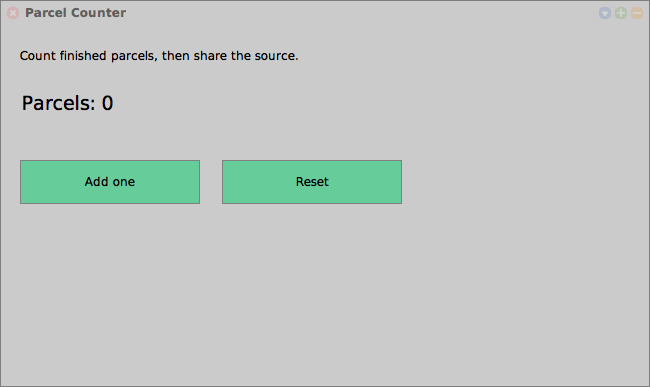
Read the articleKeep the counter working while extracting a model, a view, and a single place for repeated behavior.
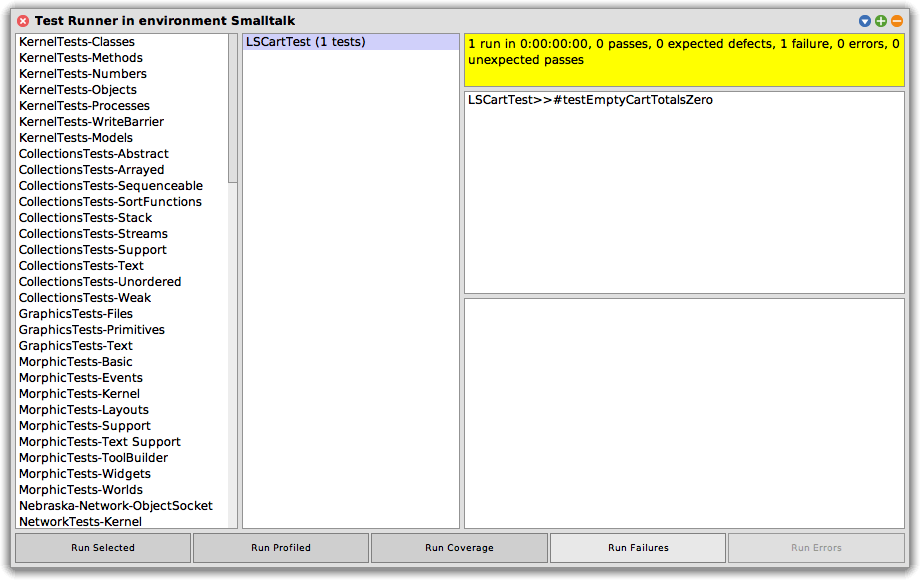
Read the articleBuild a shopping cart you can change with confidence, then test its Morphic interface.
Read the articleThirty hands-on exercises: one easy, one practical and one challenge after each tutorial. Try the task first, reveal hints gradually, then compare the runnable solution and its checks.
Read the articleFind the cause of a failed evaluation, missing method, wrong result or stalled animation, and use Squeak’s tools to recover deliberately.
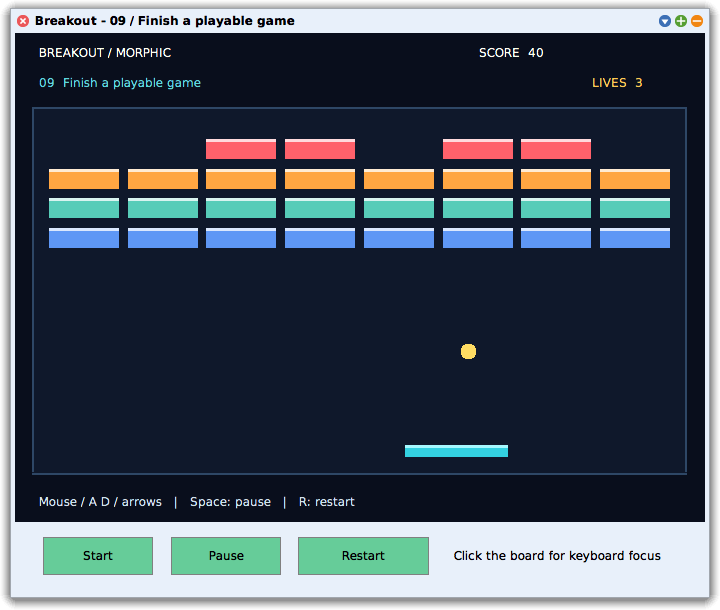
Read the articleDraw a court, handle input, animate a ball, resolve collisions, and add bricks, score, lives and restart. Build each part in the native Squeak image.
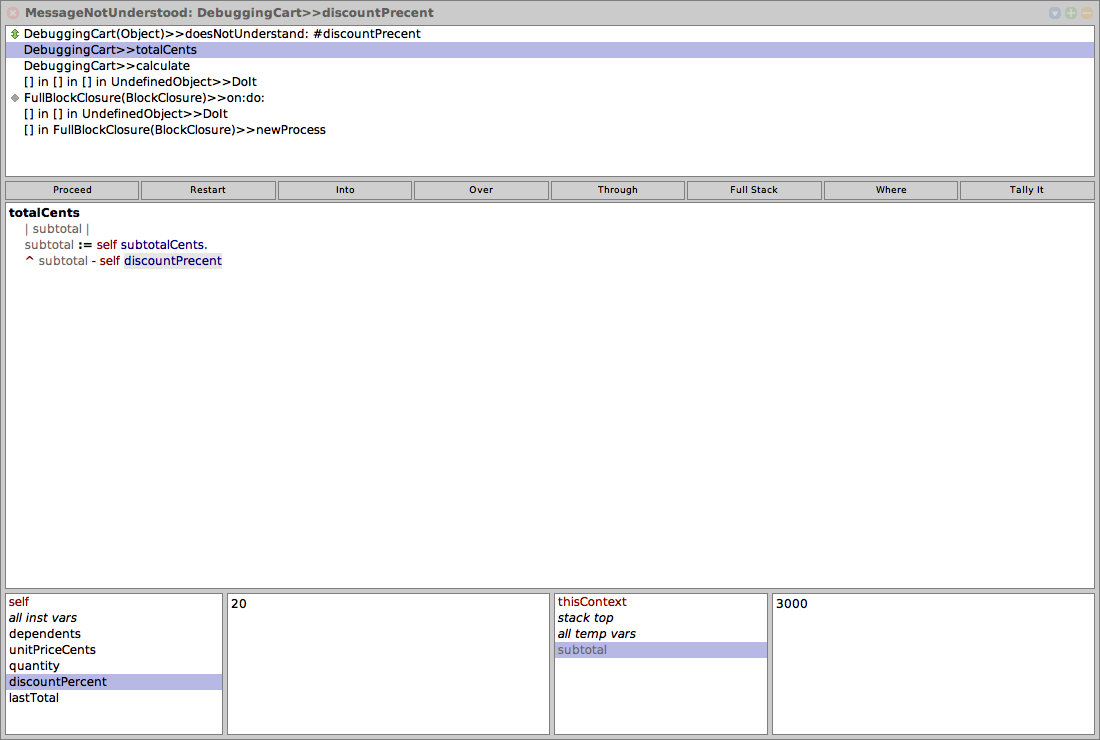
Read the articleFollow two deliberate defects through the native Debugger, then turn the expected behavior into a regression test.
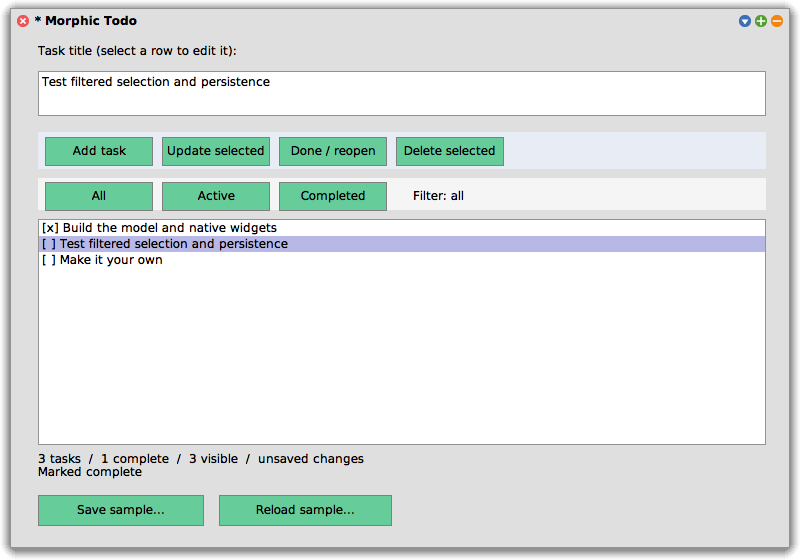
Read the articleCreate a useful task manager with native controls, stable selection, validation and confirmed save/reload behavior.
Read the articleEight verified stages from your first class definition to a green SUnit suite. Learn the difference between a class and its instances by working in the real Morphic Browser, Workspace, Inspector, and Test Runner.
Read the articlePractical strings, collections, files, dates, randomness and error handling. Search for a task, run one complete recipe, and compare its exact result.
Read the articleSet up Squeak, run your first Smalltalk expression, use the Workspace and Transcript, and follow a beginner learning path toward native desktop apps.
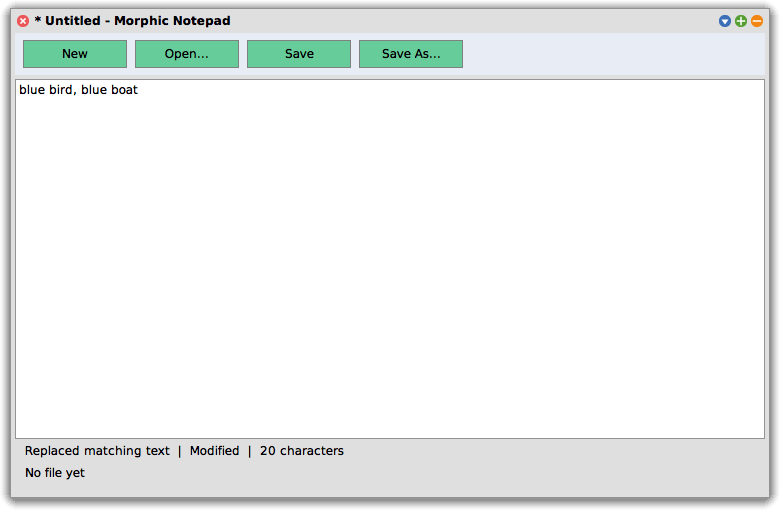
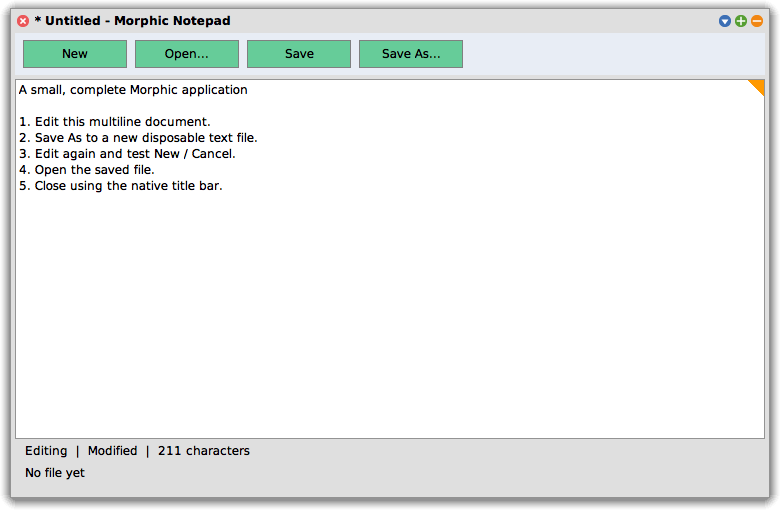
Read the articleCreate a working native text editor in Squeak, with ten build-and-use checkpoints, code, screenshots and recorded save/open workflows.
Read the articleBrowse 112 registered Squeak Morphic catalog entries with tested launch code, native screenshots, GIF demonstrations, and explicit availability notes.
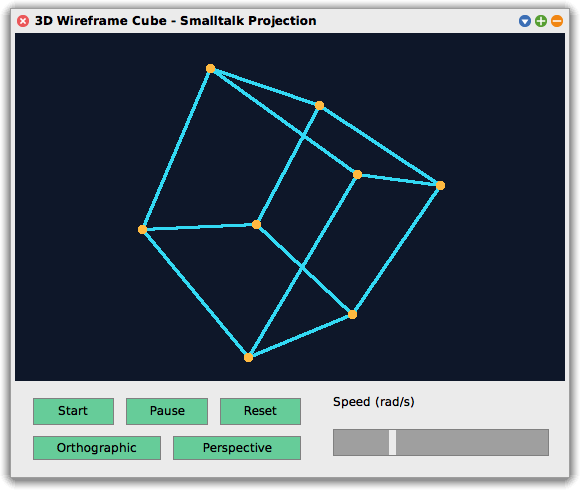
Read the articleBuild a rotating 3D wireframe cube in Squeak with six tested stages, real screenshots, code and GIFs.
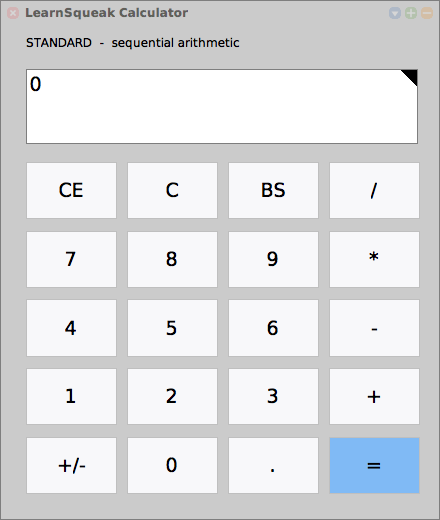
Read the articleCreate a working Windows-style calculator in Squeak with complete source and genuine demonstrations.
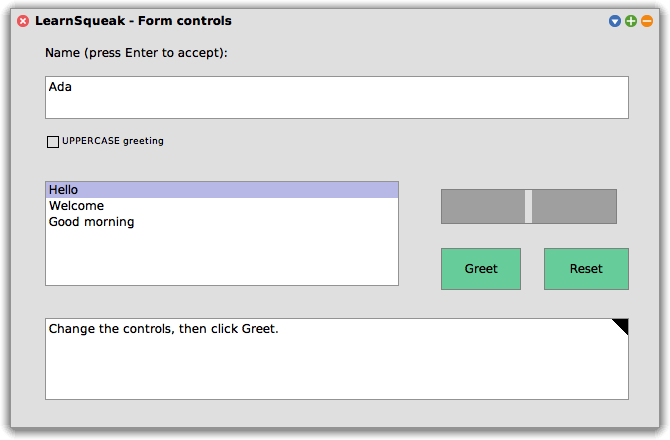
Read the articleBuild native Squeak form controls and handle their events with tested Smalltalk code.
Read the articleExplore Squeak’s bundled atoms, clock, flasher and games with tested launch code, real screenshots and GIF recordings.
Read the articleLearn the Squeak Workspace, Transcript, Inspector, Explorer, System Browser and Debugger with real code and recorded walkthroughs.
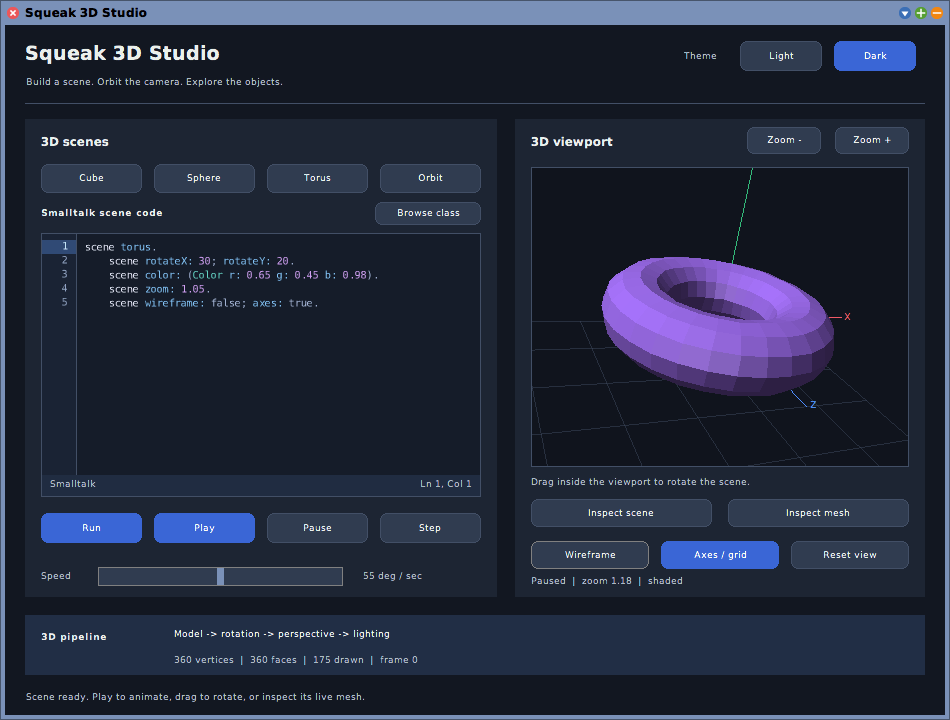
Read the articleBuild a torus, edit a live sphere, rotate a wireframe cube, and animate an orbital scene. Read the software renderer that turns this project’s 3D objects into a Morphic viewport. Verified Smalltalk code, native screenshots, and source downloads.
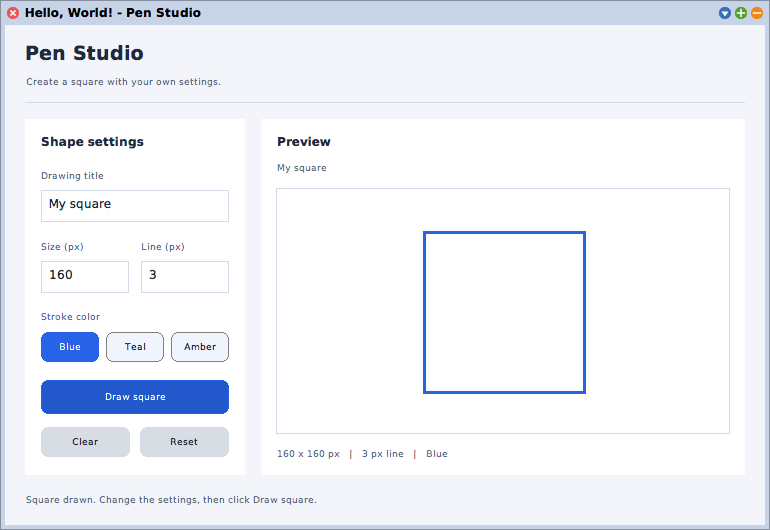
Read the articleStart with the original studio: a retained bitmap, editable fields, color buttons, and validation. Follow how native controls turn model state into pixels. Verified Smalltalk code, native screenshots, and source downloads.
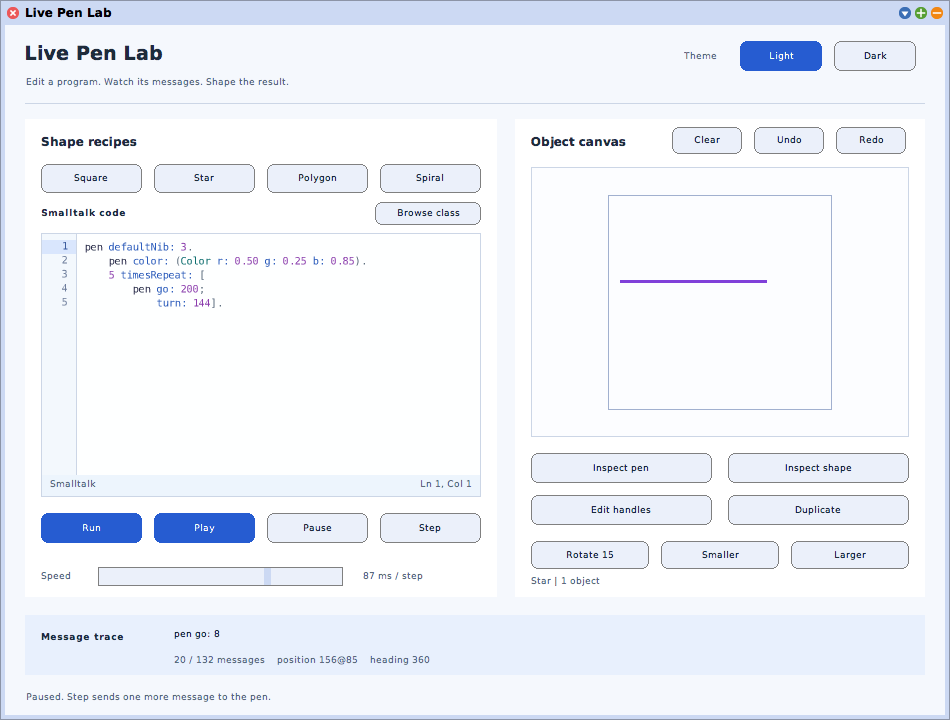
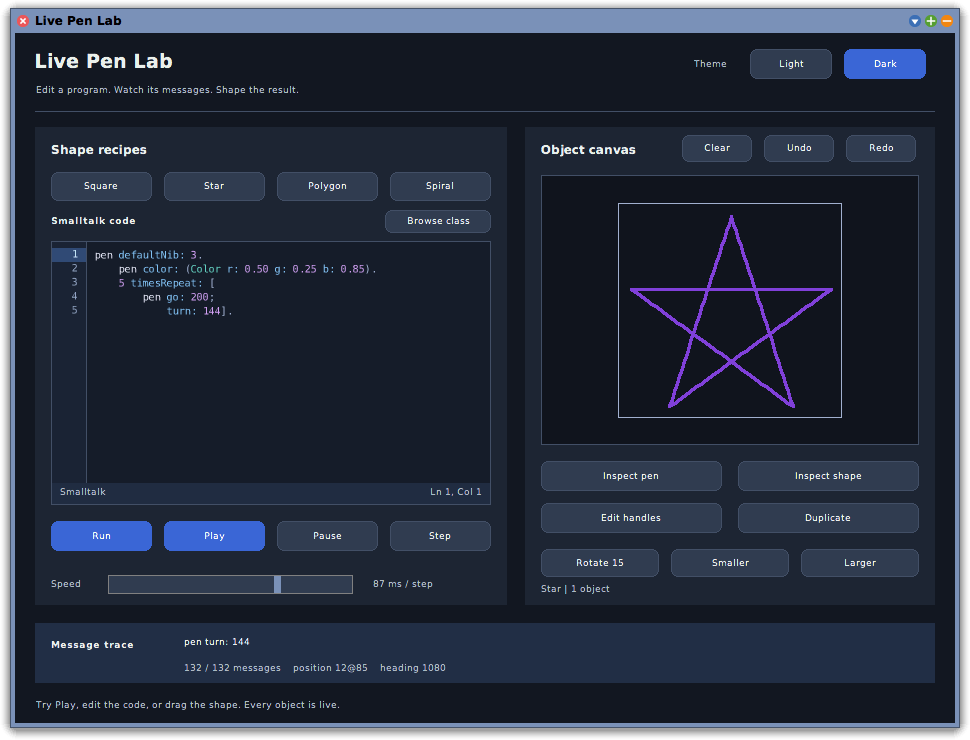
Read the articleFollow the live studio from a recorded Pen message to a drawn shape. Compile edited Smalltalk, inspect commands, and see how closures make undo possible. Verified Smalltalk code, native screenshots, and source downloads.
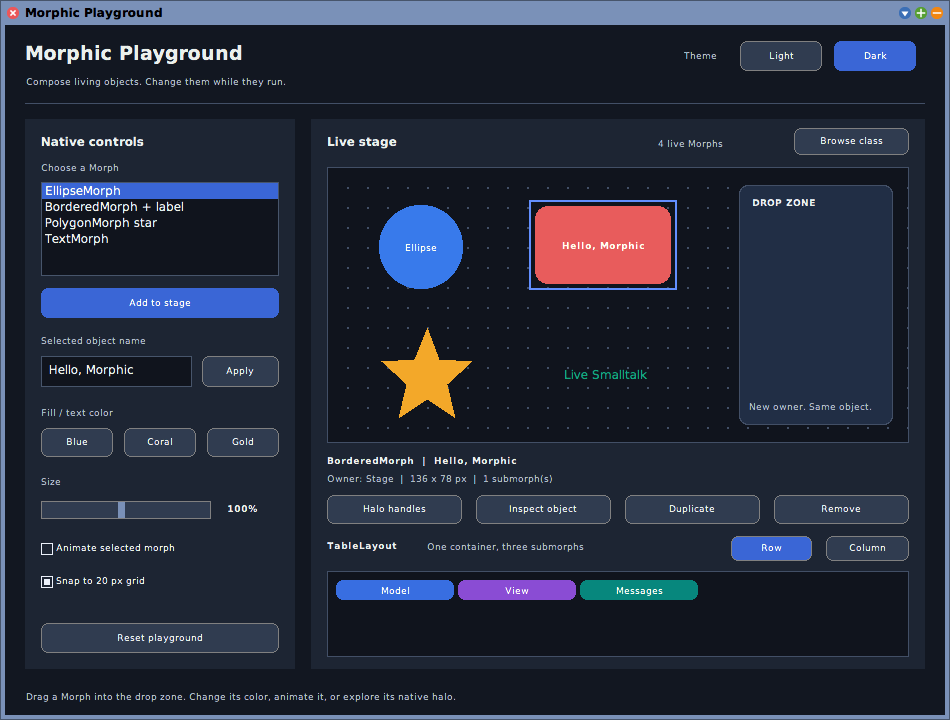
Read the articleLook inside the project’s fourth studio: native content wrapped in selectable objects, ownership changes on drop, TableLayout, and animation through step messages. Verified Smalltalk code, native screenshots, and source downloads.
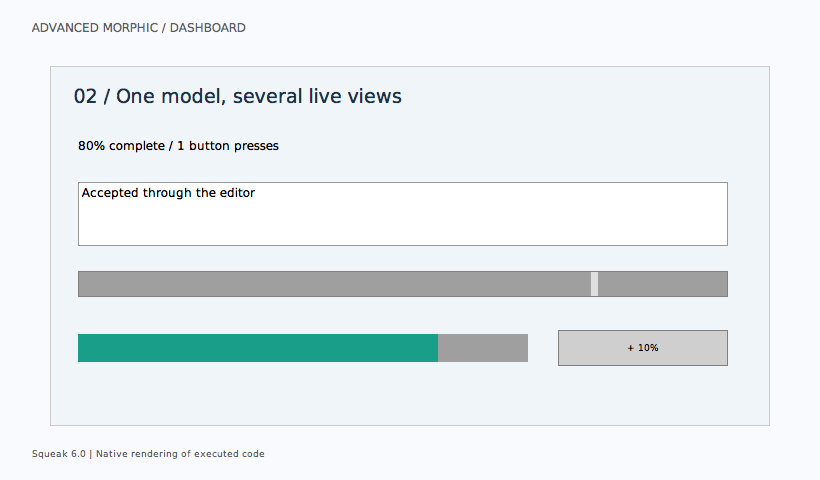
Read the articleSix advanced Morphic demos in Squeak: responsive layout, shared models, mouse events, animation, custom Canvas rendering, and transformations. Includes executed code and native screenshots.
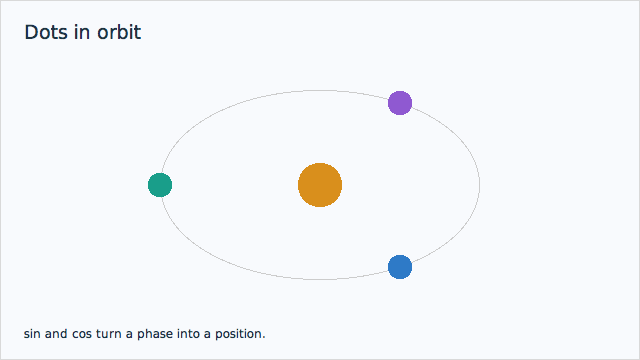
Read the articleSix simple Squeak animations with actual native frames, animated GIF downloads, screenshots, runnable Smalltalk code, and verified examples.
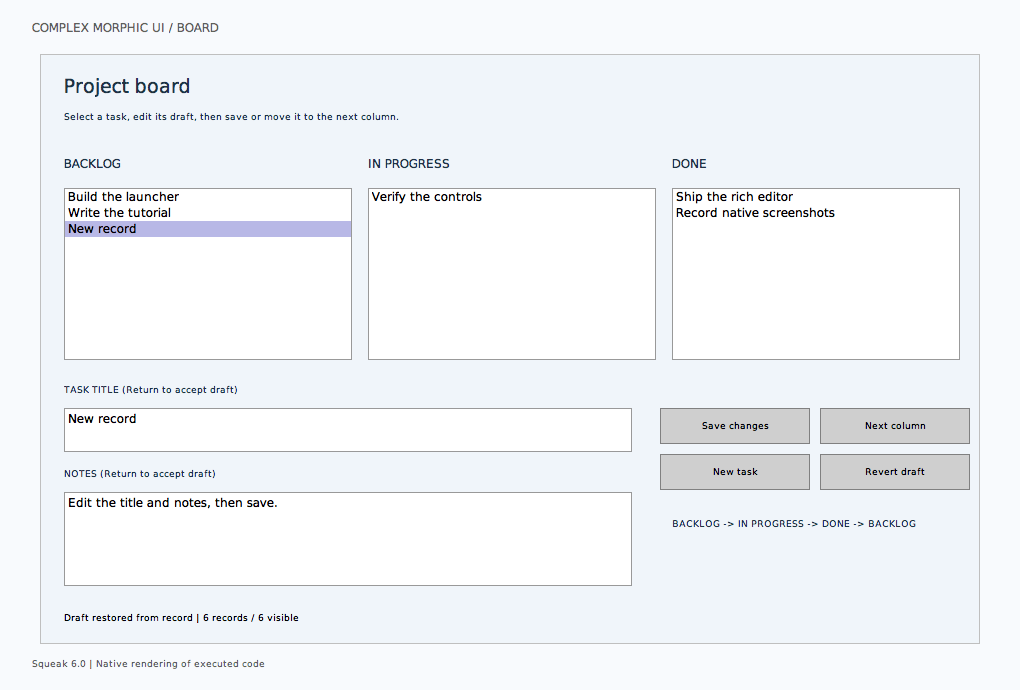
Read the articleThree complete Squeak Morphic interfaces: a project board, searchable record browser, and live preferences dashboard. Executed Smalltalk source and native screenshots.
Read the articleBuild and use Pixel Studio, a Squeak image editor with brush tools, raster layers, opacity, undo/redo, effects, and PNG import/export. Seven executed Smalltalk examples, native screenshots, and three animated GIF tutorials.
Read the articleA verified Squeak 6.0 Morphic reference: 36 native objects, real rendered screenshots, runnable Smalltalk code, and practical usage notes.
Read the articleAn illustrated guide to Pen Studio: four Squeak and Smalltalk demos, with real screenshots and annotated project source.
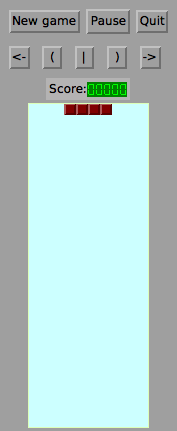
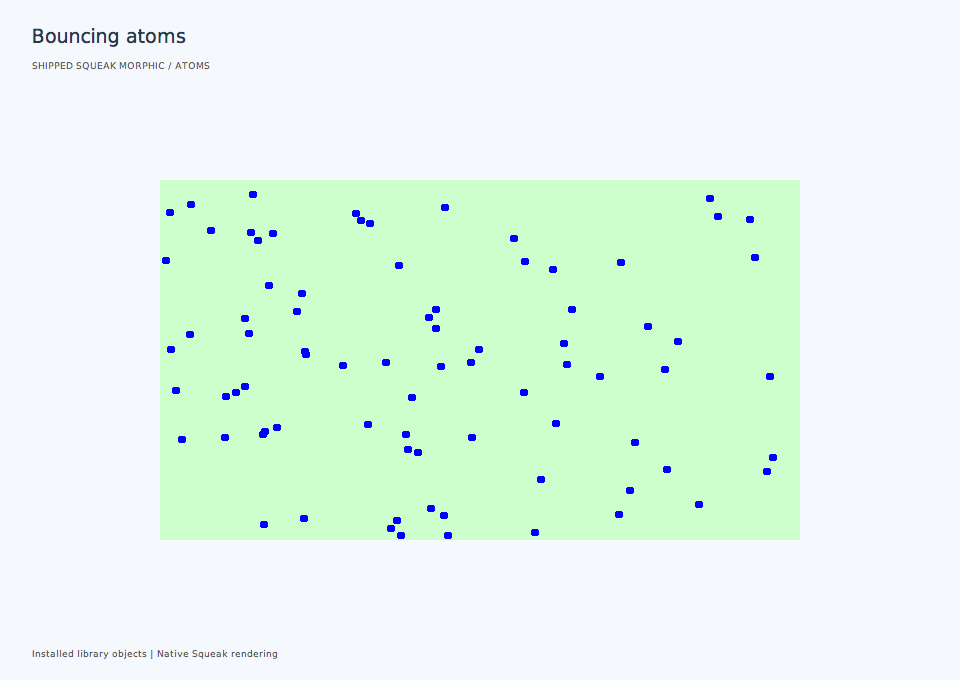
Read the articleExplore ten demos already installed in this Squeak image: bouncing atoms, infection, moving eyes, clocks, a magnifier, Tetris, SameGame, Mines, and a rich-text banner. Executed Smalltalk examples, native screenshots, and animated GIFs.
Read the articleLearn Smalltalk and Squeak with a practical beginner tutorial: messages, collections, classes, inspectors, Morphic, and runnable examples.
Read the articleLearn Squeak Morphic with seven tested Smalltalk examples, real screenshots, and animated demos. Draw shapes, add text, build buttons, and animate a bouncing ball.
Read the articleLearn Smalltalk in Squeak: send messages, use variables and blocks, write loops, and work with collections through runnable examples and real screenshots.
Read the articleNo articles match. Try a different word or clear the search.
TRY REAL SMALLTALK
Explore prepared Morphic objects, applications and games in a separate SqueakJS playground. Load the image once, switch demos and follow the matching lesson.
BUILD SOMETHING PLAYABLE
Follow a ball, explore a maze, jump through a scrolling world fly through a 3D corridor and race through an endless world. Five native game projects turn Smalltalk objects into working rules, input and animation.
SEPARATE PROJECT COLLECTION · SQUEAK 6.0
Twelve project guides covering the Pen studios and software 3D, basic Morphs, advanced demos, animations, complex interfaces, an image editor, and examples shipped with Morphic.
Follow executed code alongside native screenshots and GIF recordings. These project tutorials have their own section, apart from the Squeak 6.1 foundations above.
Browse the twelve lab guides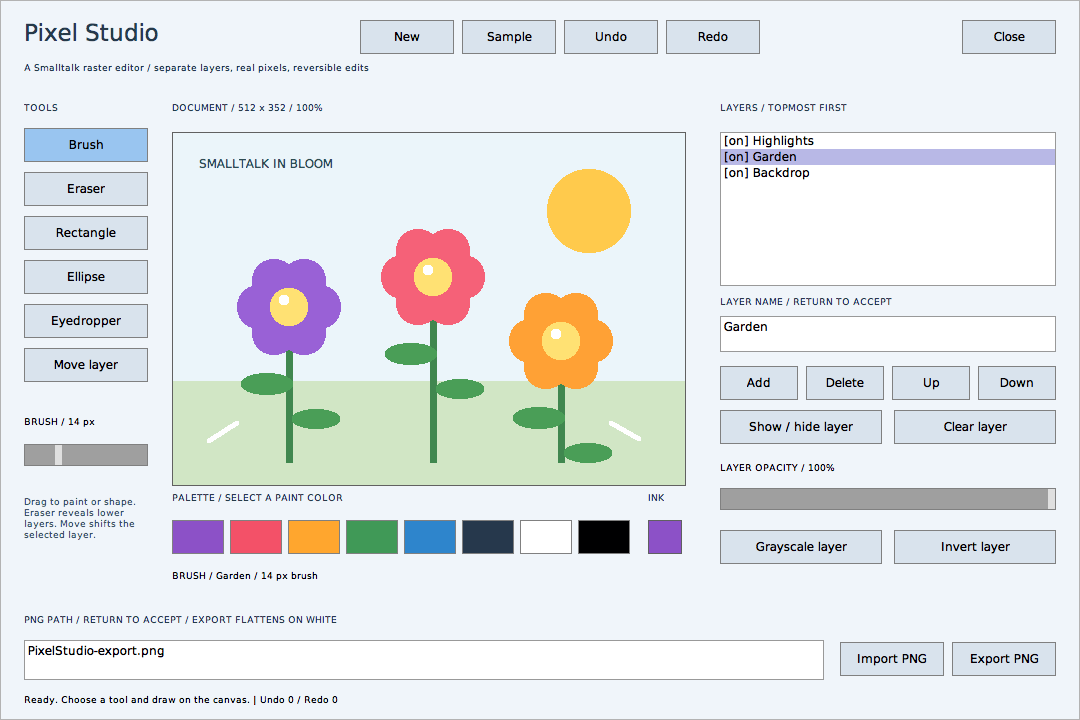
WHAT YOU’RE WORKING WITH
Smalltalk organizes programs around objects that respond to messages. Squeak gives you an open-source Smalltalk system with tools to write code, browse its implementation, inspect objects, and build graphical interfaces.
You work in a running image: an environment containing objects, classes, and tools. Saving the image keeps its state. Make a copy before experimenting with changes you might want to undo.
Lessons use native Squeak 6.1 unless their own page says otherwise. Selected examples also run in the SqueakJS playground.
LOOK UP A VISUAL OBJECT
Browse the complete registered Objects catalog alphabetically, with native screenshots, demonstrations and code. A separate class index shows every Morph-family class in the tested image.